What Are Minecraft Mods?
Community-made additions that change, enhance, or completely overhaul the game
Minecraft mods are community-created files that hook into the game's code to add new items, change mechanics, overhaul visuals, or transform the experience entirely. They range from tiny quality-of-life tweaks (like showing item tooltips) to full conversion packs that make Minecraft virtually unrecognisable.
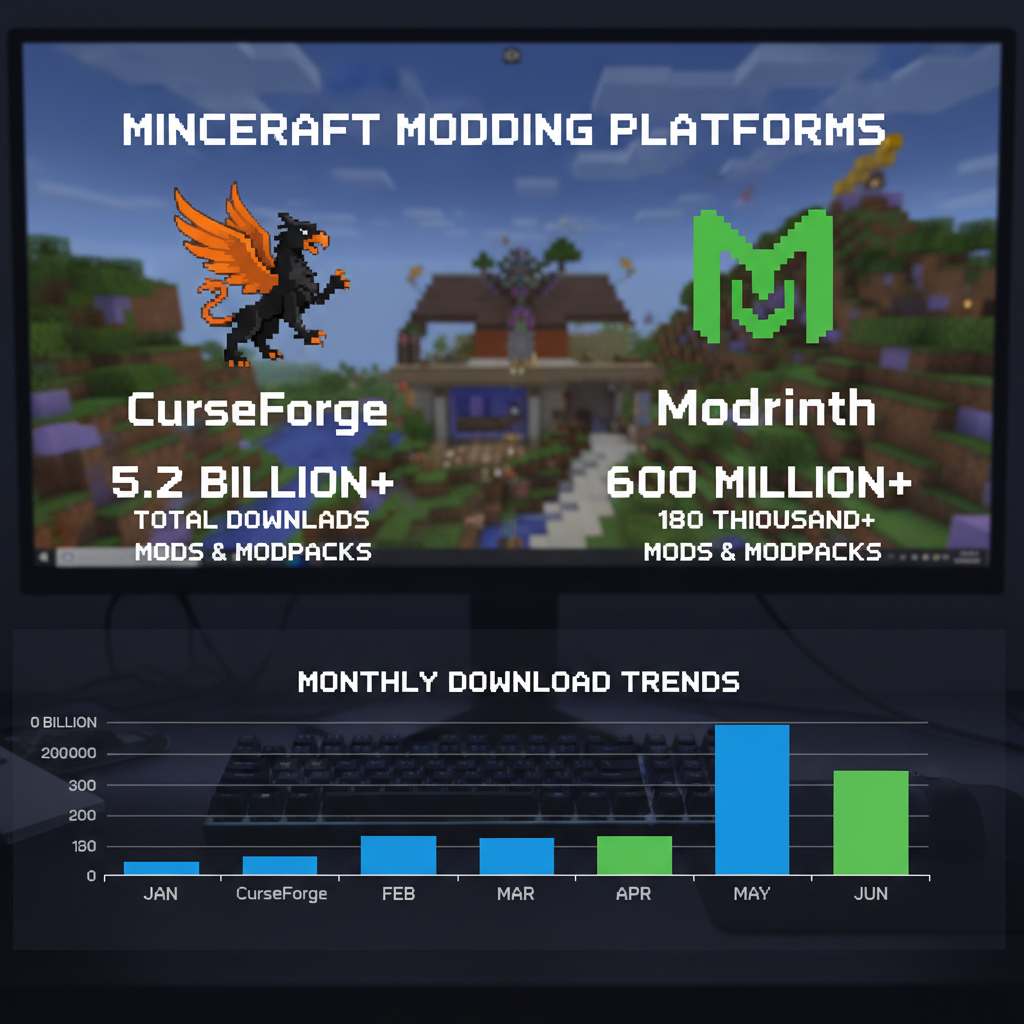
The global modding ecosystem hosts over 50,000 unique mods across CurseForge and Modrinth alone, with millions of downloads every month. Platforms like CurseForge have professionalized the ecosystem — mods are reviewed, malware-scanned, and version-tagged, making it safe and easy for anyone to get started.
Mods only work on Java Edition. Bedrock Edition uses a different Add-On system (behavior packs + resource packs) with far fewer options.
Choosing a Mod Loader
The software layer that lets Minecraft run mods
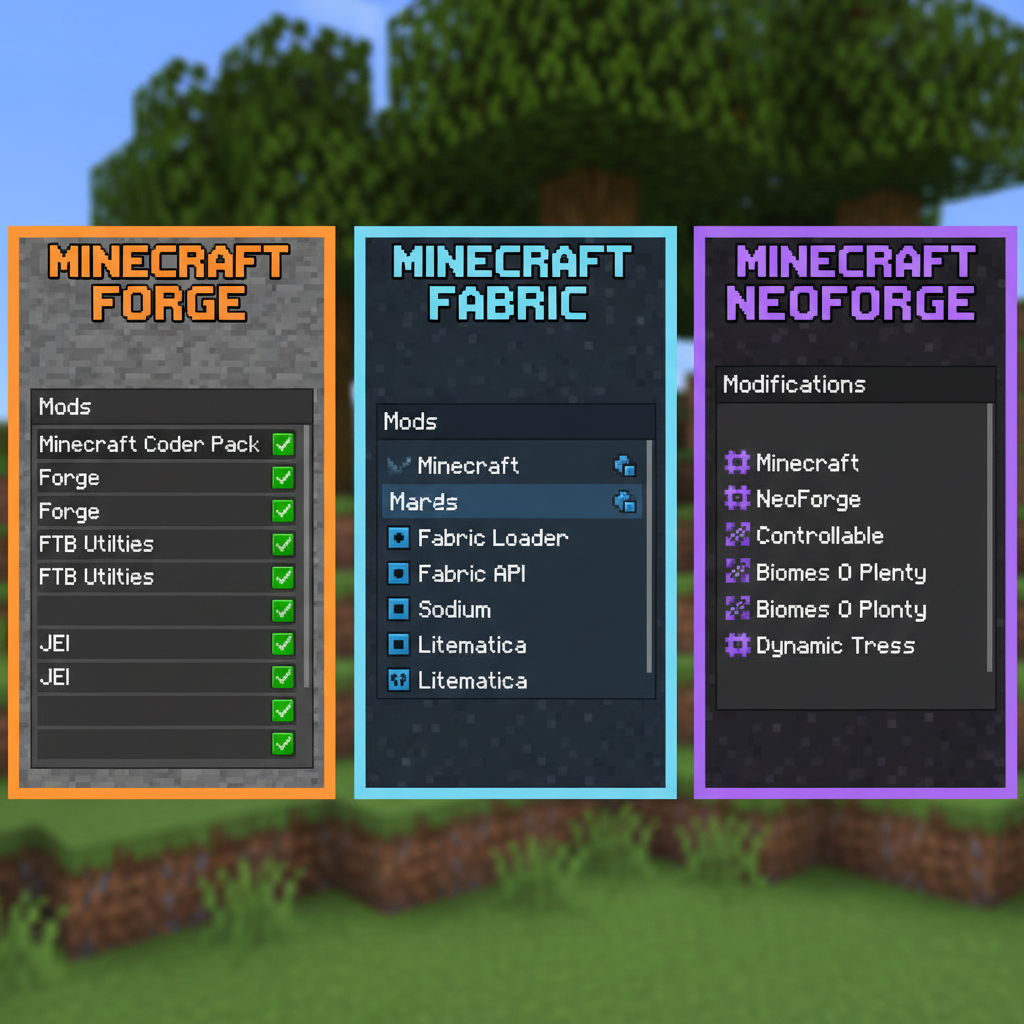
Before installing any mod, you need a mod loader — software that tells Minecraft how to load and run mod files. Each loader has a different mod library, so your choice of loader defines which mods you can play.
| Loader | Best For | Mod Count | Performance |
|---|---|---|---|
| Forge | Largest mod library, modpacks | 10,000+ | ⭐⭐⭐ |
| NeoForge | Modern Forge replacement (1.20+) | 5,000+ | ⭐⭐⭐⭐ |
| Fabric | Performance, fast updates | 7,000+ | ⭐⭐⭐⭐⭐ |
| Quilt | Community-driven Fabric fork | 4,000+ | ⭐⭐⭐⭐⭐ |
If you just want the most mods possible, go with Forge. If you care about FPS and a snappy game, go with Fabric + Sodium. For new players, Forge is easier to find tutorials for.
▶ Watch on YouTube
Easy method to install mods for Minecraft Java in 2026
Top Mods to Download in 2026
Curated picks across every category — all available on CurseForge or Modrinth
Build automated factories, contraptions, and machines with a beautiful rotational power system.
The ultimate item storage and automation mod — network-driven logistics at any scale.
Craft and combine spells with a modular spellbook system. Enchantments, familiars, and rituals.
Adds 80+ biomes with unique blocks, trees, and foliage for dramatic exploration variety.
Up to 500% rendering performance improvement. Essential for any Fabric performance setup.
Craft custom tools from material parts, each with unique stats and modifier slots.
Browse every item, block, and recipe in the game. The most-downloaded Minecraft mod ever.
Hover over any block or entity to see its name, mod source, and custom information tooltips.
Over 100 new mobs with unique behaviors, drops, and world interactions. Polished and lore-friendly.
A fully-featured boss-progression dimension with unique biomes, dungeons, and storyline.
Multiblock machines and realistic power infrastructure with a stunning industrial aesthetic.
Procedurally-generated ambient soundscapes that react to your environment and biome.
Want these bundled into a ready-to-play pack? Check out our Modpack Builder — you can assemble any combination and download it directly.
Mod Categories Explained
Find the right type of mod for your playstyle
Quality of Life
Small changes that feel huge
These mods improve the vanilla experience without changing core gameplay. JEI shows every recipe, Jade tells you what block you're looking at, Inventory Tweaks sorts your bags automatically. Once you use them, vanilla feels broken without them. Server-side QoL mods like Spark (profiling), Lithium (tick optimization), and Starlight (lighting rewrite) also fall here — invisible improvements that make everything run smoother.
Content Expansion
New dimensions, mobs, biomes, and progression
Mods like Twilight Forest add fully-realized dimensions with unique bosses and loot. Biomes O' Plenty adds 80+ new biomes. Alex's Mobs populates the world with over 100 new creatures. These mods can double or triple your play hours by giving you entirely new things to explore and conquer. Best used in modpacks where progression is guided by a quest book.
Tech & Magic
Automation, engineering, and spellcraft
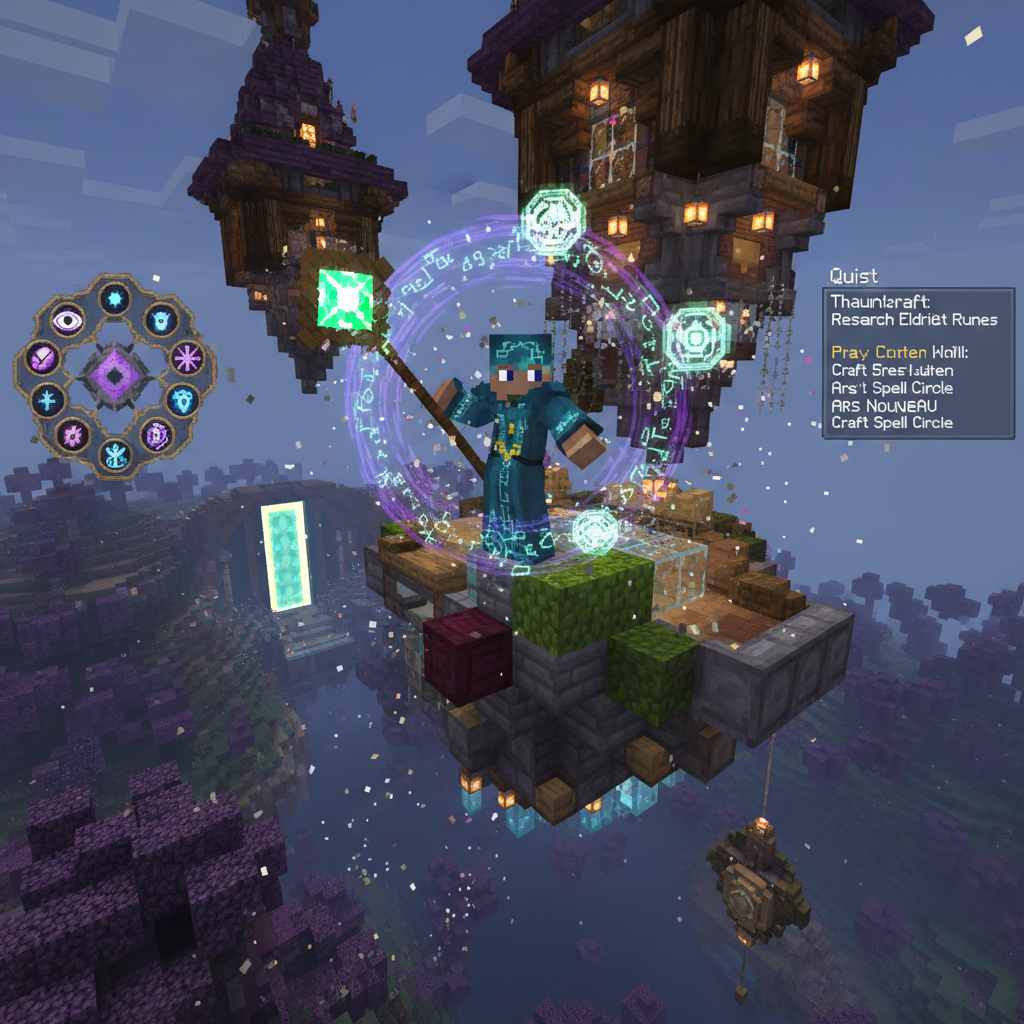
Tech mods (Create, Applied Energistics 2, Immersive Engineering) let you build automated factories, item networks, and industrial contraptions. Magic mods (Ars Nouveau, Thaumcraft, Botania) add rituals, spells, and mystical progression trees. The best modpacks blend both — powering magical rituals with Create's rotational energy, or unlocking new tech through spell research.
Visual & Audio
Make Minecraft look and sound incredible
Shader mods like Iris (Fabric) transform lighting, shadows, and water into near-photorealistic quality. Enhanced texture packs at 64x–256x resolution add fine detail. Ambient Sounds 5 generates dynamic environment audio that responds to your surroundings. Dynamic Lights makes your held torch illuminate the area around you. Combined, these mods can make Minecraft look like a AAA game.
▶ Watch on YouTube
Beginner's guide to modding Minecraft - installation tutorial
How to Install Mods (Step by Step)
For Java Edition — works on Windows, Mac, and Linux
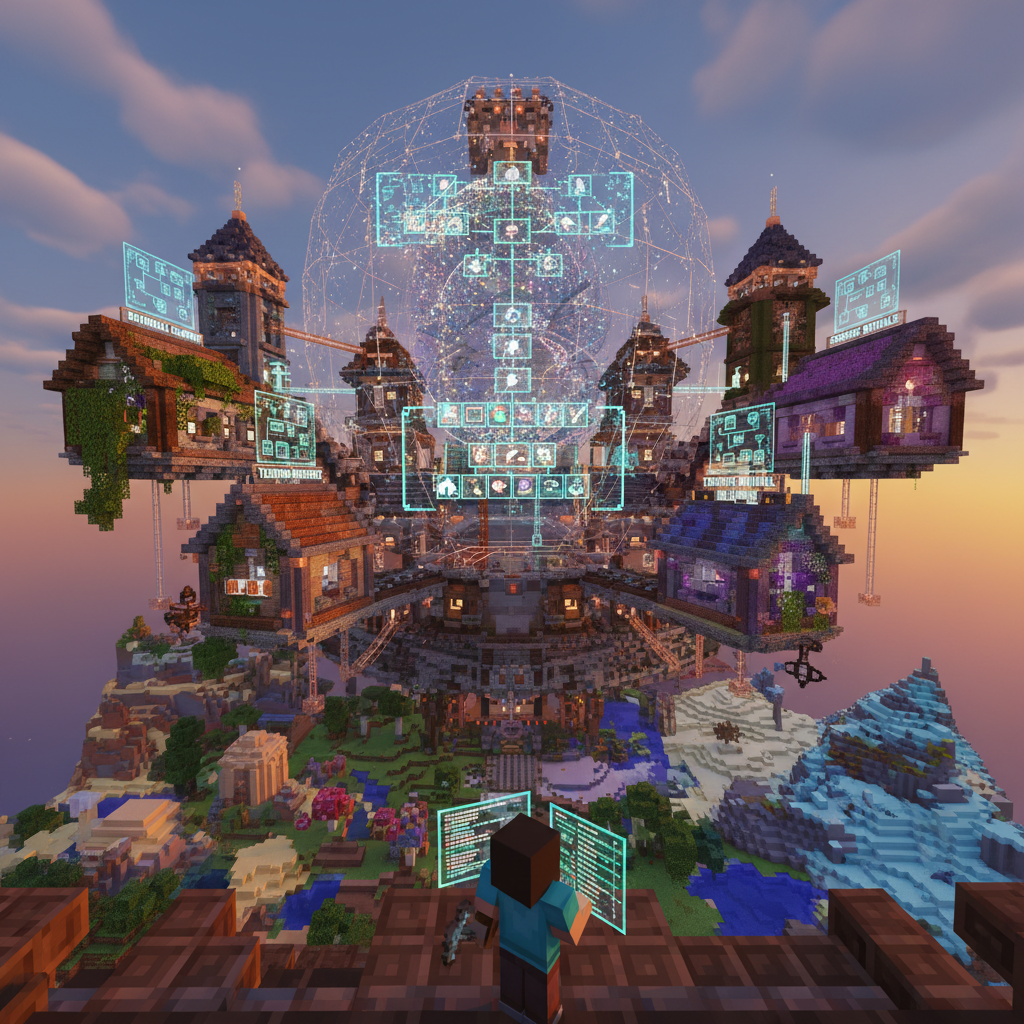
Method 1 — Manual Install (Recommended for learning)
Install a mod loader
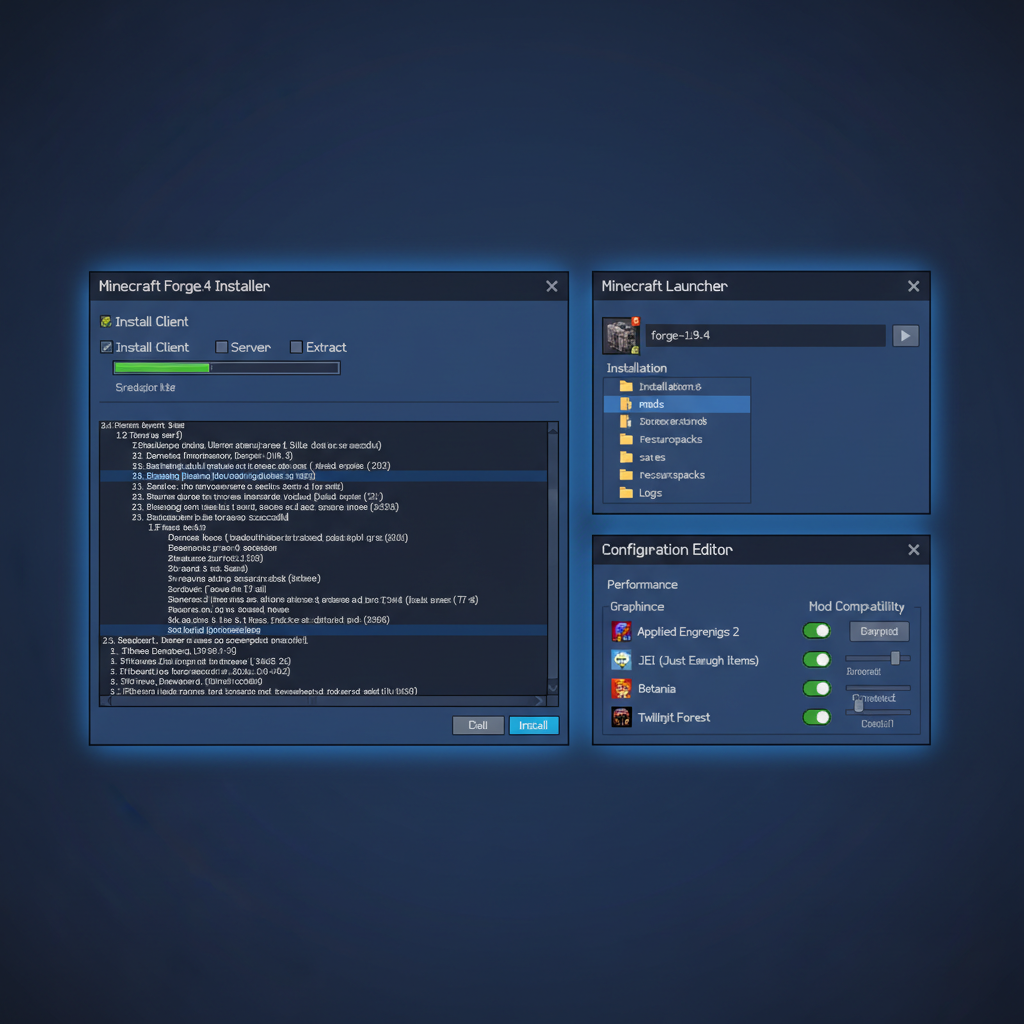
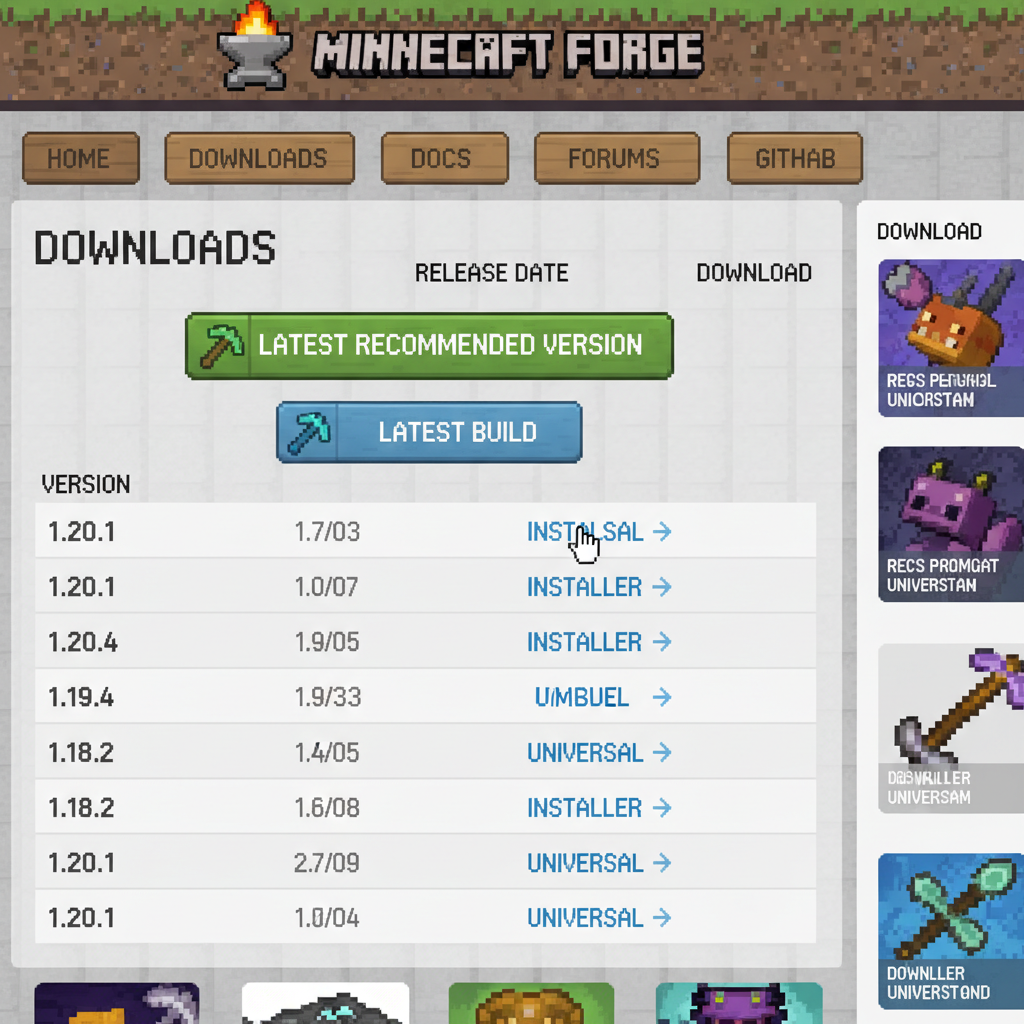
Download the Forge installer from minecraftforge.net (or Fabric from fabricmc.net) for your Minecraft version. Run the installer and select "Install client."
Find your mods folder
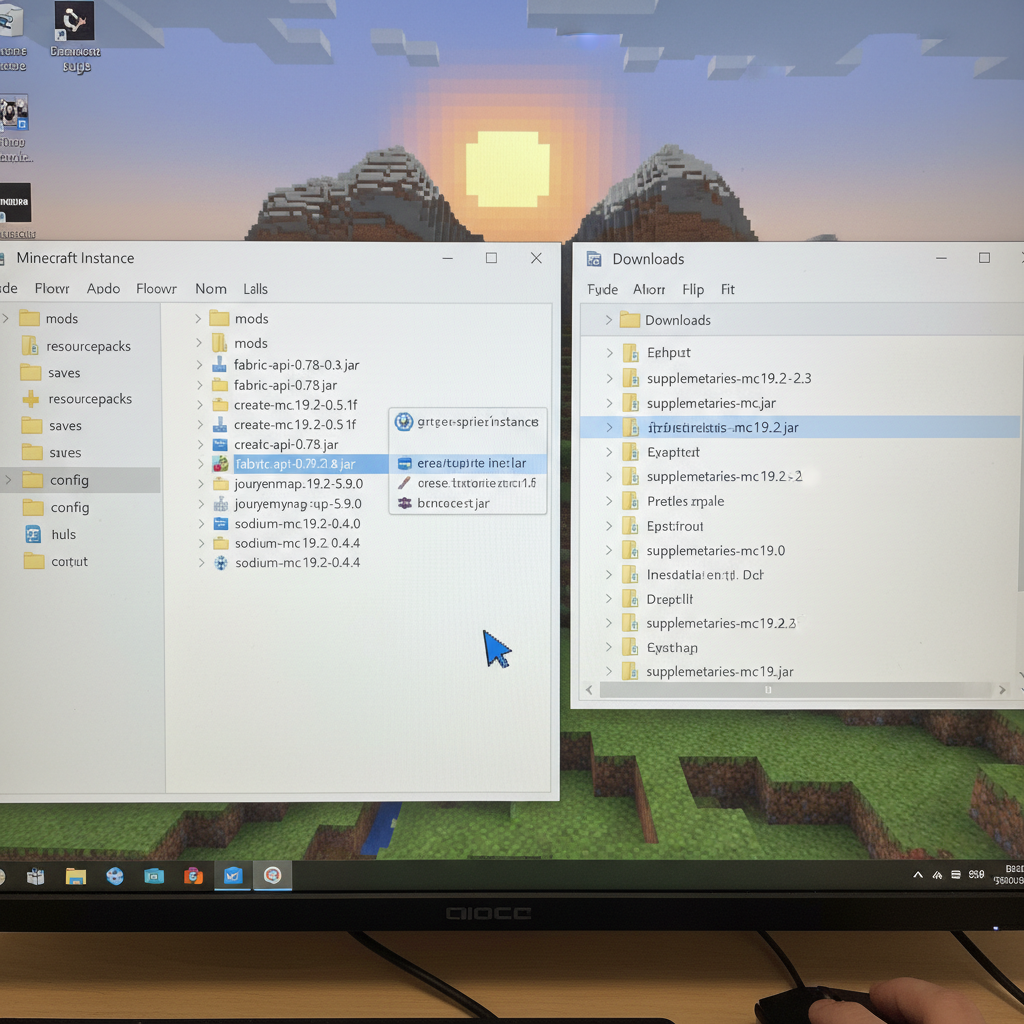
On Windows: press Win+R and type %appdata%\.minecraft\mods and hit Enter. On Mac: open Finder → Go → ~/Library/Application Support/minecraft/mods.
Download your mods
Get .jar files from CurseForge or Modrinth. Always match the Minecraft version and loader version (e.g., "1.20.1 Forge"). Never download from random sites.
Drop files into the mods folder
Paste your .jar files into the mods folder. No unzipping needed — just the raw .jar file.
Launch with the right profile
Open the Minecraft Launcher, select the Forge (or Fabric) profile from the bottom-left dropdown, and hit Play.
Method 2 — Prism Launcher (Best for managing multiple modpacks)
Prism Launcher is a free, open-source Minecraft launcher that handles everything for you. Create separate "instances" for different modpacks, each with their own mods folder, Java settings, and memory allocation. You can browse and install mods directly from CurseForge and Modrinth without leaving the launcher.
Only download mods from CurseForge or Modrinth. Malicious mod files (especially "OptiFine alternatives" from random sites) have been used to spread malware. If a site looks sketchy, it probably is.
▶ Watch on YouTube
4 ways to easily install mods to Minecraft Java
Creating Your First Modpack
Turn a collection of mods into a polished, shareable experience
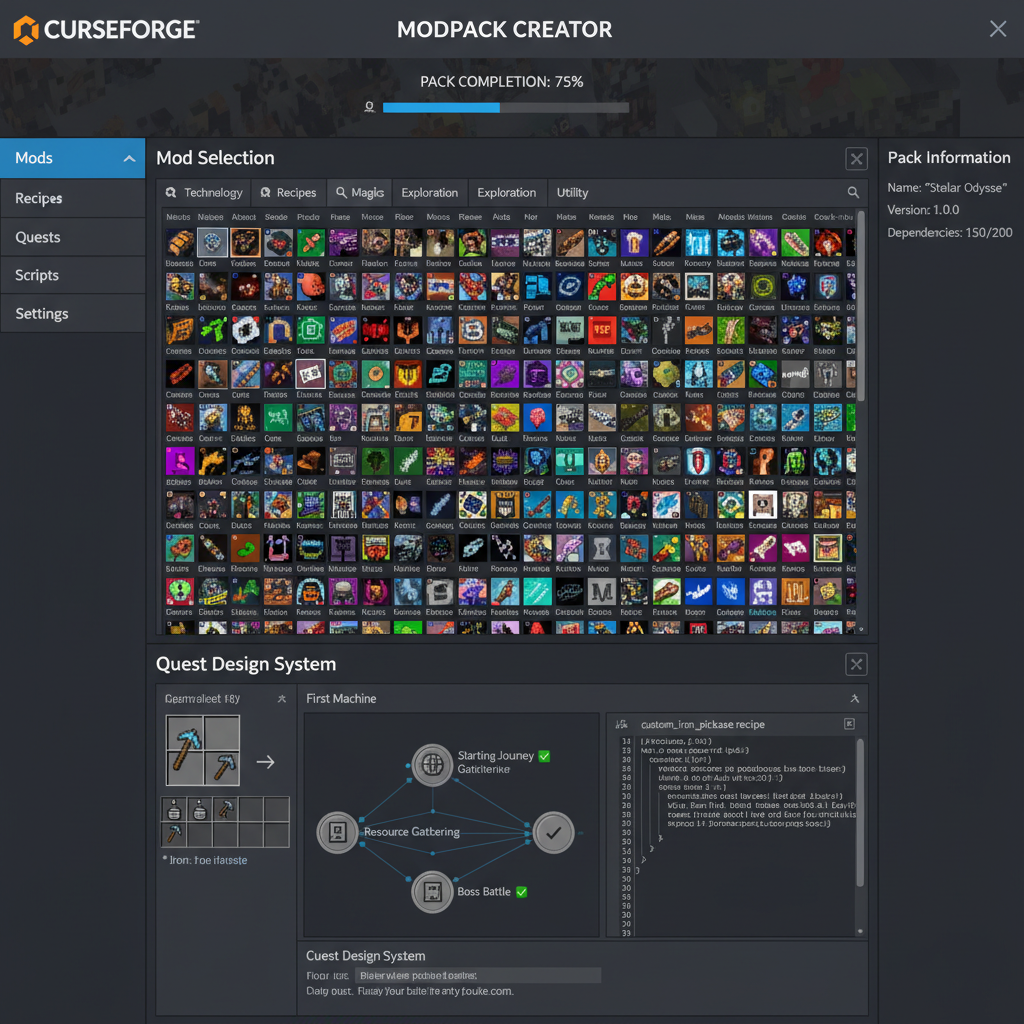
A modpack is a curated collection of mods bundled with config files, recipes, and often a quest book — all designed to work together as one cohesive experience. Popular packs like All the Mods 9, SkyFactory 4, and Create: Above and Beyond have each been played millions of times.
Start small
Build around a theme (e.g. tech-only, magic-only). 50–100 mods is ideal for your first pack.
Handle dependencies
Most content mods require library mods (Architectury, Geckolib, etc.). Prism Launcher flags missing deps.
Test before sharing
Run the pack for 2–3 hours in a new world before publishing. Catch crashes and config conflicts early.
Use VoxelDrift's Modpack Builder to search, assemble, and export a modpack — then deploy it directly to a VoxelDrift server with one click.
▶ Watch on YouTube
How to mod Minecraft Java using CurseForge launcher
Performance Tips for Modded Minecraft
Keep your game running smoothly as your mod count grows
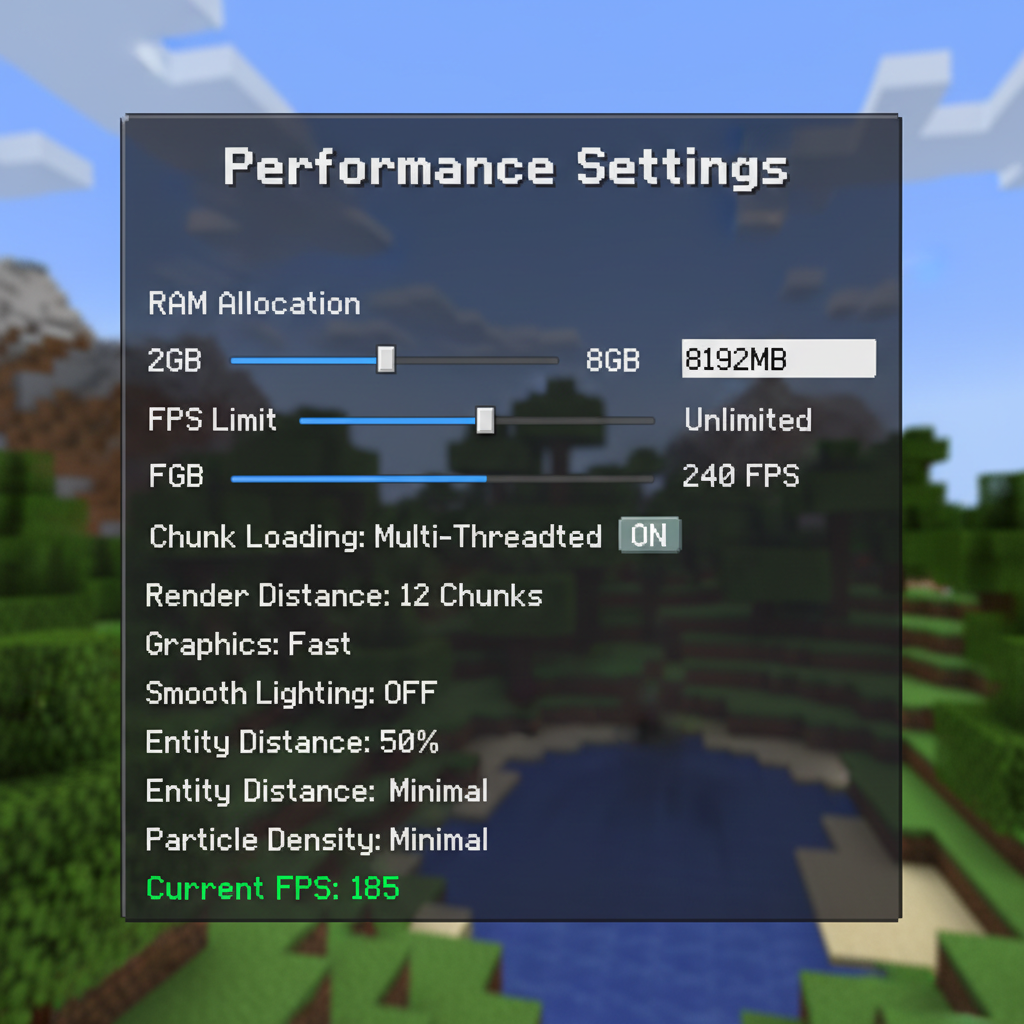
Allocate the right RAM
Give Minecraft 4–6 GB for small modpacks, 6–8 GB for large ones. More isn't always better — over-allocating can actually cause longer GC pauses.
Use Sodium or OptiFine
Sodium (Fabric) cuts rendering cost dramatically. For Forge, OptiFine is the standard. Never use both at the same time.
Keep render distance low
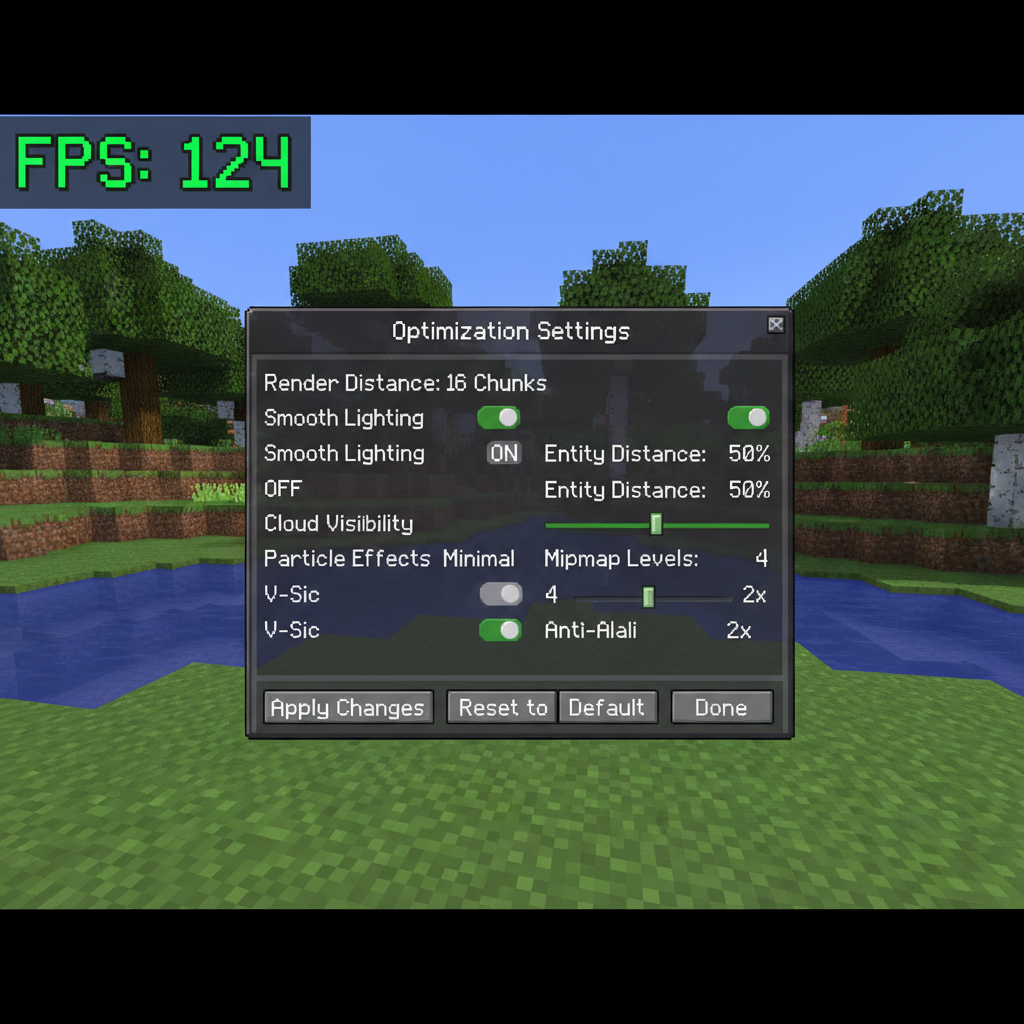
Drop to 10–12 chunks in heavy modpacks. The performance difference between 16 and 10 chunks is massive in modded play.
Profile with Spark
The Spark mod gives you a real-time profiler. Type /spark profiler to identify which mod or system is causing lag spikes.
Running SEUS Shaders + a 200-mod pack simultaneously requires a high-end GPU (RTX 3070+). On mid-range hardware, use lighter shader alternatives like Complementary Reimagined with lower quality settings.
▶ Watch on YouTube
How to download & install Forge for Minecraft - full guide 2026
This Month's Updates
REFRESHED 2026-10What's New in Minecraft Modding (October 2026)
The Minecraft modding scene continues its rapid evolution as we close out 2026, with several landmark releases and infrastructure shifts reshaping how players build their modpacks. Mojang's 1.22 "Deep Wilds" update earlier this year opened up a wave of new modding opportunities, and the community has responded enthusiastically.
The biggest story this month is the stable release of NeoForge 21.4, which has now fully cemented its position as the dominant fork of the old Forge loader. The NeoForge team announced deprecation of several legacy APIs that have lingered since 1.18, so modpack builders should audit their older mods carefully before updating. Meanwhile, Fabric 0.16.8 shipped with improved cross-compatibility hooks that allow Fabric and Quilt mods to coexist more reliably than ever before, a change the community has been requesting for years.
On the mod release front, Create: Aeronautics finally dropped its long-awaited 1.0 stable build for NeoForge 1.22, bringing fully functional airships and atmospheric physics into the Create ecosystem. It has dominated the CurseForge trending charts for three consecutive weeks. Additionally, Botania Redux, a community-maintained continuation of the beloved magic mod, released version 2.3 with reworked progression and native 1.22 biome integration.
The adventure mod space saw a significant drop with Dungeons Reforged 4.0, a complete overhaul of dungeon generation that replaces the aging Dungeon Crawl mod many players have relied on. Early reception has been overwhelmingly positive, particularly for its compatibility with YUNG's Better series, which itself updated all suite entries to 1.22 this month.
Shader pack development also moved forward, with Complementary Reimagined r5.4 adding dedicated support for Create: Aeronautics dynamic lighting, making machine-lit skies look stunning at night. The shader now auto-detects Create blocks and adjusts ambient occlusion accordingly, a first for any publicly released shader pack.
---
Top Recommended Mods This Month
Whether you're building a tech empire, exploring overhauled dimensions, or just trying to make your base look extraordinary, October 2026 has something for every playstyle. The following mods represent the best the community is currently producing across loaders and categories.
| Mod Name | Loader | Category | Why Play It |
|---|---|---|---|
| Create: Aeronautics 1.0 | NeoForge 1.22 | Tech / Transport | Build fully functional flying ships with physics-based movement and cargo systems |
| Botania Redux 2.3 | NeoForge / Fabric 1.22 | Magic | Reworked floral magic progression with deep biome integration and smoother early-game curve |
| Dungeons Reforged 4.0 | NeoForge 1.22 | Adventure | Procedurally generated multi-floor dungeons with loot scaling and boss encounters |
| Distant Horizons 2.5 | Fabric / NeoForge 1.22 | Performance / Visual | Level-of-detail rendering that lets you see thousands of blocks into the distance without crippling your FPS |
| Farmer's Delight: Expanded 3.1 | NeoForge 1.22 | Food / Survival | Adds 80+ new crops, recipes, and a revamped hunger system that rewards cooking investment |
| Waystones Evolved 6.0 | Fabric / NeoForge 1.22 | Utility | Fast travel redesigned with configurable costs, multiplayer permissions, and dimension-spanning networks |
| Immersive Engineering 12.1 | NeoForge 1.22 | Tech | Realistic multiblock power generation and wire-based electricity with stunning visual fidelity |
| Sculk Expansion: Awakened | Fabric 1.22 | Horror / Exploration | Expands Deep Dark biomes with new mobs, sculk ecosystem mechanics, and a full questline |
All eight mods listed here are actively maintained as of October 2026 and have confirmed compatibility with their respective loader versions. Cross-loader compatibility between NeoForge and Fabric remains mod-specific, so verify individual download pages before assuming a mod works on both.
---
Performance Tips for 2026
Running a heavily modded instance in 2026 is a dramatically better experience than it was just two years ago, but squeezing out stable performance still requires deliberate configuration. Here's what actually works right now.
Memory and JVM Settings
The most impactful change most players can make is switching from the default JVM to GraalVM 22 JDK, which consistently delivers 15–25% better throughput for modded Minecraft compared to standard OpenJDK builds. Pair this with the Benchmarking Flags Preset maintained by the Brucethemoose GitHub repository, which has been updated for Java 22 and remains the community gold standard. Allocate between 6–10 GB RAM for large modpacks; going above 12 GB typically hurts performance due to garbage collection pressure unless you're running a server.
Essential Performance Mods
Install Sodium 0.8 (Fabric) or Embeddium 0.4 (NeoForge) as your rendering backbone. Both have matured significantly and now handle Create contraption rendering without the flickering issues that plagued 2025 builds. Layer Lithium 0.14 on top for server-side tick optimization and FerriteCore 7.1 for memory usage reduction, which routinely cuts RAM consumption by 1–2 GB on large packs.
For players using Distant Horizons, enable async chunk loading in its config and set LOD quality to "Balanced" rather than "Ultra" unless you have a dedicated GPU with 10+ GB VRAM. The difference in generation speed is substantial.
Chunk and World Settings
Lower your render distance to 12–16 chunks and let Distant Horizons handle the visual distance beyond that. This single adjustment often recovers 30+ FPS on mid-range hardware. In NeoForge packs, set `asyncLighting=true` in the NeoForge configuration file if your mod author has enabled the flag, as it offloads lighting calculations to a secondary thread.
Profiling Tools
When performance problems persist, use Spark 2.1 to generate profiler reports. Spark integrates directly into the Minecraft client and server, producing flamegraph outputs that identify exactly which mod is consuming excess tick time. Most experienced modpack builders diagnose and resolve tick-lag issues within minutes using Spark data rather than trial-and-error mod removal.
Consistent 60+ FPS on a 150-mod pack is realistic in 2026 with these practices applied correctly.
Deep Dive: Minecraft Forge
The loader that built the modding ecosystem
Forge has been the backbone of Java Edition modding since 2011. With over 10,000 active mods and the largest community of any loader, it remains the default choice for modpack creators and players who want maximum choice. Its age means incredible stability — mods that have been maintained for years have had every quirk ironed out.
The trade-off is performance. Forge has a larger overhead than Fabric or NeoForge, consuming more RAM and slightly longer load times. For most players this is unnoticeable, but for large modpacks with 200+ mods the difference becomes tangible.
NeoForge (the community-maintained Forge fork for 1.20.1+) is emerging as the future standard. It maintains near-perfect mod compatibility with Forge while reducing overhead and improving the developer API. Most major mods now release NeoForge builds alongside Forge, and new mods increasingly target NeoForge exclusively.