What is Minecraft Forge?
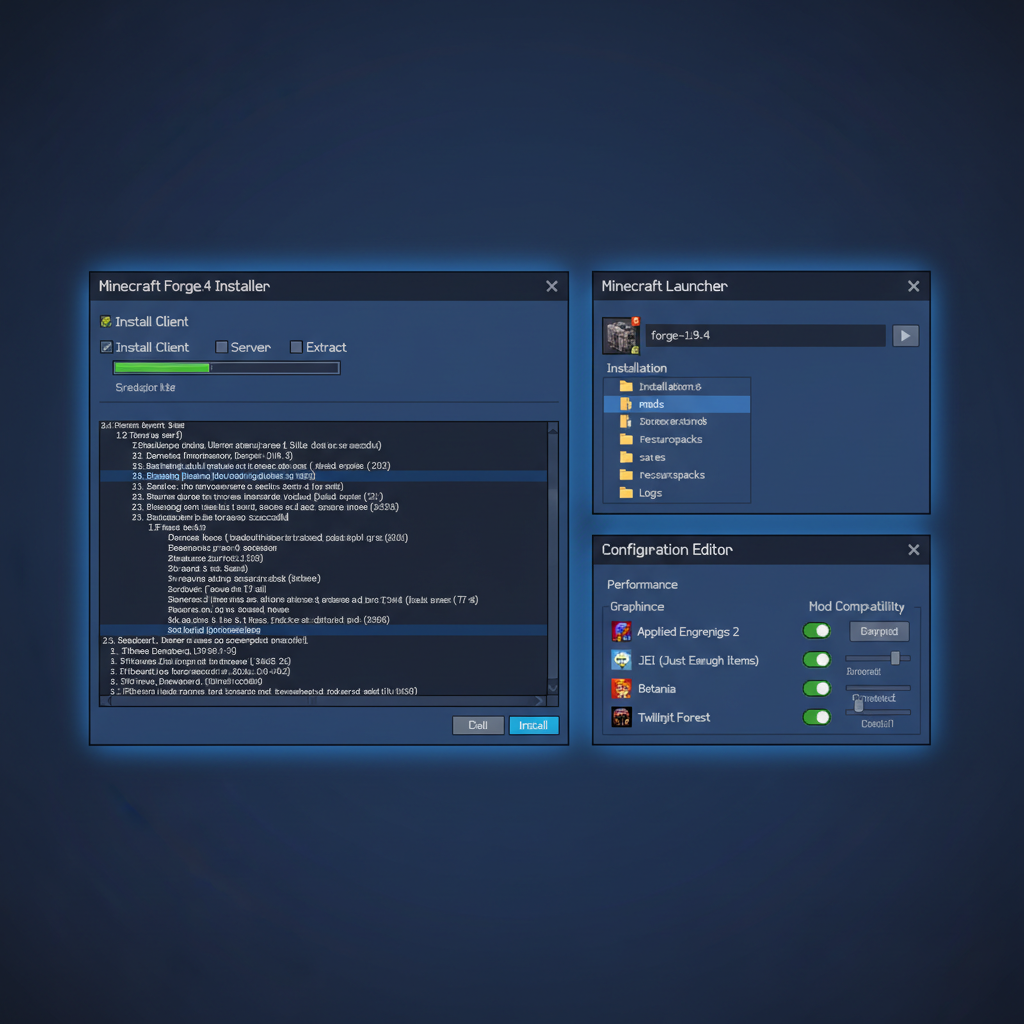
Minecraft Forge is the most widely-used mod loader for Minecraft Java Edition, serving as the bridge between the game and community-created modifications. Since its creation in 2011 by cpw, Lexmanos, and other passionate modders, Forge has evolved into the industry standard for mod development and distribution. It provides the essential framework allowing mods to coexist peacefully within Minecraft, managing dependencies, preventing conflicts, and ensuring stability across complex modpacks featuring dozens or hundreds of mods simultaneously. Forge's dominance stems from its comprehensive feature set, extensive API for mod developers, and unmatched community support spanning 13+ years of continuous development.
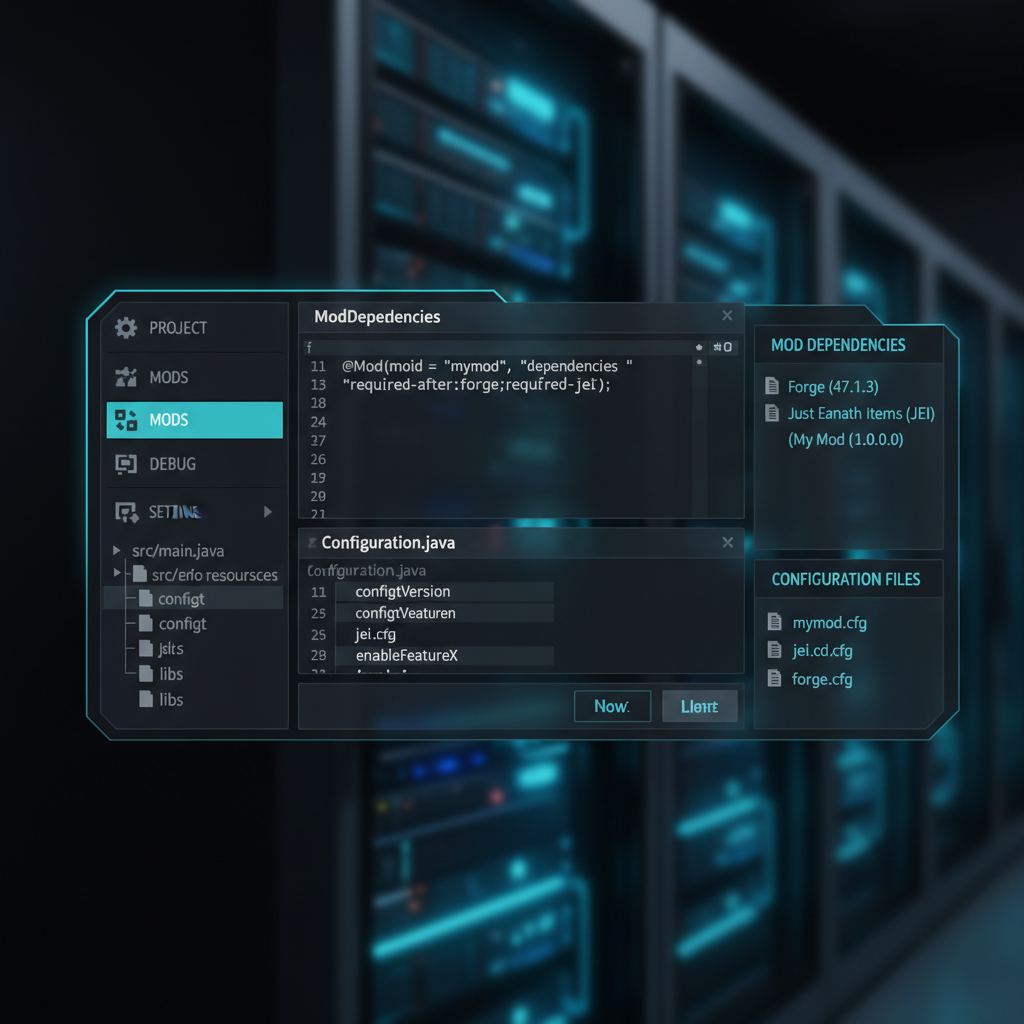
The mod loader essentially acts as an intermediary layer between Minecraft's core code and individual mods. Rather than directly modifying Minecraft's base files—a fragile approach that breaks with updates—Forge provides hooks and entry points allowing mods to inject code safely. This architecture enables multiple mods to peacefully coexist and interact, creating synergistic experiences impossible with single mods. Forge automatically manages mod initialization order, handles version compatibility across updates, and provides debugging tools for developers. The result is a robust ecosystem supporting millions of players exploring content created by thousands of independent developers worldwide.
Forge's importance cannot be overstated. Without it, modern modded Minecraft would be significantly less sophisticated. The loader handles the complex task of lifecycle management—determining when mods initialize, when they load assets, and when they interact with the game world. It provides standardized event systems allowing mods to respond to gameplay events like entity spawning, block breaking, or player interaction. Configuration systems let players customize mods without editing code. Logging frameworks help developers debug issues. These foundational services eliminate redundant code across mods, reducing file sizes and improving stability. Forge's continued evolution ensures it remains compatible with each Minecraft version, typically providing support within weeks of official releases.
Step-by-Step: How to Install Minecraft Forge
Prerequisites and System Requirements
Before installing Forge, ensure you have Java installed on your system. Minecraft Java Edition requires Java 8 or higher, with Java 17+ recommended for newer versions (1.17+). Download Java from java.com or adoptium.net if you haven't already. Additionally, ensure you've launched vanilla Minecraft at least once using the official launcher—this creates necessary game files Forge needs. Finally, backup your .minecraft folder (located in AppData/Roaming on Windows, Library/Application Support on Mac, or .minecraft in your home directory on Linux) to prevent data loss during installation.
Downloading Forge
Visit the official Forge download page at minecraftforge.net/download. The page displays the latest recommended version prominently, with additional versions organized by Minecraft version in a dropdown menu. Select your desired Minecraft version—for example, 1.20.1 for the latest stable version or 1.21 for the newest pre-release. Click "Download Recommended" or "Download Latest," which directs you to a download mirror. After a five-second countdown, the installer downloads automatically as a .jar file. Never download Forge from unofficial sources, as malicious alternatives could compromise your system. The official website is always the safest option.
Running the Installer
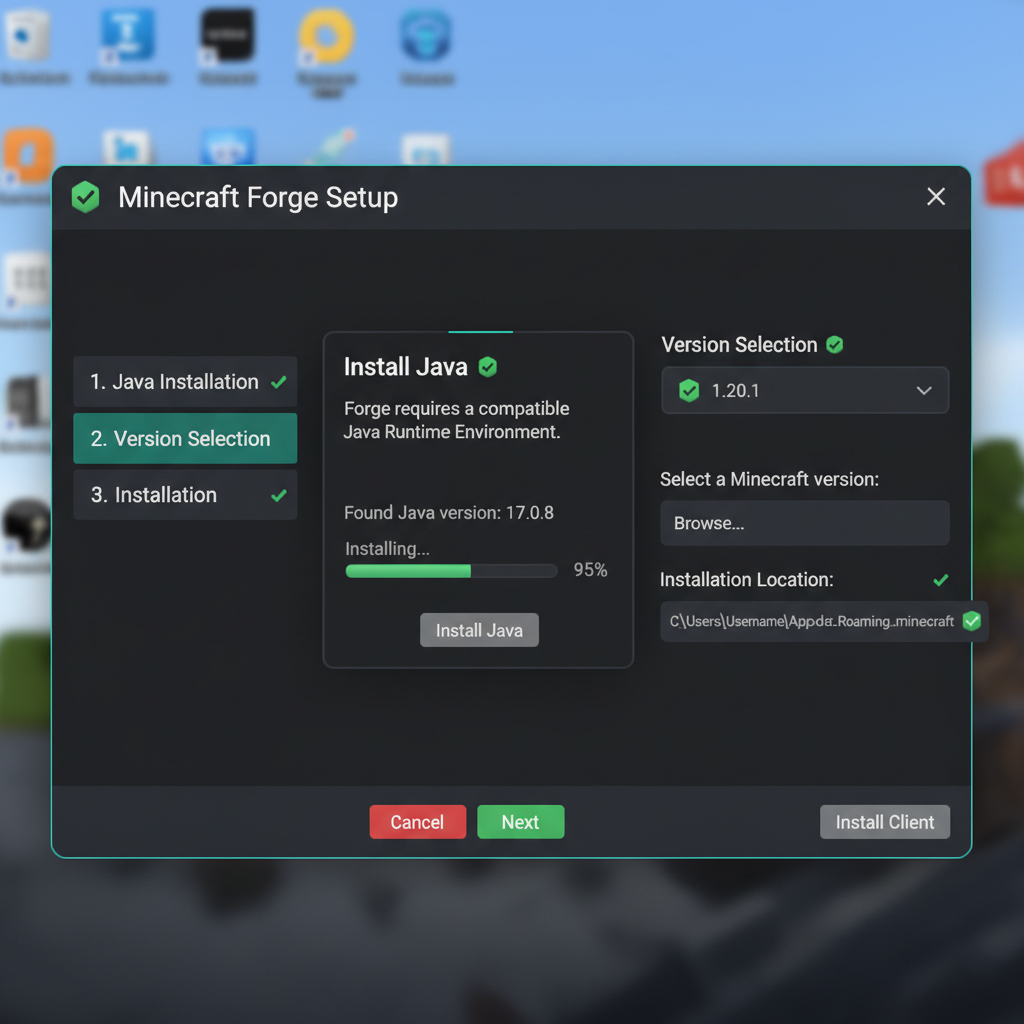
Locate the downloaded Forge installer (typically named "forge-1.XX.X-installer.jar") and double-click it. A window appears with two installation options: "Install client" (for single-player play) and "Install server" (for dedicated servers). Most players choose "Install client." Ensure the correct Java path displays in the "Java Installation" field—if blank or incorrect, click "Browse" and select your Java installation directory (typically Program Files/Java/jdkXX on Windows). Click "Install," and the installer creates the Forge profile in your Minecraft launcher and configures necessary files automatically. Installation typically completes within seconds.
Launching Forge and Verifying Installation
Open the Minecraft launcher and look for a "forge" profile in your installation list. Select it and click "Play." The first launch takes longer as Forge initializes mod systems and generates configuration files. You'll see Forge's splash screen, followed by loading progress bars. Successful installation shows no errors—the game launches normally, displaying "Forge" on the main menu. If crashes occur, check the game logs (located in .minecraft/logs/) for error messages indicating missing Java, incorrect Forge version, or conflicting files. Common fixes include reinstalling Java, running the installer again, or deleting the Forge config folder and relaunching.
Installing Mods with Forge
Once Forge launches successfully, you're ready to add mods. Locate your .minecraft folder and navigate to the "mods" subfolder (created by Forge during installation). Download mod files from trusted sources like CurseForge (curseforge.com) or Modrinth (modrinth.com). Always verify the mod's Minecraft version and Forge version compatibility before downloading—incompatible mods cause crashes. Download the .jar file and drag it into your mods folder. Restart Minecraft, and the mod loads automatically. Forge displays loaded mods on the main menu under "Mods" button—check this to confirm successful loading.
Managing multiple mods requires understanding dependencies. Some mods require other mods to function—for example, many mods depend on Minecraft Forge itself, but some additionally require libraries like "Citadel" or "Puzzles lib." CurseForge automatically detects and suggests dependencies during download. Modrinth shows dependencies clearly on each mod's page. Install dependencies before the dependent mods, or load order issues cause crashes. Removing mods is simple: delete the .jar file from the mods folder and restart. Never remove mods mid-playthrough if they've affected world data (added blocks or items), as this causes world corruption and item loss.
Forge vs. Fabric vs. NeoForge: Choosing the Right Loader
Minecraft Forge: The Powerhouse
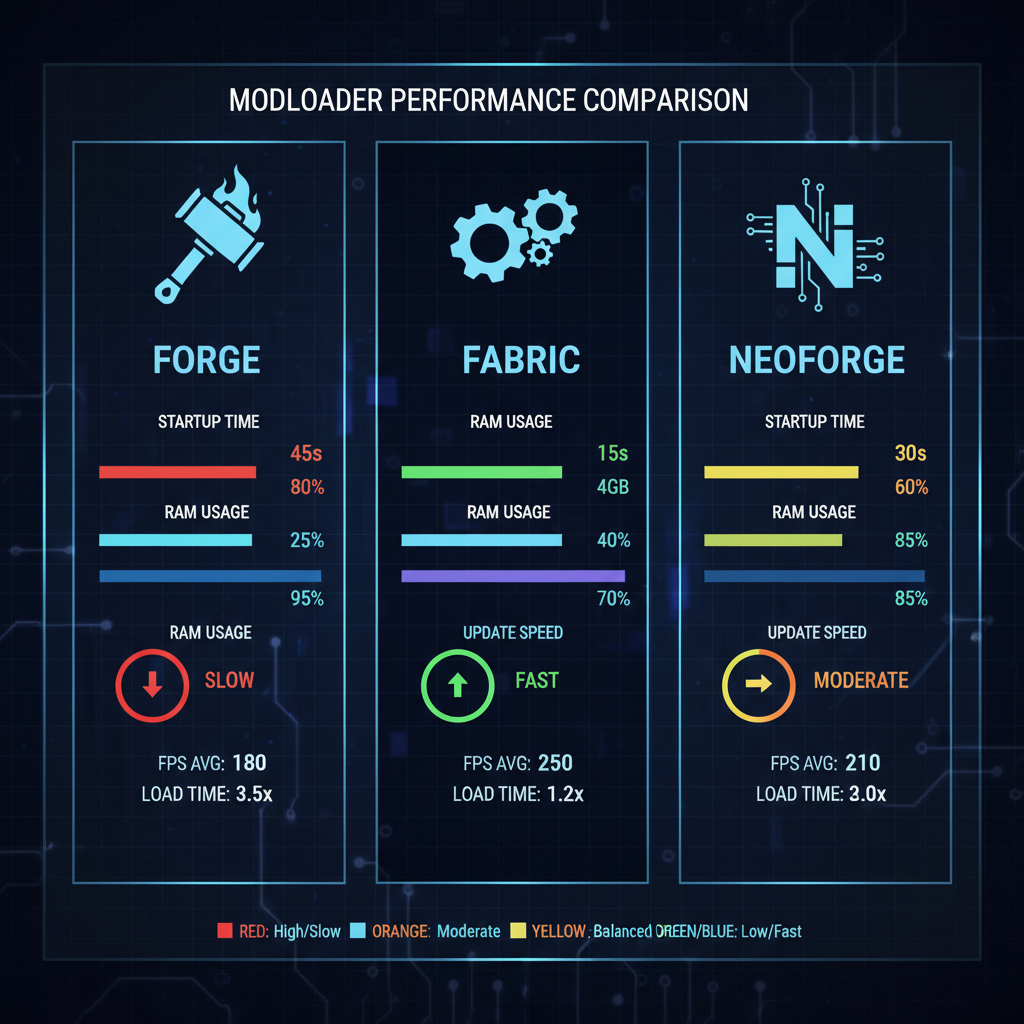
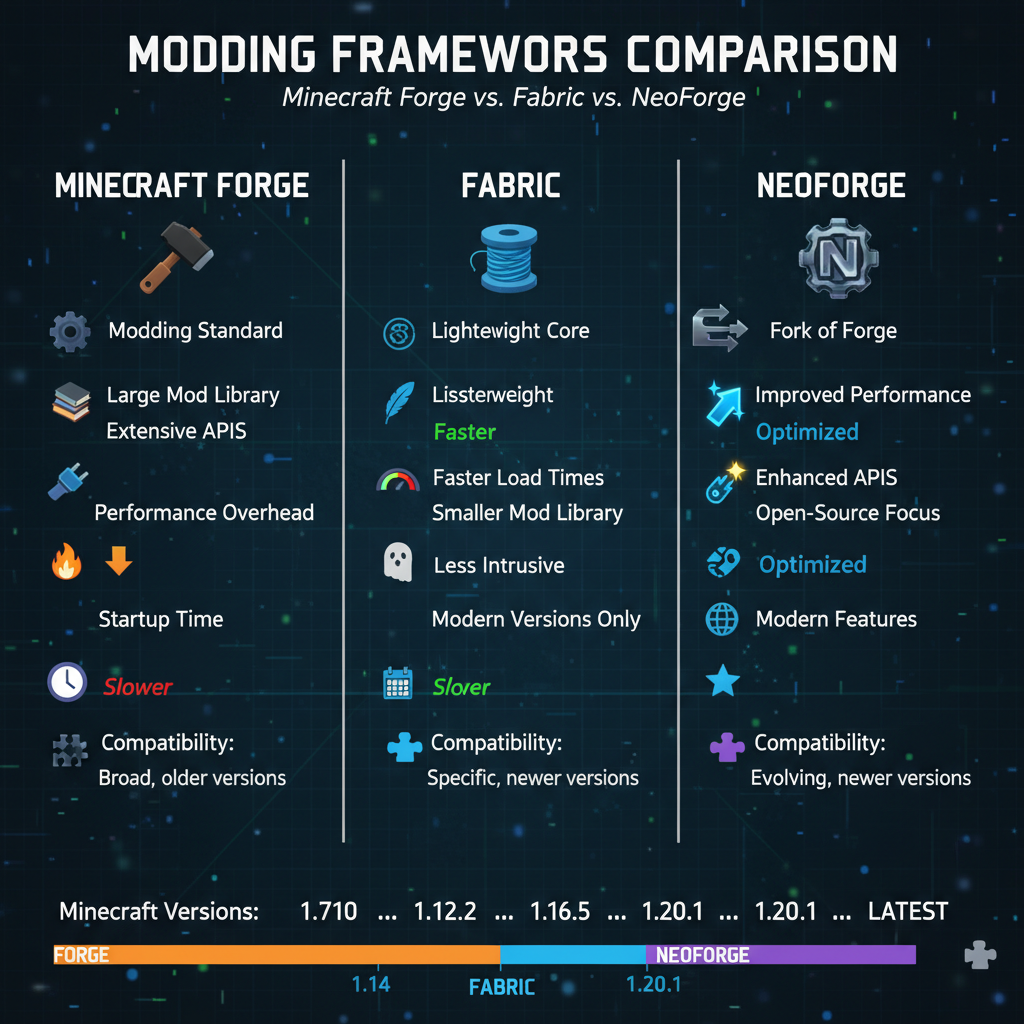
Forge dominates with the largest mod library, containing over 10,000 active mods across CurseForge. It's the gold standard for modpacks, with most legendary packs (All the Mods, SkyFactory, Create: Above and Beyond) built exclusively on Forge. The loader provides extensive features for developers, including event systems, registry systems, and networking capabilities. Community support is unmatched—countless tutorials, Discord servers, and communities exist solely for Forge. Downsides include slower performance, higher RAM usage compared to alternatives, and occasional stability issues with certain mod combinations. Forge updates typically lag behind new Minecraft versions by a few weeks, sometimes months for major updates.
Fabric: The Lightweight Alternative
Fabric emerged as a modern, lightweight alternative prioritizing performance and faster Minecraft updates. The loader is deliberately minimalist, providing only essential features. This results in superior framerates, reduced RAM consumption (typically 1-2GB less than Forge for identical mods), and faster launch times. Fabric updates extremely quickly—often within days of Minecraft releases. The modding community is growing rapidly, with the mod library expanding significantly each year. However, Fabric has fewer mods than Forge (roughly 4,000 active mods vs Forge's 10,000+), and some mods exclusive to Forge simply don't exist for Fabric. Speedrunners and performance-conscious players prefer Fabric, while casual players and modpack creators stick with Forge.
NeoForge: The Evolution
NeoForge emerged as a fork of Forge for 1.20+, created when Forge's leadership faced community concerns about governance. NeoForge promises Forge's comprehensive feature set with performance improvements, cleaner code, and faster updates. It maintains backward compatibility with Forge mods, enabling most Forge mods to run on NeoForge with minimal modifications. The community is smaller than Forge but growing steadily. NeoForge represents the future direction of Forge-style modding, with many developers migrating their mods gradually. Currently, Forge remains more stable and compatible, but NeoForge will likely dominate once the ecosystem fully transitions.
Choosing Your Loader
Your choice depends on priorities: if you want the most mods and comprehensive modpack experiences, choose Forge. If you prioritize performance and run on low-end hardware, choose Fabric. If you're playing cutting-edge 1.20+ content and value both features and performance, experiment with NeoForge. Experienced players often maintain multiple profiles with different loaders, choosing based on desired mods. There's no universally "best" choice—each loader serves specific use cases and player preferences effectively.
Common Forge Issues and Troubleshooting
Crash on Startup
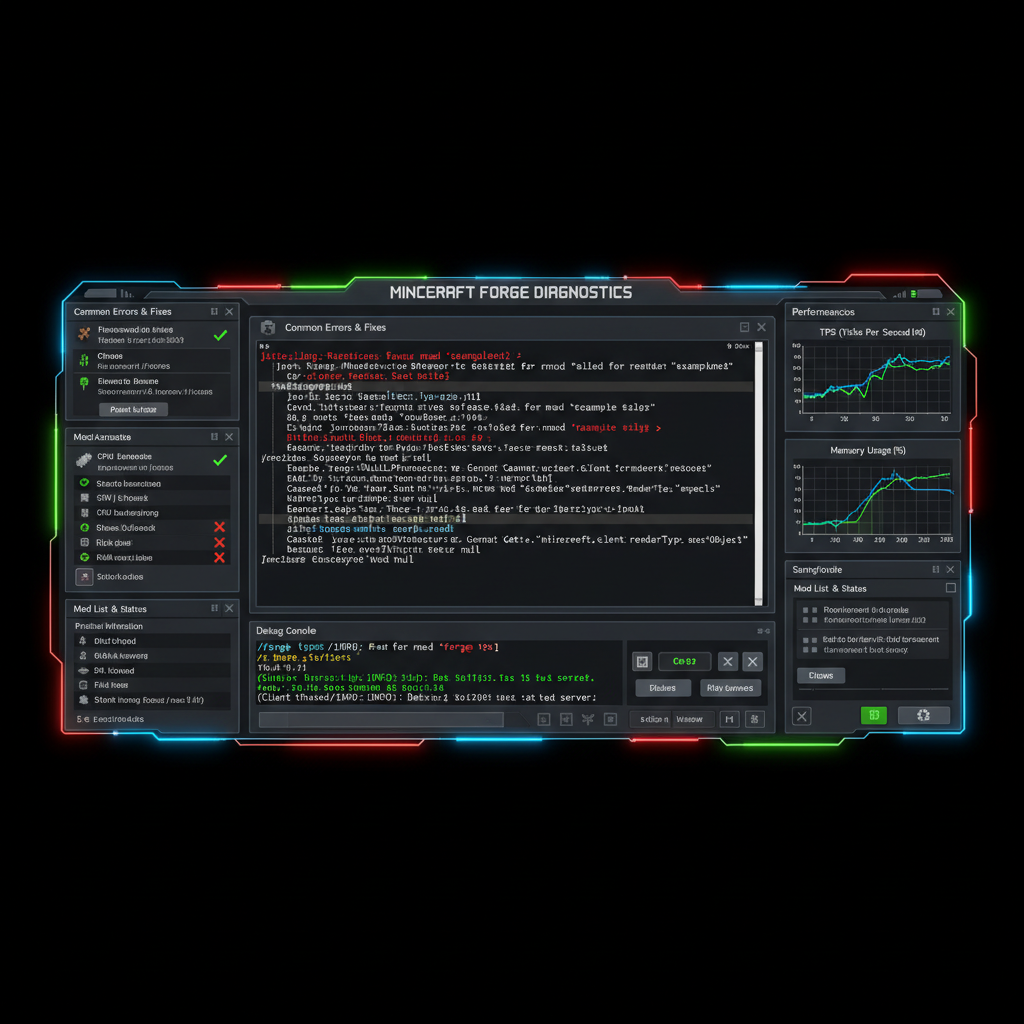
If Minecraft crashes immediately after launching Forge, check your crash log in .minecraft/crash-reports/. Common causes include incompatible mods (Forge version mismatch), corrupted mod files, or missing dependencies. Delete recently added mods one at a time and relaunch to identify the culprit. Ensure all mods match your Minecraft version exactly. Reinstall Forge completely, deleting the Forge configuration folder before reinstalling.
Mods Not Loading
If you've installed mods but they don't appear on the Mods screen, verify they're in the correct mods folder (.minecraft/mods/). Ensure the .jar files are named correctly and not corrupted. Check that your Forge version matches the mod's requirements. Some mods require additional libraries—download dependencies first. Restart the launcher completely (close and reopen) rather than simply restarting Minecraft.
Out of Memory / Low FPS
Modded Minecraft demands more RAM than vanilla. Allocate at least 4GB, preferably 6-8GB for large modpacks. In the launcher, click the Forge profile, select "More Options," and change the "-Xmx2G" value in JVM Arguments to "-Xmx8G" for 8GB allocation. Disable visual mods (shaders, HD texture packs) if running on low-end systems. Remove unnecessary mods consuming performance (excess world-gen mods, unoptimized tech mods). Use Fabric instead of Forge if performance remains poor despite these changes.
World Corruption and Data Loss
Never remove mods that have affected your world—adding blocks, items, or entities creates dependencies on those mods. Removing them causes crashes and world corruption. Always backup your world folder (.minecraft/saves/) before installing mods or making major changes. If corruption occurs, restore from backup. Test modpacks in creative mode first before committing survival worlds to them.
Frequently Asked Questions About Minecraft Forge
Is Minecraft Forge Safe?
Yes, Minecraft Forge is completely safe when downloaded from the official minecraftforge.net website. The open-source codebase undergoes community review. Only download from official sources, never from third-party websites offering "modified" Forge versions. Most mods are safe, but always check community reviews before installing unfamiliar mods from untrusted creators.
Does Forge Work with Minecraft Bedrock Edition?
No, Forge is exclusive to Java Edition. Bedrock Edition uses a different modding system (behavior and resource packs). Players wanting mods on Bedrock must use alternative systems like behavior packs or third-party tools. The modding ecosystem for Bedrock is significantly smaller than Java Edition.
How Often Does Forge Update?
Forge releases updates regularly, with major versions releasing within weeks to months after Minecraft updates. The team maintains older versions (like 1.12.2, 1.16.5) with security patches for years. You can play on older Minecraft versions indefinitely—Forge continues supporting them.
Can I Use Multiple Mod Loaders Simultaneously?
No, only one mod loader runs per Minecraft profile. However, you can create multiple launcher profiles, each using different loaders. This enables playing with various mod combinations and experimentation without conflicts.
Do Server Admins Need Forge Too?
If running a Forge modded server, yes, the server requires Forge installation. The installer provides a "server" option installing the server-side Forge variant. Players connecting to Forge servers need Forge installed locally with matching mods. Client-server mod synchronization ensures everyone plays the same modpack version.
▶ Watch on YouTube
How to download and install Forge in Minecraft 2026
Popular Forge Mods Worth Trying
For newcomers, several Forge mods define modded Minecraft experiences. Applied Energistics 2 introduces sophisticated item storage and automation. Tinkers' Construct completely redesigns tool crafting with hundreds of customization options. Thermal Expansion adds industrial machinery and energy systems. Create introduces engineering mechanics with rotating contraptions. Ars Nouveau provides magic systems with customizable spells. Immersive Engineering creates realistic multiblock structures. JEI (Just Enough Items) is essential for recipe lookup in modpacks. These foundational mods teach core modding concepts and form the basis of most legendary modpacks.
▶ Watch on YouTube
How to create your first Minecraft modpack - the ultimate guide
Conclusion: Forge's Role in Minecraft's Future
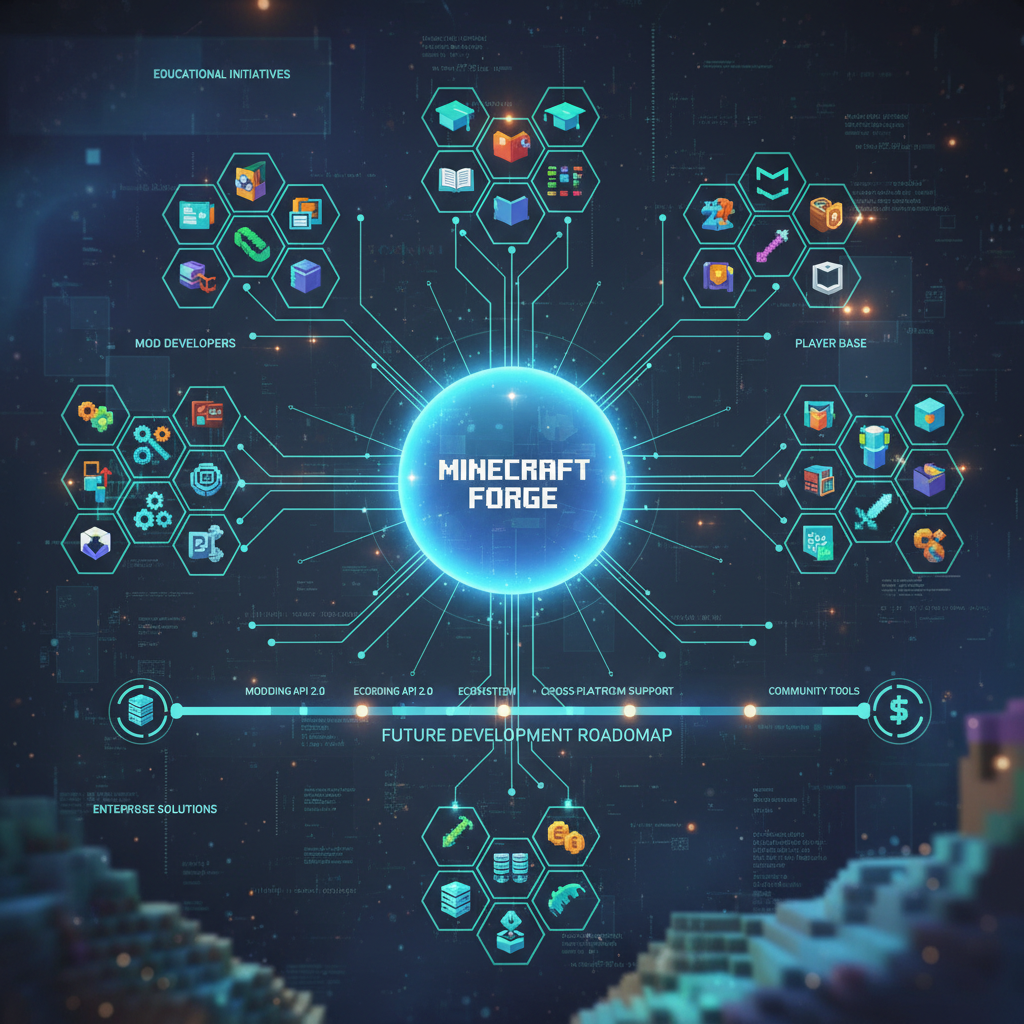
Minecraft Forge has shaped modded Minecraft for over a decade, creating the infrastructure enabling millions of players to experience enhanced gameplay. While alternatives like Fabric and NeoForge offer compelling features, Forge's unmatched mod library and community support ensure its dominance for years to come. Whether you're a casual player exploring single mods or a hardcore enthusiast building massive modpacks, understanding Forge is essential. This guide provides the foundation for successful modded Minecraft experiences—from installation through troubleshooting. Start with the installation steps, explore some recommended mods, and join the thriving community creating the most sophisticated Minecraft experiences possible.