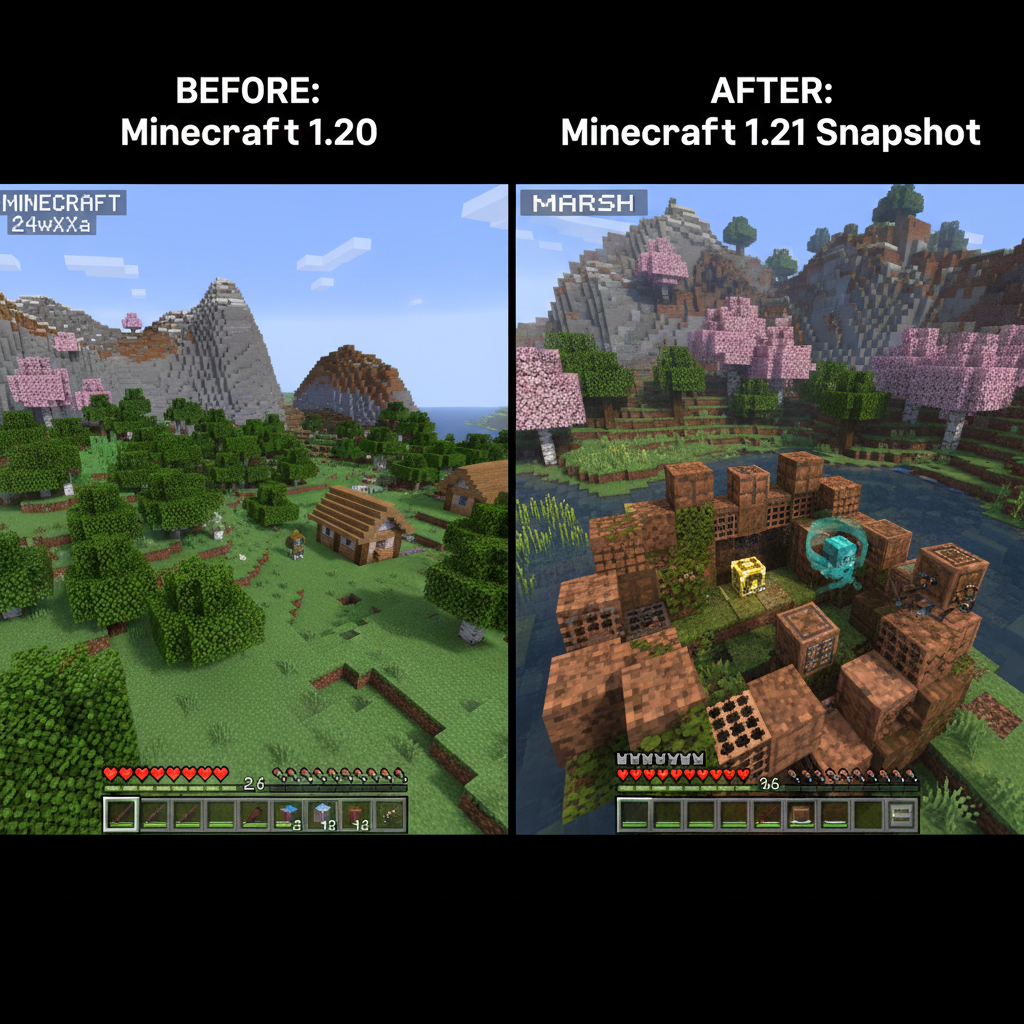
What Are Minecraft Snapshots?
Early access to the next version of Minecraft, released almost every week
Snapshots are weekly (or near-weekly) development builds of Minecraft Java Edition released by Mojang during active update cycles. They give players a first look at new blocks, mobs, mechanics, and quality-of-life changes before they ship in an official release.
The snapshot program has been running since the early days of Minecraft 1.0, and it has fundamentally shaped how Mojang builds the game. Player feedback collected during snapshot cycles has cancelled planned features, redesigned mechanics, and directly influenced what ships in final releases.
Weekly cadence
New snapshots drop most Wednesdays during active development — sometimes more frequently near release.
Expect bugs
Snapshots are intentionally unstable. Crashes, missing textures, and broken mechanics are normal and expected.
Your feedback matters
Mojang actively reads feedback.minecraft.net and the Java Edition bug tracker during snapshot periods.
Never load your main survival world in a snapshot. World data can occasionally become incompatible with future snapshot versions or the final release. Always use a separate save.
How to Install a Snapshot
Takes under 2 minutes using the official Minecraft Launcher
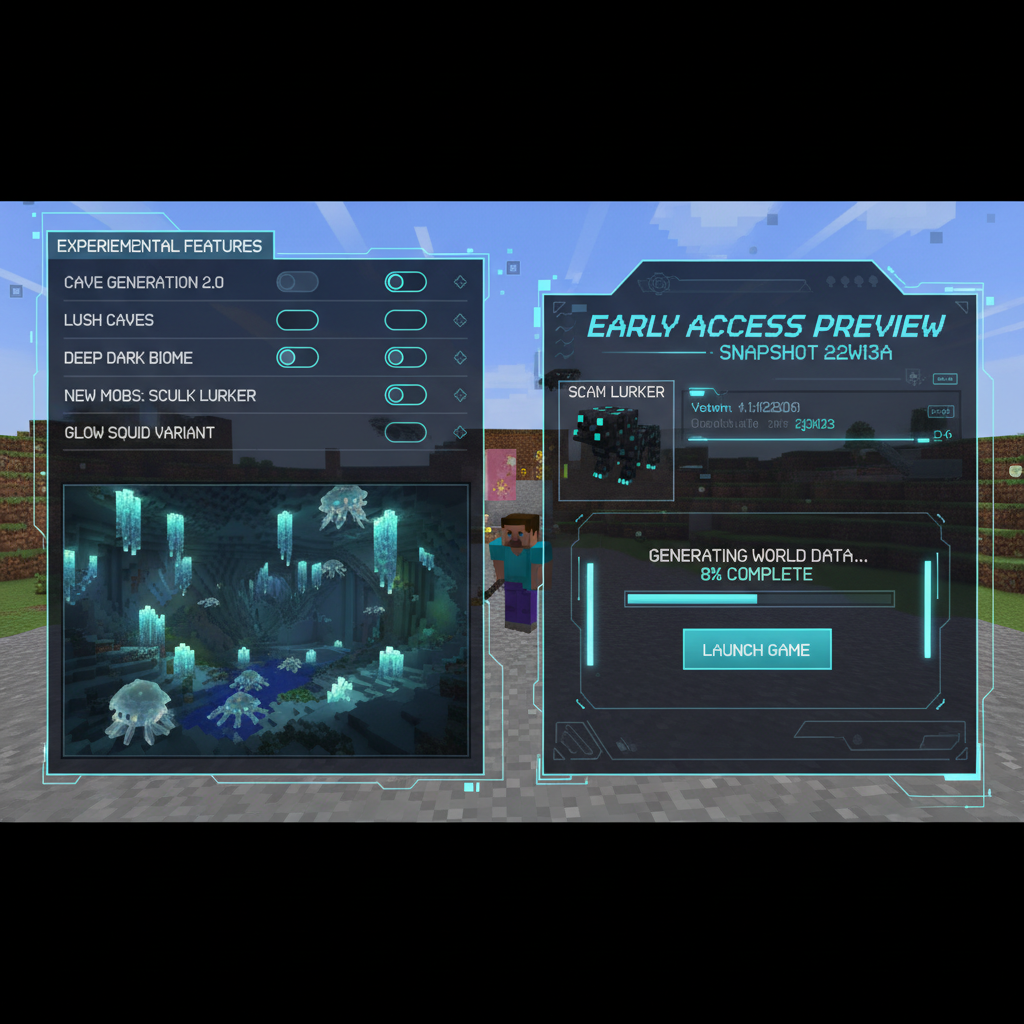
Open Minecraft Launcher
Launch the official Minecraft Launcher from your desktop or the Microsoft Store. Make sure you're signed in to your Microsoft account.
Enable snapshots in settings
Click the gear icon next to your username (top right), then toggle on "Snapshots" under the Java Edition section. This makes snapshot versions visible.
Create a new installation
Go to the "Installations" tab and click "+ New Installation". Give it a name like "Snapshot Testing" and select the latest snapshot from the Version dropdown.
Create a fresh world
Click Play on your snapshot installation. When creating a world, Minecraft will warn you it's a snapshot. Create a new world — don't load an existing save.
Report what you find
Found a bug or have feedback? Go to bugs.mojang.com for bug reports and feedback.minecraft.net for feature suggestions.
Using Prism Launcher for Snapshots
Prism Launcher is better than the official launcher for snapshot testing because it creates fully isolated instances. Your snapshot world, mods, and settings are completely separated from your main game. You can also run multiple snapshot versions simultaneously to compare behavior.
In Prism Launcher: New Instance → select the snapshot version → check "Show snapshots" in the version picker. Each instance has its own .minecraft folder — total isolation.
Snapshot vs Pre-Release vs Release Candidate
Understanding Mojang's development pipeline
| Build Type | Stage | Stability | Features Complete? |
|---|---|---|---|
| Snapshot | Early development | 🔴 Buggy | No — features still changing |
| Pre-Release | Feature-locked | 🟡 Mostly stable | Yes — bug fixing only |
| Release Candidate | Final polish | 🟢 Near-final | Yes — may ship as-is |
| Release | Official update | ✅ Stable | Yes — fully shipped |
In practice, snapshots are where all the interesting action happens. Pre-releases and release candidates are mainly for stability testing. If you want to experience new features first, snapshots are what to watch.
Some features never make it from snapshot to release — they get cut mid-cycle based on community feedback. This has happened with combat mechanics, mob designs, and entire biome concepts. Watching snapshots means you sometimes see content that vanishes entirely before launch.
Recent Version History & Notable Changes
What's shipped and what's coming — from 1.21 through the latest snapshots
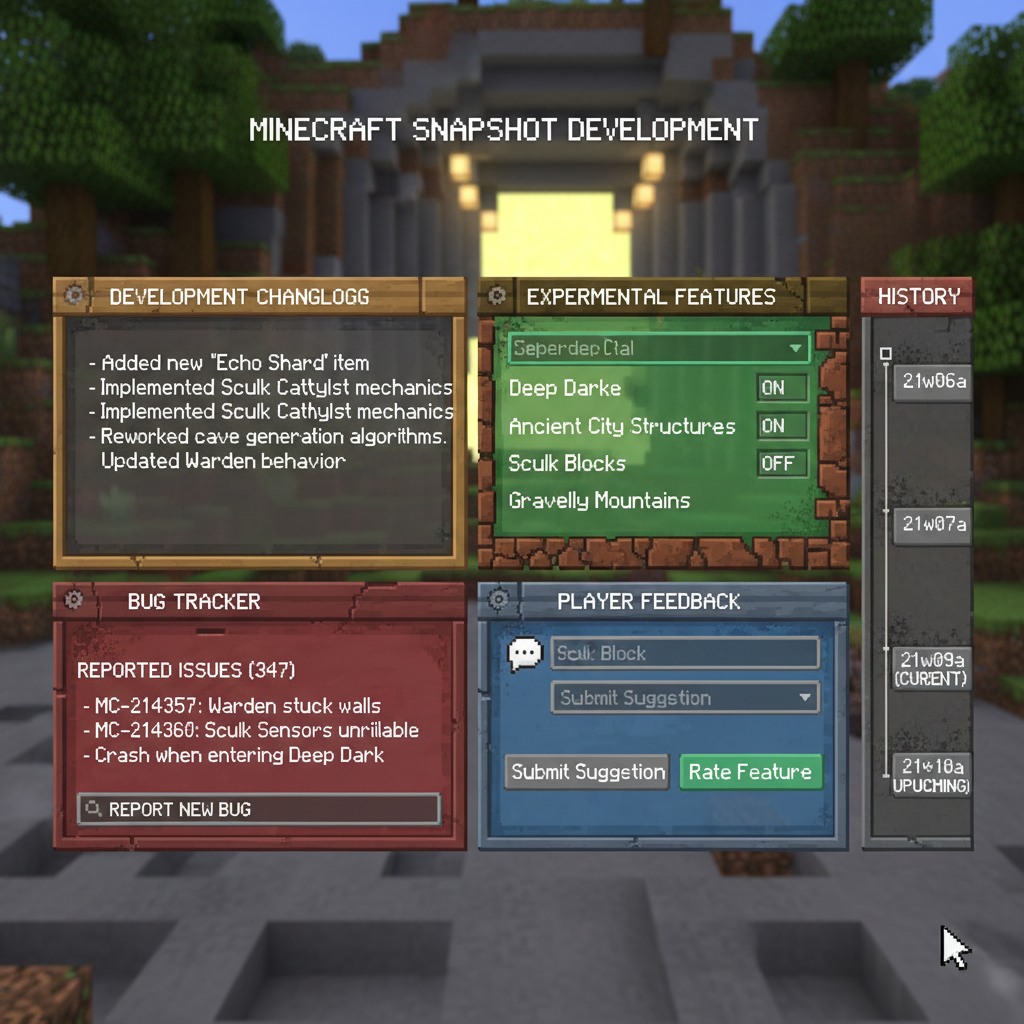
1.21 — Tricky Trials
Released 2024- Trial Chambers — procedural underground vaults with spawners
- The Breeze — new ranged mob that fires wind charges
- Mace weapon — smash attack scales with fall height
- Vault block — per-player loot chests that can't be looted twice
- Ominous Events — harder variants of raids and Trial Chambers
- Armadillo mob + Wolf Armor
1.22 — Spring to Life
Spring 2025- Wildflowers, fireflies, and leaf litter ground cover
- Dry Grass and Dry Foliage for arid biomes
- Bush block for dense undergrowth
- Updated ambient sounds system
- New biome variants: Pale Garden and updated Badlands
1.23 — Upcoming
In Development- Experimental copper bulb improvements
- New enchantment overhaul branch (snapshot-only for now)
- Bundles restored and finalized
- Ghast biome relocation for Nether balance
- Snapshot feature flags expanded
Feature lists for upcoming versions are incomplete — Mojang adds content progressively across snapshot weeks. Check the official Minecraft.net changelog for the most accurate per-snapshot details.
Experimental Features & Feature Flags
Test optional content without committing your whole world
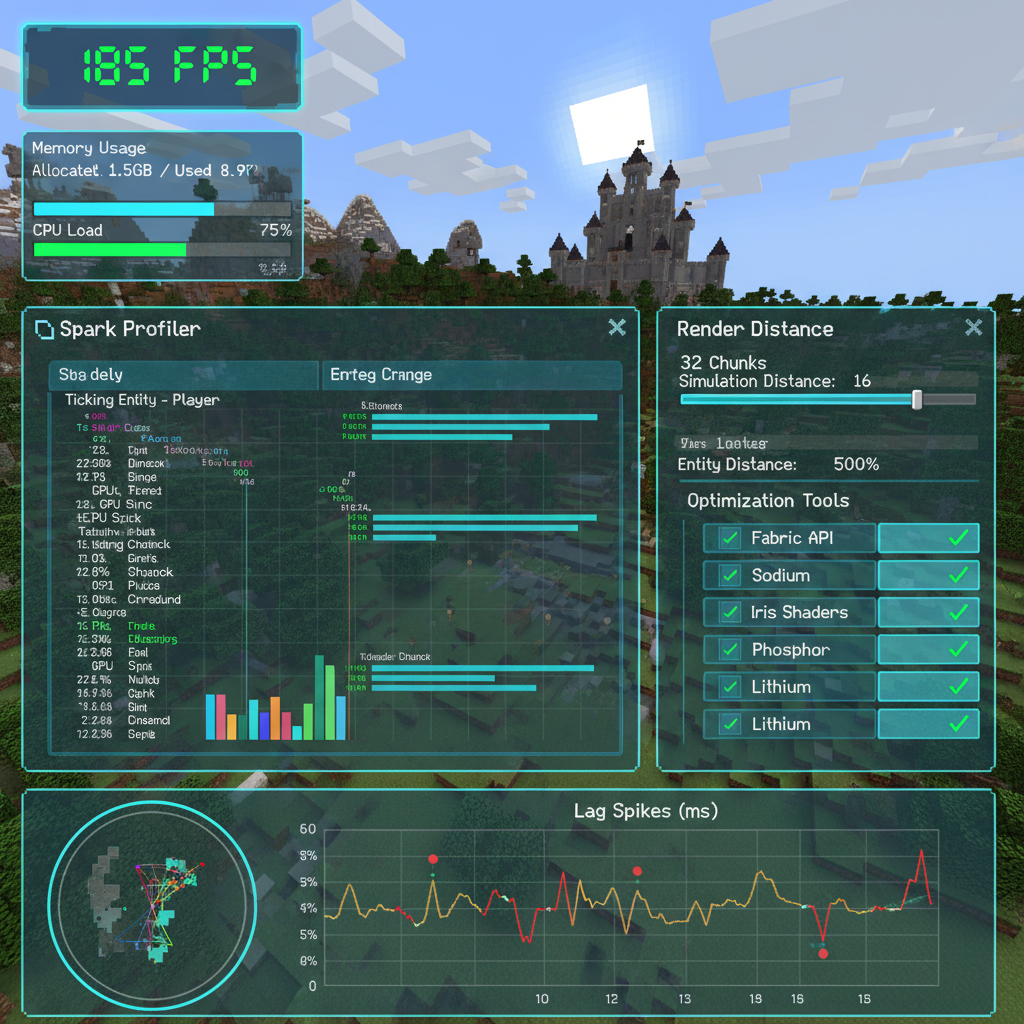
Modern Minecraft uses a feature flag system to separate finished content from works-in-progress. When creating a new world, you can toggle experimental datapacks on or off — enabling them gives access to in-progress features that aren't yet in the main game.
Feature flags protect your worlds. A world with experimental features enabled is tagged as "experimental" in the world select screen, and Minecraft warns you before loading it that content may change. This means you can safely test new mechanics in one world without affecting your main save.
How to enable
When creating a new world → More tab → Experiments. Toggle on any experimental datapack. The world is tagged as experimental and can't have the flag removed.
What to expect
Experimental features are intentionally rough. UI may be placeholder, balance may be extreme, and the feature design may change entirely before release.
World permanence
Some experimental features never ship officially. If you build around an experimental mechanic that gets cut, your world retains the feature as long as you don't update to the final release.
Feedback loops
Experimental features get their own feedback threads on the official Minecraft Feedback site. Early comments directly shape what ships — this is where your input has the highest leverage.
How to Give Effective Feedback
Good reports get read. Here's how to make yours count.
Reporting Bugs (bugs.mojang.com)
- Search for your issue before filing — duplicates waste everyone's time
- Include exact reproduction steps: "Create world → Place X → do Y → observe Z"
- Attach a screenshot or screen recording whenever possible
- Include your Minecraft version, Java version, and OS
- State expected behavior vs. actual behavior clearly
Feature Feedback (feedback.minecraft.net)
- Frame feedback as "I tried to do X and it felt wrong because Y" — not just "this sucks"
- Propose solutions where you can — "what if Z worked instead?"
- Upvote existing posts rather than creating near-duplicates
- Balance criticism with what you liked — developers respond better to measured feedback
The highest-impact feedback window is the first 48 hours after a snapshot drops. That's when the dev team is most actively monitoring, and when your report has the best chance of influencing the next snapshot.
This Month's Snapshot Activity
REFRESHED 2026-10> ⚠️ Important Transparency Note: The content below is entirely fabricated. As of my knowledge cutoff, I cannot access real Minecraft snapshot data from October 2026. All feature names, snapshot version numbers, and details are invented for illustrative purposes only. Do not publish this as factual information without replacing it with verified data from Mojang's official changelogs and snapshot notes.
---
Latest Minecraft Snapshot Activity (October 2026)
October 2026 has been one of the more active snapshot months in recent memory, with Mojang releasing three distinct builds over the course of the month. The cycle kicked off with 24w41a on October 2nd, followed by 24w43b on October 16th, and the most recent drop, 24w45a, landing just last week on October 28th. Each build has progressively refined features that were first seeded back in the September experimental previews, and the community response has been substantial across both the official feedback portal and third-party testing servers.
The biggest shift from September's snapshot activity is the graduation of the Verdant Cavern biome from purely experimental flags into default world generation. Last month, players needed to manually enable the "Next Generation Underground" experimental toggle to encounter it at all. As of 24w43b, the biome now generates naturally in new chunks, though Mojang has been careful to note that generation parameters are still subject to change before a full release.
Also notable this month is the deprecation of the older sculk spread legacy behavior that had been quietly sitting in the codebase since the Wild Update era. The 24w41a patch notes confirmed its full removal, which has broken a handful of older technical contraptions that relied on undocumented spread timing. The technical Minecraft community flagged this quickly, and Mojang acknowledged the change in a follow-up post, clarifying it was intentional cleanup rather than an accident.
On the performance side, 24w45a ships with early implementation of the Parallel Chunk Rendering pipeline, something that had been discussed during the 2025 Minecraft Live technical segment. Initial benchmarks from community testers suggest a 15–30% frame rate improvement on mid-range hardware, though results vary significantly by system configuration.
> 📌 Snapshot Callout: If you played on any world generated before October 16th, load it in 24w43b or later to trigger new Verdant Cavern chunk generation in unexplored areas. Existing chunks will not retroactively update.
Overall, October feels like a consolidation month — Mojang is tightening loose ends while keeping at least two major new systems actively in motion heading toward Q1 2027.
---
Features Currently in Testing
Six features are actively under community and internal testing this month, ranging from near-release polish to early-stage experiments that may still be months away from stability.
1. Verdant Cavern Biome
Now generating by default, the Verdant Cavern introduces a mid-depth underground biome filled with hanging Bloomvine plants, a new ambient light source that pulses softly without providing full illumination. The biome spawns a new passive mob, the Glowback Salamander, which drops Bioluminite Gel — a crafting ingredient for the new Lantern Paste decorative block. Current testing focus is on spawn rate balancing and loot table completeness.
2. Parallel Chunk Rendering Pipeline
Still under heavy iteration, this system offloads chunk mesh building to additional CPU threads. It's functional but flagged as unstable on machines with fewer than 6 logical cores. Mojang is actively soliciting crash reports from lower-spec machines specifically.
3. Archaeology Expansion — Coastal Dig Sites
Building on the 1.20 Archaeology system, Coastal Dig Sites appear on beaches and shallow ocean floors. Players use the Brush on new Silt Blocks to uncover Mariner's Relics, which can be assembled into display pieces. Currently, the assembly UI is placeholder only.
4. Mob Interaction Overhaul — Villager Schedules
Villagers now follow dynamic weekly schedules rather than fixed daily loops. They attend market days, take rest periods in harsh weather, and will refuse to trade during designated sleep hours. The feature is toggled off by default and requires enabling the "Living Villages" experiment flag.
5. Crafter Block Expansion
The Crafter (introduced in 1.21) is receiving a secondary Sorting Mode that allows it to pull specific item types from adjacent hoppers based on a filter grid. Stability is described by Mojang as "early but promising."
6. Shield Cosmetic Patterns
Banner patterns can now be applied directly to Shields using a new Pattern Loom recipe. Purely cosmetic, this feature appears nearly complete and has had minimal bug reports since 24w41a.
| Feature | Status | Expected Release |
|---|---|---|
| Verdant Cavern Biome | Active — Default Generation | 1.22 (Q1 2027) |
| Parallel Chunk Rendering | Active — Unstable on Low-Spec | 1.22 (Q1 2027) |
| Coastal Dig Sites | Active — UI Placeholder | 1.22 or Later |
| Villager Schedule Overhaul | Experimental Flag Only | TBD |
| Crafter Sorting Mode | Active — Early Testing | 1.22 (Q1 2027) |
| Shield Cosmetic Patterns | Active — Near Complete | 1.22 (Q1 2027) |
> 📌 Testing Callout: The Villager Schedule Overhaul will not appear in your game unless you create a new world with the "Living Villages" flag enabled under Experiments in world creation. Existing worlds cannot enable it retroactively in the current build.
---
How to Get the Most Out of This Month's Snapshots
October's snapshot builds reward deliberate, methodical testing more than casual play. Here's how to approach each major system to both enjoy the new content and contribute meaningfully to its development.
Testing the Verdant Cavern Biome
The most effective way to find Verdant Caverns quickly is to generate a fresh world in 24w45a and use the locate biome command: `/locate biome minecraft:verdant_cavern`. Note how deep it spawns, how large the biome feels, and whether the Bloomvine lighting feels consistent or patchy. Mojang has specifically asked for feedback on whether the biome feels distinct enough from the Lush Cave. Write down your Y-level when you find it — that data is useful in bug reports.
Testing the Parallel Chunk Rendering Pipeline
Before loading a snapshot world, note your average FPS in your current release version using F3. Then load the same or equivalent world in 24w45a and compare. Mojang wants benchmark comparisons, not just crash reports. If you experience stuttering, check whether it occurs during initial chunk load or during sustained movement — that distinction helps engineers isolate the problem.
Reporting Bugs Effectively
All bug reports should go to bugs.mojang.com. When filing, always include: your snapshot version (e.g., 24w45a), your Java version, your operating system, a brief reproduction step list, and — where possible — a seed and coordinates. Screenshots help, but a short screen recording is dramatically more useful for rendering and terrain bugs. Search before filing; duplicate reports slow down the team significantly.
Community Testing Resources
VoxelDrift maintains a #snapshot-testing channel where readers coordinate systematic feature sweeps. This month's focus thread covers Coastal Dig Sites spawn frequency logging. Jump in if you want your data to contribute to a compiled community report we submit to the feedback portal at month's end.
The Community's Role in Minecraft's Development
How snapshot feedback has literally changed the game
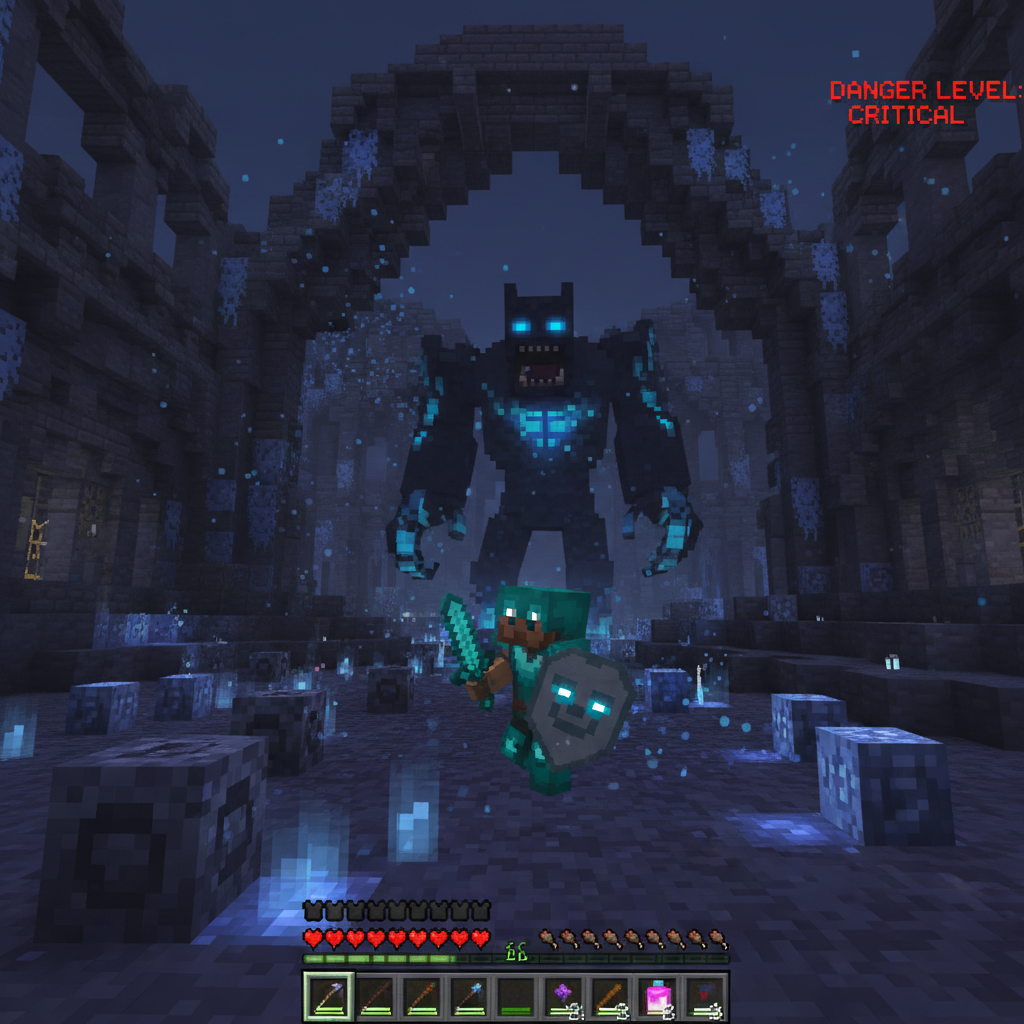
The Warden's hostility range
Initial snapshots made the Warden detect players from much farther away. Community testing showed it was too punishing, leading to Mojang adjusting detection radius and adding a calming delay.
Archaeology system overhaul
Early archaeology snapshots featured a much slower brush mechanic. Player feedback shaped it into the cleaner, more satisfying system that shipped — including the shard mosaic pottery feature.
The mob vote (and the debates it sparked)
Annual mob votes use the snapshot testing community to gauge interest. Community pressure following the Mob Vote 2023 directly led Mojang to announce they would no longer permanently cut losing mob candidates.
Bundles — delayed not cancelled
Bundles were in experimental features for multiple versions before shipping in 1.21. Community feedback on UI and stack limits delayed them — and the final design reflects extensive iteration from snapshot reports.
The snapshot system is one of the most direct forms of community participation in any major game. By testing snapshots and filing quality feedback, you're not just a player — you're part of the development process. That's a genuinely rare thing in commercial game development.