TABLE OF CONTENTS
Minecraft Update News: Top Changes & How to Prepare
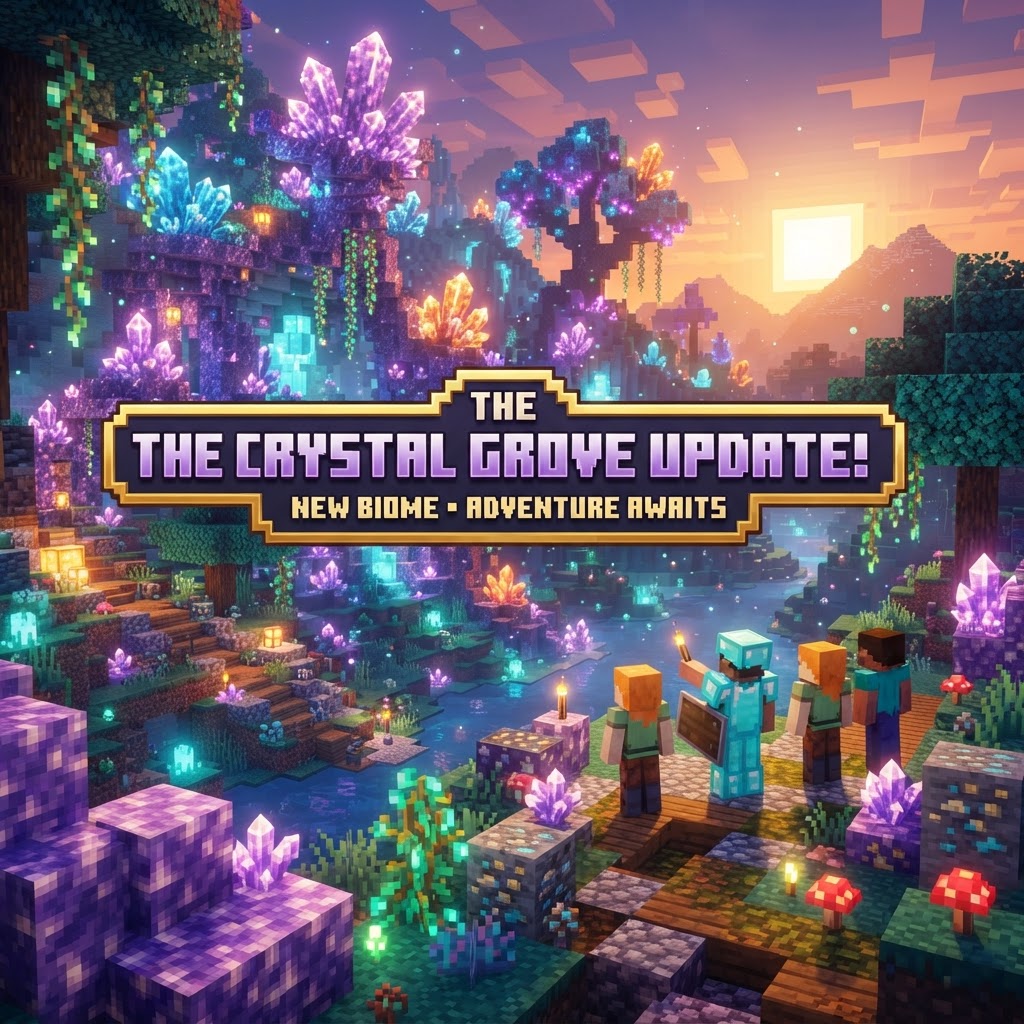
Staying current with Minecraft update news is the difference between a smooth gaming session and a broken modpack. This guide covers the most impactful recent changes across Java and Bedrock editions, what they mean for your world, and exactly how to prepare before you update. Whether you're a survival player, modder, or server admin, you'll leave with a clear action plan.
Recent Minecraft Update News: What Actually Changed
The headline features from the latest drops — no marketing spin, just mechanics.
Minecraft's 1.21 "Tricky Trials" update and its subsequent patches introduced changes that ripple through every playstyle. Here's what matters:
- Trial Chambers — Underground structures generated with copper and tuff blocks, containing Trial Spawners that scale enemy count to the number of nearby players. These are not farmable in the traditional sense; the spawner locks after clearing.
- The Mace — A new heavy weapon with a Smash Attack mechanic. Damage scales with fall distance, making it devastatingly effective in PvP and boss fights when combined with Wind Charges.
- Wind Charges — Throwable projectiles that push entities and interact with Trial Chamber trap blocks. Redstone engineers: these are trigger-able with dispensers.
- Ominous Trial Spawners — Activated by using a Bad Omen effect near a Trial Chamber. These spawn harder variants with ominous loot pools, including the Heavy Core needed to craft the Mace.
- Breeze Mob — Fires Wind Charge projectiles and actively dodges melee. Standard bow tactics work; swords are frustratingly ineffective without the Mace.
- Crafter Block — Automated crafting using Redstone signals. Each slot is individually lockable, solving the long-standing 9-slot input ambiguity problem in auto-crafters.
- Fabric Loader 0.15.x+ is required for 1.21 compatibility
- Fabric API 0.100.x introduced breaking changes to item component handling — check changelogs before updating
- Mods like Sodium 0.5.x, Lithium 0.12.x, and Iris 1.7.x have stable 1.21 releases
- Create mod (Fabric port) lagged slightly — verify the specific build against your target MC version on Modrinth
- NeoForge is now the primary actively developed fork — most major 1.21 mods target NeoForge over legacy Forge
- JEI (Just Enough Items) and Waystones both have confirmed 1.21 NeoForge builds
- If you're using a 1.20.1 modpack (still the most popular modded version), do not update your game version — run a separate launcher profile
- EssentialsX supports 1.21 as of their latest 2.20.x build
- WorldGuard and WorldEdit (EngineHub) have 1.21-compatible snapshots — use these only on test servers
- LuckPerms is fully compatible — no action needed
- Backup your world folder first. On Java, locate `%appdata%\.minecraft\saves` (Windows) or `~/Library/Application Support/minecraft/saves` (Mac). Copy the entire folder to an external drive or cloud storage. Do this before touching the launcher.
- Check your mod/plugin list against 1.21 compatibility. Visit Modrinth and CurseForge, filter by MC version 1.21, and verify every mod you use has a published build. If one critical mod is missing, hold the update.
- Run the update on a test profile. Create a duplicate world in a fresh launcher profile. Load it, walk around, test your key workflows. Chunk generation near existing borders may look different — that's normal and expected.
- Pre-generate new chunks if needed. Use Chunky (available for both Fabric and Paper) to pre-generate the areas around your world border before players log in. This prevents server lag spikes from on-the-fly generation of Trial Chamber-heavy terrain.
- Update your server software. For Paper servers, download the new build from papermc.io directly. Never use unofficial redistribution sites. Verify the build hash if you're security-conscious.
- Communicate the update window to your players. Set a maintenance window, post it in your Discord, and confirm what version they need to connect. Mismatched client/server versions are the #1 support ticket on every server.
- [ ] World backup confirmed (timestamped, offsite copy preferred)
- [ ] All plugins verified compatible or marked as "acceptable to drop temporarily"
- [ ] `server.properties` reviewed — new updates sometimes add new default values
- [ ] `bukkit.yml` and `paper-global.yml` reviewed for new config options (Trial Spawner behavior is configurable in Paper 1.21)
- [ ] Ops and whitelist files backed up separately
- [ ] Test server run for minimum 30 minutes with simulated player load
- [ ] Player announcement posted with exact update time and required client version
- [ ] Rollback plan documented and tested (old JAR + old world backup confirmed restorable)
Java vs Bedrock: Minecraft Update News Side-by-Side
The two editions don't always move in lockstep — here's where they diverge.
Mojang has pushed hard toward feature parity, but meaningful differences persist. Understanding these gaps is critical if you manage cross-platform servers or communities.
| Feature | Java 1.21.1 | Bedrock 1.21.x |
| Trial Chambers | ✅ Full implementation | ✅ Full implementation |
| Mace Weapon | ✅ Available | ✅ Available |
| Wind Charges | ✅ Dispenser-compatible | ✅ Available |
| Realms Cross-Play | ❌ Java-only Realms | ✅ Cross-platform Realms |
| Controller Support | ❌ Third-party only | ✅ Native |
| Mod Support | ✅ Fabric/Forge/NeoForge | ⚠️ Add-ons only |
| Dedicated Server Tools | ✅ Paper, Purpur | ✅ BDS (Bedrock Dedicated Server) |
| Spectator Mode | ✅ Full | ⚠️ Limited functionality |
The most significant parity gap right now is Spectator Mode on Bedrock, which remains limited compared to Java. Competitive server operators should factor this into their ruleset documentation.
Mod & Plugin Compatibility With the Latest Updates
Every major update breaks something — knowing what saves you hours of debugging.
This is where most players get burned by Minecraft update news they didn't act on. A 1.21 update isn't just new content — it's a new API surface for every mod and plugin you run.
Fabric ecosystem:
Forge/NeoForge ecosystem:
Server-side plugins (Paper/Purpur):
How to Prepare Your World Before Updating
A bad update on an unbacked-up world is a permanent loss — follow this sequence.
This is non-negotiable before acting on any Minecraft update news. Here's the exact preparation process:
Server Admin Checklist for Every Update Cycle
The same mistakes repeat every update — this checklist exists so you stop making them.
Server administrators carry the biggest responsibility when Minecraft update news drops. Players expect zero downtime and full feature access. Here's the minimum viable checklist:
For networks running Velocity or BungeeCord as a proxy, ensure your proxy software is updated before backend servers. A version mismatch at the proxy layer causes authentication failures that look deceptively like account issues to end users.
Conclusion: Keep Ahead of Minecraft Update News
Minecraft moves fast, and Mojang's cadence of snapshot releases, release candidates, and hotfix patches means the information landscape changes week to week. The best approach is systematic: track official changelogs at minecraft.net, follow trusted community sources, and treat every update as a planned event rather than a spontaneous install.
The players and server admins who handle updates cleanly are the ones who prepared before the update dropped — not after. Bookmark this guide, run the checklist, and you'll never face a corrupted world or a broken modpack from a preventable mistake again.
For the latest Minecraft update news as new snapshots and releases land, check back at VoxelDrift — we break down every meaningful change so you know exactly what to act on.
| Chat Reporting | ✅ Present (toggleable) | ✅ Present |
RELATED ARTICLES
Minecraft Update News: What’s New in Java and Bedrock?
The latest Minecraft update news covers significant changes across both Java and Bedrock editions, and keeping track of what dropped where isn't always straightforward. This guide breaks down the most...
Minecraft Survival Iron Farm: Build a Compact, High-Yield Design
Building a reliable Minecraft iron farm is one of the highest-value infrastructure projects in any survival world. This guide covers the mechanics behind iron golem spawning, walks you through a compa...
How to Make a Barrel in Minecraft: Recipe & Uses
Running out of chest space is one of the most frustrating mid-game problems in Minecraft, and barrels are one of the best solutions most players overlook. Unlike chests, barrels work even when complet...
STAY UPDATED
New blog posts, guides, and community tips delivered to your inbox.
No spam. Unsubscribe anytime.
Comments (0)
No comments yet. Be the first to share your thoughts!

