TABLE OF CONTENTS
Latest Minecraft Update: What Java & Bedrock Players Need
The latest Minecraft update brings significant changes to both Java and Bedrock editions, and knowing exactly what landed — and what it means for your game — saves you from nasty surprises. This guide breaks down the patch notes that matter, flags compatibility issues, and tells you what to do before and after updating.
What Changed in the Latest Minecraft Update
A breakdown of the headline features, fixes, and quiet changes you might have missed.
Minecraft 1.21.4 ("The Garden Awakens") is the current release as of late 2024, introducing the Pale Garden biome, the Creaking mob, and the Eyeblossom flower. These aren't cosmetic additions — they reshape exploration priorities and change how players approach night-cycle mechanics in certain biomes.
Key additions in 1.21.4:
- Pale Garden biome — generates in any climate, characterized by white-grey Pale Oak trees and eerie ambient audio
- The Creaking — a hostile mob that only moves when unobserved, tied directly to the Creaking Heart block
- Creaking Heart block — spawns naturally inside Pale Oak trees; destroying it kills the linked Creaking instantly
- Eyeblossom flower — opens at night, closes during the day; can be used to craft Pale Yellow dye and suspicious stew with Blindness effect
- Resin — new crafting material dropped by the Creaking, used for Resin Brick blocks and decorative sets
- Fabric API 0.110.0+1.21.4 — required base for all Fabric mods
- Sodium 0.6.0 — confirmed stable, no Pale Garden rendering issues
- Iris Shaders 1.7.5 — stable; update shader packs separately
- Lithium 0.13.0 — compatible, minor optimisation gains in new biome chunks
- Mod Menu 11.0.0 — updated UI, works cleanly
- JEI (Just Enough Items) 19.21.4.243 — full recipe support for Resin items
- Create mod — versions below 6.0.4 may conflict with new block entity handling
- Biomes O' Plenty — biome generation interference reported; update to 21.4.0.3 or later
- OptiFine — no 1.21.4 release confirmed yet; use Sodium + Iris as the stable alternative
- Open the Minecraft Launcher and go to Installations
- Duplicate your current installation (right-click → Duplicate) and label it with the old version number (e.g., "1.21.3 Backup")
- Navigate to `%appdata%/.minecraft/saves/` and copy your world folder to a separate drive or cloud storage
- Create a new installation set to 1.21.4 in the launcher
- Launch the new version and load your world — check for chunk border seams before doing any major building
- If using Fabric, download the new Fabric Installer from fabricmc.net and install it for 1.21.4 separately
- On console or mobile, export your world via Manage World → Export World before updating
- On Windows, locate worlds at `C:\Users\[Name]\AppData\Local\Packages\Microsoft.MinecraftUWP_[ID]\LocalState\games\com.mojang\minecraftWorlds\`
- Copy the entire folder to a backup location
- Allow the store update to proceed
- Launch and verify your world loads correctly before adding new chunks in the Pale Garden
- Bundle improvements — Bundles are being reworked with a revised UI for easier inventory management, addressing the clunky interface from their experimental debut
- Updated mob spawning logic — Pale Garden specifically is getting spawn rate adjustments; the Creaking's appearance frequency is being tuned based on community feedback calling early rates too low
- Accessibility options expansion — text-to-speech and UI scaling improvements are actively in development for Bedrock parity with Java
- Additional Resin uses — crafting recipes for Resin-based furniture blocks are referenced in snapshot code, suggesting a decorative expansion
Beyond new content, 1.21.4 also patches a chunk loading exploit that affected Bedrock multiplayer servers, fixes the longstanding z-fighting visual bug on stair blocks, and adjusts shield recovery timing by approximately 0.1 seconds — small, but competitive PvP players will feel it.
Java vs Bedrock: How the Latest Minecraft Update Differs by Platform
The same update number doesn't always mean the same game — here's where the editions diverge.
Java and Bedrock share the 1.21.4 version label but the implementation details are not identical. Bedrock ships this update as version 1.21.40 internally, and several features have platform-specific behaviour.
| Feature | Java Edition | Bedrock Edition |
| Creaking mob AI | Full release | Full release |
| Pale Garden biome generation | Full release | Full release |
| Resin crafting recipes | Full set available | Full set available |
| Marketplace packs update | Not applicable | Required for some content |
| Shader pipeline changes | Minor (core shaders) | Major (Deferred Rendering updates) |
| Controller rebinding in-menu | Not natively supported | Supported |
| Realms cross-play | Not available | Available |
| Experimental toggles required | None for main features | None for main features |
The biggest practical difference is in rendering. Bedrock's Deferred Rendering pipeline received substantial updates in 1.21.40, improving how volumetric fog and dynamic shadows behave in the Pale Garden specifically. Java players using Iris Shaders + Sodium will need shader pack updates to render Eyeblossom correctly — older versions display the flower's open/closed states incorrectly.
Mod & Datapack Compatibility After the Latest Minecraft Update
This is where most players run into trouble — here's how to check and fix it fast.
Java 1.21.4 broke compatibility with a notable chunk of the modding ecosystem due to internal registry changes and the new `minecraft:resin` item namespace. If you run a modded instance, treat this update with caution until your full modlist clears it.
Mods confirmed compatible with 1.21.4 (as of December 2024):
Mods with known issues or awaiting updates:
Datapack creators should audit any pack referencing flower block states or item tags related to dyes. The Eyeblossom adds a new `open_bit` block state that can interfere with existing flower-detection logic in custom advancements or loot tables.
How to Update Safely Without Losing Your World
Back up first. Always. Here's the exact process for both editions.
Skipping backups before a major update is how years of work disappear. The process below takes under five minutes and covers both editions.
Java Edition — Safe Update Steps:
Bedrock Edition — Safe Update Steps:
What's Coming in the Next Minecraft Update
Reading the roadmap right keeps your builds and mods future-proofed.
Based on Mojang's developer blogs and snapshot releases, the next major content push is expected to continue expanding the 1.21.x cycle rather than jumping to 1.22. Active snapshots and pre-releases are testing the following:
Snapshot 25w02a is currently available for Java players who want to test features in advance. Download it through the launcher's Latest Snapshot installation option — never run snapshots on your main survival world.
Verdict: Should You Update Now?
The direct answer for vanilla players, modded players, and server operators.
Vanilla players — update immediately on both Java and Bedrock. The Pale Garden is genuinely worth exploring, the Creaking is one of the better mob designs in recent memory, and the bug fixes are meaningful. There's no reason to stay on 1.21.3.
Modded Java players — wait until your core mods (especially Create, Biomes O' Plenty, and any world-gen mods) have confirmed 1.21.4 releases. Fabric API and Sodium are ready; the ecosystem around them needs another week or two to stabilise fully.
Server operators — update your test environment first. PaperMC and Fabric server jars for 1.21.4 are stable, but plugin compatibility varies. Run a full plugin audit on a staging server before pushing the update to your player base.
The latest Minecraft update is a strong, focused release — not the sweeping overhaul of a numbered update, but exactly the kind of polished content drop that rewards players who engage with it properly and prepare before hitting that update button.
RELATED ARTICLES
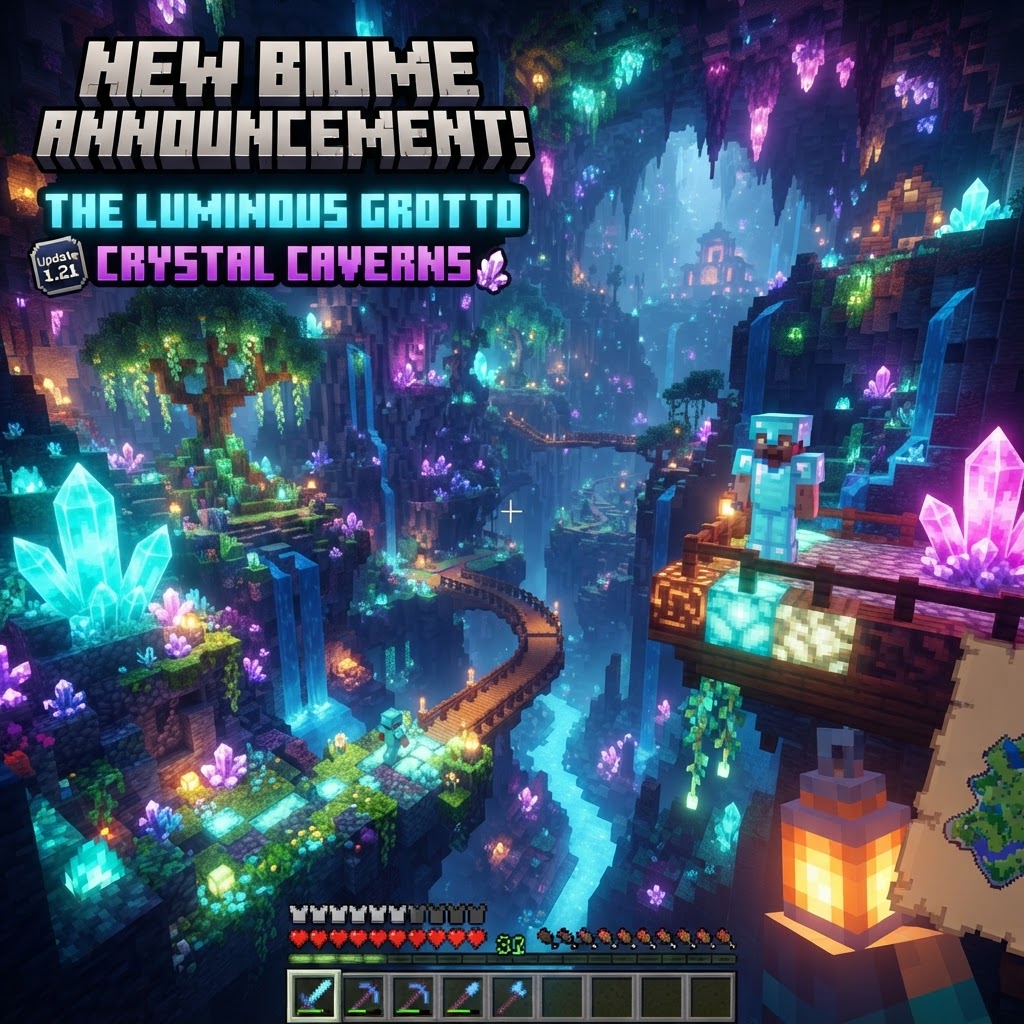
Minecraft Update News: What’s New in Java and Bedrock?
The latest Minecraft update news covers significant changes across both Java and Bedrock editions, and keeping track of what dropped where isn't always straightforward. This guide breaks down the most...
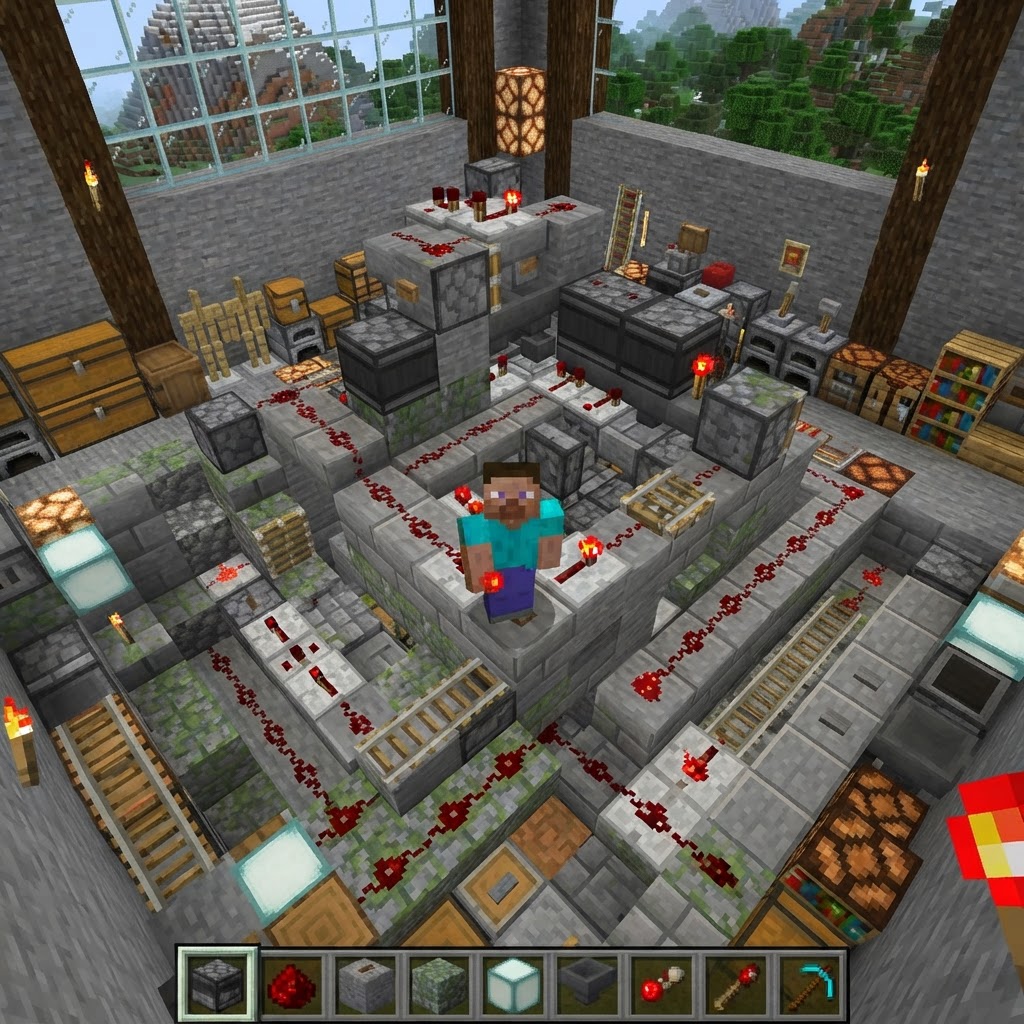
Minecraft Survival Iron Farm: Build a Compact, High-Yield Design
Building a reliable Minecraft iron farm is one of the highest-value infrastructure projects in any survival world. This guide covers the mechanics behind iron golem spawning, walks you through a compa...
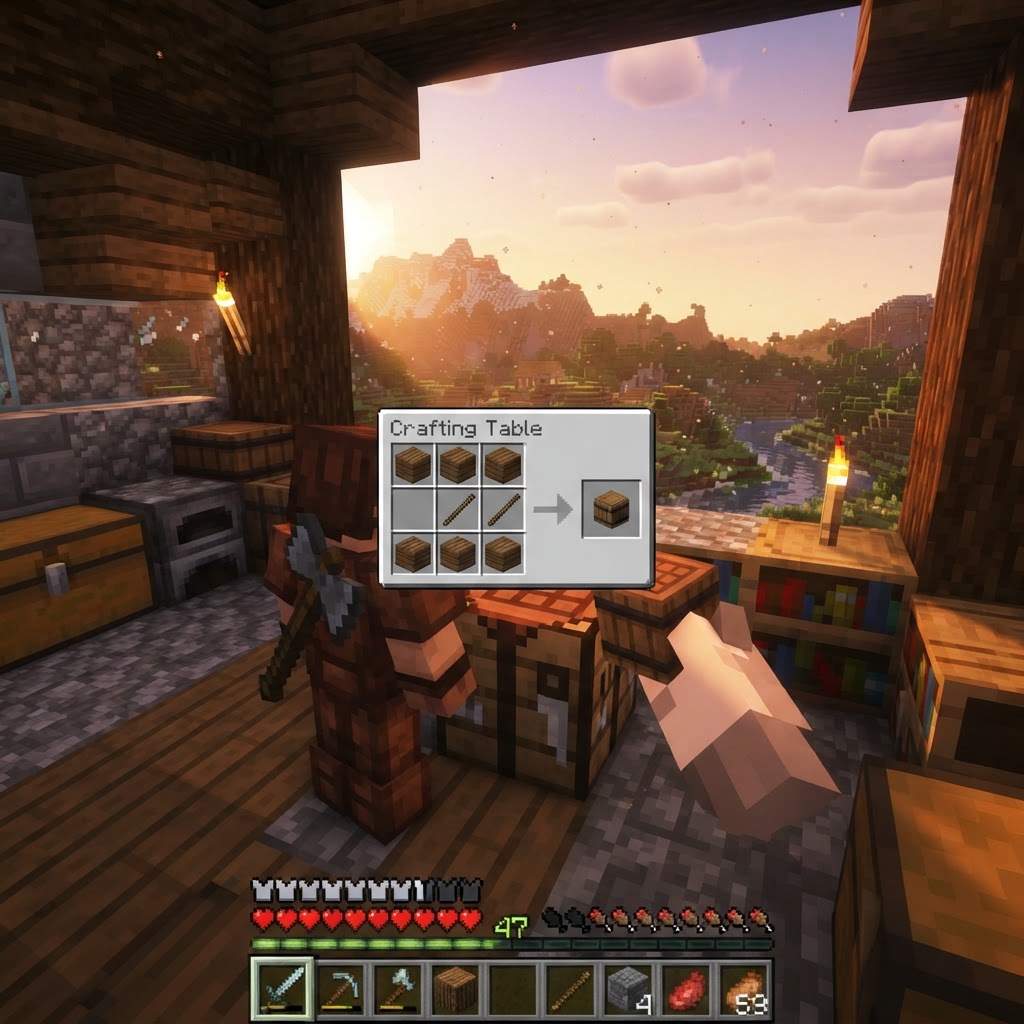
How to Make a Barrel in Minecraft: Recipe & Uses
Running out of chest space is one of the most frustrating mid-game problems in Minecraft, and barrels are one of the best solutions most players overlook. Unlike chests, barrels work even when complet...
STAY UPDATED
New blog posts, guides, and community tips delivered to your inbox.
No spam. Unsubscribe anytime.
Comments (0)
No comments yet. Be the first to share your thoughts!

