TABLE OF CONTENTS
Create: Astral Review — Why Minecraft Players Love It in 2026
If you're hunting for a modpack that blends mechanical engineering with deep space exploration, the Create Astral mod delivers one of the most cohesive progression experiences available in 2026. This review breaks down exactly what makes it stand out, how it performs, and whether it's worth your time. We'll cover installation, core mechanics, performance, and how it stacks up against similar packs.
What Is the Create Astral Mod Pack?
A space-age evolution of the beloved Create mod ecosystem
Create Astral is a CurseForge modpack built around Create 0.5.1 as its mechanical backbone, layering in space exploration through Ad Astra and a curated selection of 200+ mods. The premise is simple but compelling: build your factory on Earth, refine your engineering, then launch yourself into the solar system to gather materials unavailable anywhere else.
The pack launched in late 2023 and has maintained consistent updates through 2026, currently sitting at version 1.3.2 on Minecraft 1.20.1. What separates it from generic kitchen-sink packs is intentional design — every mod serves the progression loop rather than cluttering the experience.
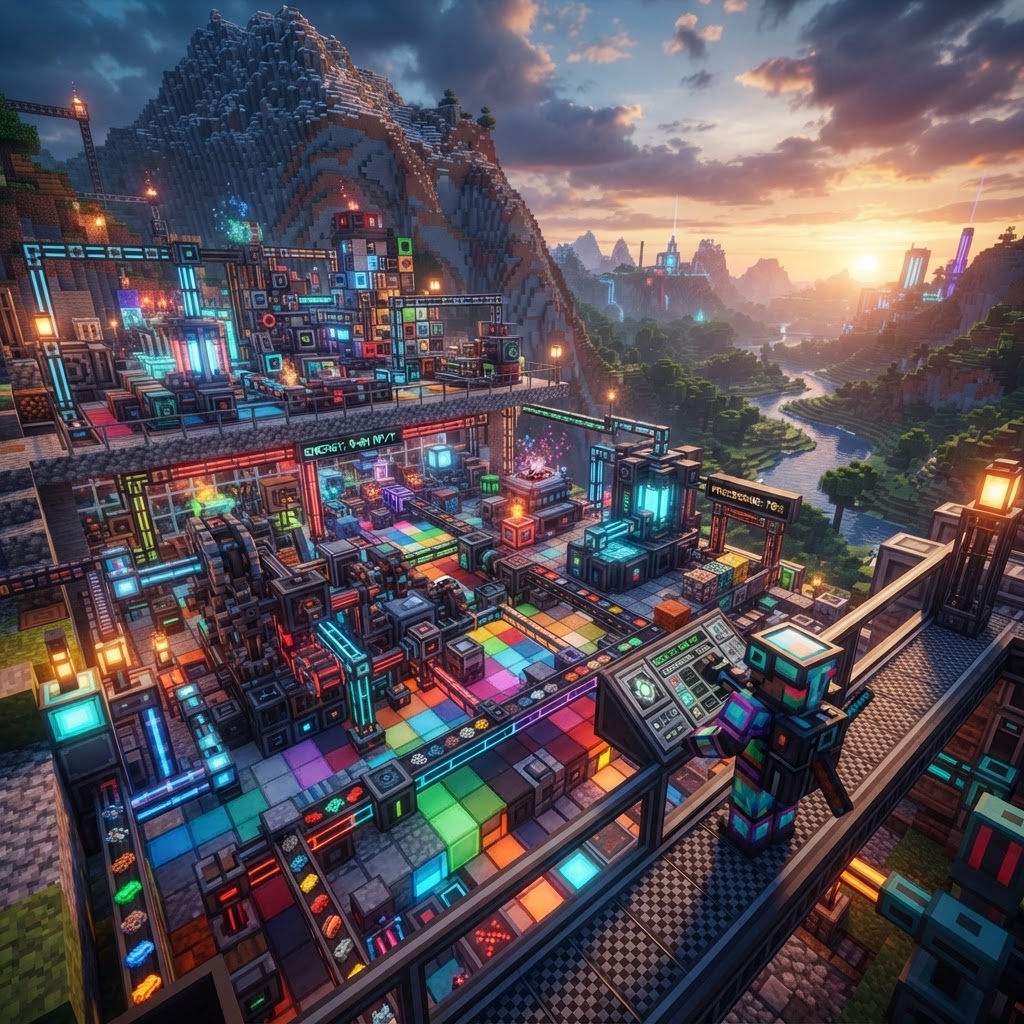
The core fantasy: automate ore processing with mechanical contraptions, build a rocket fuel refinery using Create's fluid pipes and mixers, launch to the Moon, mine Cheese Ore and Lunar Stone, and bring those resources back to unlock late-game machinery tiers. It's a satisfying loop that genuinely justifies every step.
Create Astral Mod Core Mechanics — The Engineering Loop
How automation, rockets, and resource chains all connect
The progression in Create Astral follows three distinct phases:
- Overworld Foundation — Establish basic Create infrastructure: mechanical presses, millstones, and encased fan setups for early ore processing. You'll need Refined Radiance and Shadow Steel before you can unlock rocket components.
- Fuel Synthesis — Rocket fuel requires Oxygen and Hydrogen separated via electrolysis, driven by Create's rotational energy. Expect to build a dedicated fluid automation line before your first launch.
- Planetary Expansion — Ad Astra handles the actual space travel. Each planet (Moon, Mars, Venus, Mercury, Glacio) has unique ores and atmosphere mechanics requiring specific armor sets.
Key mods powering these systems:
- Create 0.5.1 — Rotational mechanics, fluid handling, contraptions
- Ad Astra 1.15.3 — Space travel, planets, oxygen systems
- Farmers Delight — Food buffs that matter for long sessions
- Refined Storage — Late-game item management
- Botania — Early mana-based automation before Create scales up
- Thermal Expansion — Supplementary machines for specific recipes
- Download the CurseForge App — Available at curseforge.com. This is the only supported launcher for Create Astral as of 2026.
- Search "Create Astral" in the Minecraft modpacks tab — look for the pack by Burak_isitmemis, currently at version 1.3.2.
- Allocate RAM — Click the gear icon before launching. Minimum 6GB, recommended 8GB. The pack will stutter badly below 6GB due to Create's shader-heavy rendering.
- Install and Launch — First boot takes 3-5 minutes for asset loading. This is normal.
- Configure Video Settings — Disable Smooth Lighting and drop Render Distance to 10 chunks initially. Create contraptions are render-intensive.
- Create a New World — Use the "Optimized" world preset included in the pack. It pre-configures ore distribution for the progression curve.
- You enjoy designing automated systems more than combat grinding
- You have at least 8GB RAM to allocate
- You want a structured progression with a clear endpoint (reaching and colonizing Glacio)
- You're on a budget laptop with less than 6GB available RAM
- You want open-ended sandbox play without quest guidance
- You prefer magic-focused progression over mechanical engineering
The recipe integration is where Create Astral mod shines. The pack's custom KubeJS scripts ensure that nothing feels bolted on — Ad Astra rocket fuel recipes specifically require Create-built components, forcing you to engage with both systems rather than skipping one.
Installing Create Astral — Step-by-Step Setup
Get from zero to launch-ready in under 15 minutes
Server setup follows the same process but requires the Create Astral Server Pack — a separate download on the CurseForge page. Dedicated server RAM minimum is 10GB for a smooth 4-player experience.
Performance & Compatibility in 2026
What to expect on modern and older hardware
Create Astral is not a lightweight pack. The combination of Create's real-time contraption physics and Ad Astra's dimension rendering creates consistent CPU load even on capable machines.
| Hardware Tier | RAM | GPU | Expected Performance |
| Budget (GTX 1060, i5-8th gen) | 8GB | 6GB VRAM | 35-50 FPS, chunk lag in factories |
| Mid-range (RTX 3060, Ryzen 5 5600) | 16GB | 12GB VRAM | 60-80 FPS stable |
| High-end (RTX 4070, Ryzen 7 7700X) | 32GB | 12GB VRAM | 100+ FPS, minimal lag |
| Server (Dedicated, 8-core) | 16GB | N/A | 20 TPS stable up to 6 players |
The pack ships with Embeddium (a Forge-optimized Sodium fork) and Oculus for shader support. Complementary Reimagined shaders are community-recommended and won't tank performance the way BSL does with Create contraptions active.
Compatibility with additional mods is limited — the pack's KubeJS scripts are sensitive to load order changes. Adding mods outside the official compatibility list risks breaking core progression recipes.
Create Astral vs Competitor Modpacks
How it stacks up against the other top packs in 2026
| Feature | Create Astral 1.3.2 | All The Mods 9 | Vault Hunters 3 | Prominence II |
| Core Focus | Engineering + Space | Kitchen Sink | Dungeon Looting | Adventure + Magic |
| Mod Count | ~210 | ~400 | ~150 | ~250 |
| Progression Structure | Linear | Open | Locked | Semi-open |
| Performance Demand | High | Very High | Medium | Medium |
| Multiplayer Optimized | Yes | Partial | Yes | Yes |
| MC Version | 1.20.1 | 1.20.1 | 1.18.2 | 1.20.1 |
Create Astral mod wins specifically on intentionality. ATM9 has more content but the progression is sprawling and unfocused. Vault Hunters offers tight structure but zero base-building satisfaction. If your enjoyment comes from designing efficient systems and watching them run, nothing else in 2026 competes on the same axis.
The closest competitor is Create: Above and Beyond — the spiritual predecessor — but it runs on 1.18.2 and hasn't received updates since 2024. Create Astral is effectively the current-generation replacement.
Final Verdict — Is the Create Astral Mod Worth It in 2026?
The bottom line for engineers, explorers, and everyone in between
The Create Astral mod earns its reputation. Three years after initial release, it remains one of the most downloaded packs on CurseForge for good reason — the mechanical-to-space progression loop is genuinely unique, the mod selection is disciplined, and the 2026 updates have addressed the early performance issues that plagued launch versions.
Play it if:
Skip it if:
Version 1.3.2 is stable, well-documented, and actively supported. The Discord community is responsive, and the CurseForge page maintains a thorough wiki for every progression stage. For players who've exhausted vanilla survival and want a genuine engineering challenge with cosmic scope, Create Astral is the definitive recommendation in 2026.
| Best For | Engineers/builders | Completionists | Solo grinders | Casual groups |
RELATED ARTICLES

Best Minecraft Seeds for the Latest Version (2026)
Finding the best Minecraft seeds in 2026 means knowing which world generations deliver the most value — whether you're speedrunning, building, or just exploring. This guide covers the top seeds for Ja...
Best Minecraft Modpack to Try in 2026: Create: Astral
If you've been hunting for a modpack that combines mechanical engineering, space exploration, and genuine progression depth, the Create Astral modpack delivers all three in one tightly designed packag...
![Best Minecraft Modpack to Try in 2026: [Modpack Name]](https://media.base44.com/images/public/69e63c97851d219c40485471/a5d494bf7_generated_image.png)
Best Minecraft Modpack to Try in 2026: [Modpack Name]
If you're searching for a featured Minecraft modpack that delivers a complete, polished experience in 2026, look no further than All the Mods 10 (ATM10). This guide breaks down exactly what makes it s...
STAY UPDATED
New blog posts, guides, and community tips delivered to your inbox.
No spam. Unsubscribe anytime.
Comments (0)
No comments yet. Be the first to share your thoughts!

