TABLE OF CONTENTS
Trending Minecraft Skins 2026: How to Find and Use Them
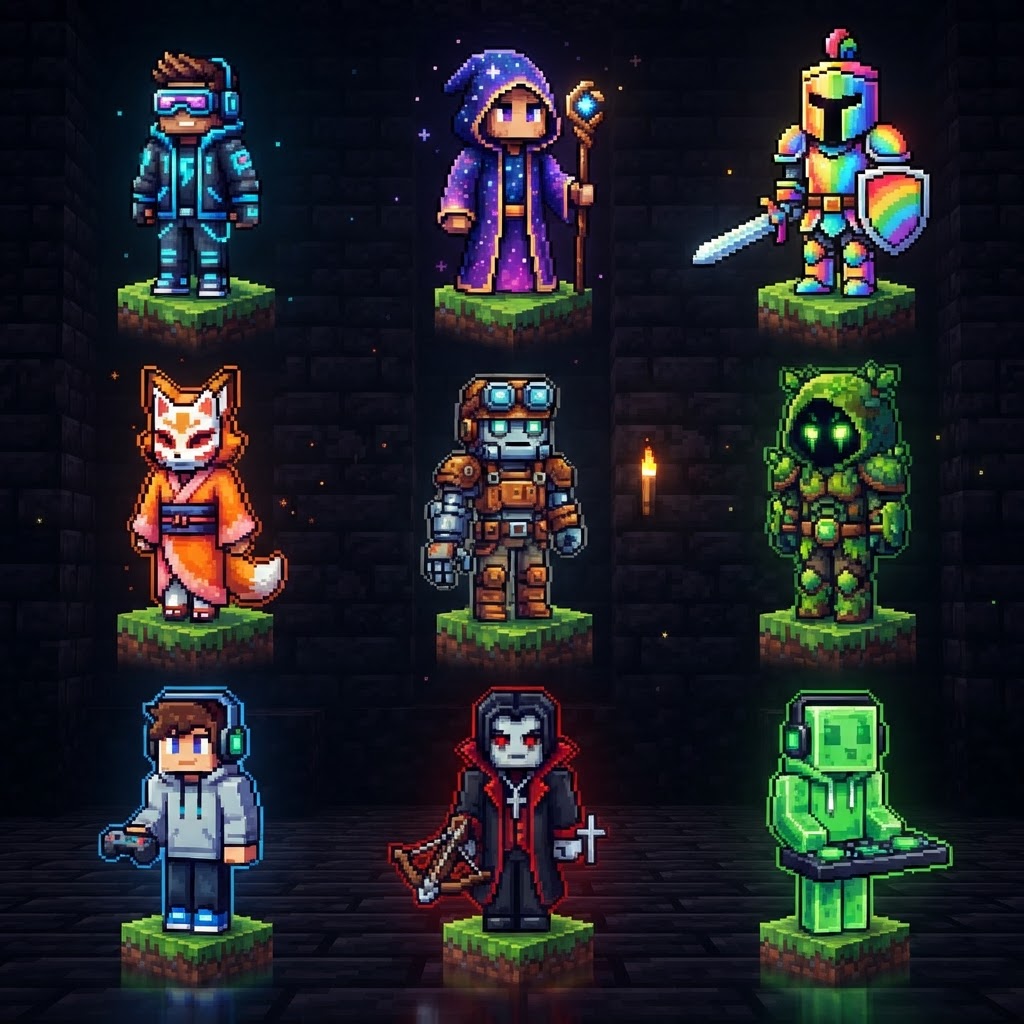
Trending Minecraft skins in 2026 have moved well beyond basic Steve recolors — players are pulling from anime, lo-fi aesthetics, retro gaming, and viral internet culture to define their identity on every server they join. This guide covers where the best skins are actually coming from, which styles are dominating right now, and exactly how to install them whether you're on Java, Bedrock, or mobile.
What Trending Minecraft Skins Look Like in 2026
The dominant aesthetics shaping player identity this year
The skin meta in 2026 is being driven by a mix of pop culture crossovers and underground community aesthetics. If you're browsing servers like Hypixel or Mineplex, these are the styles you'll see dominating lobbies:
- Anime crossovers — Characters from Demon Slayer, Jujutsu Kaisen Season 3, and Solo Leveling are consistently in the top downloads on every major skin platform
- Y2K and retro-pixel aesthetics — Intentionally "old internet" looks with CRT-style shading and chunky pixel palettes
- Dark academia / cottagecore hybrids — Layered clothing skins with cloaks, books, and earth tones
- Void/glitch skins — Heavy use of transparency layers, black voids, and corrupted-texture visual effects
- Game character tributes — Skins based on characters from Hollow Knight, Balatro, and Hades II have surged since those games' communities overlap heavily with Minecraft's playerbase
- Download your chosen skin as a `.png` file (128x128 pixels for HD skins, 64x64 for classic)
- Go to [minecraft.net](https://minecraft.net) and log into your Microsoft account
- Click your profile icon → Profile → Change Skin
- Select your skin model: Classic (wide arms) or Slim (Alex-style narrow arms)
- Upload your `.png` file and click Save
- Launch Java Edition — your skin is live across all servers instantly
- Blockbench (blockbench.net) — The industry standard. Free, supports both Java flat skins and Bedrock geometry models. Has a built-in skin editor and a massive plugin library.
- PMCSkin3D (planetminecraft.com/skin-editor) — Browser-based, no install needed. Best for quick edits and remixing existing skins.
- NovaSkin (novaskin.me) — Good for beginners. Includes a pose preview and basic layer tools.
- Aseprite ($20 one-time) — Not Minecraft-specific, but pixel artists who take skin creation seriously use this for its animation tools and palette management.
- Find a reference image or character sheet for the aesthetic you want
- Open Blockbench → New → Java Edition Skin
- Block in base colors across the main body UV map first — don't detail yet
- Add the second layer (the "hat" layer) for clothing, hair, and accessories — this is what separates flat-looking skins from polished ones
- Export as `.png` and test in-game before finalizing shading
Best Sites to Find Trending Minecraft Skins
Where the community actually goes — not just the obvious answers
Not all skin repositories are equal. Here's a direct comparison of the major platforms:
| Platform | Best For | Java Support | Bedrock Support | Community Ratings |
| NameMC | Trending Java skins, real-time popularity | ✅ | ❌ | ✅ Yes |
| Skindex (minecraft-skins.com) | Huge volume, casual browsing | ✅ | ✅ | ✅ Yes |
| PMCSkin3D (Planet Minecraft) | High-quality custom work | ✅ | ✅ | ✅ Yes |
| Minecraftskins.net | Quick downloads, simple UI | ✅ | ✅ | ❌ Limited |
| CurseForge Skins | Mod-adjacent skin packs | ✅ | ✅ | ✅ Yes |
NameMC is the go-to for Java players specifically because it shows you real-time skin usage stats — you can literally see how many accounts are currently using a specific skin. It's the most reliable signal for what's actually trending right now, not what's been artificially promoted.
For Bedrock players, PMCSkin3D has the strongest quality-filtered library, and skins there are frequently available as both `.png` files and Bedrock-compatible skin packs.
How to Install Trending Minecraft Skins on Java Edition
Step-by-step — no launcher mods required
Installing skins on Java is straightforward through the official launcher. You don't need Optifine or any third-party tool for a basic skin change.
For players who want to switch between multiple skins quickly, the mod Fabric Tailor (available for Fabric 1.20.x through 1.21.x) lets you hotswap skins in-game without touching the website.
Java vs Bedrock: Key Differences for Skin Installation
The platform split matters more than most guides admit
| Feature | Java Edition | Bedrock Edition |
| Skin file format | `.png` (64x64 or 128x128) | `.png` + geometry JSON for custom models |
| Custom model support | Via resource packs only | Native (capes, tails, ears built-in) |
| Installation method | minecraft.net or in-game | In-game skin picker or Marketplace |
| Free custom skins | Always free | Free for `.png` uploads, paid for Marketplace packs |
| Skin visible to others | Yes, via Microsoft auth | Yes, on most servers |
Bedrock's skin system is actually more visually powerful than Java's when used correctly — the geometry system supports 3D features like tails, wings, and custom head shapes that Java simply can't render natively. The catch is that creating those skins requires tools like Blockbench (free, browser or desktop) rather than just editing a flat `.png`.
Tools for Creating Your Own Trending Minecraft Skins
Build the look yourself instead of hoping someone already made it
If you want a skin that nobody else has — or you want to adapt a trending aesthetic to your specific vision — these are the tools worth your time:
The fastest way to create a trending skin from scratch:
Conclusion: Staying Ahead of Trending Minecraft Skins
Consistency and community awareness beat chasing every micro-trend
Trending Minecraft skins in 2026 reward players who know where to look and have the basics of installation locked down across both platforms. Bookmark NameMC's trending tab for weekly pulse checks, use PMCSkin3D for quality Bedrock content, and learn Blockbench at even a basic level — being able to edit rather than just download puts you ahead of 90% of players.
The styles dominating right now — anime crossovers, glitch aesthetics, dark academia — will evolve, but the underlying skill of finding, installing, and customizing skins stays relevant regardless of what's trending next month. Build the habit, not just the skin.
| Recommended skin source | NameMC, PMCSkin3D | PMCSkin3D, Skindex Bedrock filter |
RELATED ARTICLES
Latest Minecraft Update News: Java & Bedrock Changes
The latest Minecraft update has reshaped both Java and Bedrock editions in ways that matter to builders, redstoners, and survival players alike. This article breaks down every significant change acros...
Trending Minecraft Skins: How to Find, Install & Use Them
Trending Minecraft skins change fast, and knowing where to find the best ones — and how to install them correctly — saves you from wading through outdated tutorials and broken downloads. This guide co...
How to Get Honeycomb in Minecraft: Easy Steps & Tips
Honeycomb is one of those resources that looks simple to get until your first attempt ends with an angry swarm of bees and zero drops. Whether you're after wax for copper oxidation control, candles fo...
STAY UPDATED
New blog posts, guides, and community tips delivered to your inbox.
No spam. Unsubscribe anytime.
Comments (0)
No comments yet. Be the first to share your thoughts!

