TABLE OF CONTENTS
Trending Minecraft Skins 2026: Find & Use the Best
Skin trends in Minecraft move fast — what's everywhere one month can feel dated the next. This guide covers the trending Minecraft skins dominating 2026, where to find them, and exactly how to apply them across Java and Bedrock editions. Whether you're chasing aesthetic trends or building a unique look, you'll leave with everything you need.
What's Actually Trending in Minecraft Skins Right Now
The aesthetics dominating servers, streams, and skin sites in 2026.
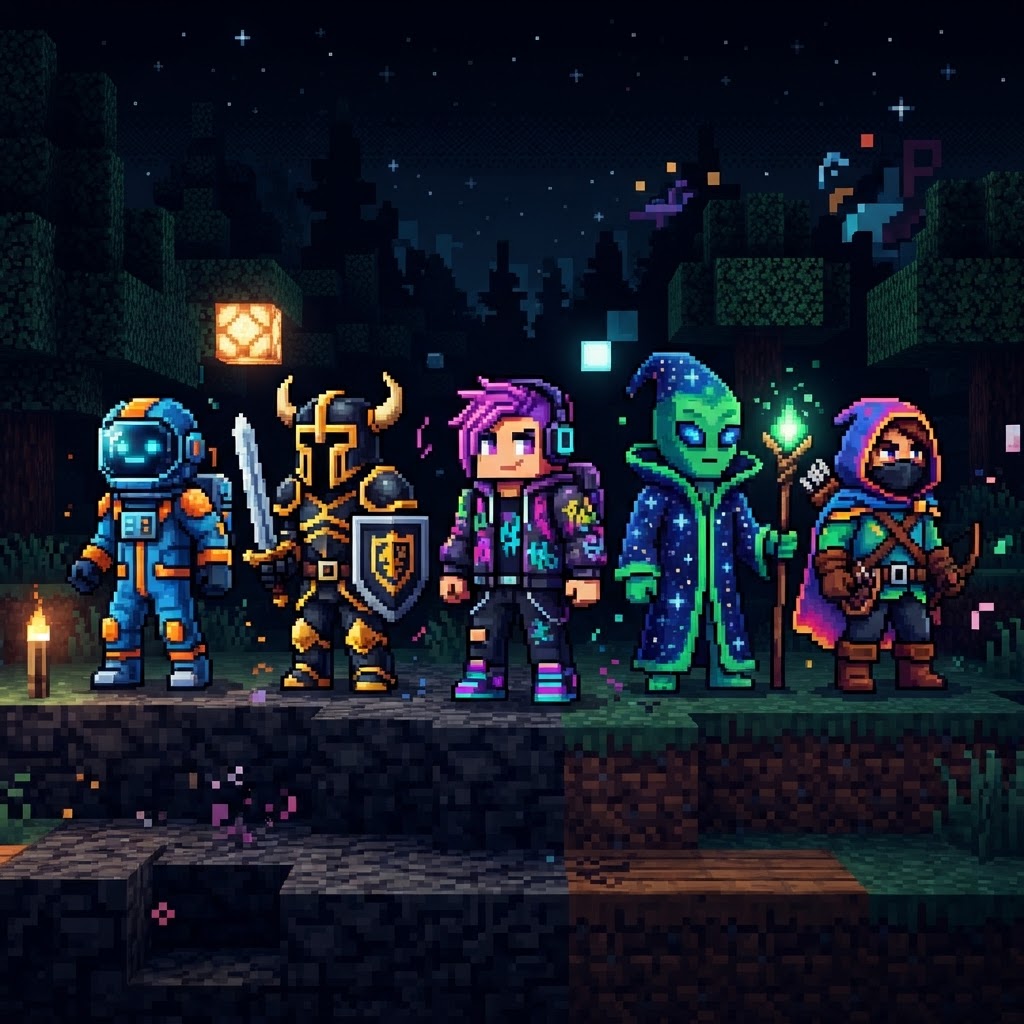
The trending Minecraft skins of 2026 lean heavily into a few clear visual directions. Here's what's consistently topping download charts on NameMC, Planet Minecraft, and The Skindex:
- Dark Academia — layered coats, muted browns and greens, ink-stained textures. Huge on roleplay servers.
- Cyber Glitch — corrupted pixel effects, neon accents on dark base layers, partial transparency illusions. Popular on PvP servers.
- Cottagecore Revised — warmer tones than the 2023 wave, now with more detail in hair and fabric folds.
- Anime-Adjacent — not full chibi, but clean cel-shaded faces with simplified anime hair styling. Dominates on Hypixel.
- Mob Hybrids — player-mob mashups like Enderman-human crossovers or Warden-inspired armor aesthetics.
- Y2K Throwback — chunky highlights, chrome textures, low-poly fashion influenced by early 2000s aesthetics.
- Go to [minecraft.net/profile/skin](https://minecraft.net/profile/skin) and log in with your Microsoft account.
- Download your chosen skin as a `.png` file from NameMC or Planet Minecraft.
- Click "Upload a skin" and select your downloaded `.png`.
- Choose your model type: Classic (4-pixel wide arms) or Slim (3-pixel wide arms). Most modern trending skins specify which — check the upload page on the skin site.
- Click Save — your skin updates across all Java servers within seconds.
- Open the launcher and click your profile name in the top-left.
- Select Skins from the left panel.
- Click the + icon to add a new skin, then browse to your `.png` file.
- Set it as active and launch the game.
- Download your skin `.png` to your device.
- Open Minecraft Bedrock and go to Profile → Edit Character → Classic Skins.
- Tap "Import" or the folder icon depending on your platform.
- Select your `.png` and assign it.
- Use the Minecraft Marketplace for official paid skin packs.
- Use the Minecraft Character Creator to build a custom look from built-in parts.
- On Xbox specifically, you can sometimes sideload skins via the companion app with a linked account.
- NovaSkin (novask.in) — browser-based, live 3D preview, layer control. Best for quick edits.
- Skinseed (mobile app, iOS/Android) — arguably the most user-friendly mobile skin editor available.
- MCSkin3D — desktop application with advanced layer and shading tools. Preferred by serious skin artists.
- PMCSkin3D — Planet Minecraft's built-in editor, directly integrated with their upload system.
- Swap the face: Take a trending body template and replace just the face pixels to personalize it without redrawing everything.
- Recolor a layer: Change the outer jacket/coat layer color to match your personal palette while keeping the trending silhouette.
- Add a signature detail: A small element — a scar texture, a colored eye, a logo on the back — that makes the skin yours across every server you join.
- Adjust the hair: Hair is the most visible part of a skin at distance. Changing hair color alone transforms how recognizable a skin feels.
The unifying thread across all of these? High contrast and readable silhouettes. Modern trending skins are designed to look good at both close range and across a server lobby.
Where to Find the Best Trending Minecraft Skins
The platforms worth your time, and what each one does best.
Not all skin sites are equal. Here's a direct comparison of the major platforms:
| Platform | Best For | Skin Quality | Java Support | Bedrock Support | Free? |
| NameMC | Java trending charts | High | ✅ | ❌ | Yes |
| Planet Minecraft | Community packs & themed sets | Very High | ✅ | ✅ | Yes |
| The Skindex | Volume browsing, casual finds | Medium | ✅ | ✅ | Yes |
| Minecraftskins.com | Quick search and download | Medium | ✅ | ✅ | Yes |
| CurseForge | Modded skin packs (Bedrock) | High | ❌ | ✅ | Mixed |
For curated quality over volume, Planet Minecraft is the strongest pick. Creators there submit full skin packs — often with 10–20 variants of a theme — so you can find cohesive looks rather than isolated uploads.
How to Apply Trending Minecraft Skins (Java Edition)
Step-by-step for Java players — no launcher confusion, no guesswork.
Java Edition gives you the most flexibility. You can change your skin directly through the official launcher or the Minecraft website.
Via Minecraft.net (fastest method):
Via the Minecraft Launcher:
Java vs Bedrock: Applying Trending Minecraft Skins Differently
The platform split that catches players off guard every time.
The process differs enough between editions that it's worth a dedicated breakdown.
| Minecraft Marketplace | Official Bedrock packs | Very High | ❌ ✅ (Bedrock only) | Yes | Paid |
| Feature | Java Edition | Bedrock Edition |
| Custom skin upload | Free, any `.png` | Free via app; limited on console |
| Skin model options | Classic or Slim | Classic or Slim |
| Marketplace skins | Not supported | Yes (paid) |
| Third-party `.png` skins | Fully supported | Supported on PC/mobile; restricted on Xbox/PS |
| Skin change frequency | Unlimited | Unlimited (PC/mobile) |
| 4D/animated skin layers | Not supported | Supported via skin packs |
Bedrock on PC/Mobile:
Bedrock on Console (Xbox/PS):
Console Bedrock is the most restricted. You cannot import custom `.png` files directly. Your options are:
Customization Tips: Making Trending Skins Your Own
How to modify existing skins so your character actually feels unique.
Downloading a trending skin and running it as-is works, but the players with genuinely iconic looks are editing them. Here are the tools and techniques worth knowing:
Free Skin Editors:
Practical modification strategies:
The Conclusion: Build a Look That Actually Lasts
Chasing trending Minecraft skins is smart for staying culturally relevant on servers, but the players with the most recognizable looks combine trends with personal customization. Download from high-quality sources like Planet Minecraft and NameMC, apply correctly for your edition using the steps above, and use NovaSkin or MCSkin3D to make small edits that lock in your identity.
The 2026 aesthetic direction — high contrast, readable silhouettes, hybrid themes — gives you a strong foundation to build from. Pick a trend that resonates, modify it, and own it. That's how a skin stops being a download and starts being your character.
RELATED ARTICLES
Trending Minecraft Skins: How to Find, Download & Use Them
Trending Minecraft skins change faster than you'd think — what's dominating servers this week might be yesterday's news by next month. This guide covers exactly where to find trending Minecraft skins ...
Trending Minecraft Skins: How to Find, Install & Use Them
Trending Minecraft skins change fast, and knowing where to find the best ones — and how to install them correctly — saves you from wading through outdated tutorials and broken downloads. This guide co...
Trending Minecraft Skins in 2026: Find, Install & Use Them
Trending Minecraft skins define how millions of players express themselves in-game, and staying current means knowing where to find the best ones, how to install them correctly, and which styles are a...
STAY UPDATED
New blog posts, guides, and community tips delivered to your inbox.
No spam. Unsubscribe anytime.
Comments (0)
No comments yet. Be the first to share your thoughts!

