TABLE OF CONTENTS
Best Minecraft Mods 2026: Why Create Mod Is Exploding
If you're searching for the best Minecraft mods 2026, this guide cuts through the noise and explains exactly why Create Mod has become the dominant force in the modding scene — and how to build with it effectively. You'll also get a ranked comparison of the top mods competing for your load order right now, plus install guidance for both Forge and Fabric.
Why Create Mod Is the Defining Mod of 2026
From novelty automation toy to the backbone of modern modpacks — here's what changed.
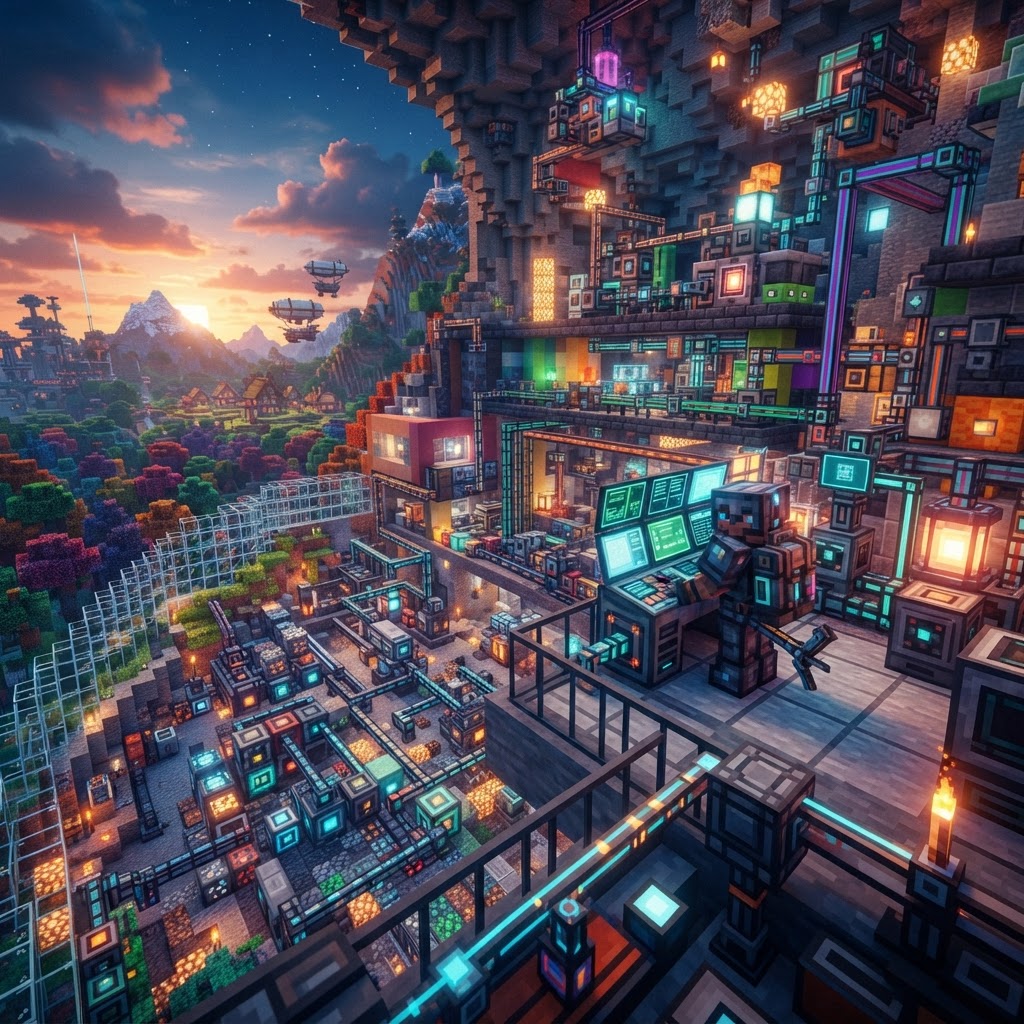
Create Mod didn't explode overnight. Version 0.5 laid the groundwork, but the Create 6.0 release in late 2025 — with overhauled contraption logic, improved multiblock structures, and native Fabric support — pushed it into a different league entirely. It now rivals tech mods that have been staples for a decade.
What separates Create from competitors isn't raw power — it's visual clarity. Every machine shows you what it's doing. Rotation, torque, and stress are physical, observable systems. That design philosophy resonates with both veteran engineers and players who never touched tech mods before.
Key reasons Create dominates in 2026:
- No RF/FE power system — everything runs on rotational force, making it intuitive and unique
- Cross-mod contraption support — works cleanly with Farmer's Delight, Ad Astra, and Immersive Engineering
- Active addon ecosystem — Create: Aeronautics, Create: Dreams & Desires, and Create: Crystal Clear add focused expansions without bloat
- Strong modpack presence — featured in Over 60% of CurseForge modpacks updated in 2025–2026
- Download and install Forge 1.21.4 from files.minecraftforge.net
- Download Create 6.0.x for Forge from Modrinth or CurseForge
- Drop the `.jar` into your `/mods` folder
- Launch via the Forge profile in the Minecraft launcher
- In-game, craft a Wrench (iron ingot + stick) — this is your primary Create tool
- Install Fabric Loader via fabricmc.net
- Add Fabric API to your mods folder — Create Fabric requires it
- Download Create Fabric 6.0.x (note: slightly behind Forge on feature parity, check changelog)
- Add Sodium for performance — Create's rendering is demanding without it
- Launch via the Fabric profile
- Mechanical Bearing — defines the contraption's pivot
- Anchor blocks — keeps the structure coherent during movement
- Portable Storage Interfaces — lets you access chests while the contraption is docked
- Contraption Controllers — manages speed and direction
- Farmer's Delight 2.3 — Create automates FD's cooking stations beautifully
- Immersive Engineering 1.4.0 — share rotational power via IE's external heater
- Ad Astra 1.16+ — automate rocket component production with Create assembly lines
- JEI (Just Enough Items) 1.21.x — essential for reading Create's recipe trees
- Mekanism — energy system clashes cause inconsistent behavior; use Create: Crafts & Additions as a bridge if you need both
- Older Twilight Forest builds (pre-1.21 update) — chunk loading conflicts with large Create contraptions
Best Minecraft Mods 2026: The Ranked Comparison
Not every mod deserves a slot — here's what actually holds up this year.
Before going deeper on Create, you need context. Here's how the top mods stack up across the categories that matter for a long-term playthrough.
| Mod | Version (2026) | Loader | Best For | Complexity |
| Create | 6.0.x | Forge + Fabric | Automation, transport, building | Medium-High |
| Applied Energistics 2 | rv11 | Forge + Fabric | Item storage, logistics | High |
| Farmer's Delight | 2.3 | Forge + Fabric | Food, cooking, early game | Low |
| Ad Astra | 1.16+ | Fabric | Space exploration, progression | Medium |
| Botania | 1.21.x build | Forge + Fabric | Magic, passive automation | Medium |
| Immersive Engineering | 1.4.0 | Forge | Realistic tech, multiblocks | High |
| Cobblemon | 1.6 | Fabric | Pokémon-style gameplay | Low-Medium |
Create wins for build depth and cross-mod synergy. But if your focus is exploration, Ad Astra pairs with it exceptionally well — Create handles your rocket fuel production, Ad Astra gives you somewhere to go.
Getting Started With Create Mod (Forge & Fabric)
The fastest path from zero to your first working contraption.
Create 6.0 is available on both Forge and Fabric, but the install process differs slightly. Here's the cleanest setup for each.
Forge (Minecraft 1.21.4):
Fabric (Minecraft 1.21.4):
First thing to craft in-game: a Shaft, a Cogwheel, and a Water Wheel. Connect them, place the Water Wheel in flowing water, and you have your first power source. From there, attach a Mechanical Press to start automating basic crafting.
Advanced Create Builds Worth Replicating
Once the basics click, these contraptions will change how you think about automation.
The Create community has developed several build archetypes that solve real in-game problems efficiently. These are worth studying and adapting:
The Auto-Smelter Array
Use a Mechanical Mixer with a Blaze Burner to replace your furnace grid. Chain input/output via Funnels and Belts to fully automate ore processing. With Create: Crafts & Additions installed, you can also convert rotational energy to Forge Energy for cross-mod power.
The Item Router
Combine Brass Funnels (filter-capable) with Depot chains and Chutes to sort items by type automatically. This eliminates the need for AE2 in early-to-mid game and keeps your base visually readable.
The Moving Base (Contraption Build)
With Create: Aeronautics installed, you can mount your entire Create setup onto a moving airship. This is the build type that went viral on YouTube throughout 2025 and drove a massive wave of new players to the mod.
Key components for a functional moving base:
Compatibility & Performance: Running Create in a Modpack
Create plays well with others — but your hardware needs a conversation first.
Create is not a lightweight mod. The rotational rendering system and active contraptions are GPU/CPU intensive, especially in large builds. Here's how to optimize:
| Setup | Recommended RAM | Render Mod | Notes |
| Create alone | 4GB | Sodium (Fabric) / Rubidium (Forge) | Stable for most machines |
| Create + AE2 + Farmer's Delight | 6GB | Sodium + Iris | Solid mid-range pack |
Mods that pair cleanly with Create in 2026:
Mods with known conflicts:
Final Verdict: Should Create Be in Your 2026 Modpack?
Short answer: yes. Here's the longer version.
The best Minecraft mods 2026 conversation always comes back to Create — not because it's the most powerful mod available, but because it's the most engaging. It makes automation feel like engineering rather than menu navigation. Every belt, gear, and bearing is a decision with visible consequences.
If you're building a new modpack from scratch, start with Create as your technical backbone and build outward. Add Farmer's Delight for early-game grounding, AE2 for late-game item management, and Ad Astra if you want a progression endpoint that feels earned.
If you're a solo player who's never tried a tech mod — Create 6.0 is the best entry point the genre has ever offered. The in-game Ponder system (press W on any Create block to see an animated tutorial) means you don't need a wiki to get started.
The mod's growth in 2026 isn't hype. It's the result of years of focused development and a community that builds genuinely impressive things with it. Get in now — the toolset has never been better.
| Full kitchen-sink pack | 8–12GB | Embeddium + Oculus | High-end hardware needed |
RELATED ARTICLES
Create Mod 6 in Minecraft: Why It’s Trending in 2026
Create Mod 6 Minecraft has taken the community by storm in 2026, and if you haven't explored it yet, you're missing one of the most ambitious mechanical engineering overhauls the game has ever seen. T...
Top Minecraft Seeds for the Latest Version (2026)
Finding the best Minecraft seeds for 2026 means knowing exactly what to look for — and where to spawn. This guide covers the top-performing seeds for Java and Bedrock Edition 1.21.x, breaking down spa...

Best Minecraft Seeds for the Latest Version (2026)
Finding the best Minecraft seeds in 2026 means knowing which ones actually deliver from spawn — not just pretty screenshots. This guide covers the top seeds for Java and Bedrock in version 1.21.4, wit...
STAY UPDATED
New blog posts, guides, and community tips delivered to your inbox.
No spam. Unsubscribe anytime.
Comments (0)
No comments yet. Be the first to share your thoughts!

