TABLE OF CONTENTS
Best Minecraft Mods in 2026: Why Create Is Still Trending
The Minecraft Create mod has dominated modded Minecraft for years, and in 2026 it's still pulling new players into the rabbit hole of rotary power, contraptions, and automated factories. This guide breaks down exactly why Create remains the top trending mod, how it stacks up against competitors, and how to get it running fast. Whether you're new to modded Minecraft or rebuilding your modpack, this is where to start.
Why the Minecraft Create Mod Is Still Trending in 2026
Consistent updates, a thriving community, and mechanical depth that rewards every hour you put in.
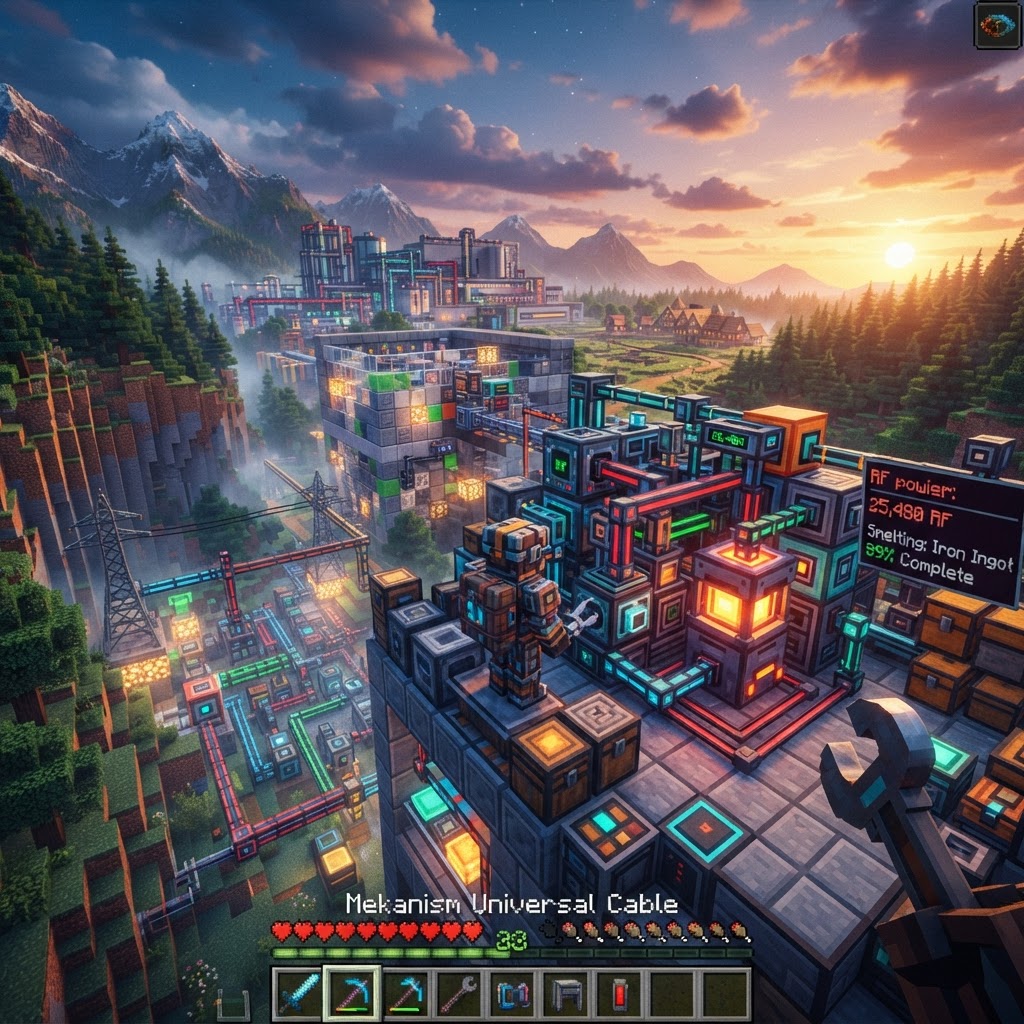
Most mods peak and fade. Create hasn't. The reason is simple: it rewards creativity without punishing newcomers. The mod's core design philosophy — visible, physical machinery that actually moves — gives players immediate feedback. You see your gears spin. You watch your conveyor belt carry items. That tactile satisfaction doesn't exist in mods that hide everything behind menus and numbers.
Key reasons Create is still dominant in 2026:
- Create 0.5.1.f (the current stable branch as of early 2026) introduced railway overhauls and smoother contraption physics
- The mod hit over 200 million downloads on CurseForge and Modrinth combined
- Active development from simibubi and the Creators team with no signs of slowing
- YouTube and TikTok creators still build entire series around Create factories, feeding a constant pipeline of new players
- Fabric and Forge versions are both actively maintained, unlike many competing mods
- Download a mod launcher — Use [Prism Launcher](https://prismlauncher.org/) or CurseForge App. Both are free and handle dependencies automatically.
- Create a new instance — Set your Minecraft version to 1.20.1 (the most stable Create version as of 2026) and select Forge or Fabric depending on your preference.
- Install Fabric API or Forge — Create for Fabric requires Fabric API. Create for Forge is self-contained but needs Forge 47.x or higher.
- Download Create from Modrinth — Search "Create" and grab the latest build matching your version. The Modrinth page clearly labels compatibility.
- Add required dependencies — Create needs Flywheel (rendering library) on Forge. Prism handles this automatically; manual installs need it separately.
- Launch and verify — Enter a world, open your inventory, and search "Mechanical Press." If it appears, Create is running correctly.
- Create: Steam 'n' Rails — Massively expands the railway system with new locomotive types and scheduling logic. Essential if trains are part of your factory network.
- Create: Bells & Whistles — Decorative and functional additions that fit Create's aesthetic perfectly. Adds new cogwheel types, signs, and train cosmetics.
- Create Crafts & Additions — Bridges Create's rotational power to standard RF energy, letting you use Create to power Mekanism machines. Critical for mixed modpacks.
- Create: Enchantment Industry — Converts the vanilla enchanting system into an automated Create-compatible process. Liquid XP and mechanized book production.
- Create: Dreams & Desires — Adds new materials and processing chains. Extends mid-to-late game progression significantly.
- Create: The Factory Must Grow — Focuses on large-scale factory expansion with new automation blocks. Popular in challenge-style modpacks.
How to Install the Minecraft Create Mod in 2026
Get from zero to spinning gears in under ten minutes using any modern launcher.
Minecraft Create Mod vs Other Tech Mods in 2026
Side-by-side comparison so you can choose the right mod for your playstyle.
The tech mod landscape in 2026 includes serious competition. Here's how Create compares to the major alternatives:
| Mod | Core Mechanic | Learning Curve | Visual Style | Active in 2026 | Best For |
| Create | Rotational power + contraptions | Medium | Physical, moving parts | ✅ Yes | Builders, engineers, automation fans |
| Mekanism | RF energy, multiblocks | High | GUI-heavy | ✅ Yes | Power networks, endgame automation |
| Applied Energistics 2 | Item storage networks | Very High | Abstract, digital | ✅ Yes | Mass storage, late-game logistics |
| Thermal Series | RF machines, fluids | Medium | Clean GUI | ✅ Yes | Balanced progression, smelting |
| Immersive Engineering | Multiblock machines | Medium-High | Industrial realism | ⚠️ Slower updates | Visual realism, wire-based power |
Create wins on visual engagement and early-game accessibility. You can build something satisfying in your first hour. Mekanism and AE2 are more powerful at endgame but require hours of pre-investment before they feel rewarding.
Best Create Addons to Install in 2026
These companion mods expand Create without breaking its design philosophy.
Create's base mod is substantial, but the addon ecosystem in 2026 is genuinely impressive. These are worth adding to almost any Create-based modpack:
Building Your First Automated Contraption with the Minecraft Create Mod
From a hand-cranked press to a fully automated ore processing line in logical steps.
New players often stall because they don't know what to build first. Here's a proven progression path:
Stage 1 — Hand Power (Day 1)
Build a Mechanical Press connected to a Hand Crank. Use it to make Cogwheels and Shafts. This teaches rotation direction and speed ratios without complexity.
Stage 2 — Windmills (Day 2-3)
Construct a Windmill Bearing with at least 8 Sail blocks attached. This gives you passive rotational power. Connect it to a Millstone for automated grinding.
Stage 3 — Conveyor Lines (Day 3-5)
Add Mechanical Belts with Funnels to automate item flow. Route crushed ores from your Millstone into chests automatically. This is where Create's design clicks.
Stage 4 — Trains (Week 2+)
Once you have materials, build a Train Station and lay track between your mine and base. Automated ore delivery changes everything about how you play.
| Stage | Key Blocks Needed | Power Source | Output |
| Hand Power | Mechanical Press, Hand Crank | Manual | Cogwheels, basic parts |
| Wind Power | Windmill Bearing, Sails | Passive wind | Consistent SU generation |
| Conveyor Lines | Belts, Funnels, Chutes | Windmill | Automated item routing |
Final Verdict: Is the Minecraft Create Mod Worth It in 2026?
Absolutely — and the ecosystem around it makes it better than ever.
The Minecraft Create mod earns its top spot in 2026 not through nostalgia but through continued execution. It has active development, a deep addon ecosystem, cross-version support, and a design philosophy that respects both casual builders and hardcore engineers. No other tech mod in 2026 delivers the same combination of visual satisfaction and mechanical depth.
If you're building a new modpack, Create should be your foundation — not an afterthought. Add Steam 'n' Rails for logistics, Create Crafts & Additions if you're mixing power systems, and JEI to keep your sanity intact.
The mod that got you interested in automation five years ago is still the best place to start. And with the Create team showing no signs of slowing down development, 2026 won't be its peak year either.
| Train Network | Station, Bogeys, Track | Steam/Diesel | Long-distance automation |
RELATED ARTICLES
Featured Minecraft Modpack: Create a World of Industry
If you're ready to transform Minecraft into a fully mechanized industrial playground, this Create modpack guide covers everything you need. You'll learn what makes Create-based modpacks stand out, whi...
Create Mod 6 in Minecraft: Why It’s Trending in 2026
Create Mod 6 Minecraft has taken the community by storm in 2026, and if you haven't explored it yet, you're missing one of the most ambitious mechanical engineering overhauls the game has ever seen. T...
Featured Minecraft Modpack: Why Create: Astral Stands Out
The Create Astral modpack combines Create's mechanical automation with a curated progression system and deep space exploration, resulting in one of the most cohesive expert-level packs released in rec...
STAY UPDATED
New blog posts, guides, and community tips delivered to your inbox.
No spam. Unsubscribe anytime.
Comments (0)
No comments yet. Be the first to share your thoughts!

