TABLE OF CONTENTS
Why Create Mod Is Dominating Minecraft in 2026
The Create mod has quietly become the most-installed Minecraft mod of the decade, and if you haven't touched it yet, this guide explains exactly why. By the end, you'll understand what makes Create mod 2026 the dominant force in the modded Minecraft scene, how it performs against competitors, and how to get your first contraption running.
What the Create Mod Actually Is
Mechanical engineering meets block-based creativity — without the tutorial hell.
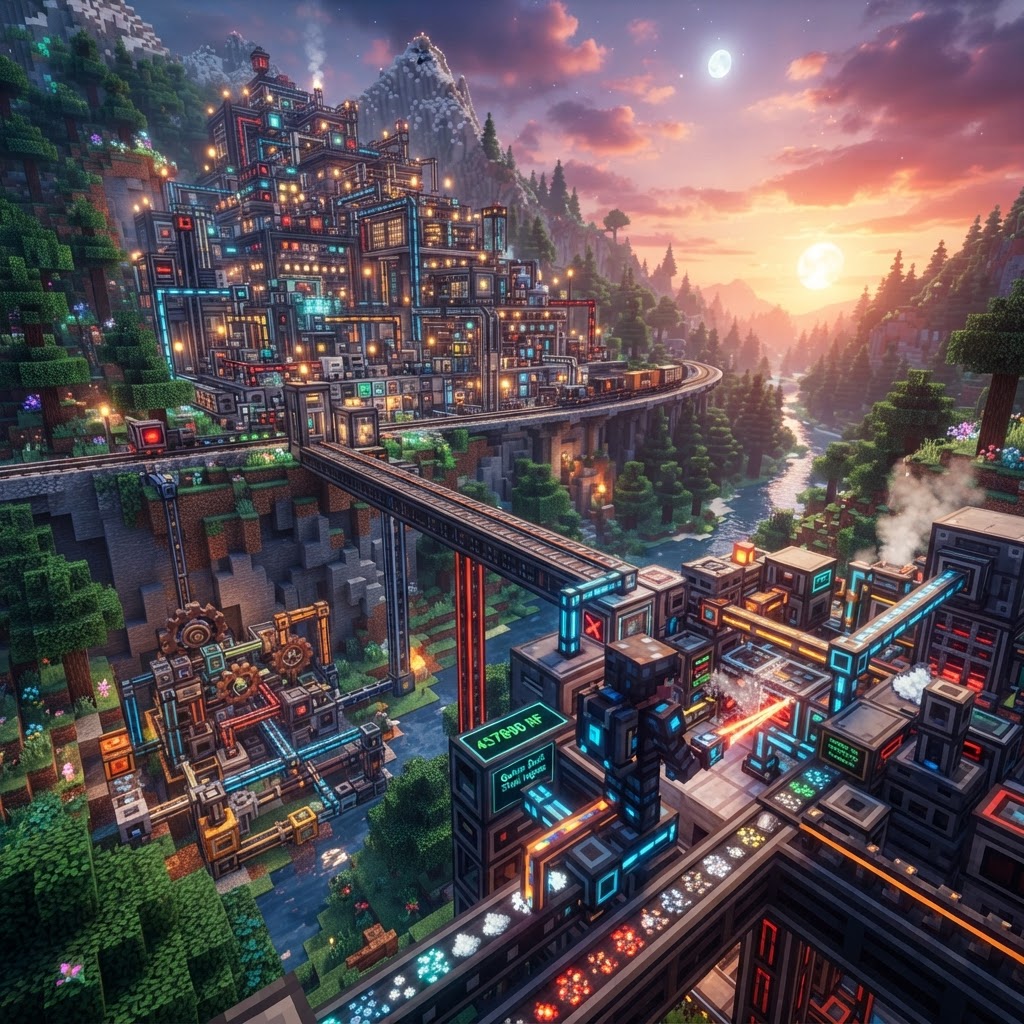
Create is a Minecraft mod built around kinetic energy, rotational power, and physical automation. Unlike tech mods that rely on abstract "RF energy" meters and invisible wires, Create makes every machine visually legible. You can see the gears turning, the belts spinning, the water wheels rotating. That visual clarity is the core design philosophy, and it's what separates it from everything else on the market.
The mod centers on a handful of fundamental concepts:
- Rotational Force (Stress) — every machine consumes and produces stress on a shared network
- Shafts and Gearboxes — transmit rotation direction and speed
- Mechanical Belts — move items and entities physically through space
- Contraptions — entire structures that move as one unit using Mechanical Pistons or Bearing mounts
- Sequenced Gearshift — programmable speed control without a single line of code
- Craft a Hand Crank — requires 1 Andesite Alloy and 2 Sticks. This is your first power source. No fuel, no power grid, just manual rotation.
- Attach a Millstone — place it adjacent to your Hand Crank via a Shaft. Turning the crank grinds items placed in the Millstone's input. Grind cobblestone into gravel, gravel into sand, wheat into flour.
- Build a Water Wheel — place it over a 1-wide flowing water channel. Generates 256 SU (Stress Units) passively. Now your Millstone runs hands-free.
- Add a Mechanical Belt — run a belt from a Shaft source to create an item conveyor. Place a Deployer or Chute at the end to deposit into a chest.
- Introduce a Basin + Mixing — connect a Mechanical Mixer above a Basin. You can now combine ingredients to craft alloys automatically, including Create's own Andesite Alloy and Brass.
- Set up a Blaze Burner — required for higher-tier processing like smelting in the Blaze Burner + Basin combo. Capture a Blaze with an Empty Blaze Burner item, then fuel it with Blaze Cakes.
- Create: Steam 'n' Rails — Expands the train system with new locomotive types, better scheduling, and track signals. Essential if you're building a rail network across a large world.
- Create: Crafts & Additions — Bridges Create's rotational energy with Forge Energy (FE/RF), letting you power Create machines with traditional energy sources and vice versa. Critical for mixed modpacks.
- Create: Dreams & Desires — Adds new decorative blocks and contraption parts with a steampunk aesthetic. Mostly cosmetic but extremely high quality.
- Create: Enchantment Industry — Converts XP into liquid experience, enabling automated enchanting and disenchanting setups. Solves one of vanilla's most tedious progression gates.
- Create: Diesel Generators — Adds combustion-based power generation for players who want higher SU output without building a massive Windmill Bearing setup.
- Farmers Delight + Create integration (via Create: Slice & Dice) — Automates Farmers Delight cooking recipes through Create's Basin and Mixer. The combination makes food automation deeply satisfying.
Why Create Mod 2026 Is Dominating the Scene
It evolved from a cool tech mod into a creative platform — and the community followed.
The numbers don't lie. Create has surpassed 150 million downloads on Modrinth and CurseForge combined, overtaking long-standing giants like Tinkers' Construct and Applied Energistics 2 in total active installs. Three specific shifts explain this dominance in 2026.
1. Create: Interactive (the 2025 update) rewrote how players interact with contraptions in real time. Levers, buttons, and schedules now integrate directly into moving structures. Your entire automated train station can respond to player input mid-operation without stopping the contraption.
2. Native Multiplayer Optimization — earlier versions of Create had notorious server-side lag with large contraptions. The 0.5.1 and subsequent builds completely overhauled contraption tick handling. Server owners running Paper or Fabric with Lithium now report stable TPS even with dozens of active contraptions per chunk.
3. The Modpack Pipeline — Create isn't just a mod anymore; it's the backbone of a genre. Modpacks like Create: Above and Beyond, Create: Arcane Engineering, and Stoneblock 3 all use Create as their primary progression system. This gave millions of casual players their first exposure to the mod in a guided, curated environment.
Getting Started: Your First Working Contraption
From zero to a functional automated farm in under 30 minutes.
You don't need a sprawling factory on day one. This sequence builds a basic item transport and processing line — the foundation of every Create build.
Create Mod 2026 vs. The Competition
How does it stack up against the other major tech and automation mods?
| Mod | Primary Focus | Learning Curve | Visual Clarity | Multiplayer Performance | 1.21 Support |
| Create 0.5.1+ | Mechanical automation | Medium | Excellent | Excellent (post-2024 patches) | ✅ Full |
| Applied Energistics 2 | Item storage/logistics | High | Poor (abstract) | Good | ✅ Full |
| Mekanism 10 | Energy/tech progression | High | Moderate | Moderate | ✅ Full |
| Thermal Expansion | RF-based processing | Low-Medium | Moderate | Good | ⚠️ Partial |
| Immersive Engineering | Realistic tech aesthetic | Medium | Good | Moderate | ✅ Full |
| Tinkers' Construct | Tool crafting/combat | Low | Good | Excellent | ⚠️ Partial |
Create wins on visual clarity and multiplayer performance — the two metrics that matter most for collaborative servers and content creation. Mekanism still edges it out for pure late-game power generation, and AE2 remains unmatched for massive item sorting systems. In practice, the strongest modpacks combine Create with AE2, using Create for physical automation and AE2 for the digital storage layer.
The Best Create Add-ons Worth Installing
The base mod is powerful, but these extensions push it to another level.
Create's addon ecosystem in 2026 is mature and well-maintained. These are the ones actually worth your install slot:
Final Verdict: Should You Be Playing With Create in 2026?
The case for Create mod 2026 is straightforward: it's the most mechanically coherent, visually satisfying, and community-supported automation mod in Minecraft's history. It respects the player's intelligence by making its systems physically legible rather than hiding complexity behind abstract energy bars and invisible pipes.
If you're a solo player, Create gives you a progression pathway that scales from a Hand Crank on day two to an automated factory by week two. If you're running a server, it gives your players a shared engineering challenge that generates genuine collaboration — not just resource grinding. If you're a content creator, it produces spectacular footage that actually makes sense to watch.
The only legitimate reason to skip Create is if your modpack is already AE2-heavy and you don't want to learn a second complex system. Otherwise, the question isn't whether you should play with Create — it's why you haven't started yet.
RELATED ARTICLES
Featured Minecraft Modpack: Create a World of Industry
If you're ready to transform Minecraft into a fully mechanized industrial playground, this Create modpack guide covers everything you need. You'll learn what makes Create-based modpacks stand out, whi...
Create Mod 6 in Minecraft: Why It’s Trending in 2026
Create Mod 6 Minecraft has taken the community by storm in 2026, and if you haven't explored it yet, you're missing one of the most ambitious mechanical engineering overhauls the game has ever seen. T...
Featured Minecraft Modpack: Why Create: Astral Stands Out
The Create Astral modpack combines Create's mechanical automation with a curated progression system and deep space exploration, resulting in one of the most cohesive expert-level packs released in rec...
STAY UPDATED
New blog posts, guides, and community tips delivered to your inbox.
No spam. Unsubscribe anytime.
Comments (0)
No comments yet. Be the first to share your thoughts!

