TABLE OF CONTENTS
Trending Minecraft Skins 2026: How to Use & Customize
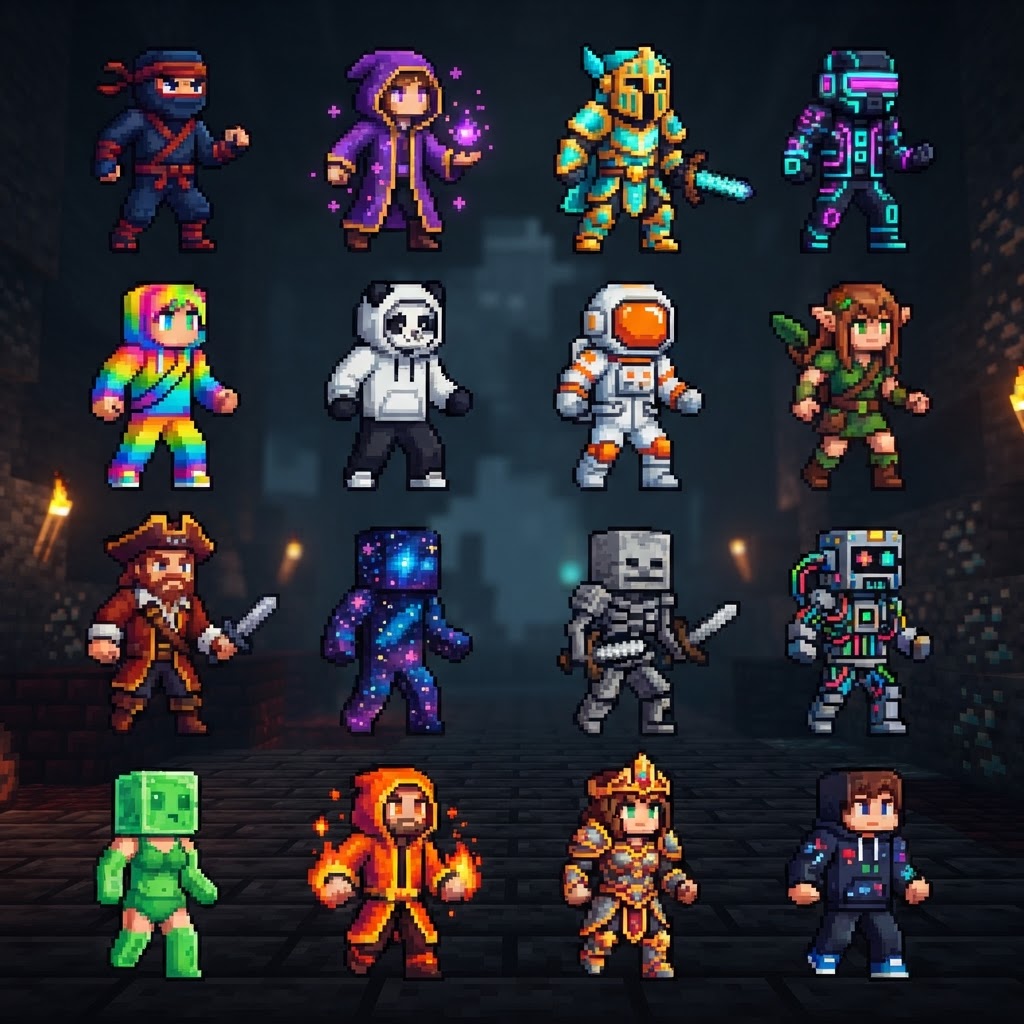
Trending Minecraft skins are reshaping how players present themselves in 2026, and this guide covers everything you need to stay current. You'll learn which skin styles are dominating servers right now, how to install them across every platform, and how to customize them to make any trending design your own.
Top Trending Minecraft Skins in 2026
The styles taking over servers, creative lobbies, and survival worlds right now.
The skin meta in 2026 has shifted hard toward a few dominant aesthetics. Knowing what's popular helps you blend in on roleplay servers or stand out on competitive ones.
Currently dominating the trending Minecraft skins scene:
- Void Walker – Dark, ethereal builds with glowing purple eye accents. Popularized by the Lifesteal SMP community.
- Cottagecore Villager – Soft earth tones, apron overlays, and flower crown details. Massive on creative and social servers.
- Cyber Samurai – Neon armor plating over dark base layers. Carries over from the tech-server boom of late 2025.
- Mob Hybrid – Human-Enderman, human-Creeper fusions. Consistently popular since 2023 but hitting new peaks now.
- Retro Pixel Art – Deliberately blocky, low-detail skins that lean into Minecraft's original aesthetic. Huge on nostalgia servers.
- Anime Protagonist – Sharp linework, expressive faces, and signature accessories like scarves or headbands.
- Download your skin as a .PNG file (64×64 or 64×128 pixels)
- Open minecraft.net and log into your Microsoft account
- Navigate to Profile → Skin
- Click Browse and select your downloaded PNG
- Choose slim (Alex) or classic (Steve) arm model — check your skin's original spec
- Hit Save — changes apply within 60 seconds in-game
- From the main menu, open the Dressing Room
- Select Edit Character → Skin
- Choose Classic Skin and import your PNG from local storage
- Assign it to a character slot and confirm
- Swap the color palette of a Void Walker skin from purple to gold to create a "Solar Walker" variant
- Add a cape overlay layer using MCSkin3D's layer tools for a unique silhouette
- Combine a Cottagecore base with Cyber Samurai arm detailing for a high-contrast hybrid
- Use Nova Skin's randomizer as a starting point, then refine — don't build from a blank slate unless you have strong pixel art skills
- NameMC.com — The most-used Java skin database. Filter by "trending" to see what's spiking in real time. Also shows which skins popular streamers are wearing.
- The Skindex (minecraftskins.com) — Larger catalog, better for browsing aesthetics. Has a dedicated "hot this week" section.
- PMCSkin3D on Planet Minecraft — Community-uploaded, rated, and tagged. Strong filter tools for finding specific styles like "cyber" or "cottagecore."
- Skinseed app — Best mobile-first discovery and editing in one place.
- Reddit: r/MinecraftSkins — Requests, custom commissions, and first looks at emerging trends before they hit the big databases.
How to Install Trending Minecraft Skins on Every Platform
Step-by-step installation for Java, Bedrock, and mobile — no guesswork.
Installation differs significantly between versions. Getting this wrong is the most common mistake new players make.
Java Edition (PC)
Bedrock Edition (PC, Console, Mobile)
Mobile (Minecraft PE via third-party apps)
Apps like Skinseed and Minecraft Skin Studio let you import and apply skins directly without leaving your device. Both are free with optional premium packs.
Customization Tools for Trending Minecraft Skins
Edit any skin to fit your style without starting from scratch.
Downloading a trending skin is step one. Making it yours is what separates a memorable player identity from a copy-paste look.
| Tool | Platform | Best For | Cost |
| Skinseed | iOS / Android | Mobile editing, layering | Free / $2.99 Pro |
| Nova Skin | Browser | Quick edits, template library | Free |
| MCSkin3D | Windows | Advanced 3D preview, pixel editing | Free |
| Blockbench | Windows / Mac / Browser | Professional-level model + skin work | Free |
| Skin Stealer | Browser | Extracting and remixing existing skins | Free |
Blockbench is the gold standard for serious customization. It supports HD skin overlays, lets you preview your skin on a 3D model in real time, and exports in both Java and Bedrock-compatible formats.
Practical customization moves that actually work:
Skin Formats Explained: Java vs. Bedrock
Understanding the technical differences prevents broken uploads and wasted time.
This is where most guides go vague. Here are the actual specs you need.
| Spec | Java Edition | Bedrock Edition |
| Resolution | 64×64 px | 64×64 px |
| HD Support | No (vanilla) | No (vanilla) |
| Slim Arms | Yes (Alex model) | Yes |
| Classic Arms | Yes (Steve model) | Yes |
| File Format | PNG | PNG |
| Overlay Layers | Yes (hat, jacket, etc.) | Yes |
The core format is identical, but behavior differs. Java Edition renders overlay layers (the outer skin layer used for hair, hats, and clothing details) more reliably across all server types. Bedrock occasionally strips overlay layers depending on server settings.
Where to Find the Best Trending Minecraft Skins
Specific sites, communities, and creators worth bookmarking.
Not all skin repositories are equal. These are the platforms actually worth your time in 2026.
Top skin sources right now:
For commissioned custom work, artists on Fiverr and Twitter/X (searching `#minecraftskin`) regularly produce high-quality original skins for $5–$25. If you want something genuinely unique rather than a trending download, this is the most efficient path.
Final Tips for Wearing Trending Minecraft Skins Well
The details that make your skin work across every situation.
Picking and installing a trending skin is straightforward. Wearing it effectively — across different server types, lighting conditions, and communities — takes a bit more thought.
Get the arm model right. Slim arms (Alex) look sharper on detailed, narrow designs like Cyber Samurai. Classic arms (Steve) hold up better on blocky, bold designs like Retro Pixel Art and Mob Hybrids. Mismatching the model to the design is the most visible sign of a rushed setup.
Test in multiple lighting conditions. Download a simple test world or use a creative server to check your skin in caves, bright sunlight, and nether lighting before committing. Dark skins like Void Walker can become nearly invisible in unlit caves, which matters on PvP servers.
Match your skin to your server context. Cottagecore skins land differently on an anarchy server versus a cozy SMP. Trending skins read as intentional choices when they fit the environment — and as clueless when they don't.
Keep a backup skin. Store your previous skin as a saved PNG. Trends cycle fast, and having a rotation of two or three skins ready means you're never stuck looking dated when the meta shifts.
The trending Minecraft skins of 2026 reward players who treat their appearance as a deliberate choice rather than a default setting. Install correctly, customize meaningfully, and you'll carry a skin that's both current and distinctly yours.
| Max File Size | 64KB recommended | 64KB recommended |
RELATED ARTICLES
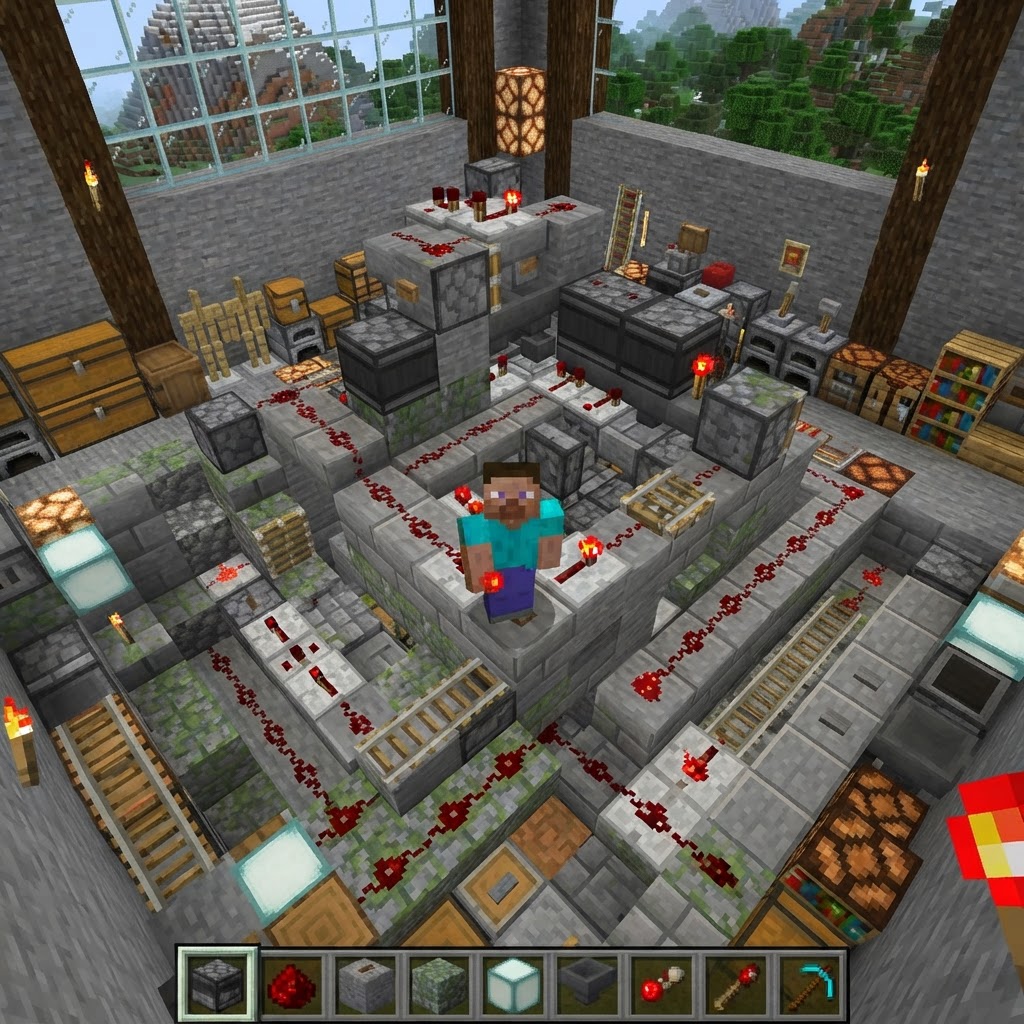
Minecraft Survival Iron Farm: Build a Compact, High-Yield Design
Building a reliable Minecraft iron farm is one of the highest-value infrastructure projects in any survival world. This guide covers the mechanics behind iron golem spawning, walks you through a compa...
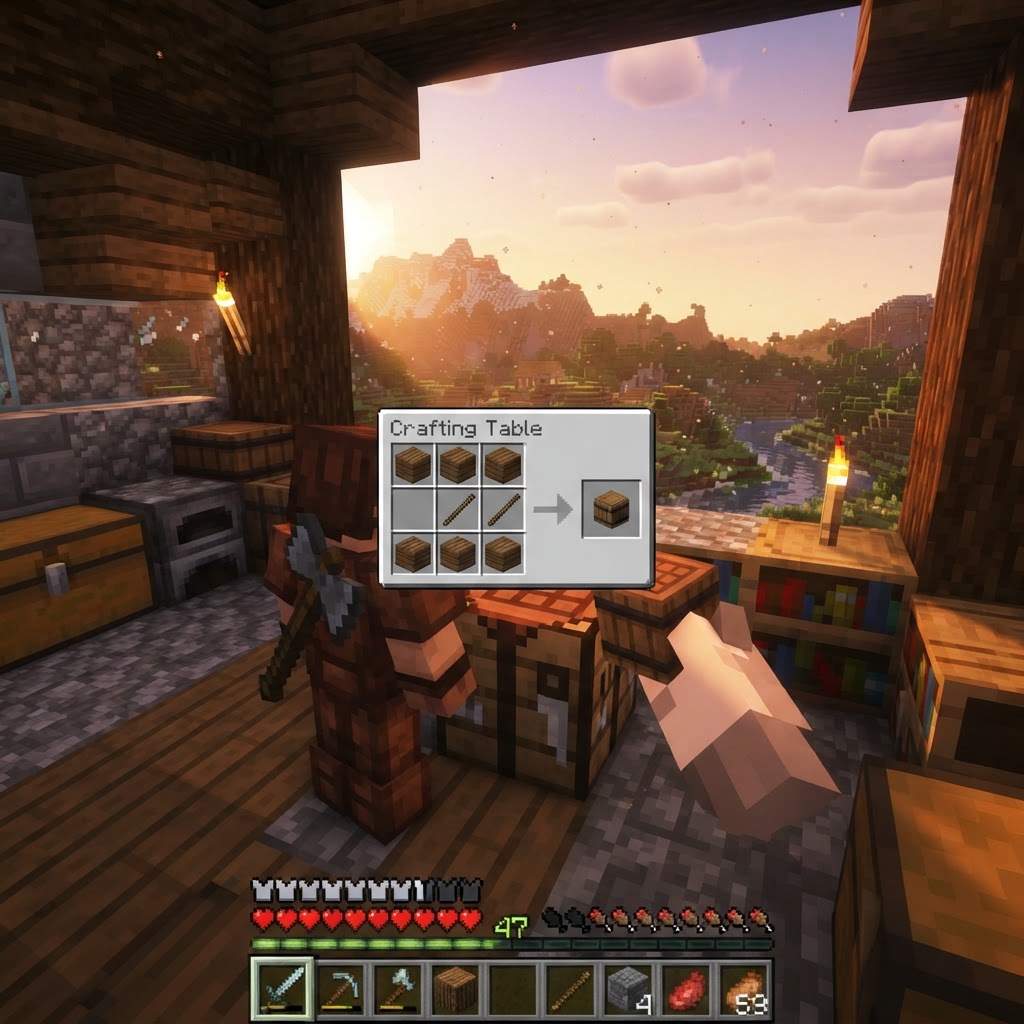
How to Make a Barrel in Minecraft: Recipe & Uses
Running out of chest space is one of the most frustrating mid-game problems in Minecraft, and barrels are one of the best solutions most players overlook. Unlike chests, barrels work even when complet...
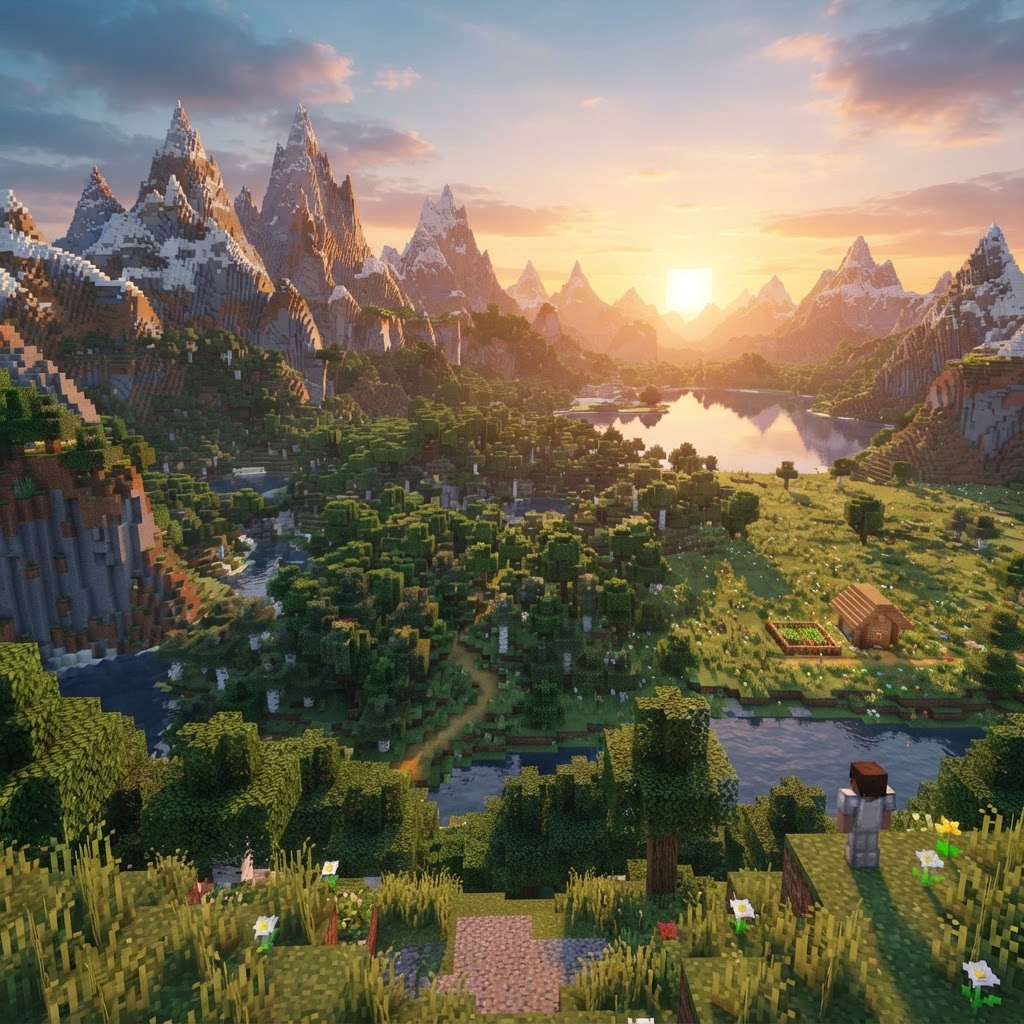
Top Minecraft Seeds for the Latest Version (2026)
Finding the best Minecraft seeds for 2026 means knowing exactly what to look for — and where to spawn. This guide covers the top-performing seeds for Java and Bedrock Edition 1.21.x, breaking down spa...
STAY UPDATED
New blog posts, guides, and community tips delivered to your inbox.
No spam. Unsubscribe anytime.
Comments (0)
No comments yet. Be the first to share your thoughts!

