TABLE OF CONTENTS
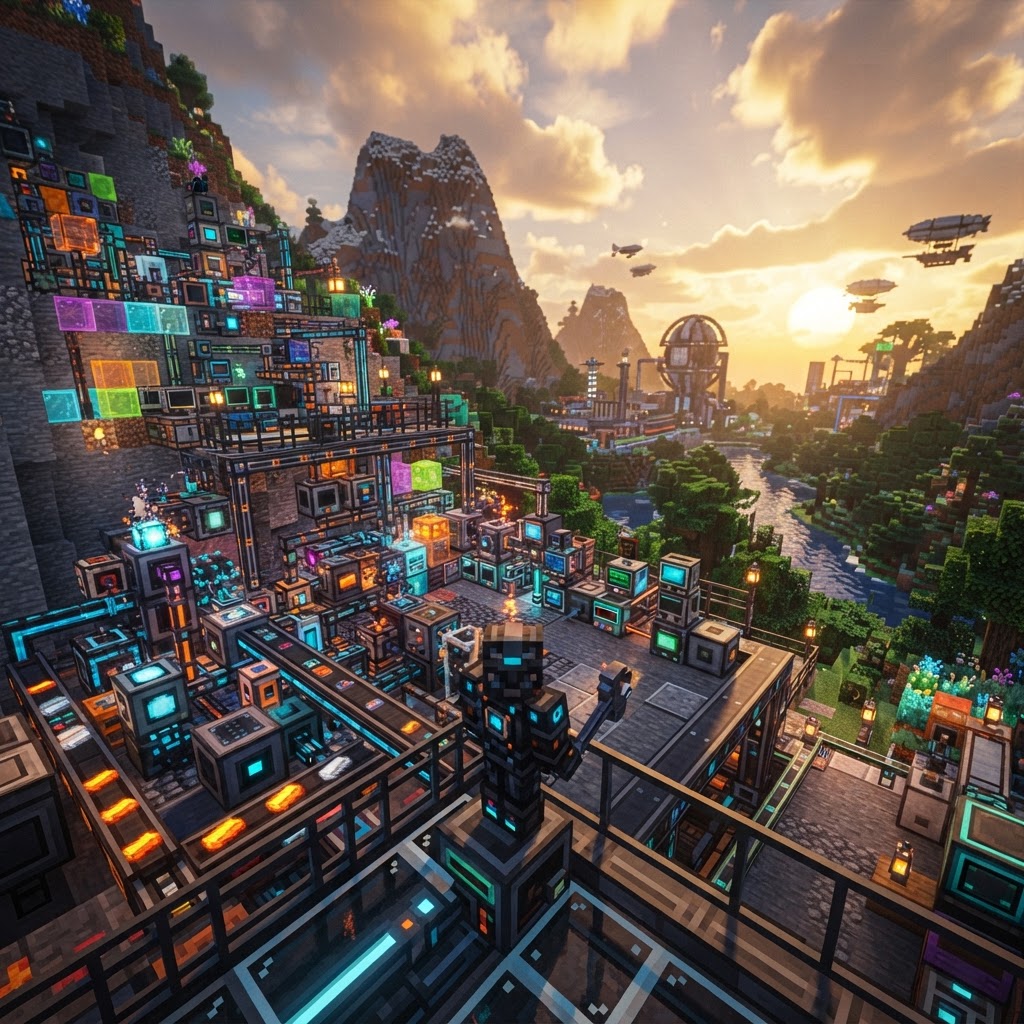
Create Mod 2026: Build Smarter with Mechanical Magic
If you've been looking for a reason to overhaul your survival playthroughs, Create Mod 2026 is it. This guide covers everything from first-time installation to advanced contraption design, including what's new in the latest version and how it stacks up against competing tech mods. Whether you're automating your first ore processing line or building a fully mechanized factory, you'll find actionable strategies here.
What's New in Create Mod 2026
The biggest update cycle in Create's history brings overhauled systems and long-requested features.
Create Mod 2026 — officially tracked as Create 0.6.x on CurseForge and Modrinth — shipped several mechanical and visual overhauls that change how mid-to-late-game automation feels. If you played 0.5.1 and walked away frustrated by train routing or fluid handling, the 2026 builds directly address those pain points.
Key additions in Create 0.6.x:
- Integrated Fluid Networks — pipes now carry mixed fluid trains with priority valves, eliminating the spaghetti workarounds from 0.5
- Modular Cogwheel Stress Profiles — each cogwheel size now has dynamic stress ratings adjustable via an in-game engineer's handbook
- Contraption Blueprinting — save, export, and share entire contraption schematics using the new Blueprint Table block
- Improved Train Signal Logic — signal zones now support conditional routing without requiring Add-ons like Create: Steam 'n' Rails for basic use cases
- Shader Compatibility Pass — full compatibility confirmed with Complementary Shaders r5.3 and Iris 1.7.x
- Download a compatible launcher — use Prism Launcher 8.x or CurseForge Launcher for the cleanest profile management.
- Create a new instance — set Minecraft version to 1.21.4, then select your loader: Forge 49.0.14 or NeoForge 21.4.20-beta are the current stable builds.
- Download Create from the official source — grab `create-1.21.4-0.6.3.jar` (or latest) from [Modrinth](https://modrinth.com) or CurseForge. Avoid third-party mirrors.
- Install the required dependency — Create requires Flywheel 1.0.x (bundled automatically on NeoForge; manual install needed on Forge).
- Add recommended companions — drop in JEI 19.x for recipe lookup and Jade 14.x for block inspection tooltips. Both are essential for reading Create's in-game data.
- Launch and verify — open the Ponder system (hold W over any Create block) to confirm the mod loaded correctly.
- Create: Steam 'n' Rails 2.x — advanced train routing and custom locomotive skins
- Create: Interiors 0.4.x — decorative furniture with mechanical interactions
- Create: Crafts & Additions 1.3.x — bridges Create's rotational energy to RF-based mods like Mekanism
- Stress Capacity — how much load a network can handle (provided by sources like waterwheels and windmills)
- Stress Impact — how much load each active machine draws from the network
- Hand Crank — 16 RPM, 8 SU capacity (stress units)
- Waterwheel — 16 RPM, 256 SU
- Large Waterwheel — 16 RPM, 512 SU
- Windmill (16 sails) — 10 RPM, 1,024 SU
- Steam Engine (with boiler) — up to 128 RPM, 16,384 SU
- Feed raw ore into a Millstone (powered by a waterwheel) to crush it into raw ore chunks
- Route chunks via Depot + Mechanical Arm into a Basin
- Run a Mechanical Press over the Basin to produce crushed ore
- Pass crushed ore through an Encased Fan over Soul Fire to wash it into nuggets
- Two Fluid Tanks with lava and water inputs
- Mechanical Drill on a Contraption Motor to mine the generated cobblestone
- Mechanical Crafter array to convert cobblestone → stone → stone bricks automatically
- Output chest fed by Smart Chutes with item filters
- Week 1: Waterwheel + Millstone ore processing
- Week 2: Steam engine + Mechanical Crafter automation
- Week 3: Train network with Create: Steam 'n' Rails
- Week 4+: Blueprint your best contraptions and scale them
Create Mod 2026: Installation & Setup
Get the right loader version before anything else — this is where most first installs break.
Installation errors almost always come from loader mismatch or missing dependencies. Follow this sequence exactly.
Useful companion mods to add at this stage:
Core Mechanics Explained
Stress, RPM, and rotational networks are the foundation — misunderstand these and nothing works.
Create operates on a physics-inspired energy model rather than Forge Energy (RF) or EU. Two values govern every machine:
If total impact exceeds capacity, the entire network stalls. This is intentional and forces thoughtful design.
Rotational Sources (weakest to strongest):
The Mechanical Press, Millstone, Encased Fan, and Deployer form Create's processing core. Build these four before anything else — they cover the majority of automated crafting recipes in the base mod.
Best Contraption Builds for Create Mod 2026
These designs are proven, efficient, and scale well into late-game automation.
Ore Processing Line (Early-Game Priority)
The fastest way to stretch your early ore supply:
This chain yields 3 nuggets per raw ore (versus 1 ingot from a furnace) — an effective 1.67× multiplier on ore value without any late-game investment.
Infinite Cobblestone → Building Block Converter
Automated Train Unloader (Mid-Game)
Use Create: Steam 'n' Rails train schedules with an Item Unloader block set to "Unload All" on station arrival. Pair with a Mechanical Arm network to sort cargo into labeled vaults. This removes almost all manual freight handling once your rail network matures.
Create Mod 2026 vs. Other Tech Mods
Knowing where Create excels — and where it doesn't — prevents wasted hours building the wrong system.
| Feature | Create 0.6.x | Mekanism 10.x | Thermal Series 11.x | Applied Energistics 2 |
| Energy System | Rotational (SU) | Forge Energy (RF) | Forge Energy (RF) | AE Energy (AE) |
| Learning Curve | High | Medium | Low | Very High |
| Automation Style | Physical/Mechanical | Cable + Machine | Cable + Machine | Digital/Network |
| Visual Appeal | Excellent | Average | Average | Minimal |
| Early-Game Viability | Excellent | Poor | Good | Very Poor |
| Late-Game Throughput | Good | Excellent | Good | Excellent |
| 1.21.4 Stability (2026) | Stable | Stable | Beta | Stable |
| Cross-Mod Integration | Moderate (via C:C&A) | Native RF | Native RF | AE Network |
Create is the clear winner for early-game progression and aesthetic builds. If your goal is maximum late-game throughput — millions of items per hour — you'll eventually want to pair Create with Applied Energistics 2 for storage and Mekanism for chemical processing. They complement rather than replace each other.
Final Verdict: Is Create Mod 2026 Worth It?
The short answer is yes — with a realistic expectation of the learning investment.
Create Mod 2026 is the most mechanically cohesive tech mod available for Minecraft 1.21.4. The Blueprint Table alone makes it worth updating from 0.5.x — being able to share and reload contraption schematics changes how collaborative and modpack server play works entirely.
The learning curve is real. Stress math, RPM management, and mechanical arm filter logic all take time to internalize. Use the Ponder system aggressively (hold W over any block), keep JEI open for recipe chains, and build small before you scale.
Recommended starting path:
Create rewards patience and systematic thinking. If you approach it like an engineer rather than rushing to end-game content, it delivers a genuinely distinct Minecraft experience that no other mod category matches. Build smart, build mechanical, and let Create Mod 2026 do the rest.
RELATED ARTICLES
Create Mod 6 in Minecraft: Why It’s Trending in 2026
Create Mod 6 Minecraft has taken the community by storm in 2026, and if you haven't explored it yet, you're missing one of the most ambitious mechanical engineering overhauls the game has ever seen. T...

Top Minecraft Seeds for the Latest Version (2026)
Finding the best Minecraft seeds for 2026 means knowing exactly what to look for — and where to spawn. This guide covers the top-performing seeds for Java and Bedrock Edition 1.21.x, breaking down spa...

Best Minecraft Seeds for the Latest Version (2026)
Finding the best Minecraft seeds in 2026 means knowing which ones actually deliver from spawn — not just pretty screenshots. This guide covers the top seeds for Java and Bedrock in version 1.21.4, wit...
STAY UPDATED
New blog posts, guides, and community tips delivered to your inbox.
No spam. Unsubscribe anytime.
Comments (0)
No comments yet. Be the first to share your thoughts!

