TABLE OF CONTENTS
Ultimate Compact Redstone Survival Base
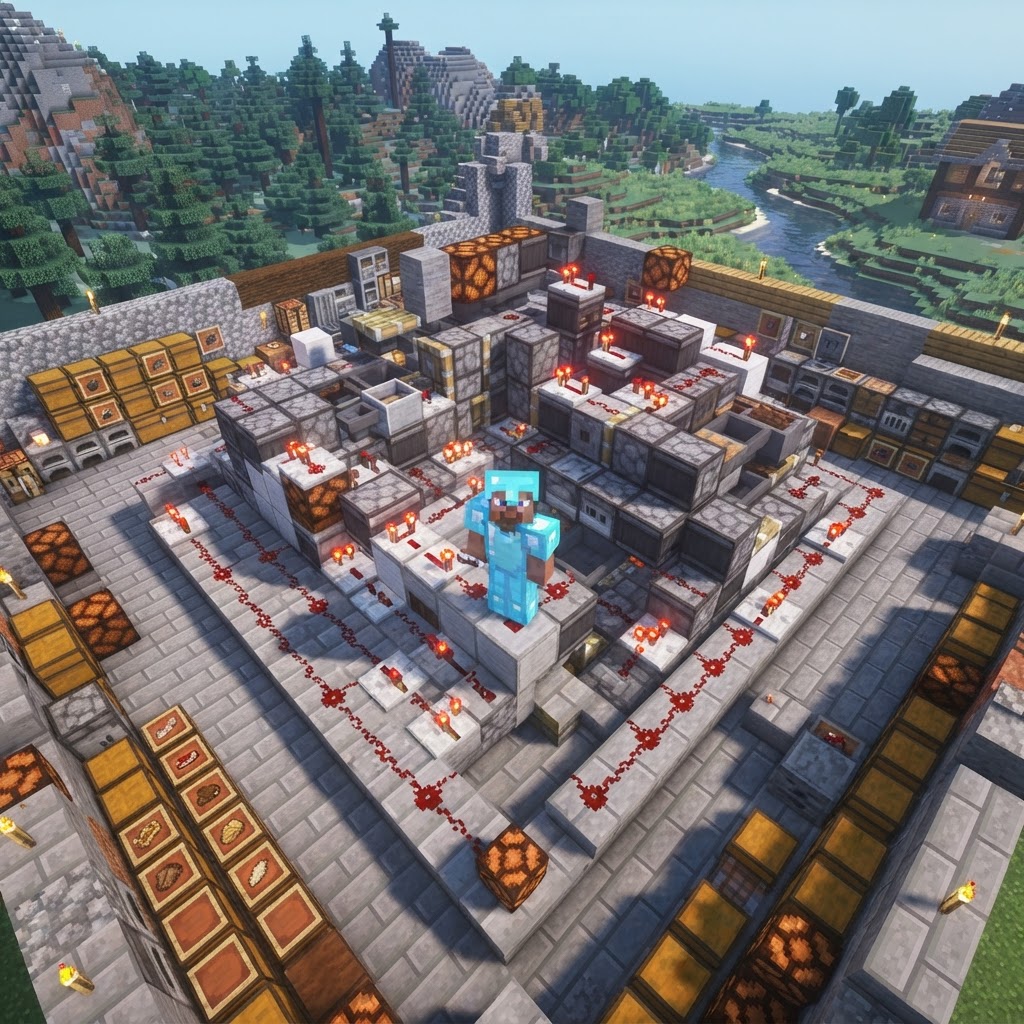
Building a redstone survival base that's both functional and space-efficient is one of Minecraft's most rewarding engineering challenges. This guide walks you through designing a compact, automated base using real redstone circuits, smart storage systems, and defensive mechanisms — all optimized for survival mode. Whether you're on Java 1.20.4 or Bedrock 1.21, the principles here translate directly.
Designing Your Redstone Survival Base Layout
Getting the footprint right before you place a single piston saves hours of demolition later.
The biggest mistake builders make is wiring first and planning second. Your redstone survival base needs a logical layer structure from the start. A three-floor underground layout works best for compact builds:
- Floor -1 (Surface level): Entry point, crafting stations, armor stands, bed
- Floor -2 (Utility layer): Furnace arrays, storage input/output, sorting system hoppers
- Floor -3 (Redstone layer): All wiring, comparators, observers, hidden mechanisms
Keep a minimum 3×3 corridor on your utility floor so hoppers and comparators don't fight for space. Use a 9×9 base footprint as your starting constraint — it forces efficiency.
Pre-planning checklist before breaking ground:
- Mark your four cardinal directions with temporary blocks
- Decide on one primary input/output wall for all item flow
- Reserve a 2-block-wide channel along the perimeter for your main redstone bus
- Pre-dig your Floor -3 layer completely before placing any redstone
Core Automation Systems for a Compact Redstone Survival Base
These four circuits handle 80% of what a survival player actually needs automated.
Don't automate everything at once. Focus on the four systems with the highest daily utility:
1. Auto-Smelter Array (8-Furnace Setup)
Wire 8 furnaces in two rows of four with a hopper minecart running beneath on powered rails. Feed raw materials via a dropper clock into the top hoppers.
- Input chest → dropper → top hopper of each furnace
- Output hopper → into your main storage bus
- Use a comparator side-tap on the fuel chest to pause the dropper clock when fuel is low — no wasted cycles
- Place hoppers in a straight line pointing toward your main output chest wall
- Every 4th hopper, add a comparator pointing out — this gives you signal strength readings for capacity monitoring
- Branch sorter channels perpendicular to the trunk, no longer than 5 hoppers each
- Use item frames on chests with the corresponding item for visual navigation — critical in bases larger than 9×9
- Raw materials (ores, wood, stone variants)
- Processed materials (ingots, planks, glass)
- Food and farming outputs
- Combat gear and potions
- Miscellaneous overflow
- Place string tripwires connected to note blocks at surface entry points — sound alert, no circuitry required
- Surround the surface entry hatch with trapdoors over a 2-block drop. Mobs fall in; you don't
- Use carpet over pressure plates on interior floors to prevent mob spawning without blocking redstone signals
- Build the piston door frame using sticky pistons on top, regular pistons on bottom
- Wire with a T-flip flop circuit using two repeaters and two torches for toggle control
- Hide the toggle button inside a painting using a sign on the block behind it
- Deepslate tiles for floors (non-slip, dark, reduces visual noise)
- Smooth stone slabs for ceilings (clean, neutral)
- Exposed copper blocks for accent walls near electrical/redstone areas (thematic and oxidizes over time as a play timer)
- Chiseled stone bricks for structural columns
- Silence test: Stand inside with all farms running. Any unexpected note block pings or piston sounds indicate a misfiring circuit
- Full hopper flush: Dump 1 stack of every sorted item into your input chest and watch it route — catch misrouted items before they fill your overflow
- Door seal test: Trigger your piston door while holding a block. If the door hesitates or partially closes, add a 1-tick repeater before the piston signal
- Mob spawn audit: Sleep through a night, then use `/spreadplayers` in creative copy of your world to simulate a mob sweep — check for any dark corners at light level 0
- Chunk reload stress test: Walk 200 blocks away, come back at full sprint. Any hoppers that stopped processing need a redstone pulse reset circuit
2. Item Sorter (Overflow-Safe)
Build a 6-channel sorter using the locked hopper method: one hopper per channel with 4 named items and one item of the sorted type. Connect overflow to a bulk chest using a comparator signal from the sorted chest.
| Sorter Type | Space Required | Reliability | Best For |
| Locked Hopper | 1 wide per channel | Very High | Specific item types |
| Dropper-Based | 2 wide per channel | Medium | High-volume farms |
| Minecart Sorter | Compact footprint | High | Multi-floor systems |
| Filter Funnel (Bedrock) | 1 wide per channel | High | Bedrock-only builds |
3. Melon/Pumpkin Farm with Auto-Harvest
An observer facing the stem triggers a piston that pushes the grown melon into a hopper. Three-wide rows fit cleanly against your Floor -1 wall with minimal redstone routing.
4. Villager Trading Hall Integration
Wire a lever-controlled piston door to your trading hall alcove. Trap doors on the floor create a 1-block gap that prevents zombie aggression while keeping villagers accessible.
Compact Storage Network Architecture
A well-designed storage backbone makes every other system faster to build and debug.
Your storage network is the spine of the entire build. The most efficient survival-scale system in Java 1.20.4 uses a central trunk line — a single row of hoppers running down the center of Floor -2, with sorted branches feeding off it.
Building the trunk line:
Recommended chest organization (from left to right on your output wall):
Use barrel blocks over chests wherever you need single-block storage. Barrels open regardless of what's above them, critical in tight redstone routing areas where a chest lid would be blocked by a hopper or slab.
Defense and Security Systems
A survival base with no defenses is just a very organized death trap.
Compact bases benefit from layered passive defense more than complex active systems. Here's a three-tier approach that won't eat your redstone budget:
Tier 1 — Perimeter (Passive)
Tier 2 — Entry (Semi-Active)
Run a hidden piston door using a flush 2×2 piston door design:
Tier 3 — Emergency (Active)
Wire a panic room lever that simultaneously: seals the main entrance, activates a dispenser loaded with splash potions of Harming aimed at the entry corridor, and cuts power to the hopper trunk (protecting item transport during combat lag).
| Defense Layer | Materials Needed | Build Complexity | Effectiveness |
| Tripwire Perimeter | String, hooks, note blocks | Low | Awareness only |
| Piston Door Entry | Sticky pistons, redstone | Medium | High — blocks mobs |
| Dispenser Trap | Dispensers, potions | Medium-High | Very High vs. mobs |
Lighting and Interior Aesthetics
Functional doesn't have to mean ugly — good lighting design also serves as your mob-spawn suppression system.
Use sea lanterns flush with your Floor -2 ceiling — they provide light level 15 and don't require redstone. Pair with shroomlights in organic areas like your farm room for variety.
For your redstone layer (Floor -3), avoid torches near comparators. A misplaced torch can interfere with comparator signal readings. Use soul torches (light level 10) or candles (light level 3 per candle, stacked up to 4) for controlled ambient lighting that doesn't trigger false comparator reads.
Interior material palette for a redstone survival base that looks intentional:
Final Assembly and Debugging Tips
The last 10% of a redstone build takes 50% of the time — these shortcuts close that gap.
Before you declare your redstone survival base complete, run this commissioning checklist:
The strongest compact redstone survival bases aren't built in one session — they're iterated. Start with the auto-smelter and storage trunk, run that configuration for a week of real gameplay, then layer in defense and automation based on what actually bottlenecks your survival loop. Engineering to your actual play pattern beats following any single blueprint.
| Moat + Cactus | Cactus, sand, water | Low | Medium passive |
RELATED ARTICLES

How to Make a Book in Minecraft: Easy Recipe & Uses
You're probably here because you just hit a wall — enchanting, writing, or crafting something advanced — and realized you need books but aren't sure how to get them efficiently. Books are one of Minec...
How to Make a Blast Furnace in Minecraft: Recipe & Uses
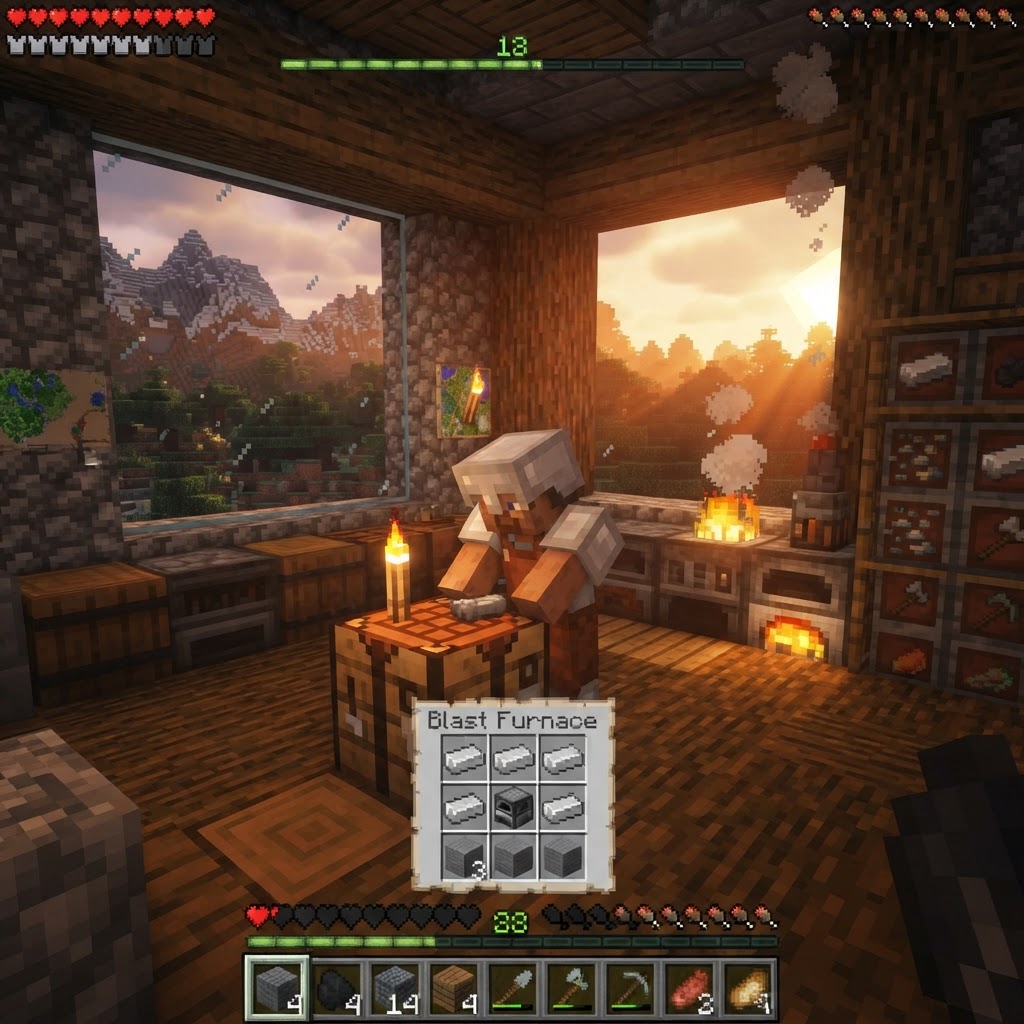
If you've been manually smelting ores one by one in a regular furnace, you're wasting serious time — the Minecraft blast furnace doubles your smelting speed for metals and ores, making it one of the m...
How to Make a Smoker in Minecraft: Recipe & Uses
If you're tired of waiting forever for your food to cook in a standard furnace, the smoker is the upgrade you didn't know you needed. It cooks food items at exactly twice the speed of a regular furnac...
STAY UPDATED
New blog posts, guides, and community tips delivered to your inbox.
No spam. Unsubscribe anytime.
Comments (0)
No comments yet. Be the first to share your thoughts!

