TABLE OF CONTENTS
Minecraft Stonecutter: Complete Guide to Make & Master It
If you've ever wasted a stack of stone trying to chisel out stair shapes at a crafting table — or burned through materials on trial-and-error cuts — the Minecraft stonecutter exists specifically to solve that problem. It gives you precise, single-step conversion of stone-type blocks into slabs, stairs, walls, and more, with zero material waste compared to traditional crafting. This guide goes beyond the basics to show you not just how to build one, but how to use it strategically so you never over-cut or under-plan a build again.
What the Stonecutter Actually Does (And Why You Need One)
Most players build one out of curiosity — the smart ones make it their primary stone-processing station.
The stonecutter is a utility block that converts raw stone-type materials into decorative or structural variants in a single step. At a crafting table, making stone stairs requires 6 stone blocks to get 4 stairs — a 33% material loss. At a stonecutter, 1 stone block produces 1 stair. That efficiency difference becomes enormous at build scale.
Here's what the stonecutter unlocks that the crafting table either can't do or does worse:
- Direct conversion from base stone to stairs, slabs, walls, chiseled variants, and polished forms
- Single-step processing — no need to craft polished andesite first, then craft polished andesite stairs; the stonecutter handles it in one operation
- Exact 1:1 output on most cuts, meaning you can budget materials before you build
- Access to exclusive cuts like stone brick wall or chiseled stone bricks that require specific crafting paths otherwise
- 1x Iron Ingot
- 3x Stone (not cobblestone, not smooth stone — regular stone)
- Mine cobblestone with any pickaxe (stone or better recommended for efficiency)
- Smelt cobblestone in a furnace to produce regular stone
- Mine iron ore (found between Y-levels 15 and 232; highest concentration around Y=16)
- Smelt iron ore or raw iron in a furnace to produce iron ingots
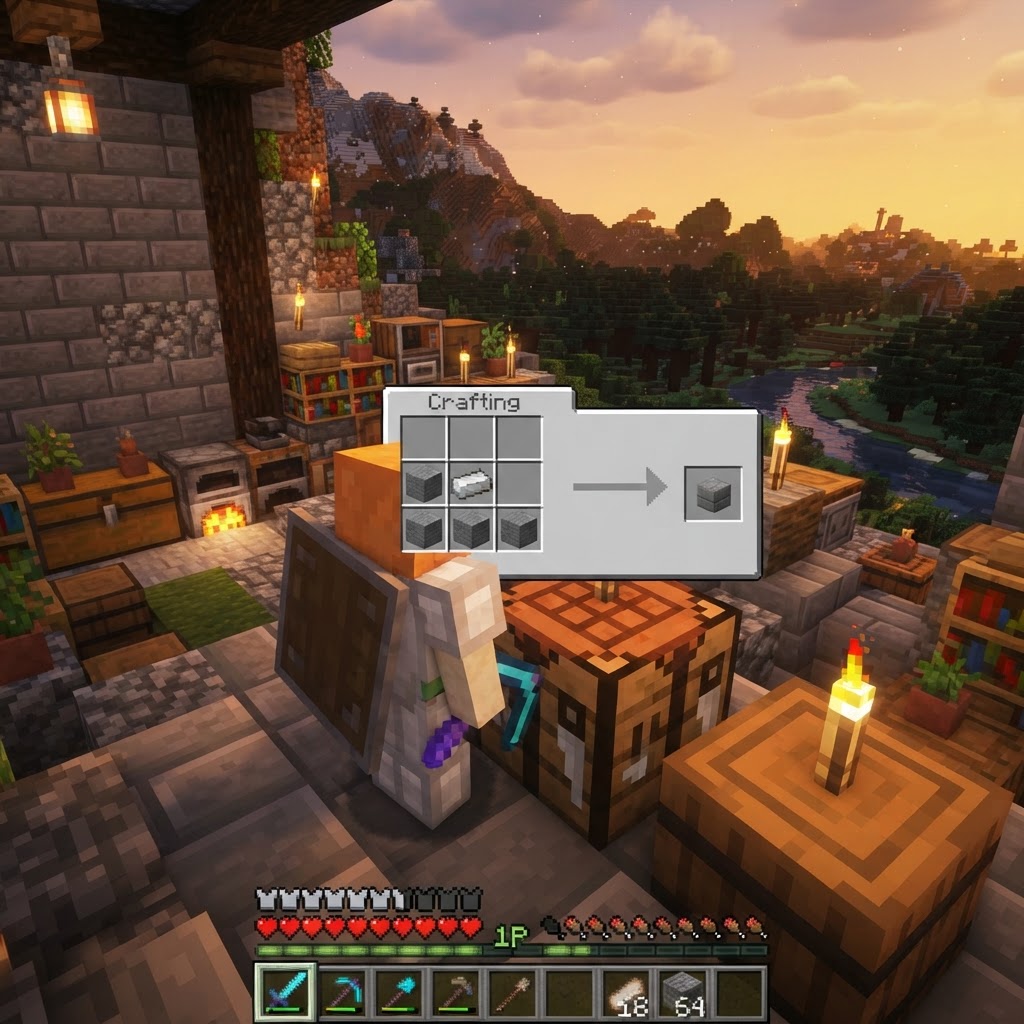
- Open a crafting table and arrange: iron ingot top-center, three stone blocks along the bottom row
- Collect your stonecutter
The stonecutter is also a legitimate job site block — it assigns the Stonemason profession to unemployed villagers, which matters if you're running a trading hall.
How to Craft a Stonecutter
Three ingredients, one minute — here's the exact recipe with no ambiguity.
The crafting recipe is simple but has one ingredient that trips up newer players: iron ingots, not iron nuggets or blocks.
Ingredients:
Crafting Grid Layout:
Place the iron ingot in the top center slot. Fill the entire bottom row (3 slots) with stone blocks. That's it. The middle row stays empty.
```
```
Step-by-step from scratch:
Every Block the Stonecutter Can Process
Knowing the full input list stops you from wasting time trying to cut the wrong material.
The stonecutter accepts a wide range of stone-family blocks. Here's a comprehensive breakdown organized by material family:
| Material Family | Accepted Inputs | Notable Outputs |
|---|---|---|
| Stone | Stone, Cobblestone | Stone bricks, stairs, slabs, walls, chiseled |
| Granite | Granite, Polished Granite | Polished granite, stairs, slabs, walls |
| Diorite | Diorite, Polished Diorite | Polished diorite, stairs, slabs, walls |
| Andesite | Andesite, Polished Andesite | Polished andesite, stairs, slabs, walls |
| Sandstone | Sandstone, Smooth Sandstone | Chiseled, cut, stairs, slabs, walls |
| Prismarine | Prismarine, Dark Prismarine | Bricks, stairs, slabs |
|---|---|---|
| Quartz | Quartz Block, Smooth Quartz | Chiseled, pillar, stairs, slabs |
| Brick | Bricks, Stone Bricks | Stairs, slabs, walls, cracked (no), mossy variants |
| Deepslate | Cobbled Deepslate, Deepslate | Polished, tiles, bricks, stairs, slabs, walls |
| Blackstone | Blackstone, Gilded Blackstone | Polished, chiseled, walls, stairs, slabs |
| Nether Brick | Nether Bricks | Red nether bricks variants, stairs, walls |
| End Stone | End Stone | End stone bricks, stairs, slabs, walls |
|---|---|---|
| Copper (1.21+) | Copper Block variants | Stairs, slabs, chiseled (version dependent) |
Stonecutter vs Crafting Table: When to Use Which
The answer isn't always "use the stonecutter" — context determines the right tool.
A lot of guides say to always use the stonecutter. That's oversimplified. There are situations where the crafting table is correct and others where the stonecutter is strictly better.
| Scenario | Best Tool | Reason |
|---|---|---|
| Crafting stone stairs (any quantity) | Stonecutter | 1:1 ratio vs 6:4 at crafting table |
| Crafting stone slabs | Stonecutter | 1:2 output (better than crafting table's 3:6) |
| Making polished granite then stairs | Stonecutter | Single-step: granite → polished granite stairs |
| Making stone bricks from scratch | Stonecutter | 1:1 vs crafting table's 4:4 (same, but faster interface) |
| Chiseled stone bricks | Stonecutter | Direct from stone; crafting table requires slabs first |
| Crafting mossy or cracked variants | Crafting Table | Stonecutter can't produce these |
|---|---|---|
| Large quantities with automation | Crafting Table | Can be automated with hoppers; stonecutter cannot |
| Copper block variants (Bedrock) | Stonecutter | Handles waxed/oxidized variants directly |
| Java vs Bedrock recipe differences | Check version | Some outputs differ between editions |
The golden rule: If you're working with any stone-type block and want decorative variants, open the stonecutter first. The crafting table is a fallback for what the stonecutter can't handle, not the other way around.
Common Mistakes Players Make With the Stonecutter
These errors cost materials, time, and sometimes entire build projects.
1. Using cobblestone instead of stone in the recipe
Cobblestone and stone look similar in inventory, but cobblestone (rough texture) won't complete the crafting recipe. Always smelt your cobblestone first.
2. Trying to cut non-stone materials
Wood, wool, terracotta (plain, not stone-adjacent), and metals don't go into the stonecutter. If it's not a geological block, don't waste time dragging it in.
3. Not planning output quantities before mining
Because the stonecutter is so efficient, players sometimes under-mine. If you need 100 stone stairs, you need exactly 100 stone blocks. There's no buffer waste to account for. Calculate before you mine.
4. Ignoring multi-step conversions
You can put cobblestone into a stonecutter and go directly to stone brick stairs — the stonecutter will show you the full chain of available outputs. Players who don't scroll through the output panel miss faster workflows.
5. Forgetting it's a Stonemason job block
If you have a village with unemployed villagers and you need a Stonemason trader, placing a stonecutter near a bed will assign that villager. Many players build separate lecterns and smithing tables without realizing the stonecutter is already a job block.
6. Trying to automate the stonecutter with hoppers
Unlike furnaces, the stonecutter cannot be automated with hoppers in vanilla Minecraft — it requires manual item selection because the recipe must be chosen from an interface. If you need mass-production, use the crafting table with a hopper setup instead.
Pro Strategies: Getting Maximum Value From Your Stonecutter
These techniques separate efficient builders from players who still use six stone blocks to make four stairs.
Strategy 1: Pre-calculate your entire material list before quarrying
Since the stonecutter outputs at exactly 1:1 for most cuts (and 1:2 for slabs), you can perfectly calculate your quarry size. Building a 20x20 floor with stone slabs? You need exactly 200 stone blocks. No waste, no shortage. Calculate outputs, then mine the precise amount.
Strategy 2: Use it for intermediate material processing
Don't smelt stone → craft polished andesite → then craft polished andesite stairs as three separate steps. Throw raw andesite into the stonecutter and jump straight to polished andesite stairs. This works for the entire polished stone family.
Strategy 3: Keep one in every biome base
If you maintain builds in multiple biomes (desert outpost, nether base, ocean monument), keep a stonecutter at each one. Processing sandstone, nether bricks, and prismarine on-site saves you carrying processed materials across dimensions.
Strategy 4: Use deepslate cuts strategically for visual variety
Deepslate has the richest cut variety of any stone material — cobbled deepslate, deepslate tiles, deepslate bricks, polished deepslate, and chiseled deepslate are all available. Mix stonecutter-produced deepslate variants in your foundation and wall designs for professional-grade texture variety.
Strategy 5: Trade-level the Stonemason fast
A Stonemason villager sells polished stone blocks, quartz, and eventually Terracotta and Glazed Terracotta at master level. To level them fast, sell stone to them in bulk. Your stonecutter operation naturally produces excess stone as a byproduct of organized builds — funnel that into Stonemason trades for emeralds.
Strategy 6: Use the stonecutter as a design planning tool
Before committing blocks to a build, use the stonecutter interface to quickly browse all available variants of your chosen material. It functions like a visual preview menu — you can see exactly what each stone family can produce without opening a wiki.
Conclusion: Build Smarter, Not Harder
The Minecraft stonecutter is one of the game's most underutilized tools, mostly because players either don't know the full scope of what it processes or never break the habit of reaching for the crafting table by default. The core takeaways are straightforward: craft it early (one iron ingot, three stone blocks), use it for all stone-family decorative conversions to preserve materials at a 1:1 ratio, and remember that it handles multi-step conversions — like raw granite to polished granite stairs — in a single operation.
Beyond efficiency, the stonecutter changes how you plan builds. When you know exactly how many blocks you'll need with zero waste, you quarry smarter, carry less, and finish projects faster. Pair it with a Stonemason villager for an emerald income stream, keep one at every base, and stop using six blocks to get four stairs. That's the difference between a player who builds and a player who builds well.
RELATED ARTICLES

How to Make a Book in Minecraft: Easy Recipe & Uses
You're probably here because you just hit a wall — enchanting, writing, or crafting something advanced — and realized you need books but aren't sure how to get them efficiently. Books are one of Minec...
How to Make a Blast Furnace in Minecraft: Recipe & Uses
If you've been manually smelting ores one by one in a regular furnace, you're wasting serious time — the Minecraft blast furnace doubles your smelting speed for metals and ores, making it one of the m...
How to Make a Smoker in Minecraft: Recipe & Uses
If you're tired of waiting forever for your food to cook in a standard furnace, the smoker is the upgrade you didn't know you needed. It cooks food items at exactly twice the speed of a regular furnac...
STAY UPDATED
New blog posts, guides, and community tips delivered to your inbox.
No spam. Unsubscribe anytime.
Comments (0)
No comments yet. Be the first to share your thoughts!

