TABLE OF CONTENTS
Trending Minecraft Skins 2026: Where to Find & Use Them
Staying on top of trending Minecraft skins in 2026 means knowing where the community is actually moving — not just what was popular six months ago. This guide covers the hottest skin styles right now, the best platforms to find and download them, and exactly how to apply them whether you're on Java or Bedrock.
Top Trending Minecraft Skin Styles in 2026
What the community is actually wearing right now — and why these styles took off.
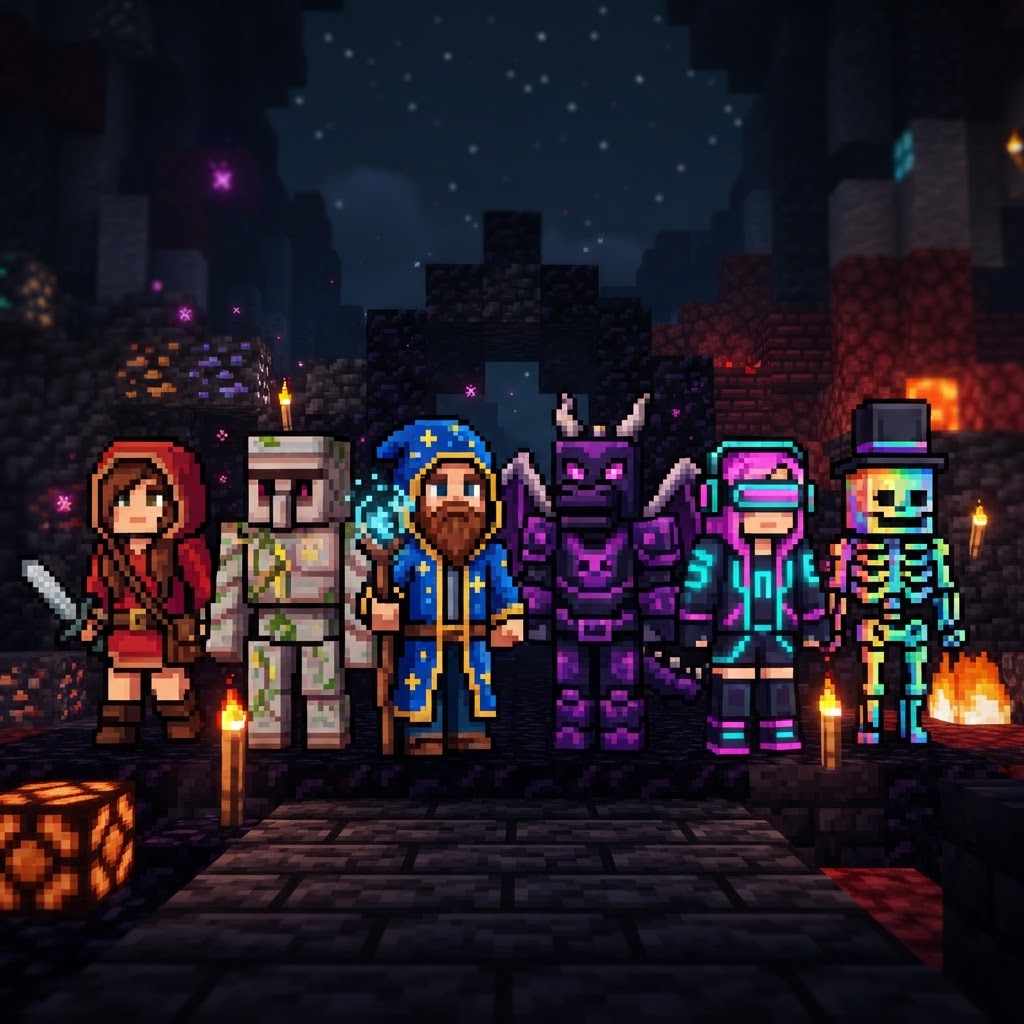
The skin meta shifts fast. In 2026, a few clear aesthetic movements have dominated player wardrobes across both Java and Bedrock servers.
Dominant trends this year:
- Cottagecore & Folklore aesthetics — Earthy tones, linen textures, floral crowns. Exploded in popularity following the Pale Garden biome hype from the 1.21.4 cycle.
- Mecha & Cyberpunk hybrids — Sleek armor plating combined with neon underlighting. Popularized by the competitive PvP community on servers like Hypixel and Mineplex.
- Mob-Human crossbreeds — Creeper-face hoodies, Enderman-limbed characters, and Warden-inspired armored bodies. These dominate content creator spaces.
- Retro Pixel Art throwbacks — Deliberately low-contrast, chunky-blocked designs referencing early 2010s Minecraft nostalgia.
- Anime-inspired slim-model skins — Specifically Genshin Impact and Jujutsu Kaisen character adaptations remain consistently top-downloaded on NameMC.
- Download your `.png` skin file (must be 64×64 pixels).
- Open your browser and go to minecraft.net/en-us/profile/skin.
- Log in with your Microsoft account.
- Click "Upload a skin" and select your file.
- Choose Classic (Steve model) or Slim (Alex model) — this affects arm width.
- Click Save — the skin updates across all Java servers within seconds.
- From the main menu, go to Settings → Profile.
- Tap "Edit Character" → "Classic Skins" tab.
- Select "Choose New Skin" and locate your downloaded `.png`.
- Set the model type (Classic or Slim) and confirm.
- On console editions (PS5, Xbox Series X), you must use the in-game Dressing Room — direct file uploads aren't available without a linked account on mobile or PC first.
- MCSkin3D — Desktop application (Windows), the most powerful free skin editor available. Supports layer painting, 3D preview, and Classic/Slim model switching. Best for detailed work.
- Novaskin (novaskin.me) — Browser-based, no install needed. Great for quick edits and remixing existing skins. Has a built-in wallpaper generator as a bonus.
- Blockbench — Primarily a model editor, but its skin painting mode with 3D overlay is unmatched for precision. Used by professional Marketplace creators.
- Skinseed (iOS/Android) — The best mobile option. Layer support, community sharing, and a built-in asset library.
- GIMP / Photoshop — For pixel-perfect artists who prefer working in flat 64×64 canvas and know the UV layout cold.
- Mecha knight skins with dark base palettes perform best visually during fast movement
- Search "PvP skin 2026" on NameMC — the top 50 results are dominated by black/red color schemes with clean silhouettes
- Avoid highly detailed skins with cluttered patterns — they read poorly at distance during combat
- Cottagecore and fantasy-adjacent designs dominate here
- Planet Minecraft's "Fantasy" category, sorted by "Diamond" rating, is the most reliable quality filter
- Creator Kuroi_Yuki on Planet Minecraft has uploaded consistently top-rated fantasy skins since 2024
- Distinctive, high-contrast designs that read clearly at 1080p thumbnail size
- Mob-hybrid crossbreeds (Warden hoodie, Creeper face) are recognized instantly by audiences
- Many creators commission original skins from Fiverr artists — search "Minecraft skin commission" and filter for sellers with Minecraft-specific portfolios
- Noxcrew's seasonal character packs
- Pathway Studios consistently releases trend-aligned packs within weeks of major cultural moments
- The "Character Creator" system on Bedrock allows mixing and matching individual items — you don't need a full skin pack to get a trending look
Best Platforms to Find Trending Minecraft Skins
Not all skin sites are equal — here's where the real quality lives.
| Platform | Best For | Skin Count | Java/Bedrock | Free? |
| NameMC | Java trending charts, community uploads | 10M+ | Java only | Yes |
| The Skindex | Beginner-friendly browsing, broad categories | 8M+ | Both | Yes |
| Planet Minecraft | High-quality curated uploads, creator profiles | 3M+ | Both | Yes |
| Minecraft Marketplace | Official Bedrock packs, licensed content | 5,000+ packs | Bedrock only | Paid |
| Skinseed (App) | Mobile creation + browsing | 2M+ | Both | Free/Premium |
| MCPEDL | Bedrock-specific packs and bundles | 500K+ | Bedrock only | Yes |
NameMC remains the gold standard for tracking trending Minecraft skins in the Java community — its "Popular This Week" filter is genuinely real-time and reflects what players are actually equipping. For Bedrock players, the Minecraft Marketplace offers licensed creator content from studios like Noxcrew and Pathway Studios, which consistently produce polished seasonal packs.
How to Apply Skins on Java & Bedrock
The process differs between editions — here's the exact method for both.
Java Edition (1.21.x)
Bedrock Edition (All Platforms)
Skin Tools & Editors Worth Using in 2026
Building or tweaking your own skin beats settling for something half-right.
If you want to make your own version of a trending skin — or fix model issues on a downloaded one — these are the tools the community actually uses:
When remixing trending Minecraft skins, the most common mistake is ignoring the second layer (the outer "jacket" layer that floats above the base). On Java, this creates the 3D clothing effect — ignoring it makes custom skins look flat compared to the trending versions you're trying to match.
Trending Minecraft Skins by Category: Quick Reference
Whether you want to match a server's vibe or stand out in it, here's where to start.
For PvP Servers (Hypixel, CubeCraft, Mineplex):
For Roleplay & SMP Servers:
For Content Creation / Streaming:
For Minecraft Marketplace (Bedrock):
Final Thoughts on Trending Minecraft Skins in 2026
The meta is always moving — build a system, not a one-time download.
Tracking trending Minecraft skins isn't a one-and-done task. The community moves fast, influenced by new game updates, viral content creators, and broader pop culture cycles. The practical approach: bookmark NameMC's trending page, check Planet Minecraft's weekly featured uploads, and keep MCSkin3D or Novaskin ready for quick customization.
The best skin is one that fits your playstyle and server context — not just whatever topped the charts last week. Use the platforms and tools in this guide to stay current, but don't chase trends at the cost of having a character identity you actually like wearing. In a game where your skin is your avatar across every server and every session, that consistency matters.
Check back on VoxelDrift for seasonal skin roundups — we update our trending coverage each time a major Minecraft update reshapes the aesthetic landscape.
RELATED ARTICLES
Minecraft Survival Iron Farm: Build a Compact, High-Yield Design
Building a reliable Minecraft iron farm is one of the highest-value infrastructure projects in any survival world. This guide covers the mechanics behind iron golem spawning, walks you through a compa...
Create Mod 6 in Minecraft: Why It’s Trending in 2026
Create Mod 6 Minecraft has taken the community by storm in 2026, and if you haven't explored it yet, you're missing one of the most ambitious mechanical engineering overhauls the game has ever seen. T...
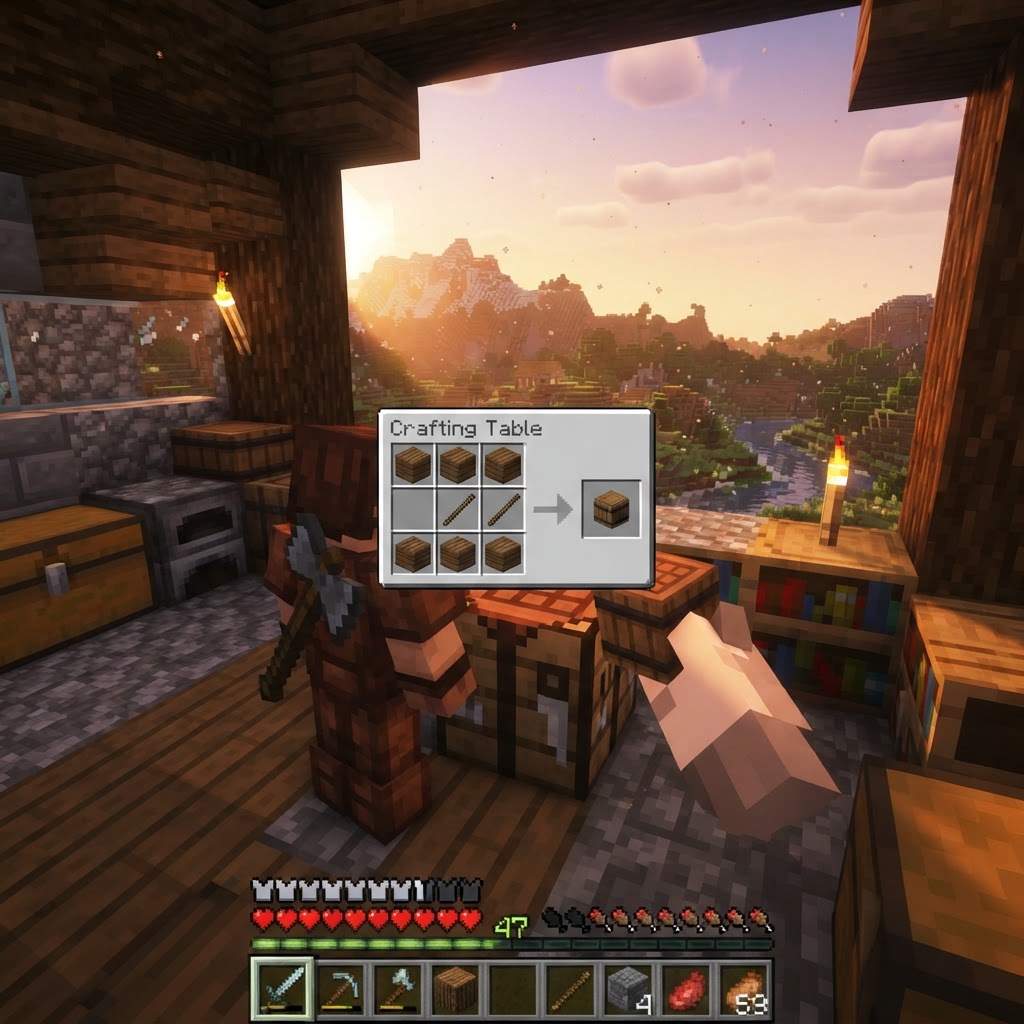
How to Make a Barrel in Minecraft: Recipe & Uses
Running out of chest space is one of the most frustrating mid-game problems in Minecraft, and barrels are one of the best solutions most players overlook. Unlike chests, barrels work even when complet...
STAY UPDATED
New blog posts, guides, and community tips delivered to your inbox.
No spam. Unsubscribe anytime.
Comments (0)
No comments yet. Be the first to share your thoughts!

