TABLE OF CONTENTS
Trending Minecraft Skins 2026: Find, Use & Customize
Trending Minecraft skins define how players express identity on every server, in every realm, and across every platform. This guide covers where to find the most popular skins right now, how to apply them correctly on Java and Bedrock, and how to customize or build your own from scratch. Whether you're chasing the latest aesthetic or locking in a signature look, you'll leave here knowing exactly what to do.
What's Trending Minecraft Skins Look Like in 2026
The dominant aesthetics this year, broken down by category.
Skin trends move in cycles tied to pop culture, game updates, and creator influence. In 2026, these are the categories dominating servers and skin sites:
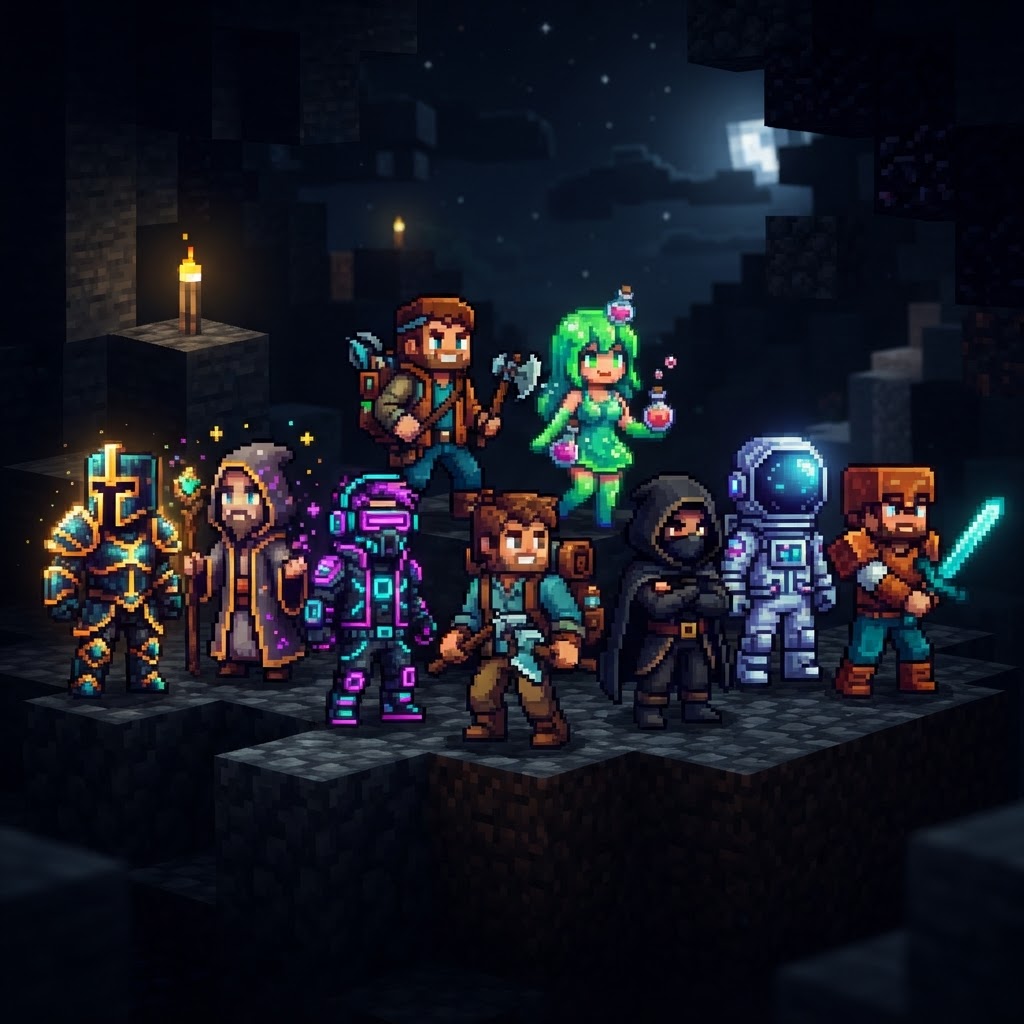
- Mob Hybrids — Human-Enderman, Creeper-faced humanoids, and Warden-core designs with dark palette and glowing blue accents
- Anime Crossovers — Demon Slayer, Jujutsu Kaisen, and Chainsaw Man character skins remain at peak popularity, especially on 1.21.x PvP servers
- Y2K Aesthetic — Pixelated chrome textures, holographic overlays, and early-2000s fashion translated into 64×64 skin format
- Minecraft Movie Tie-ins — Skins based on the 2025 A Minecraft Movie character designs, including actor-accurate Steve variants
- Dark Academia / Gothic Scholar — Long coats, book textures, and muted dark-green and burgundy palettes
- Slim vs Classic Body Type — Slim (Alex model) continues to dominate creator spaces; Classic (Steve model) holds ground in survival and roleplay communities
- Download the skin as a `.png` file (64×64 pixels)
- Open the official Minecraft Launcher
- Click your username/profile in the top-right corner
- Select Skins → New Skin
- Upload your `.png` file
- Choose Classic or Slim model to match your skin's build
- Hit Save & Use — changes apply within seconds, no restart needed
- Download a Bedrock-compatible `.png` or `.mcpack` skin file
- For `.png`: Go to Settings → Profile → Edit Character → Classic Skins → Choose New Skin
- For `.mcpack`: Double-click the file on PC — it auto-imports into Minecraft; on mobile, open the file with Minecraft from your file manager
- Select your imported skin from the wardrobe and confirm
- MCSkin3D (Desktop, Windows/Mac) — The gold standard for offline editing. Lets you paint directly on a 3D model preview. Free, no account needed.
- Nova Skin (Browser) — Best online editor. Drag-and-drop layers, real-time 3D preview, and a massive template library. Works on any device.
- Blockbench (Desktop/Browser) — Overkill for basic skins but essential if you want pixel-perfect UV mapping or you're creating skins to bundle with resource packs.
- Adobe Photoshop / GIMP — Valid for pixel artists who already know the tools. Use the official 64×64 skin template from Mojang as your base layer.
- Go to Nova Skin and click "Edit a skin"
- Load a trending skin as your base (search by name or paste an image URL)
- Modify colors, swap accessories, or repaint face/hair layers
- Export as a 64×64 `.png`
- Upload to your Java account or import to Bedrock as outlined above
Where to Find Trending Minecraft Skins Right Now
The actual platforms worth your time, with honest assessments of each.
Don't waste time on random Google image results. These are the go-to sources in 2026:
| Platform | Best For | Java Support | Bedrock Support | Cost |
| NameMC | Java trending lists, community uploads | ✅ Yes | ❌ No | Free |
| Planet Minecraft | High-quality custom skins, themed packs | ✅ Yes | ✅ Limited | Free |
| Skindex (The Skindex) | Volume browsing, beginner-friendly | ✅ Yes | ✅ Yes | Free |
| Minecraft Marketplace | Official Bedrock-exclusive packs | ❌ No | ✅ Yes | Paid (Minecoins) |
| CurseForge Skins | Mod-community adjacent, niche aesthetics | ✅ Yes | ❌ No | Free |
| Novask | Animated skin previews, trending filters | ✅ Yes | ✅ Yes | Free / Premium |
NameMC is the most reliable real-time trending tracker for Java. Their "Popular Skins" page updates based on actual player usage data — it's as close to a live trend chart as the skin community has. For Bedrock players, the Minecraft Marketplace remains the only source for officially licensed content, though community sites like The Skindex are catching up with Bedrock-compatible exports.
How to Apply Trending Minecraft Skins on Java and Bedrock
The exact steps for both platforms — no assumptions about what you already know.
Java Edition (1.21.x)
Bedrock Edition (All Platforms)
Customization Tools for Trending Minecraft Skins
How to edit existing skins or build your own without any art background.
You don't need Photoshop or any paid software. These are the tools that actually work:
Quick Customization Workflow
The current most-edited base templates on Nova Skin (as of Q1 2026) are the Warden Shadow template, the Anime School Uniform base, and the Y2K Chrome starter — all free to use as starting points.
Avoiding Common Mistakes with Trending Minecraft Skins
The errors that trip up new and returning players alike.
| Mistake | What Goes Wrong | Fix |
| Wrong resolution | Skin appears glitched, stretched, or invisible | Always use 64×64 pixels exactly |
| Model mismatch | Arms clip through torso or look broken in-game | Match Classic vs Slim before uploading |
| Using a Java skin on Bedrock directly | Skin doesn't apply or shows Steve/Alex default | Use a Bedrock-formatted export or converter |
| Downloading from unverified sites | Risk of malware in `.zip` packages | Stick to NameMC, Planet Minecraft, Skindex |
| Ignoring the overlay layer | Skin looks flat, no depth | Enable the second layer in your editor for hats and jackets |
The model mismatch issue is the most common support question on every Minecraft forum. If your skin's arms look stubby, too wide, or out of alignment, the answer is almost always a Classic/Slim mismatch. Check it first before assuming the skin file is broken.
Conclusion: Stay Ahead of Trending Minecraft Skins Without Chasing Every Wave
Pick a direction, own it, and update smart.
Trending Minecraft skins change fast — what's dominant on NameMC today might be oversaturated by next month. The smarter play is to understand the underlying aesthetic categories (mob hybrid, anime crossover, Y2K, gothic) and pick one that fits your actual playstyle and server community. Use NameMC to track real-time Java trends, lean on Nova Skin for fast customization, and always verify model type before you upload.
If you're on Bedrock and frustrated by import restrictions on console, the character creator is more capable than it used to be — and Marketplace bundles now regularly drop skins tied to trending aesthetics within weeks of them peaking on Java. The gap between platforms is narrowing.
The best skin isn't always the most popular one. It's the one you'll keep for longer than a week because it actually represents how you play. Start with a trending base, customize it to be yours, and move on to building.
| Uploading over 64×64 | Launcher rejects the file | Don't upscale to 128×128 — Java doesn't support it officially |
RELATED ARTICLES
Minecraft Survival Iron Farm: Build a Compact, High-Yield Design
Building a reliable Minecraft iron farm is one of the highest-value infrastructure projects in any survival world. This guide covers the mechanics behind iron golem spawning, walks you through a compa...
How to Make a Barrel in Minecraft: Recipe & Uses
Running out of chest space is one of the most frustrating mid-game problems in Minecraft, and barrels are one of the best solutions most players overlook. Unlike chests, barrels work even when complet...
Top Minecraft Seeds for the Latest Version (2026)
Finding the best Minecraft seeds for 2026 means knowing exactly what to look for — and where to spawn. This guide covers the top-performing seeds for Java and Bedrock Edition 1.21.x, breaking down spa...
STAY UPDATED
New blog posts, guides, and community tips delivered to your inbox.
No spam. Unsubscribe anytime.
Comments (0)
No comments yet. Be the first to share your thoughts!

