TABLE OF CONTENTS
How to Tame a Wolf in Minecraft: A Complete Guide
You want a loyal companion that follows you into battle, guards your base, and never complains — that's exactly what a tamed wolf delivers. The problem is that most players either can't find wolves, waste their bones, or end up with an aggressive mob on their hands because they skipped a few critical steps. This guide covers everything you need to tame a wolf successfully, keep it alive, and actually use it to its full potential.
Finding Wolves in the Right Biomes
Not every forest works — knowing where to look saves you hours of wandering.
Wolves don't spawn everywhere, and this is the first place most players lose time. They're biome-specific, and if you're searching in the wrong area, you'll never find one no matter how long you walk.
Biomes where wolves spawn:
- Taiga
- Old Growth Pine Taiga
- Old Growth Spruce Taiga
- Snowy Taiga
- Grove
- Forest (less common, Java Edition)
The Taiga biome is your best bet. It's relatively common, easy to navigate, and wolves spawn in packs of 4, meaning you can tame multiple in one trip. Avoid spending time in plains or jungles — wolves simply don't generate there.
Wolves spawn in packs, which is important. When you find one, there are usually 3-4 nearby. Scout the area before you start taming so you know how many bones you'll need before you begin.
What You Need Before You Start
Showing up underprepared is the number one reason taming fails.
| Item | Quantity Needed | Where to Get It |
|---|---|---|
| Bones | 5–12 (average) | Skeleton drops, desert temples, dungeon chests |
| Food for healing wolf | 4–8 pieces | Any meat (raw or cooked) |
| Lead (optional) | 1–2 | Crafted with string + slimeball |
| Name Tag (optional) | 1 per wolf | Fishing, trading, dungeon loot |
Bones are the only currency wolves accept for taming. There's no substitute. Each bone gives roughly a 1-in-3 chance of taming, so plan for variance. On average you'll spend 5-7 bones per wolf, but some players burn through 12+ on a single stubborn one. Farm skeletons at night or set up a skeleton spawner farm if you're planning to tame a pack.
Step-by-Step: How to Tame a Wolf
Follow this exact sequence and you won't waste a single bone.
- Locate a wolf pack in a Taiga biome. Observe them from a distance — make sure none are already in an aggressive state (red eyes, raised tail posture).
- Ensure your hands are empty or hold bones. Holding the wrong item, especially meat, can trigger feeding behavior on an already-tamed wolf and won't progress taming on a wild one.
- Approach slowly. You don't need to crouch, but avoid sprinting directly at them — sudden movement can spook them in some versions.
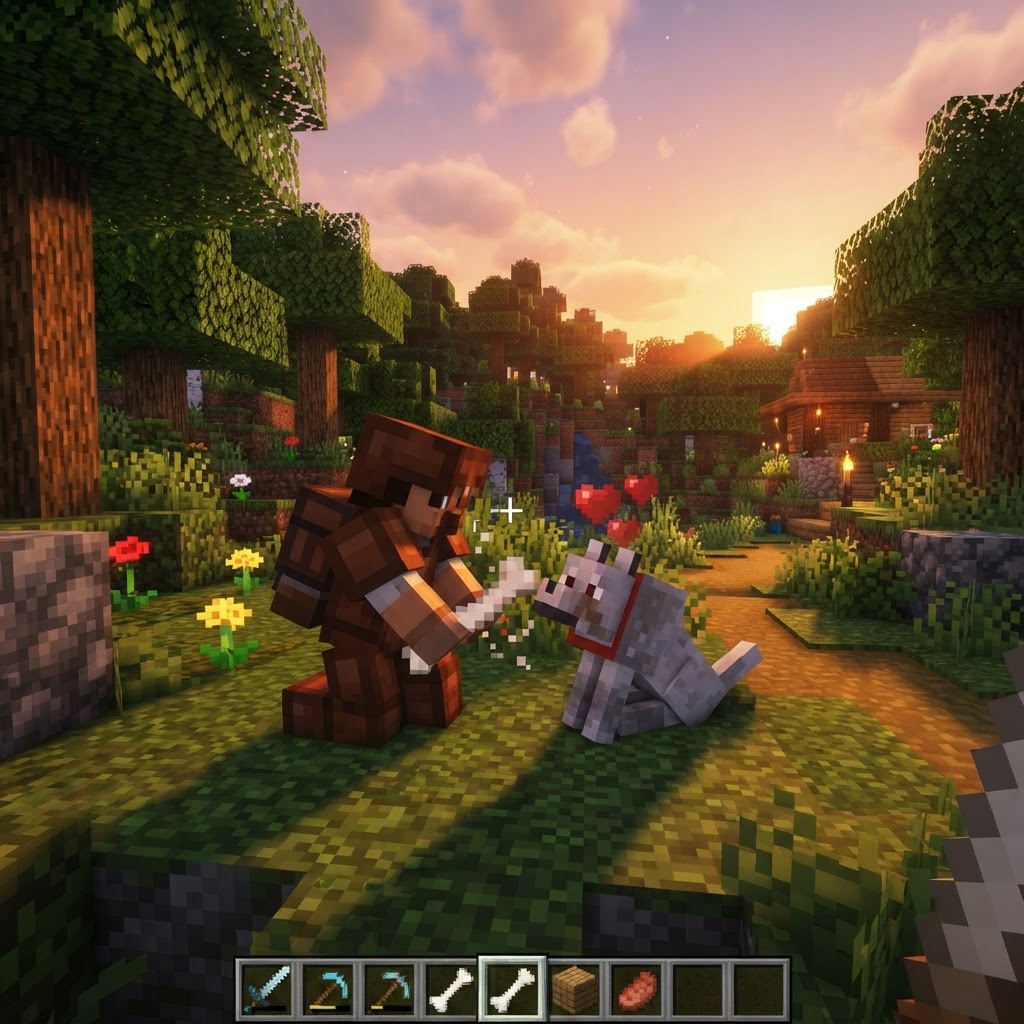
- Right-click (use button) with a bone on the wolf. You'll see one of two outcomes: smoke particles (failed attempt) or hearts (tamed).
- Keep feeding bones on smoke particle results. Each attempt is independent — there's no "progress bar." It's purely probability.
- Watch for the heart particles — this means success. The wolf's collar will appear (red by default), its tail will rise, and it will sit if you don't give it a command.
- Rename it immediately with a name tag if you want to prevent despawning and track it easily.
- Stay in place when you travel
- Won't teleport to you
- Won't fight enemies
- Safe from fall damage, lava, and most hazards while stationary
- Teleport to you if you move far away
- Attack anything you attack or anything that attacks you
- Can die from fall damage, lava, drowning, and mob attacks
Managing and Using Your Tamed Wolf
A wolf you can't control is a wolf that dies — here's how to actually use one.
Once tamed, your wolf operates in two modes: sitting and following. Right-clicking toggles between them. This is more important than it sounds.
Sitting wolves:
Following wolves:
Healing Your Wolf
Wild wolves eat to become "interested" (hearts appear, they become tamed candidates). Tamed wolves eat to heal HP. Feed them any meat — raw chicken, cooked beef, mutton, rabbit, porkchop. The wolf's tail position indicates health: tail pointing straight out = full health, tail drooping low = critically injured.
Dyeing the Collar
| Meat Type | Heals (HP) | Notes |
|---|---|---|
| Cooked Chicken | 3 | Most abundant early game |
| Cooked Beef/Steak | 8 | Best efficiency |
| Raw Meat (any) | 1-3 | Works but less efficient |
| Rotten Flesh | 4 | Works on wolves — no food poisoning risk |
| Rabbit | 5 | Good mid-game option |
Craft or find any dye and right-click your wolf to change collar color. This is purely cosmetic but incredibly useful in multiplayer to distinguish your wolves from others.
Common Mistakes Players Make
These errors cost bones, wolf lives, and hours of frustration.
1. Feeding bones to an aggressive wolf.
If a wolf has red eyes, it is hostile toward you. Feeding it bones won't tame it — you've attacked it (or attacked a nearby wolf) and now the whole pack is hostile. Leave the area, wait for them to reset, or find a new pack.
2. Leaving a wolf on "follow" in dangerous terrain.
Your wolf will follow you off cliffs, into lava, and through fire. It doesn't pathfind intelligently. If you're mining, building near lava, or going to the Nether — sit your wolf first.
3. Bringing a wolf to the Nether unprepared.
Wolf AI in the Nether is chaotic. They'll aggro Piglins, walk into lava, and die to ghast fireballs. If you must bring a wolf to the Nether, keep it on a lead and stay far from lava.
4. Assuming more bones = faster taming.
Each bone is an independent 33% roll. Feeding 10 bones fast doesn't "stack up" — you just got unlucky. This is working as intended.
5. Not naming your wolf.
Unnamed tamed wolves can despawn in some edge cases and are impossible to distinguish in a pack. Name tags cost almost nothing once you're mid-game — use them.
6. Attacking a different mob near your wolf without sitting it.
Your wolf will join every fight you start, including ones you can't win. Fighting a Warden? An Elder Guardian? Your wolf will suicide-charge it. Always sit your wolf before engaging dangerous bosses.
Pro Strategies for Advanced Players
Once you understand the basics, here's how to get serious value from wolves.
Build a Wolf Pack (Not Just One)
A single wolf is a companion. Four wolves are a mobile kill squad. Wolves attack in parallel and their combined DPS is genuinely threatening to most overworld mobs. Tame 4-6 wolves, name them, and bring them on raids and expeditions. They shred skeletons and zombies in seconds.
Use Wolves as Base Defenders
Wolves sitting at your base entrance will auto-aggro any mob that attacks you while you're nearby. Position 2-4 wolves at chokepoints. They won't patrol, but anything that hits you will immediately have 4 wolves on it.
Wolf Breeding for Infinite Pack Size
Two tamed wolves can be bred using any meat. Breed your wolves to produce puppies — puppies are automatically tamed to you and grow into full wolves. This means once you have two wolves, bones become irrelevant. You can scale to a full pack without ever finding wild wolves again.
Color-Code Your Pack in Multiplayer
Use 16 different dye colors to assign roles. Red collar = fighters you bring on raids. Blue = base defenders that never leave. Yellow = wolves assigned to a specific player or area. It sounds extra but it saves real confusion at scale.
Wolves as Skeleton Counters
Skeletons will run from wolves that have been set on them, breaking their kiting AI and making them far easier to kill. Use your wolf pack offensively against skeleton spawner farms to disrupt ranged attack patterns.
Conclusion
Taming a wolf in Minecraft is straightforward once you stop underestimating the preparation required. Find a Taiga biome, bring more bones than you think you need, avoid triggering aggro before you start, and always — always — sit your wolf before you do anything dangerous. The wolf isn't just a pet; it's a combat multiplier, a base defender, and a mid-to-late game force multiplier when you scale to a full pack. Master the basics here, apply the pro strategies as you progress, and you'll never run a dungeon or fight a raid alone again.
RELATED ARTICLES

How to Make a Book in Minecraft: Easy Recipe & Uses
You're probably here because you just hit a wall — enchanting, writing, or crafting something advanced — and realized you need books but aren't sure how to get them efficiently. Books are one of Minec...
Featured Minecraft Modpack: Create a World of Industry
If you're ready to transform Minecraft into a fully mechanized industrial playground, this Create modpack guide covers everything you need. You'll learn what makes Create-based modpacks stand out, whi...
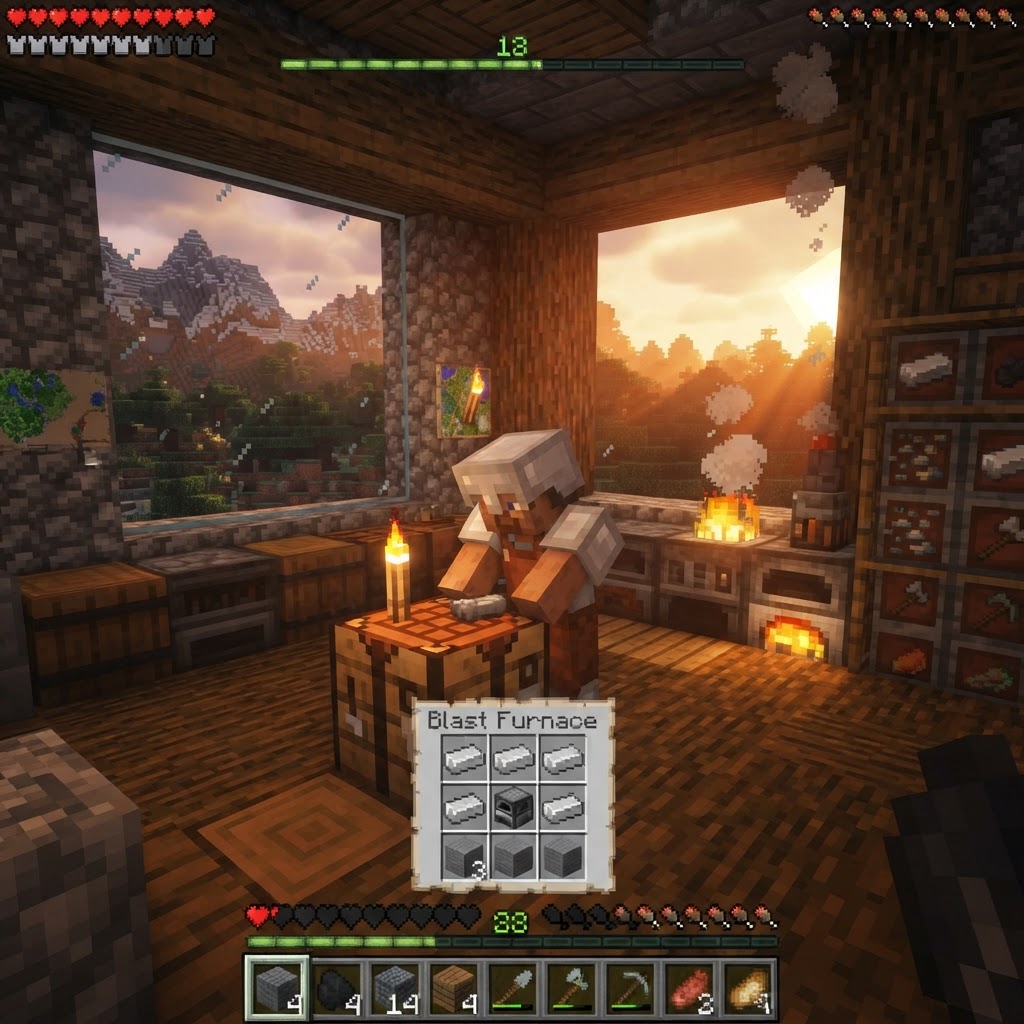
How to Make a Blast Furnace in Minecraft: Recipe & Uses
If you've been manually smelting ores one by one in a regular furnace, you're wasting serious time — the Minecraft blast furnace doubles your smelting speed for metals and ores, making it one of the m...
STAY UPDATED
New blog posts, guides, and community tips delivered to your inbox.
No spam. Unsubscribe anytime.
Comments (0)
No comments yet. Be the first to share your thoughts!

