
TABLE OF CONTENTS
Tame a Wolf in Minecraft: Complete Guide & Pro Tips
You've found wolves roaming the forest, and now you want one as a loyal companion — but taming them isn't as simple as walking up and clicking. Whether you're building a base defense system, want a combat partner for dungeon runs, or just want a pack of loyal dogs following you around, knowing exactly how wolf taming works will save you bones, time, and a lot of frustration.
Where to Find Wolves in Minecraft
Wolves only spawn in specific biomes — searching in the wrong place is the #1 time waster.
Before you can tame anything, you need to actually find a wolf. Players often wander aimlessly through forests and wonder why they're not encountering any. The answer is biome specificity. Wolves don't spawn everywhere — they have preferred terrain, and knowing it cuts your search time dramatically.
Primary Wolf Spawn Biomes:
- Taiga (old-growth, snowy, and regular variants) — highest spawn rate
- Forest — moderate spawn chance
- Grove — less common but reliable
- Meadow — occasional spawns
- Snowy Plains — rare but possible
Wolves spawn in packs of 4 on Bedrock Edition and in groups of 4 as well on Java, typically on grass blocks with sky access. They're passive until provoked, so you'll see them wandering freely. If you've been to a taiga biome and found none, it may simply be an unlucky seed — move on and explore adjacent chunks.
What You Need Before You Start
Going in unprepared means wasting bones or accidentally triggering a hostile pack.
Taming a wolf requires exactly one item: bones. Bones drop from skeletons (0–2 per kill, increased with Looting enchantment), and you'll need a reliable supply before you start. Here's the realistic breakdown:
Bone Requirements:
- Minimum recommended: 10 bones
- Comfortable buffer: 20 bones
- Unlucky streak insurance: 30+ bones
The taming process is entirely RNG-based. Each bone you feed a wolf has roughly a 1-in-3 chance of successfully taming it. That means statistically you'll use around 3 bones per wolf, but you can easily hit 12+ bones on a single stubborn wolf. Always bring more than you think you need.
| Preparation Item | Why It Matters | Priority |
|---|---|---|
| 20–30 Bones | Core taming material — never bring fewer than 15 | Essential |
| Food (Meat) | Heals your tamed wolf after combat | High |
| Lead | Move wolves across terrain without them wandering | Medium |
| Name Tag | Prevents wolf despawning in unloaded chunks | Medium |
| Fence/Pen at Base | Contains your wolf pack safely | Recommended |
Step-by-Step: How to Tame a Wolf
Follow this exact process to maximize your chance of success on the first attempt.
- Approach slowly. You don't need to sneak, but avoid sprinting directly at a wolf — erratic movement can spook nearby mobs even if it doesn't trigger aggression.
- Confirm the wolf is untamed. Untamed wolves have a straight, downward-pointing tail. Tamed wolves hold their tail higher. A wolf with a collar is already someone else's (in multiplayer).
- Equip bones in your hotbar. Right-click (Java) or use the interact button (Bedrock/Console) while holding a bone.
- Feed the wolf bones one at a time. Watch for heart particles — these mean you're making progress. No reaction (no hearts, no smoke) means it failed that attempt; keep feeding.
- Watch for the collar. The moment you see a red collar appear around the wolf's neck and a burst of hearts, the wolf is tamed. Congratulations — it's yours.
- Rename it immediately if you have a name tag. This prevents despawning.
- Feed it meat to top off its health. A freshly tamed wolf doesn't spawn at full health.
- Raw/cooked: chicken, beef, pork, mutton, rabbit
- Rotten flesh (yes, it works — and wolves don't get food poisoning)
- Cooked fish is NOT accepted (wolves are meat-eaters, not fish fans in this context — stick to land animal meat)
- Health: 20 HP (10 hearts)
- Melee damage: 4 HP on Easy, 4 on Normal, 6 on Hard
- Wolves do NOT have ranged attacks and will charge into melee range aggressively
- Required item for breeding: Any meat (raw or cooked) from the list above
- Both wolves must be tamed by you (or your pack in multiplayer, depending on server settings)
- Both must be in "following" mode (not sitting) to enter love mode
- Feed each wolf once — hearts appear, they approach each other, and a wolf pup is born
- Wolf pups are automatically tamed to you and grow into adults after approximately 20 minutes (can be accelerated by feeding them more meat)
- Breeding cooldown: 5 minutes between breeding sessions per wolf
Wolf Behavior, Commands & Care
Taming is just the beginning — understanding wolf AI makes them actually useful.
A tamed wolf operates in two states: sitting and following. Right-clicking your wolf toggles between these modes. Here's what each means in practice:
| State | Behavior | Best Used When |
|---|---|---|
| Following | Attacks anything you attack or that attacks you | Exploring, combat, hunting |
| Sitting | Stays in place, does not move or fight | Storing at base, avoiding friendly fire, crossing lava |
Healing Your Wolf:
Wolves take damage and don't regenerate naturally the way players do. You must manually feed them meat. Accepted foods include:
Wolf Combat Stats:
Breeding Wolves to Build Your Pack
One wolf is a companion — a pack of ten is a fortress.
Once you have two tamed wolves, you can breed them to expand your pack rapidly. Here's what you need to know:
Building a pack of 10+ wolves is a legitimate late-game strategy for base defense. They'll attack any hostile mob that enters their range while in following mode, and their collective DPS is substantial against raiders, skeletons, and creepers.
Common Mistakes Players Make
These errors cost players bones, wolves, and hours of progress — don't repeat them.
1. Not bringing enough bones.
The most common mistake by far. Players bring 5 bones, burn through them on one unlucky wolf, and have to go back. Always bring 25+ if you're trying to tame multiple wolves.
2. Accidentally hitting a wolf.
One misclick while fighting another mob near wolves = the entire pack turns hostile. Keep your wolves at a safe distance from combat zones until tamed.
3. Forgetting to name tag tamed wolves.
Tamed wolves CAN despawn if they're in chunks that unload and certain conditions aren't met. A name tag permanently prevents this. Don't invest in a wolf and then lose it to a despawn.
4. Leaving wolves in following mode at the base.
Wolves in following mode will run into lava, fall into pits, aggro on neutral mobs like iron golems, and generally cause chaos. Always sit your wolves when you're at base and not actively using them in combat.
5. Trying to tame a wolf that's already been hit.
If a wolf is angry (red eyes), it will not accept bones and cannot be tamed until it calms down. Walk away, come back, and try fresh.
6. Not healing wolves after combat.
Players tame wolves, take them into a dungeon, and then lose them to a zombie or skeleton because their health was never topped off. Check and heal your wolves before every major engagement.
Pro Strategies for Advanced Players
These techniques separate casual wolf owners from players who use them as real game systems.
Stack your pack before the End fight.
Breeding wolves specifically for the Ender Dragon fight is underused. Sit your wolves near the exit portal, bring them in after the dragon lands, and let a pack of 8–10 wolves shred its health while you focus on destroying crystals. The wolf pack ignores the dragon's breath attack if positioned correctly.
Use leads to manage pack movement.
Moving a large pack of wolves between biomes is chaotic without leads. Lead wolves two at a time and they'll stay in formation. Without leads, wolves get snagged on terrain, fall behind, and sometimes get lost permanently.
Wolf + Looting sword = bone farm efficiency.
Equip a Looting III sword when farming skeletons for bones. Looting III increases bone drop rate significantly, which means your bone supply scales much faster. Target skeleton dungeons or set up a skeleton spawner farm specifically to fuel your wolf breeding operation.
Create a dedicated wolf pen with a roof.
Wolves can be pushed off ledges by explosions, fall into water and drown, or wander through open gaps. Build a proper enclosed pen with a roof at your base, and sit all non-combat wolves there. Use a fence gate you can quickly open to deploy them during raids.
Color-code with dye to track wolves in a pack.
You can change wolf collar color by right-clicking with any dye. If you have multiple wolves, assign different collar colors by role or name — red for combat wolves, yellow for breeders kept safe, etc. This isn't just aesthetic; it's operational when managing a pack of 12+.
Conclusion
Taming a wolf in Minecraft is straightforward once you stop treating it as a random encounter and start treating it as a system. Find the right biome, carry enough bones to handle bad RNG, follow the feeding process without accidentally triggering hostility, and immediately name tag and heal your wolf once it's yours. From there, breeding a full pack and using wolves as a genuine combat and defense asset is what separates players who have one pet wolf from players who have a fortress.
The key takeaways: taiga biomes first, 25+ bones always, name tag immediately, sit wolves at base, breed aggressively. Do those five things and you'll never lose a wolf you didn't mean to lose again.
RELATED ARTICLES

How to Make a Book in Minecraft: Easy Recipe & Uses
You're probably here because you just hit a wall — enchanting, writing, or crafting something advanced — and realized you need books but aren't sure how to get them efficiently. Books are one of Minec...
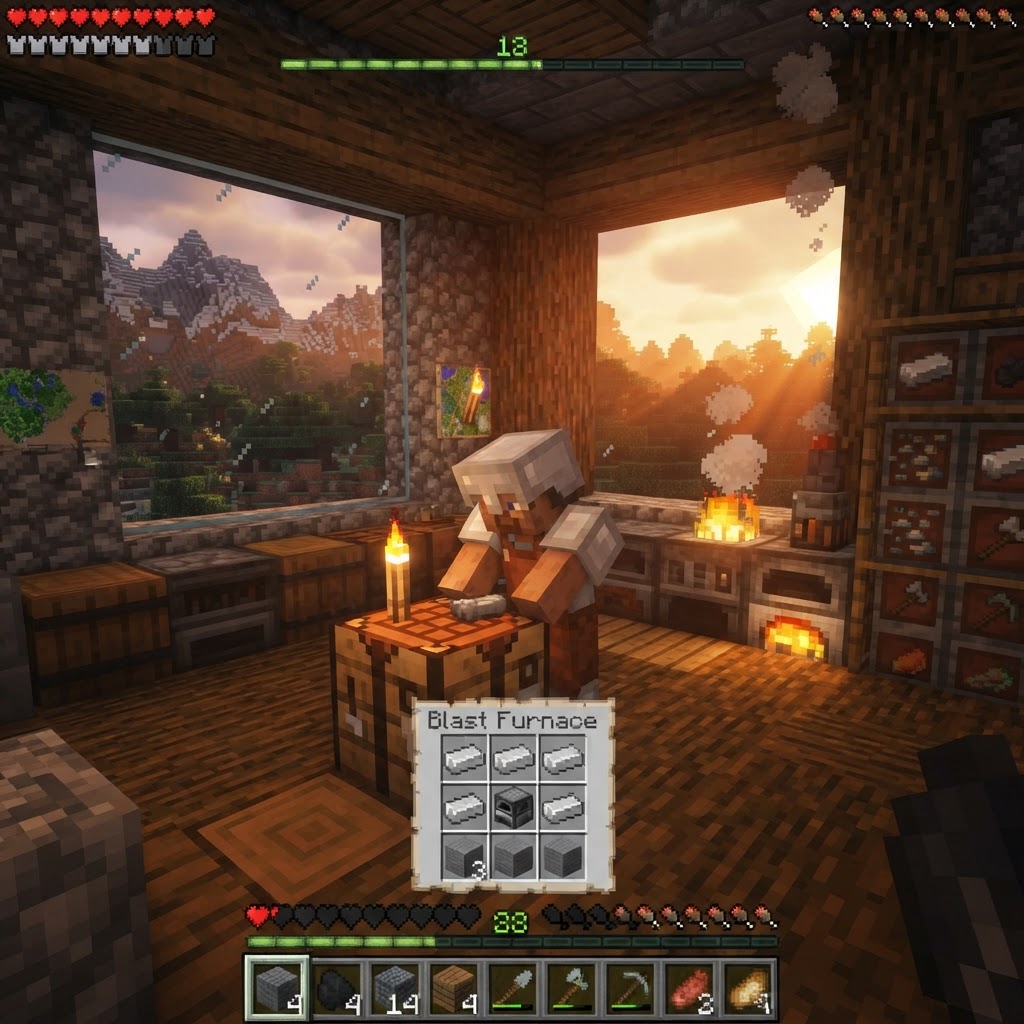
How to Make a Blast Furnace in Minecraft: Recipe & Uses
If you've been manually smelting ores one by one in a regular furnace, you're wasting serious time — the Minecraft blast furnace doubles your smelting speed for metals and ores, making it one of the m...
How to Make a Smoker in Minecraft: Recipe & Uses
If you're tired of waiting forever for your food to cook in a standard furnace, the smoker is the upgrade you didn't know you needed. It cooks food items at exactly twice the speed of a regular furnac...
STAY UPDATED
New blog posts, guides, and community tips delivered to your inbox.
No spam. Unsubscribe anytime.
Comments (0)
No comments yet. Be the first to share your thoughts!

