TABLE OF CONTENTS
Ultimate Chunkloader Guide: Advanced Redstone for Survival
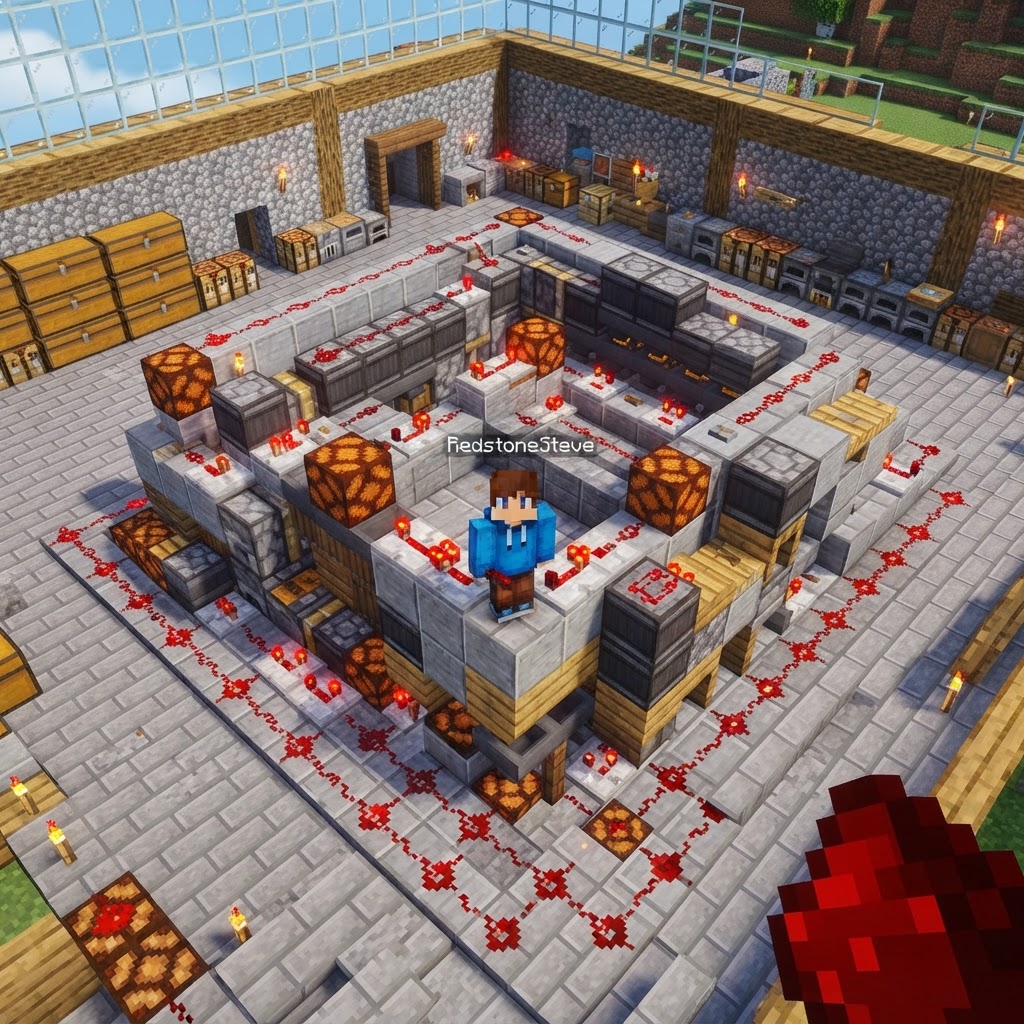
Keeping farms and machines running while you're away is one of survival's biggest challenges — and mastering chunkloader redstone is the solution. This guide covers how chunk loading works at a mechanical level, how to build reliable vanilla loaders, and how to integrate them with complex redstone contraptions without breaking your world. Whether you're running an iron farm, a mob spawner, or a fully automated crop system, you'll leave with a working design.
How Chunk Loading Actually Works in Minecraft
Understanding the engine before you build the machine.
Minecraft loads the world in 16×16 column segments called chunks. Only chunks within a certain radius of a player — the simulation distance — are actively ticked. Everything outside that radius is frozen: hoppers stop moving items, pistons don't fire, mobs don't spawn. This is why your iron farm produces nothing when you're mining three hundred blocks away.
Here's what actually runs per tick when a chunk is loaded:
- Block entities (hoppers, furnaces, brewing stands) process their queued actions
- Scheduled ticks for repeaters, comparators, and observers execute
- Random ticks hit crops, fire, and leaf decay
- Entity AI runs for mobs within the chunk and adjacent loaded chunks
- Build a nether portal at your farm's location
- Light it and note the corresponding nether coordinates (divide overworld X/Z by 8)
- Travel to the nether side and build a second portal exactly at those coordinates
- Place a Minecart with Chest inside the nether-side portal frame — do not let it travel through
- Log out and back in to confirm the overworld farm chunk remains active
- Lay a closed oval of Powered Rails — minimum 8 rails, ideally 12-16
- Place one Detector Rail with a Redstone Comparator feeding a hopper timer
- Power the entire loop with a Redstone Torch beneath one powered rail
- Place your minecart and confirm it loops indefinitely
- Extend redstone signals outward to your farm using Slime Block Flying Machine carriers if the farm is more than 15 blocks away from the loop
- Chunk Loaders (by Supermartini) — Available on Fabric 1.20.1 and 1.21. Adds a craftable Chunk Loader block that accepts a Redstone signal to toggle loading on/off. Costs 2 Ender Eyes + 4 Iron Blocks.
- FTB Chunks — Bundled in most FTB modpacks. Supports team-based chunk claiming and force-loading. Configured via an in-game map GUI (`M` key by default).
- Dimensional Anchors (Reborn) — Port of the classic Anchors mod. Works on Forge 1.19.2 and 1.20.1. One anchor loads a configurable radius, up to 7×7 chunks.
- Framedblocks — Not a loader itself, but pairs with Chunk Loaders for aesthetic integration into redstone builds.
- Load only what you need. A guardian farm only needs its 3-4 core chunks loaded, not the entire ocean monument area. Map your farm footprint before placing any loaders.
- Use hopper clocks over continuous redstone loops. A comparator-based hopper clock with 5 items in one hopper produces a pulse every ~4 seconds — enough to trigger most farms without hammering the tick system.
- Disable loaders when AFK sessions end. If you're using mod-based loaders, wire them to a Lever + Comparator output so you can cut all chunk loading from a single control panel at your base.
- Avoid stacking mob farms in the same chunk column. Two farms in vertically adjacent chunks double the entity processing load in a single column.
- Check your MSPT. On a server, use `/forge tps` (Forge) or the Spark profiler mod to measure milliseconds per tick. If MSPT climbs above 45ms (target is under 50ms for 20 TPS), your loaders are contributing to lag.
The spawn chunks (roughly a 16-chunk radius around world spawn at 0,0) are always loaded regardless of player position. This is the foundation every reliable vanilla chunkloader redstone system exploits.
Vanilla Chunkloader Redstone: Core Build Methods
Three proven designs, ranked by reliability and resource cost.
You don't need mods to force-load chunks. These three vanilla methods are used by technical players on servers running Java 1.20.x and 1.21.x.
Method 1 — Nether Portal Exploit (Most Reliable)
This method uses the game's entity rendering logic. A boat or minecart placed inside a nether portal frame is continuously rendered by the game, forcing the destination chunk to stay loaded.
Method 2 — Looping Minecart on a Rail Circuit
A minecart looping on a powered rail circuit within spawn chunks creates a pseudo-chunk-ticket, keeping adjacent chunks loaded. Keep the loop within a 3×3 chunk area for stability.
Method 3 — Player-Based Anchor (Simplest, Limited)
An AFK platform positioned at the correct Y-level above your farm, combined with a server set to a long AFK timeout, is the lowest-tech solution. It's not automated but works for solo survival worlds.
| Method | Chunks Kept Loaded | Server Compatible | Resource Cost | Reliability |
| Nether Portal Exploit | 1-3 target chunks | Vanilla/Spigot only | Low | High |
| Looping Minecart | Spawn chunks + 2 adj. | Most servers | Medium | Very High |
| AFK Platform | Player radius | All | Very Low | Depends on AFK |
| Mod-Based Loader | Configurable | Depends on mod | Low | Highest |
Mod-Based Chunkloader Redstone Integration
When vanilla methods aren't enough for industrial-scale systems.
For modpacks or personal servers, dedicated mods eliminate the guesswork entirely and let you tie chunk loading directly into your chunkloader redstone logic.
Top mods to know by name and version:
The real power of mod-based loaders is conditional loading — using a Redstone signal input to enable or disable the chunk loader. This means you can build a master switch at your base that activates your iron farm chunk, your guardian farm chunk, and your crop farm chunk independently, conserving server resources.
Optimizing Chunkloader Redstone for Server Performance
The difference between a smooth server and a 2 TPS nightmare.
Poorly designed chunkloaders are one of the top causes of server lag. Every loaded chunk that's actively ticking adds to the server's tick workload. Here's how to keep your systems lean:
Troubleshooting Common Chunkloader Redstone Failures
Diagnosing why your farm stopped working at 3 AM.
Problem: Farm runs fine when nearby, stops when I leave
Cause: Your farm is outside simulation distance and your chunk loader isn't working.
Fix: Use F3 and check your current simulation distance. Then use the Carpet Mod command `/log chunkTicket` to verify which chunks have active tickets.
Problem: Minecart loop stops after a few minutes
Cause: Powered rails aren't receiving a consistent signal, or the minecart is derailing on a corner.
Fix: Ensure every powered rail has a direct Redstone Torch or lever signal. Use curved corner rails (not powered) only at the loop's bends and space them at least 2 blocks apart.
Problem: Portal-based loader worked, then stopped after a server restart
Cause: Chunk tickets generated by portal rendering don't persist across restarts on all server versions.
Fix: Switch to a minecart-based system for anything requiring persistent uptime. Confirm with `/forge tps` or Spark that the chunk is re-registering after each server boot.
Problem: Redstone circuit inside loaded chunk fires randomly instead of consistently
Cause: Observer chains and BUD switches are tick-rate sensitive. If the chunk loads mid-cycle, signals can desync.
Fix: Add a 2-tick delay repeater at the start of any observer chain that receives input from outside the loaded chunk boundary.
Conclusion: Build It Right Once
Reliable chunkloader redstone design separates casual survival players from serious technical builders. The core principle is simple: identify what needs to run, load only those chunks, and build redundancy into your activation method. Start with a minecart loop inside spawn chunks for your first critical farm, test it thoroughly over a 20-minute AFK session, then scale outward. If you're on a modded server, Chunk Loaders by Supermartini paired with FTB Chunks gives you the cleanest, most server-friendly solution available. Get the foundation right, and your farms will run whether you're online or not.
RELATED ARTICLES

How to Make a Book in Minecraft: Easy Recipe & Uses
You're probably here because you just hit a wall — enchanting, writing, or crafting something advanced — and realized you need books but aren't sure how to get them efficiently. Books are one of Minec...
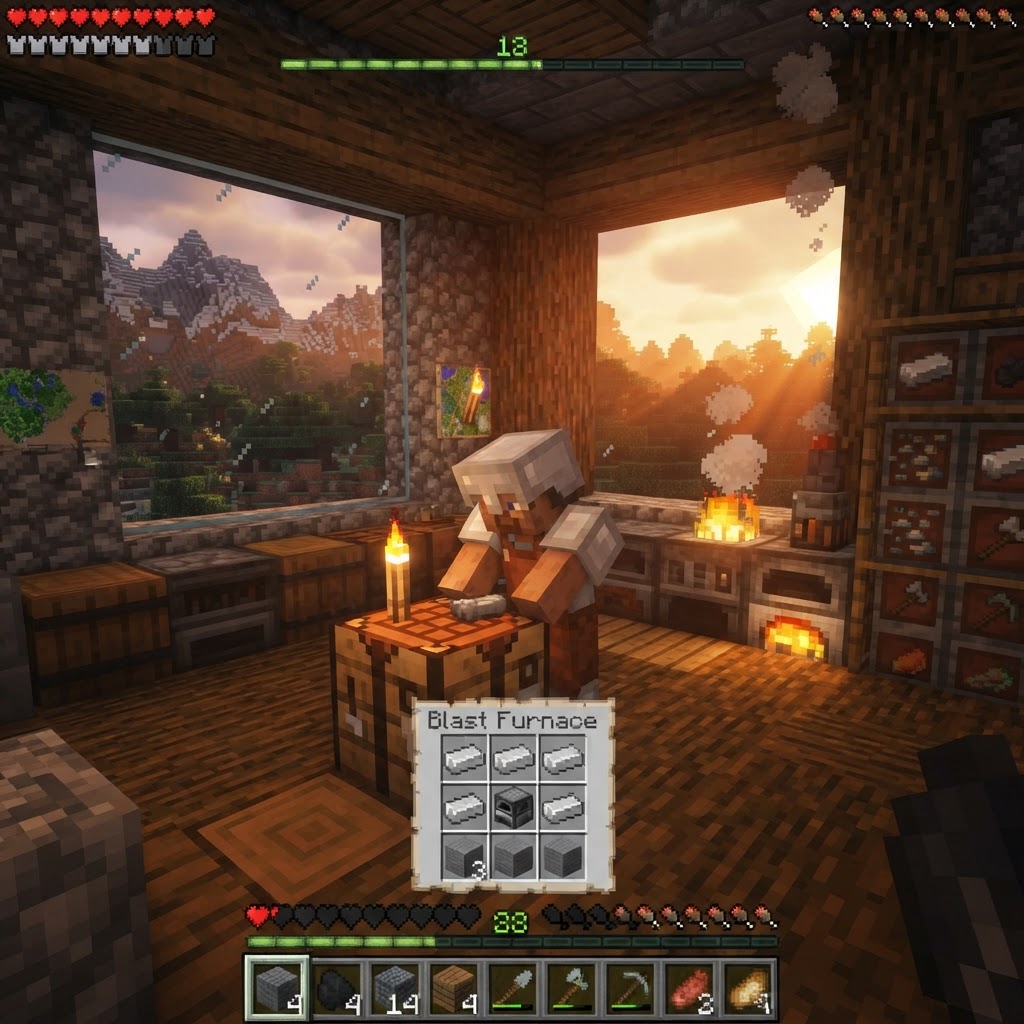
How to Make a Blast Furnace in Minecraft: Recipe & Uses
If you've been manually smelting ores one by one in a regular furnace, you're wasting serious time — the Minecraft blast furnace doubles your smelting speed for metals and ores, making it one of the m...
How to Make a Smoker in Minecraft: Recipe & Uses
If you're tired of waiting forever for your food to cook in a standard furnace, the smoker is the upgrade you didn't know you needed. It cooks food items at exactly twice the speed of a regular furnac...
STAY UPDATED
New blog posts, guides, and community tips delivered to your inbox.
No spam. Unsubscribe anytime.
Comments (0)
No comments yet. Be the first to share your thoughts!

