TABLE OF CONTENTS
Trending Minecraft Skins 2026 — How to Use Them
Minecraft skins are one of the fastest ways to refresh your in-game identity, and 2026 has brought a sharp wave of new aesthetics dominating servers, content feeds, and skin databases. This guide covers the top trending skin styles this year, where to find them, and exactly how to apply them across Java and Bedrock editions.
Trending Minecraft Skin Styles in 2026
What the community is actually wearing this year — and why it's working.
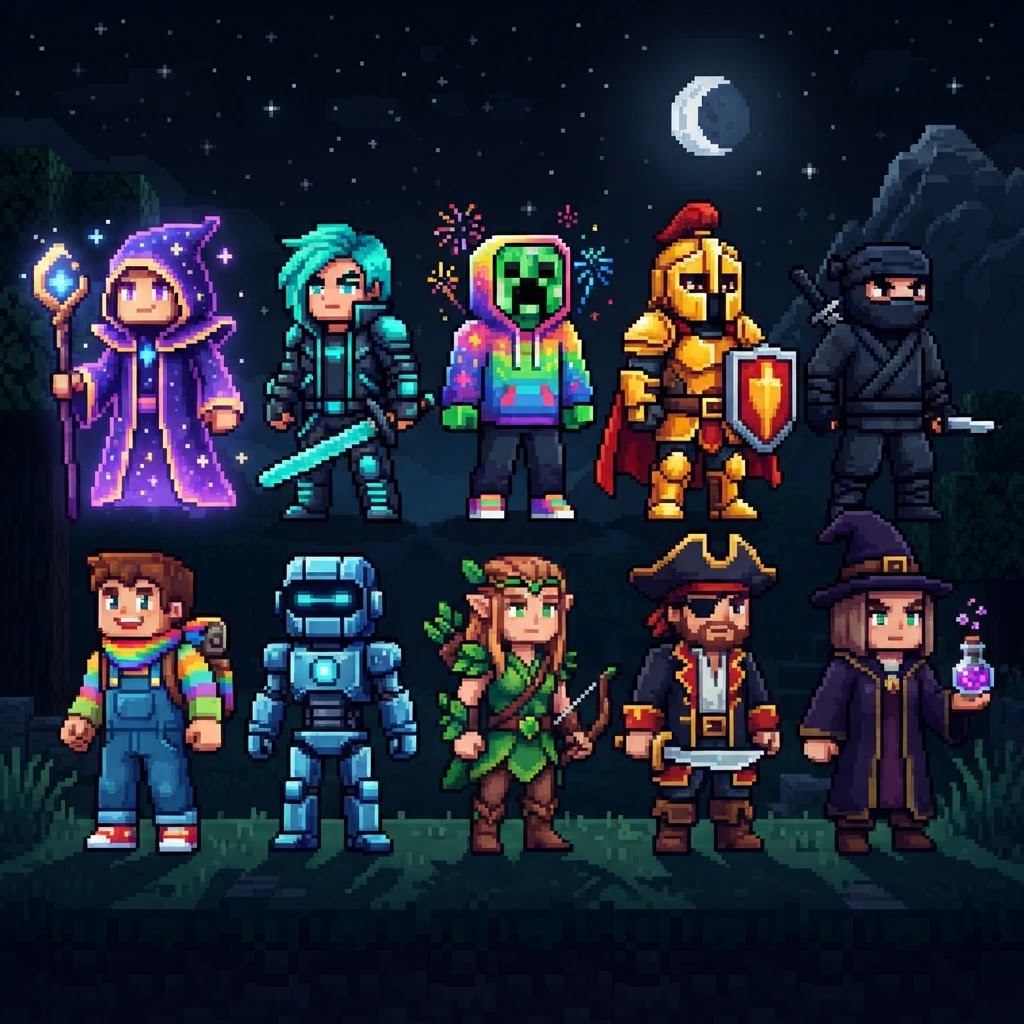
The skin meta shifts fast. Here's what's dominating player lobbies, SMP servers, and YouTube thumbnails right now:
- Cottagecore Elves — Soft earth tones, pointed ears, floral detailing. Popularized by the Hermitcraft Season 11 aesthetic bleed-over.
- Cyberpunk Androids — Neon circuit overlays on dark base layers. Heavy on the 64x texture detail when using HD skin mods.
- Mob Hybrids — Creeper-human fusions, Enderman crossbreeds, and Warden-inspired silhouettes. These lean into the monster-aesthetic trend that exploded on TikTok in late 2025.
- Retrowave Pixel Art — Deliberately low-detail skins that look like they're from 2012 but with modern shading tricks. Ironic nostalgia is a real genre now.
- Void/Shadow Variants — All-black or deep purple base skins with glowing accents. Work especially well with shader packs like Complementary Reimagined.
- Anime-Adjacent Originals — Not direct character rips, but original designs with anime-influenced hair shapes, eye styles, and outfit structure.
- Go to minecraft.net and log into your Microsoft account.
- Navigate to Profile → Change Skin.
- Choose your skin model: Classic (wide arms, "Steve" shape) or Slim (narrow arms, "Alex" shape). Most trending skins in 2026 are built for Slim.
- Click Browse and select your downloaded .PNG file. Skin files must be exactly 64x64 pixels for standard or 64x32 for legacy skins.
- Hit Save — the change propagates to all servers within a few minutes.
- Launch Minecraft and go to the main menu.
- Select your character portrait (top-left) → Edit Character.
- Choose Classic Skins → Import to upload a custom PNG.
- Select your model type and confirm.
- Open Minecraft → tap your character → Edit Character.
- Tap Classic Skins → Choose New Skin → browse your device's file storage.
- Select your 64x64 PNG and apply.
- Pick a silhouette that reads clearly at 16x16. At a distance, only the rough shape matters. Wild detail work is invisible.
- Use one dominant color. Shadow variants work because they have one strong identity color. Cluttered rainbow skins disappear in a crowd.
- Match your skin to your content niche. PvP players benefit from aggressive, sharp designs. Builder/creative players lean toward softer, detailed aesthetics.
- Save your skin file locally and keep version backups. NameMC shows your skin history, but don't rely on it as permanent storage.
Where to Find the Best Minecraft Skins Right Now
Trusted sources, not random Google image results.
Skip the sketchy download sites. These are the actual platforms worth your time:
| Platform | Best For | Cost | Java/Bedrock |
| NameMC | Browsing trending Java skins | Free | Java only |
| The Skindex | Large community uploads | Free | Both |
| Planet Minecraft | High-quality original work | Free | Both |
| Minecraft Marketplace | Official Bedrock skins | $1–$5 per pack | Bedrock only |
| Nova Skin | Custom editing + download | Free | Both |
| Skinseed (Mobile App) | On-the-go browsing and editing | Free/Pro | Bedrock-focused |
NameMC is the gold standard for Java players — it shows real-time trending skins based on how many players are currently using them. Filter by "trending this week" to see what's actually popular, not just what's been uploaded.
For Bedrock players, the Minecraft Marketplace has licensed packs from creators like Noxcrew and Pathway Studios, which offer coherent skin collections with layering support.
How to Apply Minecraft Skins — Java Edition
Step-by-step for the version where skin application still confuses people.
Java skin application is account-level, meaning it follows you everywhere automatically. Here's how to do it:
For offline/LAN play using launchers like Prism Launcher or ATLauncher, you can set a local skin directly in the launcher's account settings. This bypasses the Mojang website entirely.
How to Apply Minecraft Skins — Bedrock Edition
Mobile, console, and Windows — each has its own flow.
Bedrock skin management lives inside the game itself, not a website. The process differs slightly by platform:
PC (Windows / Bedrock):
Mobile (iOS/Android):
Console (PlayStation, Xbox, Nintendo Switch):
Custom PNG imports are not supported on console Bedrock. You're limited to Marketplace purchases and skins included in your edition. Xbox Game Pass players get a rotating selection of free skins through the Marketplace.
Custom Skin Tools Worth Using in 2026
Build your own instead of settling for something close-enough.
If nothing pre-made fits your vision, these tools are the real ones used by skin artists:
| Tool | Platform | Best Feature | Skill Level |
| Nova Skin Editor | Browser | Layer-based editing, template library | Beginner–Mid |
| MCSkin3D | Windows Desktop | Full 3D preview while painting | Intermediate |
| Blockbench | Browser/Desktop | Pixel-perfect control, used by pros | Advanced |
Blockbench is worth highlighting specifically — it's the same tool used to create official Minecraft mob textures and is free. The learning curve is real, but the output quality is unmatched. There's an active Discord community (Blockbench Discord, ~90k members) with tutorials and critique channels.
For quick edits — swapping a color palette, adjusting hair, tweaking an overlay layer — Nova Skin is the fastest option with no install required.
Java vs Bedrock Skin Differences — What Actually Matters
The technical gap is real, and it affects how your skin looks in-game.
Understanding the differences prevents frustration when a skin looks great on one platform and wrong on another.
| Skinseed Pro | iOS/Android | Mobile-first, gesture-based drawing | Beginner |
| Feature | Java Edition | Bedrock Edition |
| Skin file format | 64x64 PNG | 64x64 PNG |
| Arm models | Classic or Slim | Classic or Slim |
| Skin layers | 2 layers (base + overlay) | 2 layers (base + overlay) |
| Geometry/3D parts | Not supported natively | Supported via geometry JSON |
| Custom cape support | Yes (Optifine, Fabric capes mod) | Limited (Marketplace only) |
| Console custom import | Yes (via account) | No |
The biggest functional difference is geometry support on Bedrock. Bedrock skins can have actual 3D elements — tails, ears, extra limbs — using geometry JSON files paired with the texture. Java skins are flat texture wraps only, unless you're using a mod like Figura (available for Fabric 1.20+), which allows custom 3D model skins with animations.
Make Your Skin Actually Work For You
Trending is a starting point — personal branding is the end goal.
The best Minecraft skins in 2026 aren't the ones with the most downloads — they're the ones people associate with you specifically. Here's how to get there:
The trending styles listed above are worth pulling inspiration from, but a direct copy of a popular skin means you're always the second version of someone else's identity. Use the tools, use the sources, and make something that holds up six months from now.
| HD skin support | With mods (Figura, 1.8.9 mods) | No |
RELATED ARTICLES
Minecraft Survival Iron Farm: Build a Compact, High-Yield Design
Building a reliable Minecraft iron farm is one of the highest-value infrastructure projects in any survival world. This guide covers the mechanics behind iron golem spawning, walks you through a compa...
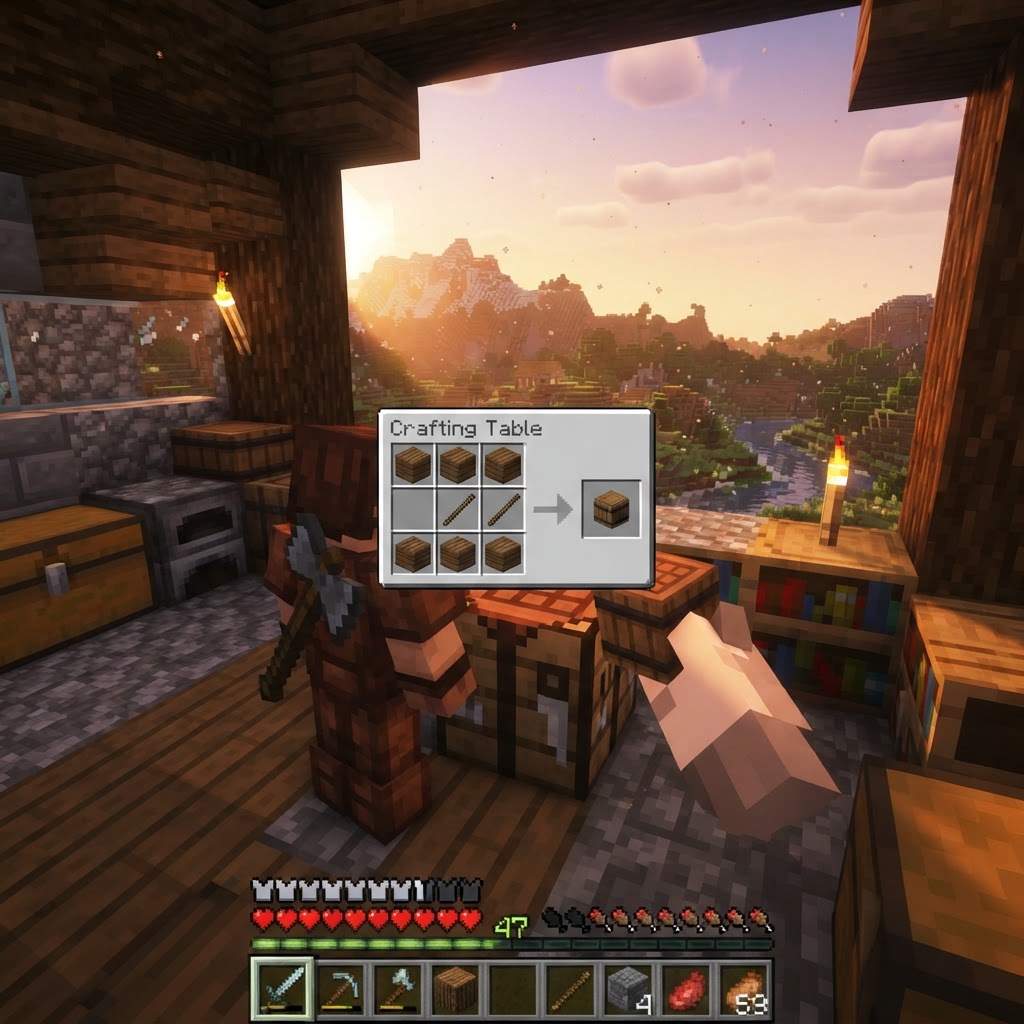
How to Make a Barrel in Minecraft: Recipe & Uses
Running out of chest space is one of the most frustrating mid-game problems in Minecraft, and barrels are one of the best solutions most players overlook. Unlike chests, barrels work even when complet...
Top Minecraft Seeds for the Latest Version (2026)
Finding the best Minecraft seeds for 2026 means knowing exactly what to look for — and where to spawn. This guide covers the top-performing seeds for Java and Bedrock Edition 1.21.x, breaking down spa...
STAY UPDATED
New blog posts, guides, and community tips delivered to your inbox.
No spam. Unsubscribe anytime.
Comments (0)
No comments yet. Be the first to share your thoughts!

