TABLE OF CONTENTS
Minecraft Automatic Storage System: Advanced Redstone Guide
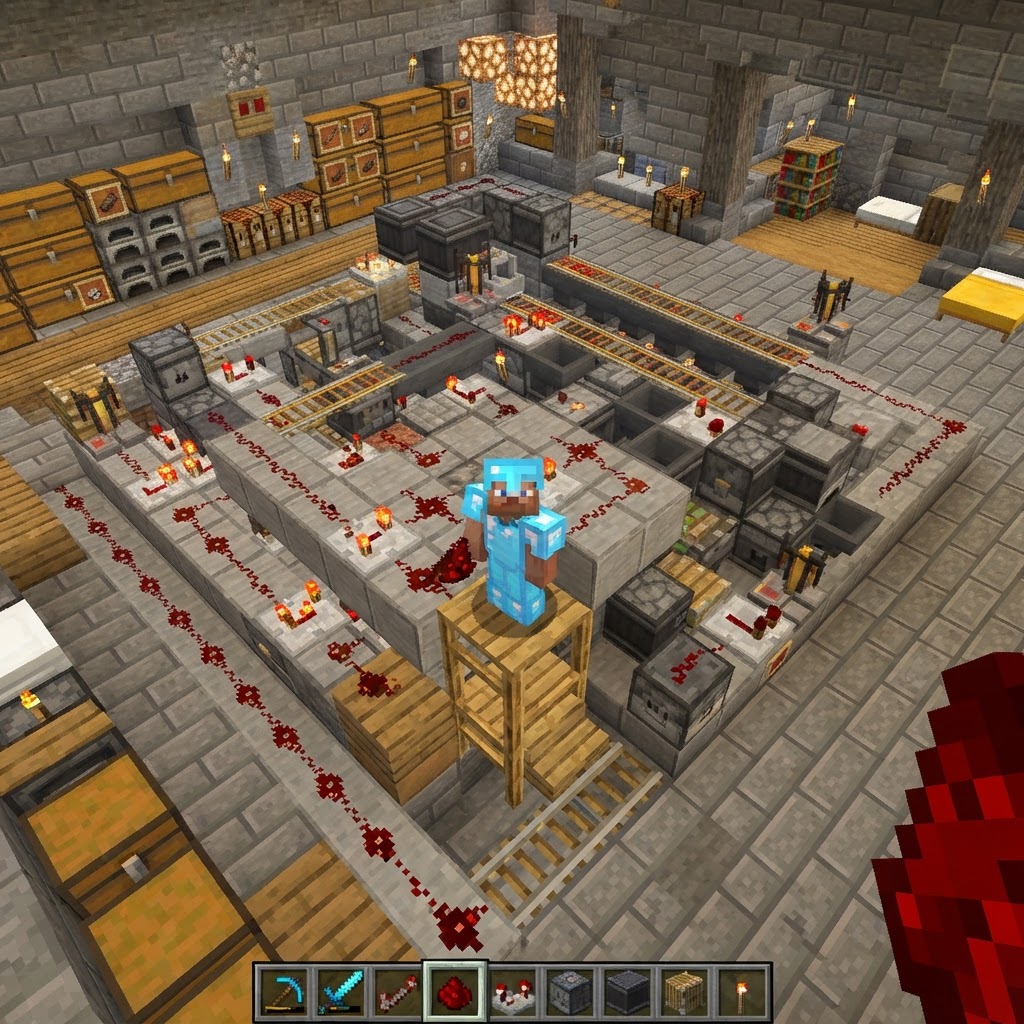
Building an efficient Minecraft storage system separates casual players from seasoned survivors. This guide walks you through designing a fully automated, item-sorted storage network using hoppers, comparators, and redstone logic — from basic infrastructure to advanced overflow protection.
Core Infrastructure for Your Minecraft Storage System
Lay the right foundation or rebuild it twice.
Every automated storage build starts with the same structural decision: chest layout. Get this wrong and you'll be tearing out hoppers for hours.
Choose your chest configuration first:
- Place a row of double chests along a wall — start with 10–12 for a mid-game system.
- Run a hopper line behind each chest, pointing inward (shift-click to connect hopper to chest).
- Add a central input chest at one end — this is where everything gets dumped.
- Connect the input chest to the hopper line with a single downward hopper feeding into the main pipeline.
- Label each chest using an item frame with the sorted item displayed on the front face.
- Place a hopper pointing into your sorted chest.
- Fill slots 1–4 with 64 of the target item (e.g., 64 cobblestone each).
- Place exactly 1 of that item in slot 5.
- Lock this hopper using a redstone signal from a solid block above it — this prevents the filter items from being consumed.
- Place a second hopper on top, feeding into the filter hopper, connected to your main pipeline.
- Place a comparator on the side of each sorted chest in "compare" mode (single click — not subtraction mode).
- Run the comparator output along a redstone dust line to a NOT gate (torch on a block).
- The NOT gate output powers a redstone line connected to a locked hopper before the sort filter.
- When the chest is full, the comparator fires, the NOT gate cuts power, and the hopper locks — blocking that filter and letting items continue to an overflow chest at the end of the pipeline.
- 2 droppers facing each other (creates a dropper clock)
- 1 comparator reading the dropper
- 1 hopper below the output dropper feeding into a chest
- 1 observer or repeater clock to drive the cycle
- Items enter the top dropper from your main pipeline via a hopper.
- A comparator checks if the dropper contains a specific item type using a storage-compare signal.
- If matched, a pulse fires a piston or activates a secondary hopper routing to the correct chest.
- Non-matching items get pushed back through the clock until sorted.
- Hopper locking by default: Keep all filter hoppers powered (locked) using a always-on redstone line. Unlock them only when an item is moving through the pipeline using a pulse from the input chest comparator. This cuts active ticking by 80–90% during idle periods.
- Carpet Mod (1.20.1): Install Carpet Mod on your server — it includes `hopperCounters` and optimization flags that reduce hopper tick frequency without breaking sorting logic.
- Chunk loading: Keep your entire storage system in one chunk or use a Chunk Loader (available in FTB Utilities or as a standalone mod) to prevent mid-sort item loss on server restarts.
- Pipeline length: Cap your main hopper pipeline at 24 hoppers max per branch. Beyond that, use a water stream + hopper collection point to reset item velocity before feeding the next branch.
- Input test: Drop one of each sorted item into the input chest. Confirm each lands in the correct sorted chest.
- Overflow test: Fill one sorted chest completely. Drop more of that item in — confirm it routes to the overflow chest, not back into the pipeline.
- Mixed load test: Throw 5 different item types in simultaneously. Watch for any items that pause mid-pipeline longer than 3–4 seconds (indicates a locked hopper bug).
- Server restart test: If on a server, restart and drop items immediately after loading. Confirm no items vanish during chunk reload.
- Label everything: Item frames on every chest. You'll thank yourself at 2am when you need arrows fast.
The main pipeline hopper line should run parallel to your chest row, with each hopper pointing into the chest beside it. Items flow down the line and drop into the first chest that accepts them — which is exactly what your filter mechanism controls.
Sorting Mechanism: The Heart of Any Minecraft Storage System
One wrongly placed hopper breaks the entire chain.
The standard 5-item filter is the most reliable sorting method in vanilla Minecraft as of 1.20.x. Each filter hopper holds 5 stacks of the same item (4 stacks of 64 + 1 item in slot 5 acts as the "key"). Items matching that key get pulled into the chest; everything else passes through.
Building a single filter unit:
| Filter Slot | Contents | Purpose |
| Slots 1–4 | 64× target item | Occupy capacity, block other items |
| Slot 5 | 1× target item | Acts as the sort key |
Repeat this filter unit for every item category. A typical mid-game system sorts 20–30 item types across 40–60 filter hoppers.
Overflow Protection That Actually Works
An unsorted item left in the pipeline eventually breaks everything.
Without overflow protection, a full chest sends items backward into the pipeline, backing up everything behind it. The fix uses comparators reading chest fullness to trigger redstone signals.
Comparator-based overflow detection:
Your overflow chest should be a large double chest (or two) at the far end of the hopper line. Every item that couldn't be sorted lands here. Check it weekly; it tells you which new categories need dedicated filter slots.
Filtering Unstackables with Dropper-Based Sorters
Hoppers alone can't sort swords — droppers can.
Tools, armor, and enchanted books need a different approach. The dropper filter uses a clock circuit to check items one at a time.
Materials needed:
How it works:
This method is slower (processes roughly 4 items/second vs. hopper filters' passive sorting) but handles every item type without clogging.
| All slots | Non-target items | Pass through without sorting |
| Sorter Type | Best For | Speed | Complexity |
| 5-Item Hopper Filter | Stackable items | Passive, instant | Low |
| Dropper Clock Filter | Unstackables, tools | ~4 items/sec | Medium |
| Modded AE2 Network | Everything | Near-instant | High |
Performance Optimization for Large Systems
50 hoppers ticking simultaneously will lag even a decent server.
Hopper lag is real. Each active hopper checks for items every 8 game ticks. A 60-hopper system runs 450 checks per second. On a server with 10 active players, this adds up fast.
Proven optimization strategies:
Final Build Checklist and Conclusion
A working system beats a perfect system that isn't finished.
Before you call the build complete, run through this verification sequence:
A well-built Minecraft storage system is one of the highest-value infrastructure investments in any survival world. It compounds — every hour you spend building it saves five hours of manual sorting over the life of your world. Start with 15–20 categories, leave room to expand, and use the overflow chest as your expansion signal. When it starts filling up consistently, you know exactly what to add next. Build it once, build it right.
RELATED ARTICLES

How to Make a Book in Minecraft: Easy Recipe & Uses
You're probably here because you just hit a wall — enchanting, writing, or crafting something advanced — and realized you need books but aren't sure how to get them efficiently. Books are one of Minec...
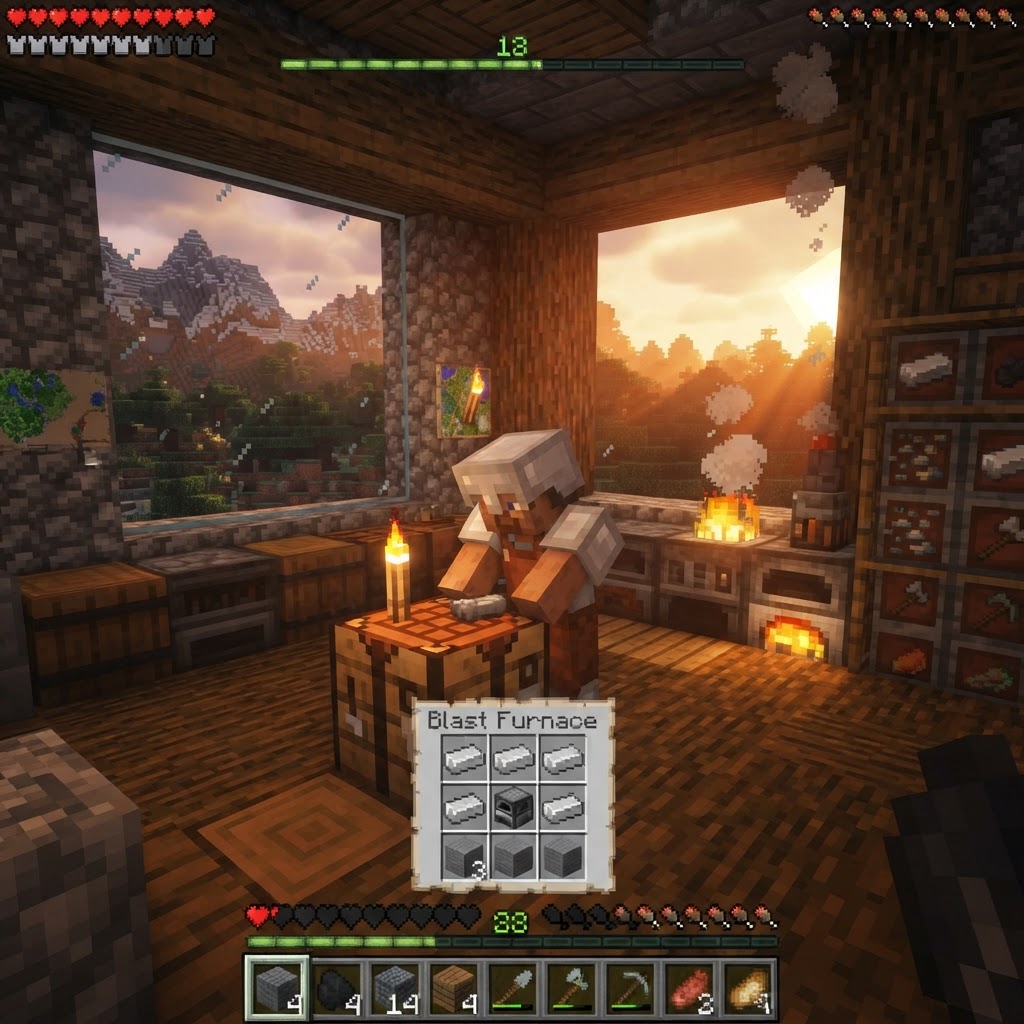
How to Make a Blast Furnace in Minecraft: Recipe & Uses
If you've been manually smelting ores one by one in a regular furnace, you're wasting serious time — the Minecraft blast furnace doubles your smelting speed for metals and ores, making it one of the m...
How to Make a Smoker in Minecraft: Recipe & Uses
If you're tired of waiting forever for your food to cook in a standard furnace, the smoker is the upgrade you didn't know you needed. It cooks food items at exactly twice the speed of a regular furnac...
STAY UPDATED
New blog posts, guides, and community tips delivered to your inbox.
No spam. Unsubscribe anytime.
Comments (0)
No comments yet. Be the first to share your thoughts!

