
TABLE OF CONTENTS
Ultimate Zero-Lag Redstone Storage for Survival Worlds
If you've spent any serious time in a Minecraft survival world, you know the pain all too well. You build an elaborate redstone storage system, fill it with hundreds of chests and hoppers, invite your friends onto the server — and suddenly everyone's framerate tanks into the single digits. Your beautiful creation has become a server-killing lag machine. The good news? It doesn't have to be this way. Zero-lag redstone storage is absolutely achievable in survival Minecraft, and in this guide, we're going to break down exactly how to design, build, and optimize storage systems that keep your world running smoothly without sacrificing any of the functionality you love. Whether you're a solo player or managing a massive multiplayer server, this is the article you've been waiting for.
---
Related reading: Ultimate Automatic Item Sorter for Survival (Compact Redstone), Compact 1-Chunk Auto-Sorter: Advanced Redstone Guide, Best Minecraft Servers to Play in 2026
Why Traditional Redstone Storage Systems Destroy Your Server Performance
Before we dive into solutions, let's talk about the problem. Most players who build their first automatic storage system reach for hoppers — and honestly, that makes total sense. Hoppers are intuitive, they move items, they sort things, they're the bread and butter of item transportation in Minecraft. But here's the dirty truth: hoppers are one of the single most performance-intensive components in the entire game.
Every hopper in your world is constantly checking for items, even when there are no items nearby to move. This means a storage room with 200 hoppers is generating thousands of tile entity checks per second, every second, 24 hours a day in your world. On a multiplayer server, this compounds rapidly. Add in the chunk loading requirements, the comparator checks, the chest interactions — and you've basically built a small computational nightmare right in the heart of your base.
The typical "automatic item sorter" you find in most beginner tutorials uses a grid of hoppers feeding into more hoppers, with comparator-based filters for each item type. These designs look elegant in a YouTube thumbnail, but in practice, they can eat up a huge portion of your server's tick budget. When your server's ticks per second (TPS) drops below 20, everything starts feeling sluggish — animals move erratically, crops grow slower, and combat becomes a nightmare.
The Tile Entity Problem
Here's something most players don't realize: hoppers, furnaces, chests, barrels, and dispensers are all tile entities (also called block entities in newer versions). Unlike regular blocks, tile entities require active processing every game tick. A standard oak log just sits there. A hopper is constantly running logic. The more tile entities you pack into a small area, the worse your performance gets — and traditional storage systems are essentially tile entity factories.
This is why understanding zero-lag redstone storage principles isn't just a nice-to-have skill. It's essential knowledge for anyone building at scale in survival Minecraft.
How Redstone Itself Contributes to Lag
Beyond tile entities, redstone signals themselves contribute to lag through something called redstone updates. Every time a redstone component changes state — a repeater fires, a comparator updates, a wire powers up or down — it generates block updates that ripple through the surrounding area. In a densely packed storage system, these updates can cascade rapidly. Designs that use constantly-cycling clocks running 24/7 are particularly problematic, since they're generating continuous redstone updates even when nobody is using the system.
Good zero-lag redstone storage design minimizes unnecessary updates by using components that only activate when actually needed, and by keeping signal pathways as short and direct as possible.
---
Core Principles of Zero-Lag Redstone Storage Design
Now that we understand the enemy, let's talk about how to fight it. Building zero-lag redstone storage in survival isn't about avoiding redstone entirely — it's about using it intelligently, sparingly, and purposefully. Here are the foundational principles that should guide every storage system you build going forward.
Minimize hopper count wherever possible. This is rule number one. Every hopper you eliminate from a design is a tile entity that no longer needs processing. Look for opportunities to use water streams, item elevators, and drop chutes to move items without relying exclusively on hopper chains. A single hopper at the end of a water stream does the same job as a dozen hoppers in a chain, with a fraction of the performance cost.
Prefer passive sorting over active sorting. Active sorting systems — where items are constantly being checked, compared, and redirected — require constant computational work. Passive systems, where items naturally flow to their correct destination without ongoing redstone involvement, are dramatically more efficient. We'll talk about specific passive designs in the next section.
Use barrel blocks instead of chests where possible. While this might seem like a minor tweak, barrels are slightly more performance-friendly in many situations because they don't have the double-chest connection logic. In large storage systems with hundreds of storage containers, this can add up.
Implement overflow protection wisely. One of the biggest causes of lag spikes in storage systems is overflow — when a chest fills up and items start bouncing around in hoppers that can't deposit them. Every hopper frantically trying to push items into a full chest is burning processing time. Build overflow protection into your zero-lag redstone storage design from day one, not as an afterthought.
Keep your redstone circuits localized. Spreading redstone components across large distances means more chunks need to stay loaded and more update propagation needs to happen. Compact, centralized designs are almost always more efficient than sprawling ones.
---
The Best Zero-Lag Redstone Storage Designs for Survival
Let's get into the actual builds. These are proven designs that the Minecraft community has refined over years of playtesting and optimization. Each one prioritizes performance without giving up the convenience of automated storage.
The Minimal-Hopper Water Stream Sorter
This is arguably the gold standard for zero-lag redstone storage in survival worlds, and it's entirely achievable without any technical or complex redstone knowledge. The concept is beautifully simple: instead of using hopper chains to move items, you use a single water stream (or a series of streams connected by ice blocks for faster travel) to carry items along a channel. At intervals along the channel, you place item filters — but here's the key — each filter uses only one or two hoppers rather than the traditional five-hopper filter design.
The one-hopper filter works by using a locked hopper: a named item (or specific stack configuration) is placed in the filter hopper, and a comparator reads the signal strength to determine whether the correct item type is present. When the right item floats overhead in the water stream, it gets pulled in. Everything else flows past. The entire sorting mechanism for each item category uses dramatically fewer hoppers than conventional designs.
For a 20-item-type storage system, a minimal-hopper water stream design might use 25-30 hoppers total. A traditional hopper-based sorter for the same number of categories could easily use 150-200. That's a massive difference in your tile entity count, and your server's TPS will thank you for it.
Building tips for survival:
- Use packed ice or blue ice underneath your water stream to increase item travel speed
- Place your collection hoppers pointing into barrels, not chests, for slightly better performance
- Build the entire stream on a single Y-level to minimize the complexity of your layout
- Always include an "unsorted" chest at the end of the stream for items your sorter doesn't recognize
The Shulker Box Bulk Storage System
For players who deal with massive quantities of a single resource — think cobblestone generators, iron farms, or tree farms — the shulker box bulk storage approach is one of the most elegant zero-lag redstone storage solutions available. The core idea is that instead of filling hundreds of chests with a single material, you automatically pack items into shulker boxes, which dramatically reduces the number of active tile entities in your storage area.
A chest full of shulker boxes, each containing a full stack of items, stores 1,728 items in a single chest space. Compare that to 54 items per slot in a regular chest (27 slots × 64 items = 1,728 items per chest), and you might think the math doesn't favor shulker boxes — until you realize that shulker box systems allow you to store hundreds of thousands of items in just a handful of chests, with only a small redstone circuit needed to handle the packing and unpacking.
The tradeoff is that building an automatic shulker box loader does require some more advanced redstone knowledge, including dropper clocks and comparator-based detection. But once built, a shulker box bulk storage system for even your most heavily farmed resources produces almost no ongoing lag, since items aren't constantly flowing through active hopper networks.
Chest-Based Manual Organization with Smart Input
Sometimes the best zero-lag redstone storage solution is knowing when not to use redstone. Hear us out. For items you collect infrequently — rare drops, exploration loot, specialty crafting ingredients — a beautifully organized manual storage room with clearly labeled barrels and no redstone at all is genuinely the most performance-friendly option. Save your automated systems for the high-volume resources where the convenience genuinely justifies the cost.
When you do want automated input for a manual system, a single input hopper connected to a sorting mechanism that only activates when items are deposited (using an observer-based activation system rather than a constantly running clock) can give you convenience without the constant performance overhead.
---
Optimizing an Existing Storage System Without Rebuilding Everything
Not everyone has the luxury of starting fresh. If you've already got a massive, hopper-heavy storage system and you're dealing with lag, here's how to optimize it without tearing everything down.
Start by identifying your worst offenders. Use commands or performance mods (like Spark on Java Edition) to identify which chunks and which tile entities are consuming the most processing power. Often, 20% of your storage system is responsible for 80% of the lag — fix the worst parts first.
Disable hoppers that don't need to run constantly. One of the most impactful changes you can make is adding observer-based or BUD-based activation systems so that your sorter only runs when items are actually being deposited. A storage system that sits dormant 95% of the time and only activates when you return from a mining trip generates a tiny fraction of the lag of one that runs continuously.
Replace hopper chains with water streams. Wherever you have a line of three or more hoppers simply transporting items from point A to point B without any filtering logic, consider replacing them with a water stream and a single collection hopper at the destination. The performance improvement is immediate and significant.
Implement hopper minecart alternatives for high-throughput connections. A hopper minecart moving over a chest or hopper can transfer items extremely quickly and counts as a moving entity rather than a static tile entity, which in many scenarios performs better than long hopper chains. This technique is particularly useful for connecting farm outputs to your main storage system.
---
Advanced Techniques for Zero-Lag Redstone Storage on Multiplayer Servers
Running a multiplayer server raises the stakes considerably. Even a design that runs beautifully in single-player can become a server killer when you add multiple players, more loaded chunks, and higher overall activity. Here are some server-specific strategies for keeping your zero-lag redstone storage truly lag-free in a multiplayer environment.
Establish storage districts, not mega-complexes. Instead of building one enormous centralized storage facility, consider distributing storage across multiple smaller areas of your base. This spreads the tile entity load across multiple chunks and prevents any single area from becoming a performance bottleneck.
Coordinate with other players about farm and storage design. On community servers, one player's laggy storage system affects everyone. Share these optimization principles with your fellow players and work together to establish community standards for efficient redstone design. Many successful survival servers have informal or formal rules about minimum performance standards for automated systems.
Use chunk loading strategically. Not every part of your storage system needs to be loaded all the time. Design your systems so that bulk storage areas — particularly for resources that are processed in batches rather than continuously — can be unloaded when not in use. Avoid using always-on chunk loaders near performance-intensive redstone systems.
Test before you deploy. Build your storage system designs in a creative or test world first, use performance monitoring tools to verify their efficiency, and only then build them in your survival world. The time invested in testing pays enormous dividends in avoided headaches later.
---
Community Resources and Continuing Your Zero-Lag Journey
The Minecraft community is one of the best resources you have for continuing to develop your zero-lag redstone storage skills. Builders like Mumbo Jumbo, Ilmango, and countless others on YouTube have published detailed tutorials specifically focused on performance-efficient storage and redstone design. The Technical Minecraft communities on Reddit and Discord are incredibly knowledgeable and welcoming to players who want to improve their builds.
Don't be afraid to share your own designs and discoveries, either. If you work out a particularly efficient sorting mechanism or come up with a creative solution to a performance problem, post it! The community grows stronger when everyone contributes their knowledge.
One last piece of advice: don't let the pursuit of perfect performance stop you from building and experimenting. A slightly imperfect storage system that you actually build and use is infinitely more valuable than a theoretically optimal design that stays in your head. Start with the principles in this guide, build something, see how it performs, and iterate. That's how the best Minecraft engineers have always worked.
---
Conclusion: Build Smarter, Play Better
Zero-lag redstone storage isn't just a technical achievement — it's an investment in the quality of your entire Minecraft experience. When your storage system runs efficiently, your server stays snappy, your creative energy stays focused on building and adventuring rather than troubleshooting performance issues, and everyone who plays with you has a better time. The principles we've covered — minimizing tile entities, preferring passive sorting, using water streams intelligently, activating systems only when needed, and planning with server performance in mind — form a complete framework for approaching storage design at any scale.
Whether you're building your first survival base or redesigning the storage infrastructure of a long-running community server, these techniques will serve you well. The world of zero-lag redstone storage is deep and rewarding, and you're now equipped with the foundational knowledge to start exploring it. Happy building — may your TPS stay at 20 and your chests always have room for one more stack.
RELATED ARTICLES

How to Make a Book in Minecraft: Easy Recipe & Uses
You're probably here because you just hit a wall — enchanting, writing, or crafting something advanced — and realized you need books but aren't sure how to get them efficiently. Books are one of Minec...
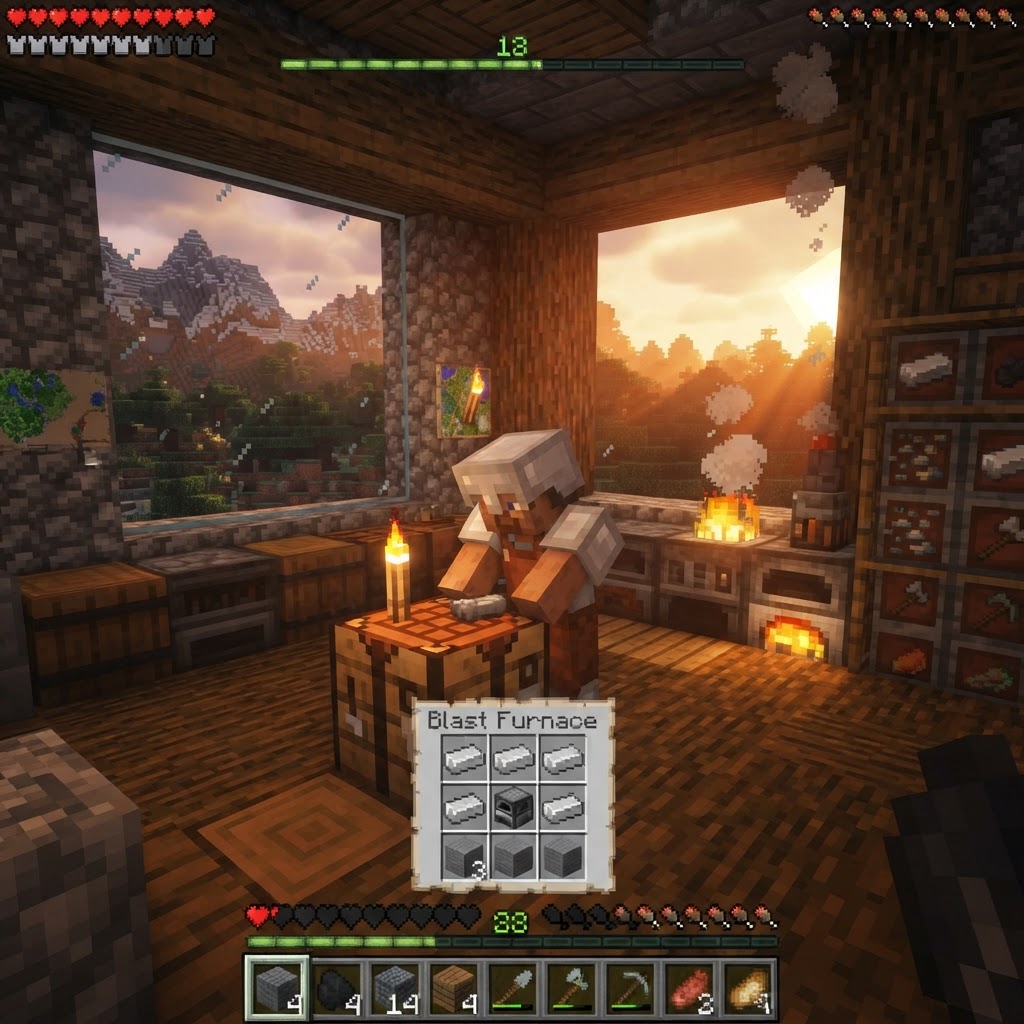
How to Make a Blast Furnace in Minecraft: Recipe & Uses
If you've been manually smelting ores one by one in a regular furnace, you're wasting serious time — the Minecraft blast furnace doubles your smelting speed for metals and ores, making it one of the m...
How to Make a Smoker in Minecraft: Recipe & Uses
If you're tired of waiting forever for your food to cook in a standard furnace, the smoker is the upgrade you didn't know you needed. It cooks food items at exactly twice the speed of a regular furnac...
STAY UPDATED
New blog posts, guides, and community tips delivered to your inbox.
No spam. Unsubscribe anytime.
Comments (0)
No comments yet. Be the first to share your thoughts!

