What Are Minecraft Servers?
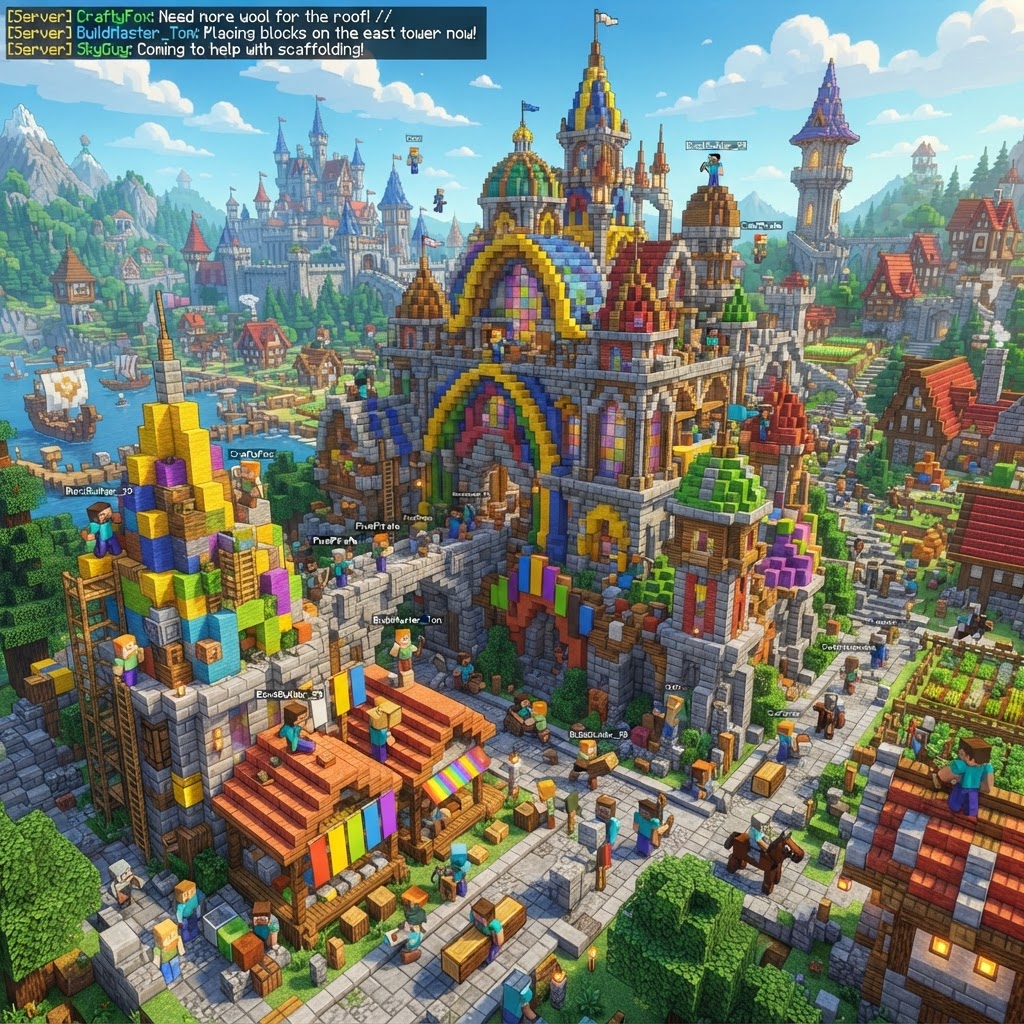
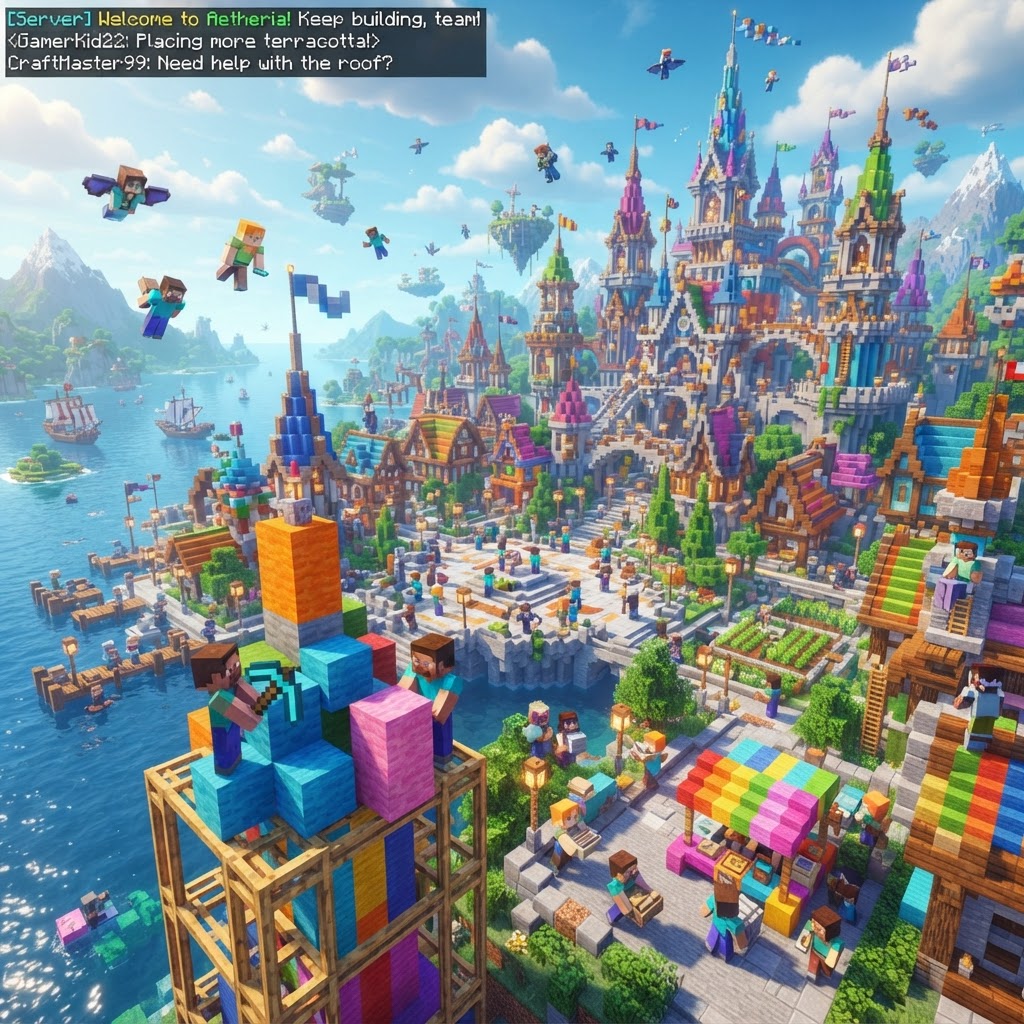
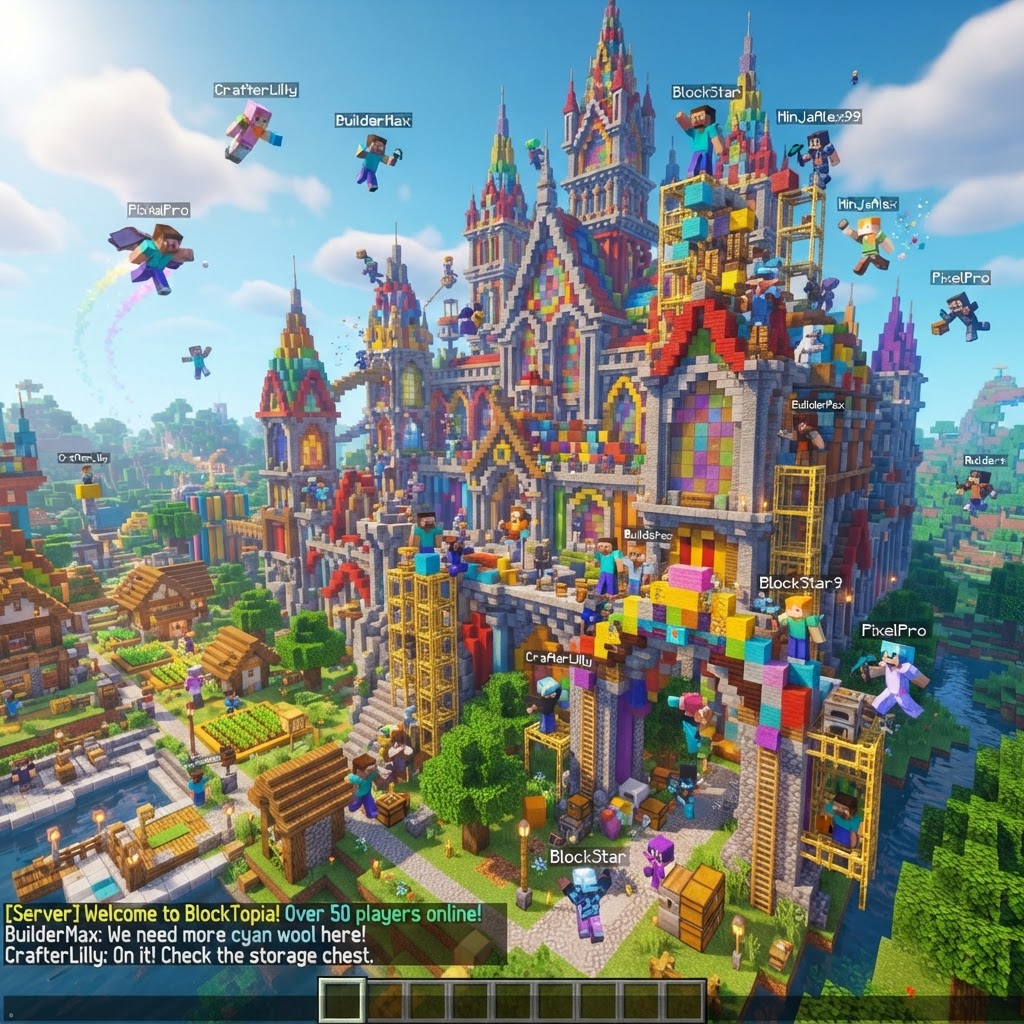
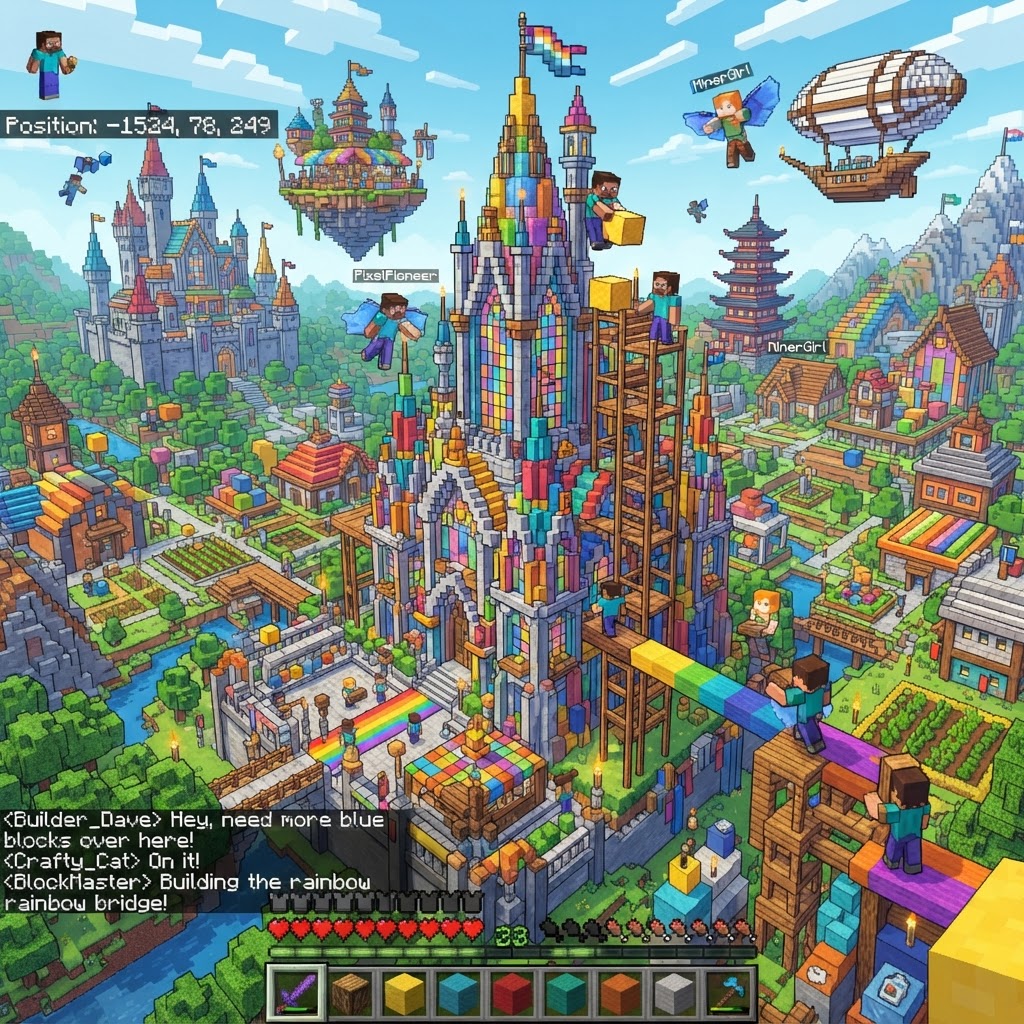
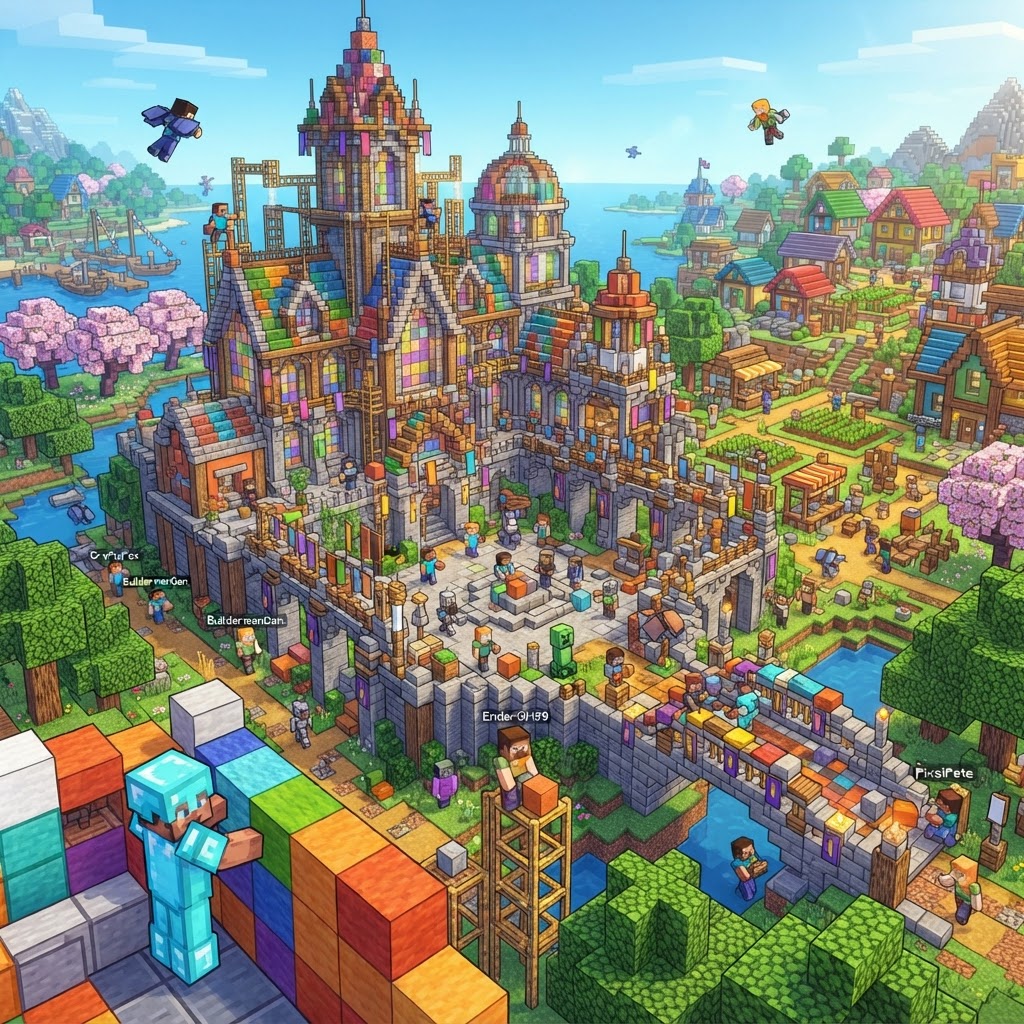
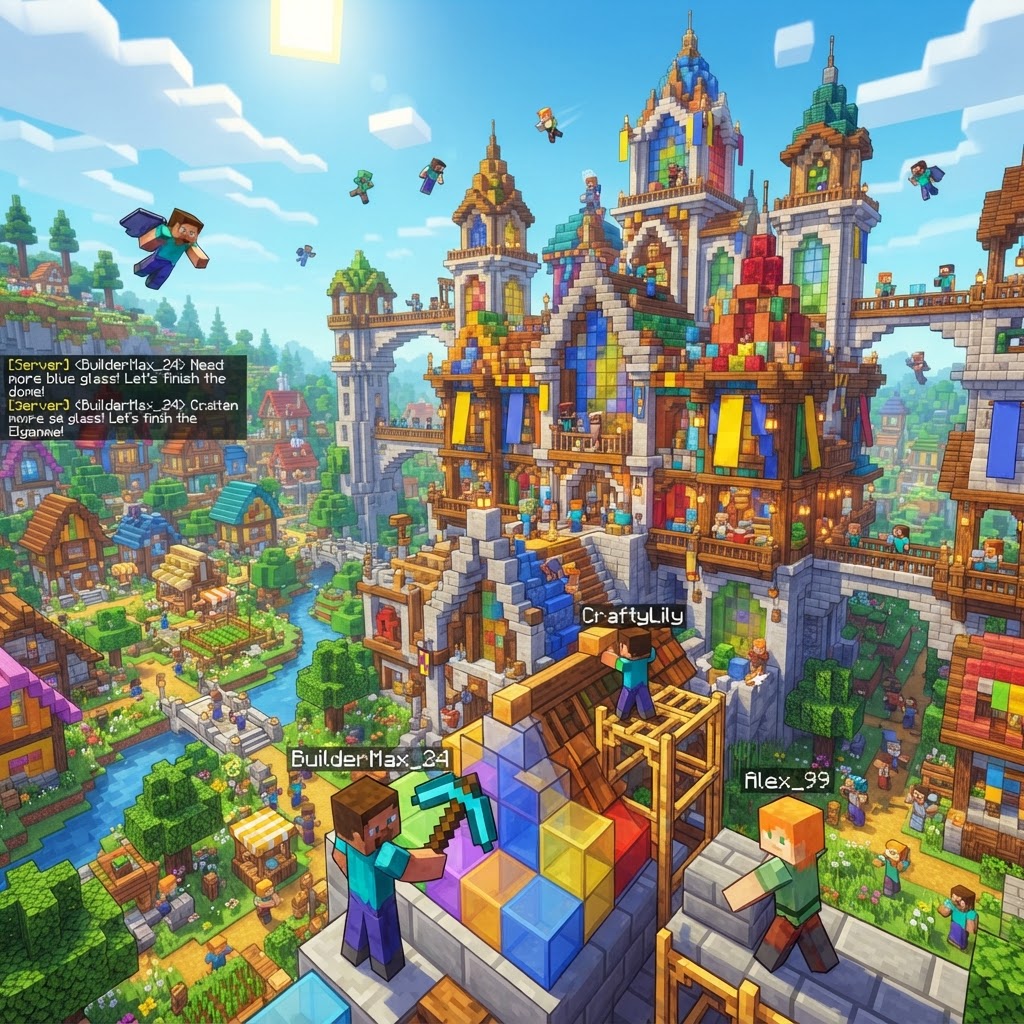
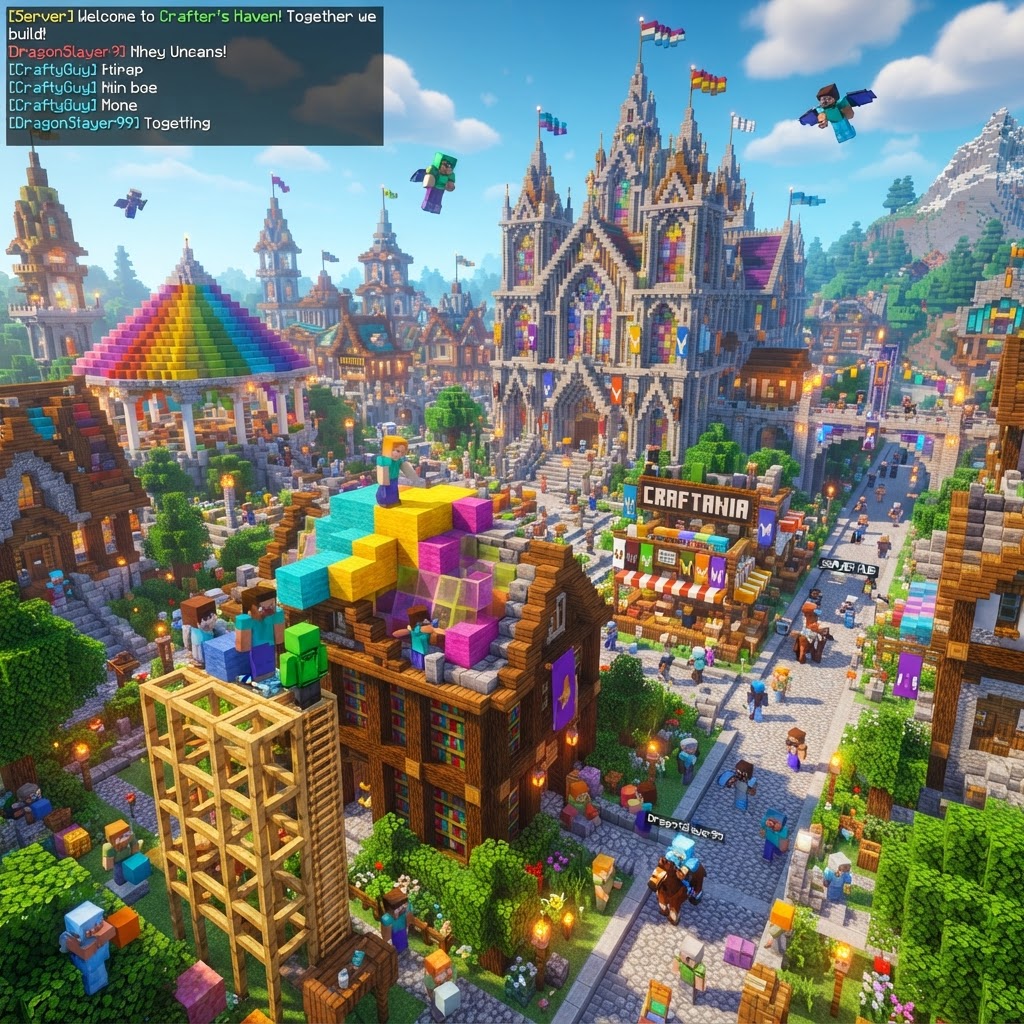
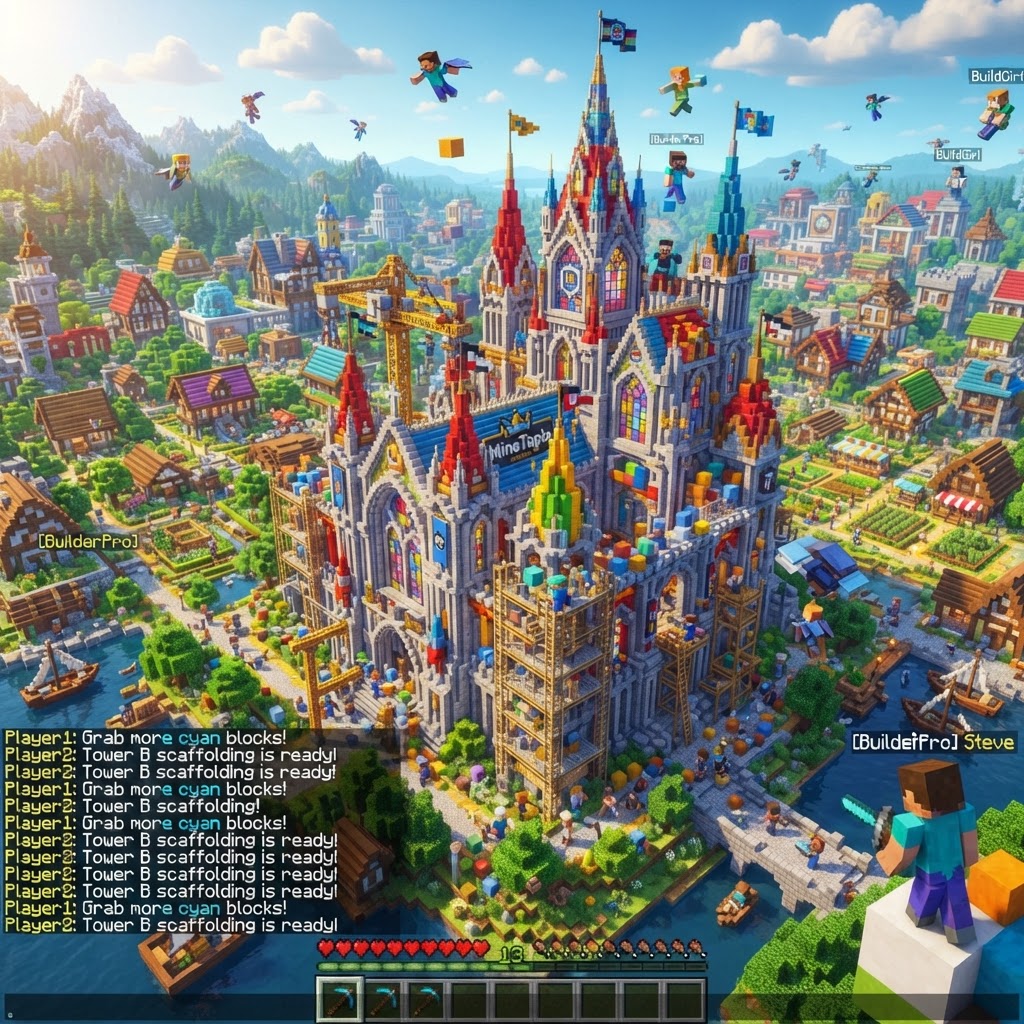
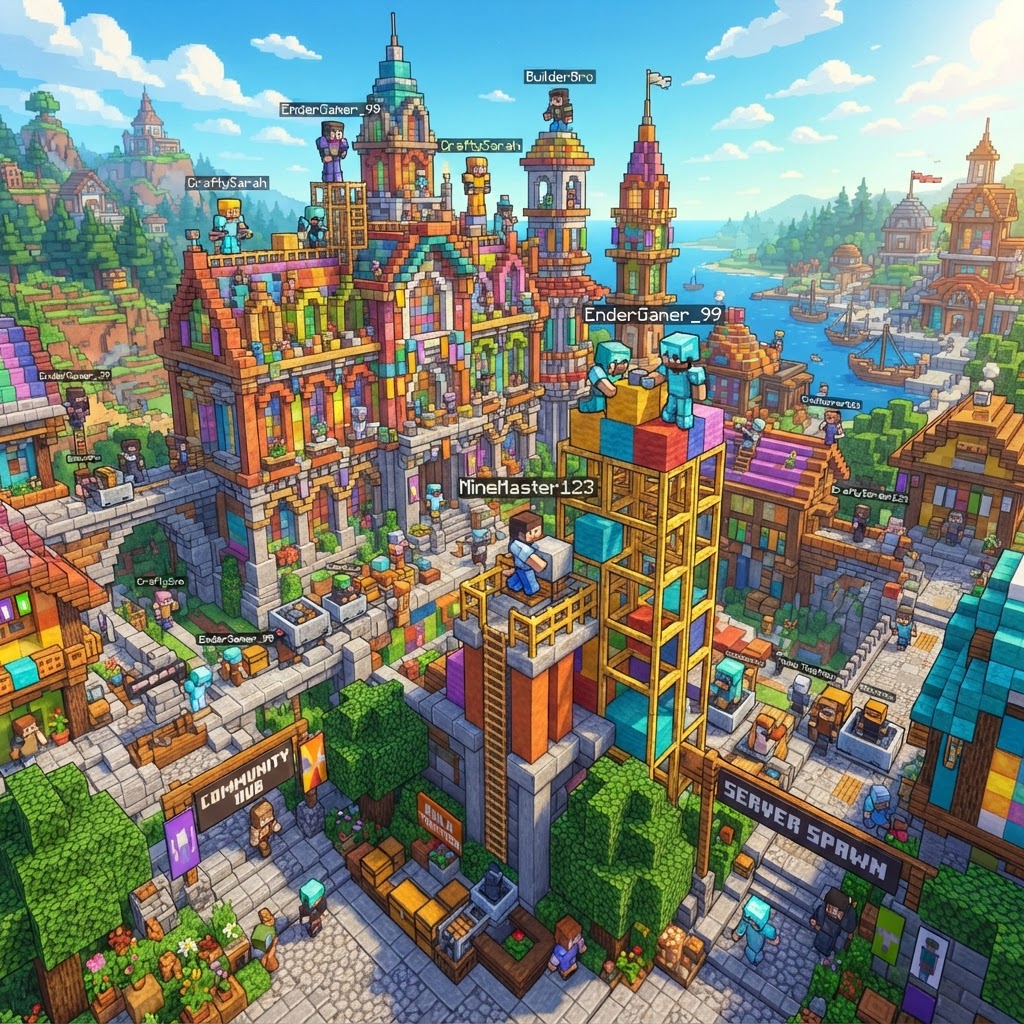
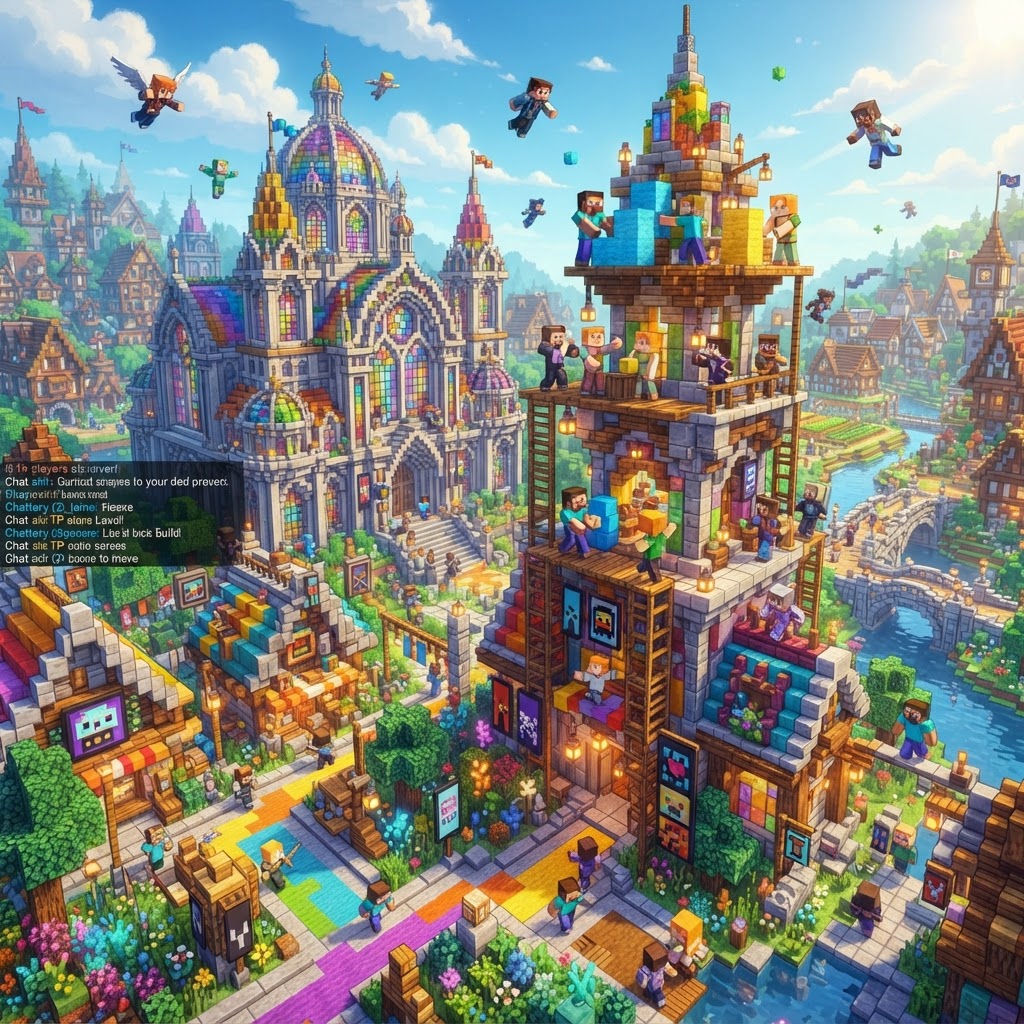
Minecraft servers are dedicated computers running the Minecraft server software, allowing multiple players to inhabit the same world simultaneously. Unlike single-player worlds limited to one person, servers enable collaborative gameplay, PvP competition, creative building together, and shared exploration. Servers range from tiny private networks with friends to massive public servers hosting thousands of concurrent players. The server ecosystem represents Minecraft's vibrant multiplayer community—from casual survival cooperatives to competitive esports arenas.
Running a Minecraft server requires hosting infrastructure, but numerous services simplify the process. Players can rent managed servers from providers like Apex Hosting, Aternos, or Minehut, or run personal servers on local networks. The accessibility of server hosting democratized multiplayer gaming, enabling anyone to build communities rather than relying exclusively on massive corporate servers.
How to Find and Join Servers
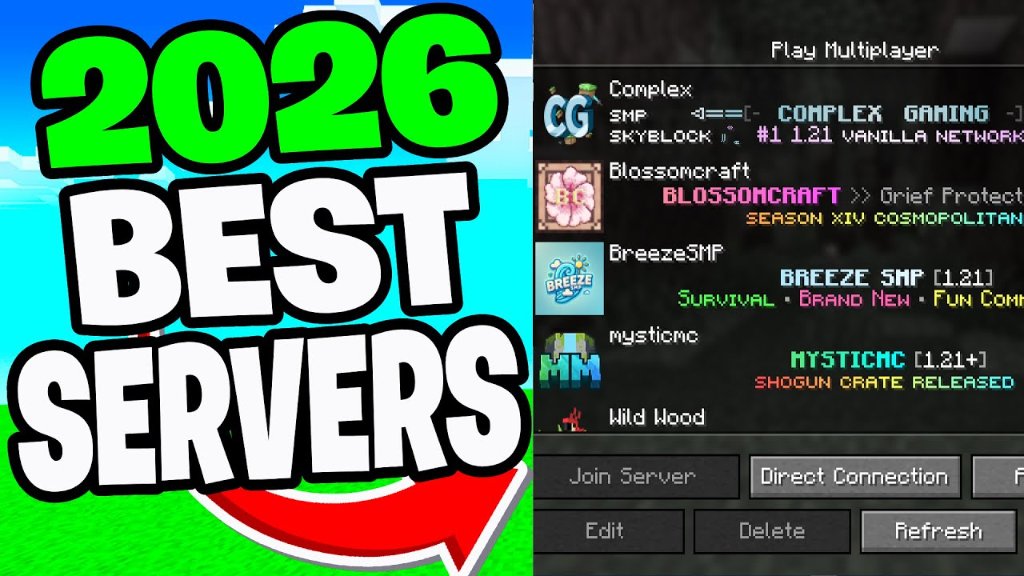
Finding Minecraft servers involves browsing listing websites like Planet Minecraft, Server.pro, or Minecraftservers.org. These platforms catalog thousands of active servers with descriptions, player counts, and ratings. Search filters narrow results by game mode (Survival, PvP, Creative), server type (vanilla, modded, minigames), and player population. Read descriptions and reviews carefully—reputable servers have active admins, clear rules, and healthy communities.
Joining is straightforward: copy the server IP address, launch Minecraft, click "Multiplayer," then "Add Server," paste the IP, and connect. Java Edition servers and Bedrock servers are separate networks—Java requires Java Edition, Bedrock requires Bedrock Edition on Windows 10+, console, or mobile. Most popular servers list compatible versions clearly. Always verify server status before joining, as servers occasionally go offline for maintenance.
Types of Minecraft Servers
Survival Servers
Traditional multiplayer survival with player communities building together. These servers foster cooperation and long-term progression. Many implement economy systems, claim plugins, and admin oversight. Perfect for players seeking collaborative building without constant PvP threats.
PvP Servers
Combat-focused servers where player-versus-player combat defines the experience. KitPvP servers provide equipment loadouts, while Faction servers involve territorial control and large-scale combat. Hunger Games modes pit players against each other in battle royale scenarios. These servers attract competitive players.
Creative Servers
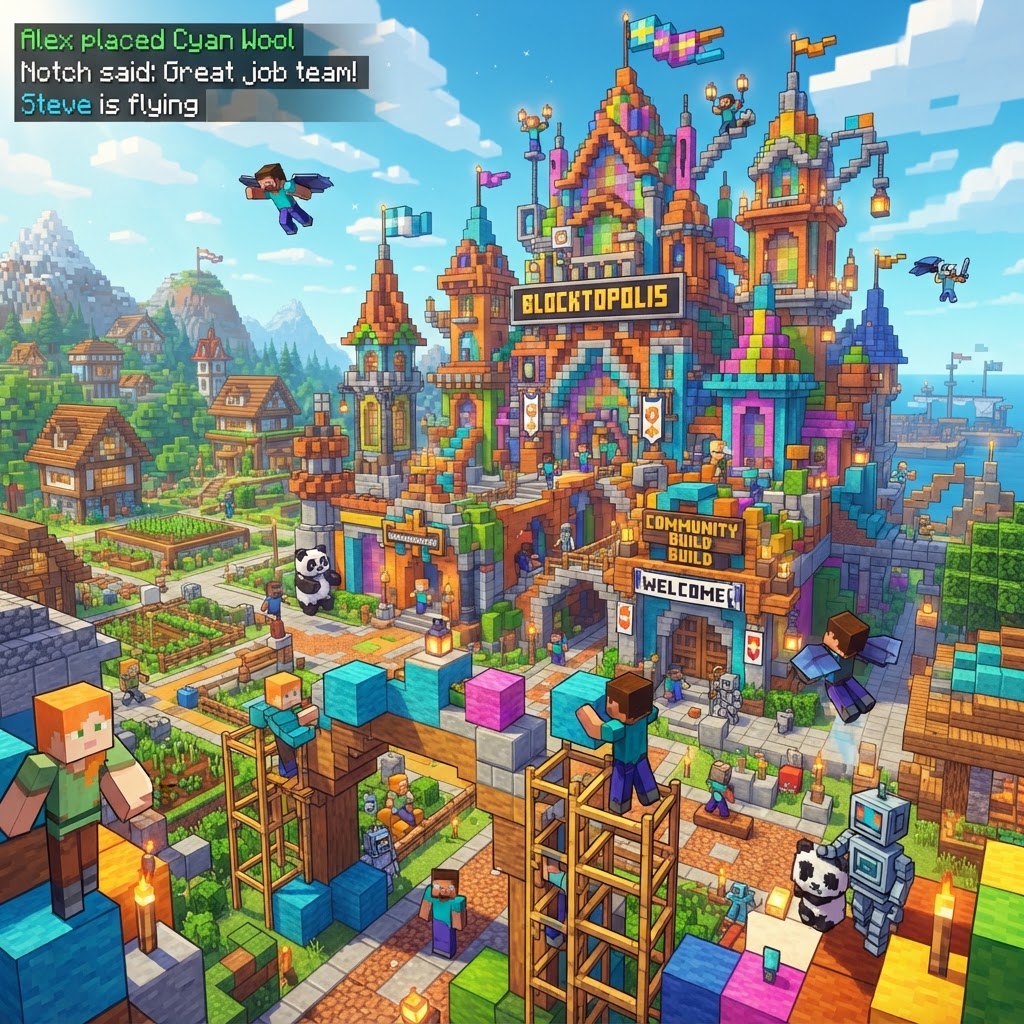
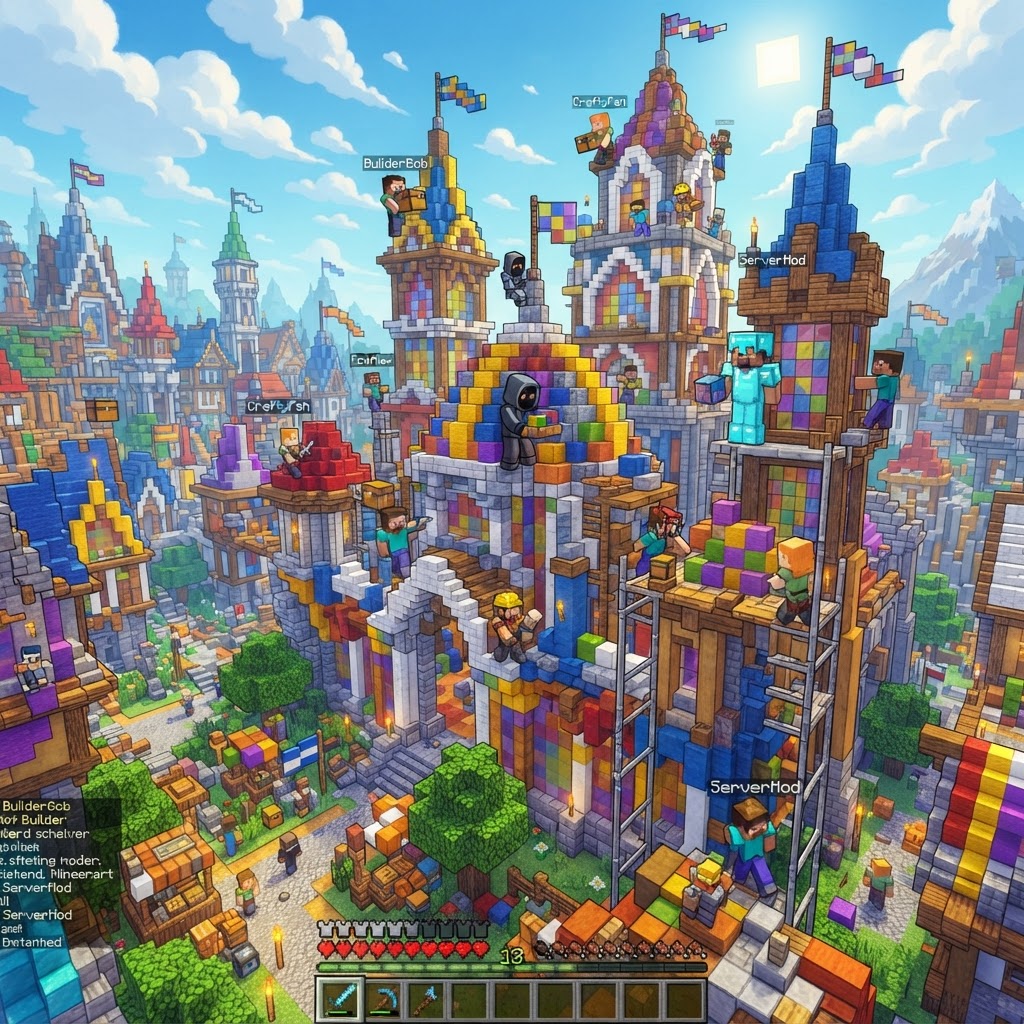
Unlimited resources and creative mode for collaborative art projects. Players build massive structures, architectural showcases, and artistic installations. These servers host creative competitions and serve as portfolio platforms for builders.
Minigame Servers
Host diverse game modes like Bedwars, Skywars, Murder Mystery, and parkour challenges. Players rotate between minigames, earning ranks and cosmetics. These servers provide pure fun without progression pressure.
Modded Servers
Run custom modpacks with hundreds of mods installed. These servers offer tech mods, magic systems, and entirely new progression. Modded servers attract players seeking deeper mechanical complexity than vanilla Minecraft.
Roleplay Servers
Custom story-driven experiences with plugins enabling roleplay mechanics. Players adopt characters and participate in server-wide narratives. These communities value storytelling and immersion over competition.
Server Performance and Stability
Server quality varies dramatically. Reputable servers invest in reliable hosting, regular backups, and experienced admins. Performance metrics like TPS (Ticks Per Second) indicate server health—180 TPS is ideal, while sub-150 TPS signals problems. Check server websites for performance statistics. Established servers with active player bases typically offer better stability than new servers with unpredictable futures.
Community reviews provide invaluable insight. Read recent player feedback about admin responsiveness, lag frequency, update schedules, and community moderation. Ask questions in community Discord channels before committing time. Joining server Discord communities connects you with players and admin teams, facilitating problem reporting and community engagement.
Starting Your Own Server
Creating a personal server ranges from simple to complex. Managed hosting services like Aternos (free), Minehut (free tier), or Apex Hosting handle technical infrastructure, letting you focus on community building. Download the server software from minecraft.net, adjust server.properties for difficulty and game mode, and launch. For larger communities, dedicated hosting provides better performance and customization.
Success requires clear rules, responsive administration, and community engagement. Establish core rules preventing griefing and toxic behavior. Regular updates and feature additions maintain player interest. Many successful servers started small with friends, growing organically as reputation improved. Patience, consistency, and genuine care for community members distinguish thriving servers from abandoned ones.
Server Plugins and Customization
Plugins extend server functionality without requiring client-side mods. Popular plugins enable player claims, economies, teleportation, cosmetics, and custom commands. Bukkit and Spigot are standard plugin platforms for Java servers. Selecting appropriate plugins balances feature richness with stability—too many plugins cause performance issues and unexpected interactions.
Configuration customization tailors servers to specific playstyles. Economy plugins can emphasize trading, claim plugins enable territory control, and custom plugins create unique experiences. The plugin ecosystem has thousands of options, enabling servers to differentiate through creative customization. Successful servers choose plugins aligning with their core community identity.
The Future of Minecraft Servers
Minecraft servers continue evolving with new technology and creative implementations. Java Edition servers dominate the market, while Bedrock servers expand accessibility across platforms. Cross-platform play development enables Java and Bedrock players to interact, broadening multiplayer possibilities. The server community remains vibrant, with new content creators launching themed servers constantly.
Whether joining existing servers or building personal communities, multiplayer Minecraft offers experiences impossible in single-player. The social aspects—friendships forged, collaborations realized, and memories shared—distinguish servers as the heart of Minecraft's culture. The server ecosystem demonstrates gaming's power to unite people around shared experiences.