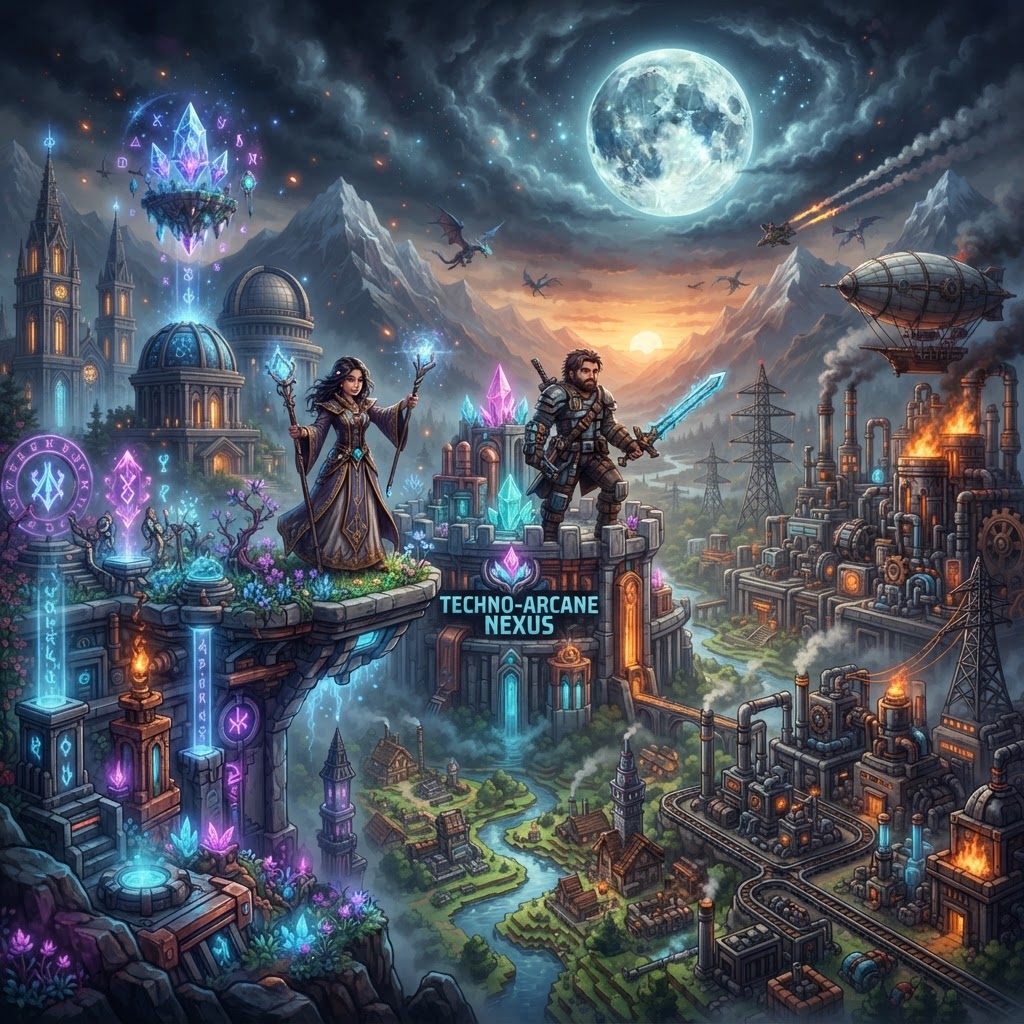
TABLE OF CONTENTS
Celestial Survival: VoxelDrift's Featured Minecraft Modpack
VoxelDrift's Celestial Survival is our featured Minecraft modpack — a carefully curated collection built for players who want progression, challenge, and visual spectacle without sacrificing performance. In this guide, you'll learn exactly what's inside the pack, how to install it, what makes it stand out from the crowd, and how to optimize your experience from day one.
What's Inside This Featured Minecraft Modpack
A breakdown of every major mod category and why each one earned its place.
Celestial Survival isn't a kitchen-sink pack. Every mod was selected with a specific design goal: meaningful progression, cohesive aesthetics, and a survival loop that actually evolves. Here's the full category breakdown:
Exploration & World Generation
- Terralith 2.4.3 — Completely overhauls vanilla biomes with 95+ new environments, including volcanic craters and crystalline caverns
- Tectonic 1.3.1 — Adds dramatic mountain ranges and canyon systems that Terralith alone doesn't produce
- YUNG's Better Dungeons 4.0.4 — Replaces flat vanilla dungeons with multi-room layouts and unique mob spawners
Magic & Progression
- Ars Nouveau 4.9 — Full spellcrafting system with a glyph combination mechanic for building custom spells
- Apotheosis 7.3.5 — Supercharges enchanting and adds powerful boss mechanics with scaling loot tables
- Occultism 1.20.4-1.168 — Dimensional storage and spirit-based automation for mid-to-late game
Technology & Automation
- Create 0.5.1f — Rotational power, contraptions, and mechanical builds that feel hand-crafted rather than digital
- Pneumaticraft: Repressurized 7.0.3 — Pneumatic automation that complements Create without overlapping it
Quality of Life
- JEI (Just Enough Items) 15.3.0 — Recipe lookup with Celestial-specific custom category integration
- Waystones 14.1.3 — Fast travel system gated behind progression tiers so it doesn't trivialize exploration
- Install Java 21 (Temurin build). Download from Adoptium.net. Java 17 will cause crashes during Celestial's world generation phase. Don't skip this step.
- Download and install the CurseForge App (version 1.9.0 or newer) or Prism Launcher 8.4 if you prefer open-source tools. Both work equally well for this pack.
- Search "Celestial Survival" inside your chosen launcher under the Minecraft tab. Confirm the author is listed as VoxelDrift before downloading.
- Set minimum RAM to 6GB, recommended 8GB. In CurseForge: Settings → Minecraft → Java Settings. In Prism: Instance → Edit → Settings → Java → Override memory.
- Launch the instance once without joining a world. Let JEI and Apotheosis generate their cache files. This takes 3-5 minutes on first boot and prevents mid-session freezes.
- Create a new world, select "Celestial Survival" from the world preset dropdown, and confirm Terralith structures are enabled in world settings.
- Don't sleep through Apotheosis Blood Moon events. They spawn rare mob variants that drop Affixed Items — the only source of early triple-enchanted gear outside of a Villager librarian grind.
- Set your Waystones to global mode immediately. Open the Waystone block GUI, shift-click the globe icon. Without global mode, Waystones only work within the same dimension — a painful lesson to learn after your first Nether Waystone placement.
- Ars Nouveau Source generation scales with biome rarity. Build your Source Jars in Terralith's Mirage Isles or Painted Mountains biomes for a passive 40% Source generation boost over default biomes.
- Create contraptions should use Encased Chain Drives rather than direct shaft connections for anything over 15 blocks. Shaft connections lose rotational speed across long distances, which breaks automated mining setups during Arc 2.
- Occultism's Dimensional Matrix (your late-game storage core) requires a 3x3x3 multiblock. Mark the center block with a Chalk Circle before placing components — the mod gives a misleading error message if you don't.
- Want a survival experience that meaningfully evolves past the vanilla endgame
- Enjoy having both magic and tech systems that complement rather than duplicate each other
- Have at least 8GB of RAM to allocate and a mid-range GPU or better
- Want a pure vanilla-adjacent experience with minimal systems to learn
- Are running on 4GB RAM or below — performance will be genuinely poor
- Prefer packs with hundreds of mod options rather than a curated, author-directed vision
Installing This Featured Minecraft Modpack the Right Way
Skip the common pitfalls — here's the exact process from download to first launch.
Most modpack installation problems trace back to one of three mistakes: wrong Java version, insufficient RAM allocation, or skipping the mod loader step. Follow this sequence exactly.
Performance & Compatibility
What hardware you actually need, and how Celestial Survival stacks up against similar packs.
Celestial Survival is tuned for mid-range hardware. The included Embeddium 0.3.9 (a Fork of Rubidium) and FerriteCore 6.0.3 handle most of the heavy lifting, keeping frame rates stable even with Tectonic's terrain in render.
| Spec | Minimum | Recommended | High-End |
| RAM | 6 GB allocated | 8 GB allocated | 12 GB allocated |
| GPU | GTX 1060 / RX 580 | RTX 2070 / RX 6700 | RTX 3080+ / RX 7900 XT |
| CPU | i5-8400 / Ryzen 5 2600 | i7-10700 / Ryzen 7 5700X | i9-13900K / Ryzen 9 7950X |
| Storage | HDD (expect long load times) | SATA SSD | NVMe SSD |
| Java | Java 21 (required) | Java 21 Temurin | Java 21 GraalVM CE |
| Avg FPS (16 chunks) | 30-45 FPS | 60-90 FPS | 120+ FPS |
How does Celestial compare to similar packs?
| Pack | Focus | Mod Count | RAM Req. | Performance Optimization |
| Celestial Survival | Magic + Tech + Exploration | 187 mods | 8 GB rec. | High (Embeddium + FerriteCore) |
| All the Mods 9 | Everything | 400+ mods | 10 GB rec. | Moderate |
| Better MC [FABRIC] | Vanilla+ | 120 mods | 4 GB rec. | High |
Celestial Survival hits the sweet spot — substantial content depth without the RAM overhead of kitchen-sink packs.
Progression Overview: How the Modpack Actually Plays
Understanding the intended progression path so you're never stuck or overwhelmed.
Celestial Survival uses a three-arc structure. Skipping arcs is possible but actively penalizes you — Apotheosis bosses drop materials that gate Ars Nouveau's higher-tier glyphs.
Arc 1 — Grounded (Hours 0-10)
Focus on Terralith exploration and resource stockpiling. Build your first Waystones network (Waystone stones require Deepslate and Amethyst, both findable within the first two nights). Start your first Ars Nouveau Source Jar and learn three glyphs: Projectile, Ignite, and Slowfall — these carry you through early combat.
Arc 2 — Ascending (Hours 10-40)
This is where Create and Occultism come online. Build a Create-powered mining contraption to feed your Occultism Smelter automatically. Complete your first Apotheosis dungeon — they're marked on the map with a skull icon once you craft a Seeker's Compass (one iron compass + one Warden Shard, both findable in YUNG's Deepdark fortress variant).
Arc 3 — Celestial (Hours 40+)
The endgame opens when you complete the Ars Nouveau Source Codex — a craftable book that tracks your glyph discoveries. At full completion, it unlocks the Celestial Ritual, a multi-stage boss encounter that rewards the pack's unique Aetheric Core item. This core powers the late-game Occultism storage tier and enables Create's optional Stellar Contraption multiblock.
Tips, Tricks & Common Mistakes
The things experienced players figure out by hour 20 — handed to you upfront.
Final Verdict: Is Celestial Survival Right for You?
An honest assessment — who this featured Minecraft modpack is built for, and who should look elsewhere.
Celestial Survival is VoxelDrift's most ambitious featured Minecraft modpack to date. It earns that label because it doesn't try to be everything — it has a clear identity, a defined progression arc, and enough technical depth to reward hundreds of hours of play without feeling like homework.
Play Celestial Survival if you:
Look elsewhere if you:
Download Celestial Survival directly through CurseForge or Modrinth — search "Celestial Survival VoxelDrift" to find the verified listing. Server files are available on our downloads page for multiplayer setups, with a preconfigured PaperMC 1.20.4 server JAR that handles chunk loading at scale.
| Vault Hunters 3rd Ed. | RPG Progression | 260 mods | 8 GB rec. | Moderate |
RELATED ARTICLES
Featured Minecraft Modpack: Create a World of Industry
If you're ready to transform Minecraft into a fully mechanized industrial playground, this Create modpack guide covers everything you need. You'll learn what makes Create-based modpacks stand out, whi...
Featured Minecraft Modpack: Why Create: Astral Stands Out
The Create Astral modpack combines Create's mechanical automation with a curated progression system and deep space exploration, resulting in one of the most cohesive expert-level packs released in rec...

Featured Minecraft Modpack: A Fresh Adventure Worth Trying
If you've been cycling through the same tired mod collections, this guide cuts straight to what matters: a featured Minecraft modpack that genuinely changes how you play, why it stands out from the no...
STAY UPDATED
New blog posts, guides, and community tips delivered to your inbox.
No spam. Unsubscribe anytime.
Comments (0)
No comments yet. Be the first to share your thoughts!

